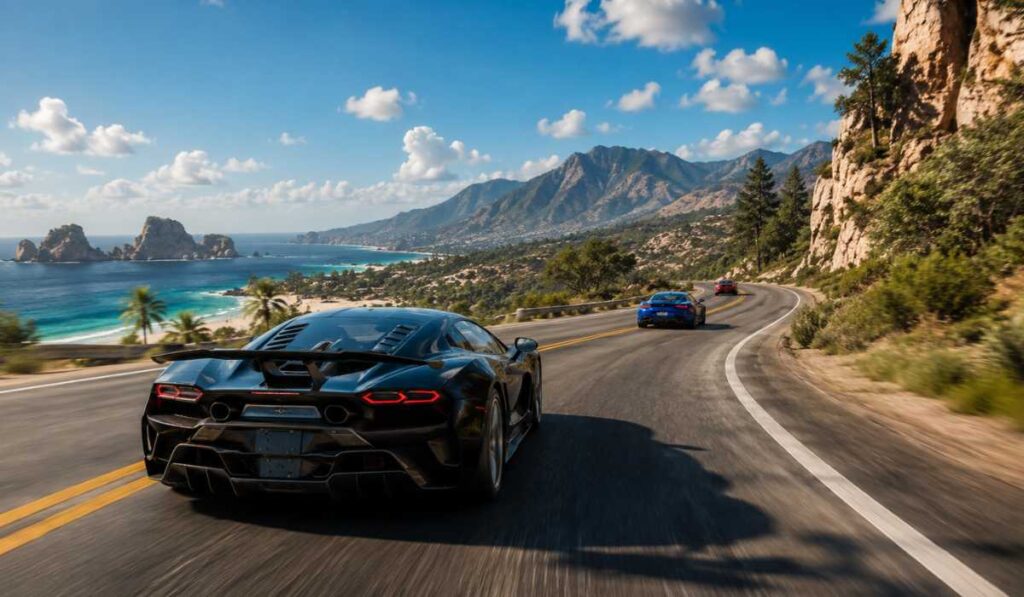
BeamNG.drive is one of the most realistic vehicle simulation games released today. It differs from regular racing games in that it’s much more concerned with the physics of crashes, soft-body shape breaking, accurate driving physics, and all the minute interactions it has with the environment. Due to this high-quality physics engine, the game demands more power than other driving games.
Whether you are looking to install the game or upgrade your gaming PC, it’s very important to know the system requirements of BeamNG Drive. The minimum and recommended specs, CPU and GPU requirements, the use of RAM, the benefits of using SSDs, and VR support and optimization tips will all be covered in this detailed guide for smooth gameplay in 2026.
BeamNG Drive Minimum System Requirements
Players are advised to check the minimum requirements for running BeamNG. drive before downloading the game. These are specifications for the lower end of the spectrum for low & medium traffic and moderate performance.
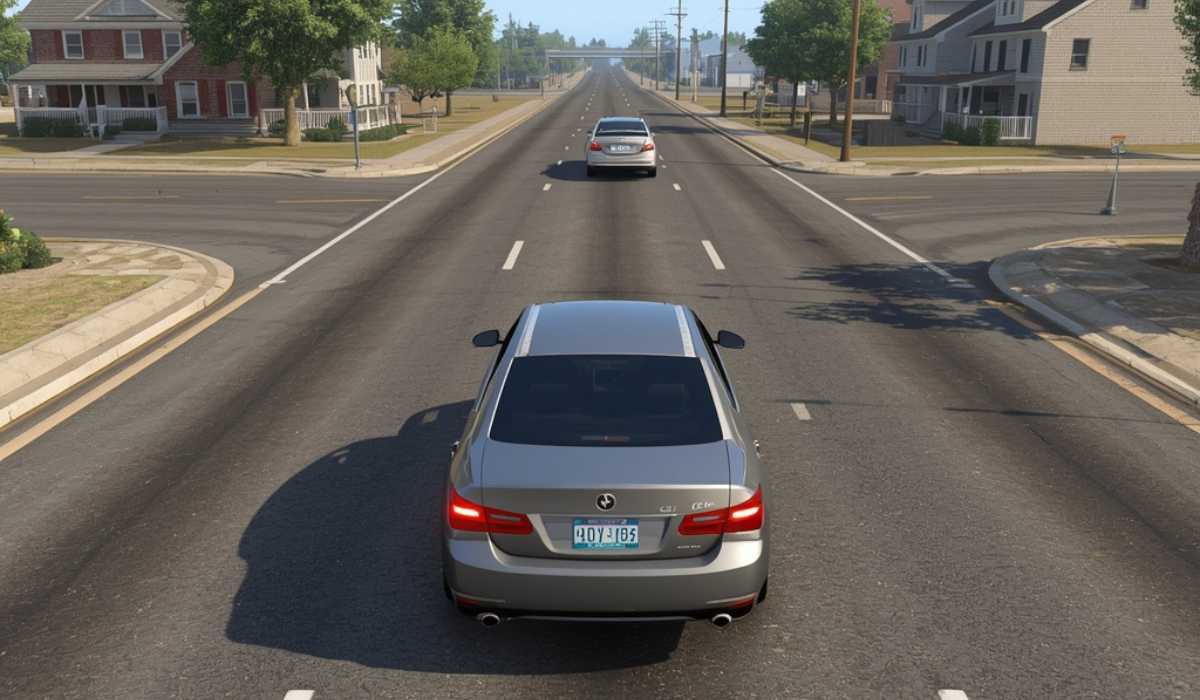
Minimum PC Requirements
| Component | Minimum Requirement |
|---|---|
| OS | Windows 10 64-bit |
| Processor | AMD Ryzen 5 1600 / Intel Core i5-8400 |
| RAM | 16 GB |
| Graphics Card | AMD Radeon RX 570 / NVIDIA GTX 1060 |
| VRAM | 6 GB |
| DirectX | Version 11 |
| Storage | 60 GB available space |
BeamNG.drive has been released for Windows, Mac, and Linux 64-bit and, due to its detailed physics simulation, is optimized for higher clock rates and has a strong dependency on more available memory.
What to Expect on Minimum Specs
The game can be played with the least possible hardware, but it will perform differently in maps, traffic density, and mods. It is often better to use smaller maps, such as city maps, in urban areas, where the population of AI vehicles is low.
Generally, these systems can meet playable frame rates at the bottom or middle range settings. But even if there is a heavy crash or multiple car simulations, there is still a chance of it affecting FPS because the game is real-time physics-based.
BeamNG Drive Recommended System Requirements
Recommended system requirements are perfect for players looking to experience smoother gameplay, greater graphical fidelity, realistic traffic, and better overall stability. For modding and larger maps, these specifications can prove to be very helpful.
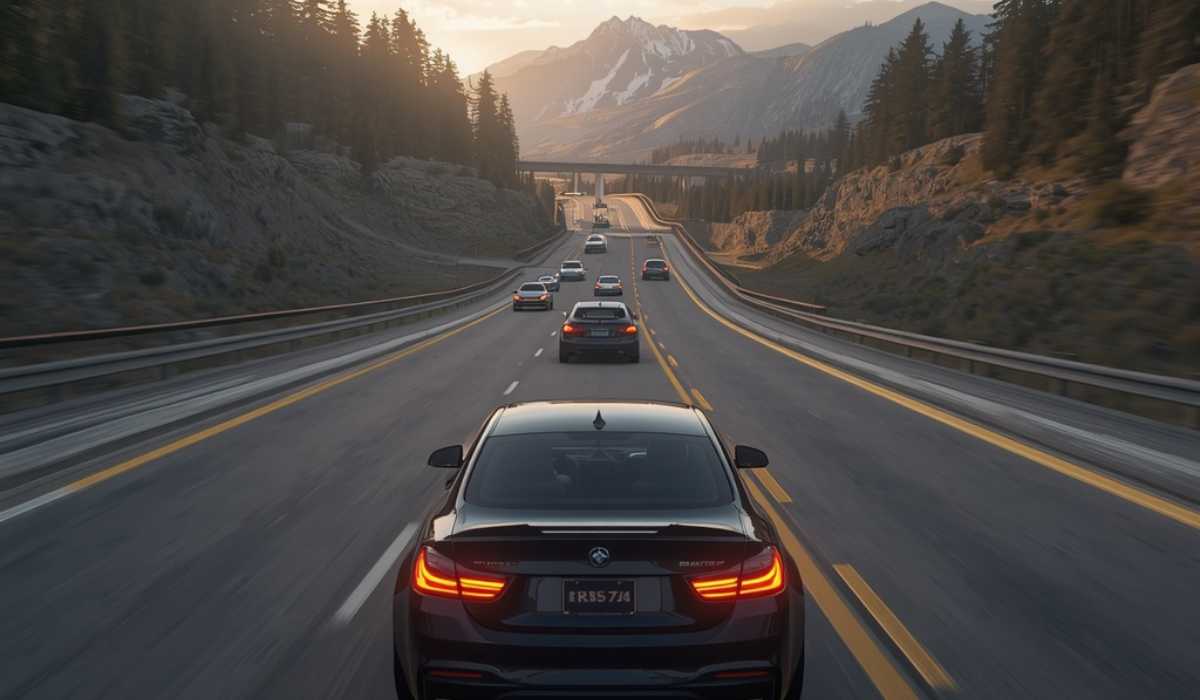
Recommended PC Requirements
| Component | Recommended Requirement |
|---|---|
| OS | Windows 10 64-bit |
| Processor | AMD Ryzen 7 3700X / Intel Core i7-9700 |
| RAM | 32 GB |
| Graphics Card | AMD RX 6700 / NVIDIA RTX 3060 |
| VRAM | 8 GB |
| DirectX | Version 11 |
| Storage | 60 GB SSD |
Professional suggestions emphasize that BeamNG.drive is a lot more efficient on high-core systems and quicker memory setups.
Recommended Performance Experience
There is no need to worry about the high settings at 1080p (and 1440p) resolution, as a PC equipped with the recommended hardware can easily handle these settings. There is smoother gameplay in crashes, more realistic reflections, and the loading time becomes a dream when installed on an SSD.
Those who are interested in traffic simulation, realistic driving scenarios, cinematic crashes, or multiplayer modifications should definitely give recommended-level hardware a try for an optimal experience.
Why BeamNG Drive Is So Demanding

The advanced soft-body physics system makes BeameNG.drive more demanding on hardware than a normal racing game. Each component of a vehicle’s structure is dynamically responsive to collisions, as opposed to using simple crash animations.
The game emulates thousands of nodes, which are interwoven with physics bending and deforming realistically. All crash calculations are done in real time, putting a strain on the processor and memory.
Real-Time Physics Simulation
BeamNG.drive’s physics engine is the most demanding aspect of the game when it comes to hardware. The game simultaneously computes suspension movements, structural deformations, wheel behavior, momentum, and impact force for collisions.
This realism will result in one of the most lifelike crash simulation experiences of gaming, but at the same time, it will also make CPU usage quite a bit more intensive.
CPU Importance in BeamNG. drive
BeamNG.drive is a processor-intensive game, compared to many modern games, which rely primarily on the graphics card. More vehicles, traffic systems, and environmental calculations are simulated smoothly with a stronger CPU.
When talking about upgrading components, the community often discusses that upgrading the processor can often bring more improvements to the game than upgrading the graphics
BeamNG Drive: The best CPU for the game
One of the most crucial decisions for BeamNG.drive players is selecting the appropriate processor.
Physics calculations occur regularly, so having a weak CPU can lead to large drops in FPS during crashes and when there is a lot of traffic.

Budget CPUs for BeamNG.drive
Even budget gamers like the Ryzen 5 5600 and Intel Core i5-12400F can handle the game with reasonable performance at medium settings. These CPUs will perform fine with standard play, smaller maps, and medium to low AI traffic.
The players running these processors will achieve high stability and good FPS in most cases when playing 1080p.
Mid-Range CPUs for Better Performance
Mid-site processors such as the Ryzen 7 5800X and Intel Core i7-12700K offer significantly smoother gameplay. They are intended to improve accident physics calculations, large map performance, and traffic simulation.
Mid-range processors are strongly recommended to gamers who prefer real-life driving situations involving several cars.
High-End CPUs for Maximum Simulation
Enthusiast-level processors like the Ryzen 9 7950X3D and Intel Core i9-14900K are best suited for extreme modding, content creation, and ultra settings.
These CPUs work much better than entry-level CPUs for large traffic systems, software recording, and advanced multiplayer mods.
Best GPU for BeamNG Drive
With that said, while the CPU is a large part of the overall effect, the graphics card still makes all the difference in the world when it comes to visual quality and resolution.
Higher texture, shadows, reflections, and render distances enable players to enjoy a higher quality experience with a stronger GPU.
- GTX 1650, RX 570, GTX 1060 → Suitable for low settings and 1080p casual gameplay
- Works well for smaller maps and light driving scenarios
- May experience FPS drops in heavy traffic or large maps
- RTX 3060, RX 6700 XT, RTX 4060 → Best for high settings and smooth gameplay
- RTX 4070 Super, RTX 4080, RX 7900 XT → Ideal for 4K ultra settings, VR, and heavy mod usag
How Much RAM Does BeamNG Drive Require?
Another crucial aspect of BeamNG.drive performance is RAM usage.
Players will need a lot of memory for the game, particularly when using traffic mods, custom maps, and several vehicles.
Is 16 GB RAM Enough?
The minimum for current games is 16GiB of RAM. It’s typically good enough for regular maps and for driving alone.
But in larger simulations, memory usage can escalate rapidly, particularly if other mods are enabled.
Why 32 GB RAM Is Recommended
For those who have a lot of experience with the game, 32 GB RAM is recommended for better stability and multitasking. One thing that has been mentioned in the official requirements is that BeamNG.drive is able to consume significant amounts of memory, depending on the conditions of gameplay.
The more RAM you have, the less stuttering, faster loading times, and larger traffic simulations you can run.
RAM Usage with Mods
In extreme modding, memory can be consumed a lot. Some large packs, systems with realistic traffic, and custom environments may need significantly more RAM than the base game.
Many community conversations focus on crashes resulting from the use of too many mods and/or too many mod combinations that overload RAM.
SSD vs HDD Performance in BeamNG Drive
The faster the storage speed, the faster the loading time, and the better the texture streaming performance.
The game can be played on an HDD, but SSD storage makes for an obviously superior experience.
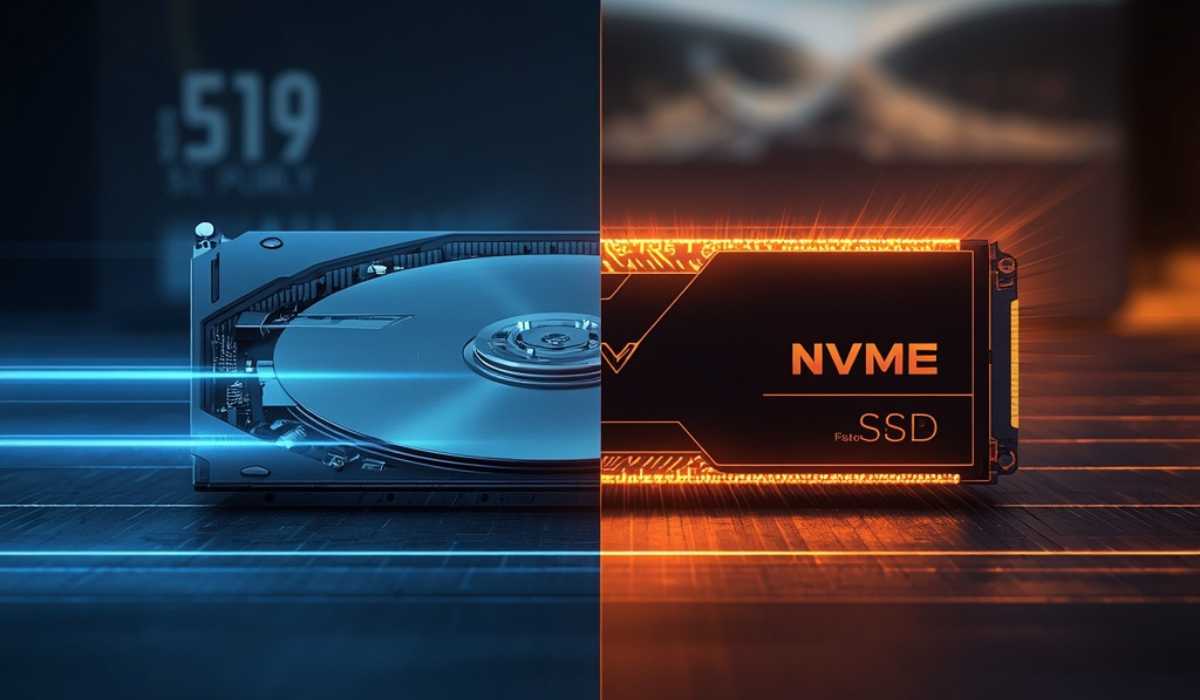
- HDDs cause slow loading screens and longer startup times
- May lead to texture lag and stuttering in large maps
- Mod and map loading is noticeably slower on HDD
- SSD provides much faster startup and smoother gameplay
- NVMe SSD gives the best performance and fastest loading times
Is it possible to run BeamNG.drive on low-end PCs?
A common question is whether BeamNG. Drive can be played on older computers. Yes, but it will be highly dependent on the graphics options and the number of vehicles.
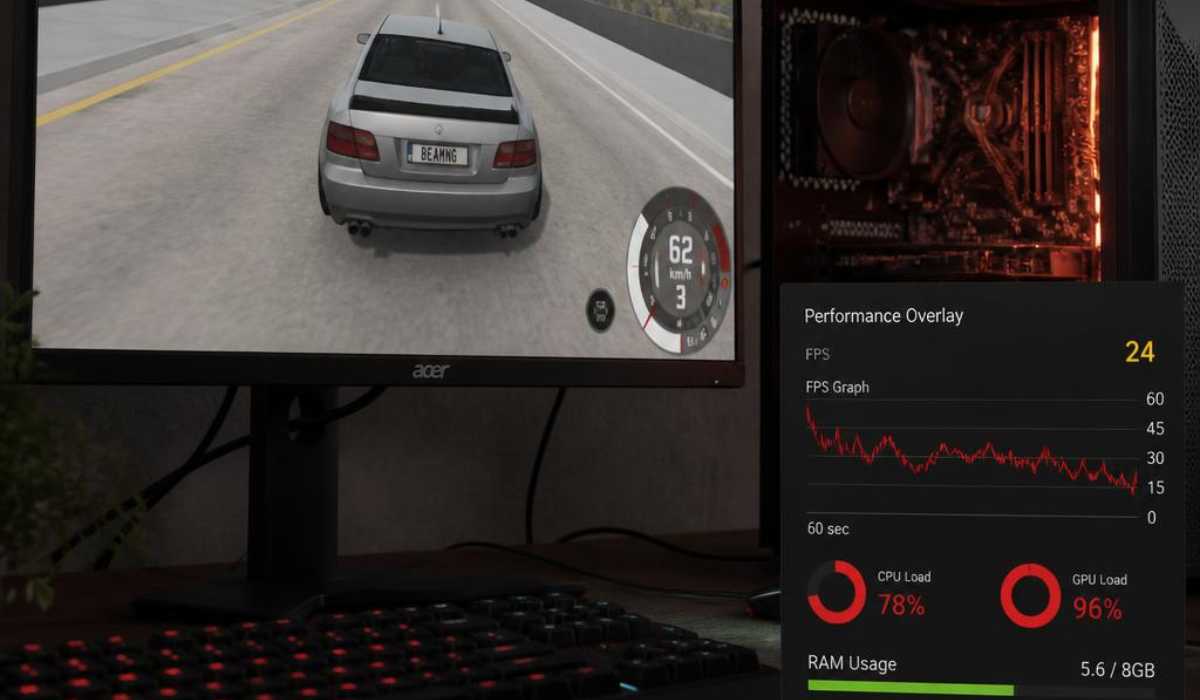
Low-End Gameplay Expectations
Even older gaming PCs may be able to play the game at a lower resolution and settings. Lower systems can cause FPS drops when getting wrecked, as they have less power to run detailed physics calculations.
Best Settings for Low-End PCs
Those with less powerful game components may reduce shadows, reflections, and traffic density to enhance their gameplay. It not only reduces the number of AI vehicles but also enhances performance significantly.
Community testing has shown that BeamNG.drive is surprisingly scalable, even with its high level of realism.
BeamNG Drive Graphics Settings Explained
Players can use the knowledge of graphics settings to tune their performance to achieve better visual effects with minimal loss of performance.
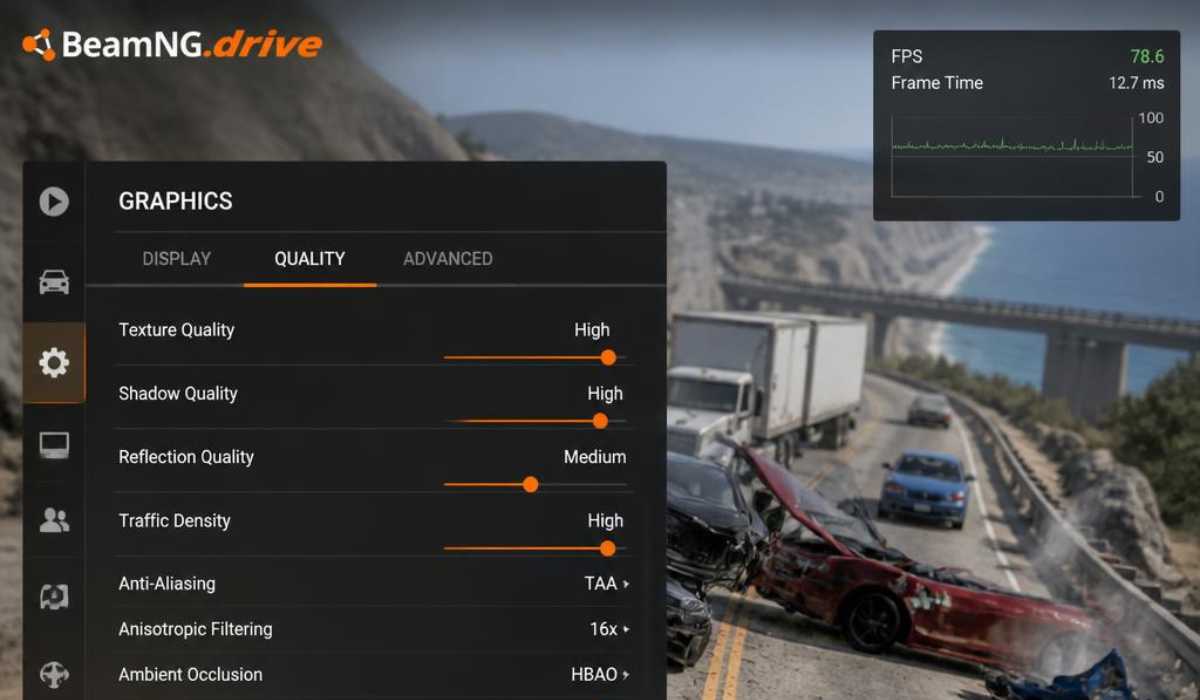
Texture Quality
The main parameter that is influenced by the texture quality is VRAM usage. The higher settings give better picture clarity but also need more graphics memory.
Shadow Quality
One of the most challenging settings in BeamNG.drive is shadow rendering. On lower-end machines, reducing shadows can have a significant impact on FPS.
Reflection Quality
Reflections add to realism but can create a lot of CPU load, particularly in rainy or nighttime matches.
Traffic Simulation
The processor use is even greater than graphics when using the traffic settings, as all AI cars employ real-time physics calculations.
BeamNG Drive VR Requirements
For those in need of a more immersive driving experience, BeamNG.drive also works with VR devices. But the VR mode demands more powerful hardware than the normal gameplay.
VR Hardware Requirements
| Component | Recommended Requirement |
|---|---|
| OS | Windows 10 64-bit |
| Processor | AMD Ryzen 7 3700X / Intel Core i7-9700 |
| RAM | 32 GB |
| Graphics Card | AMD RX 6700 / NVIDIA RTX 3060 |
| VRAM | 8 GB |
| DirectX | Version 11 |
| Storage | 60 GB SSD |
It has been officially confirmed that it is compatible with several modern VR headsets, including Meta Quest and Valve Index VR headsets.
Best GPUs for VR Gameplay
The best GPUs for VR gaming are the RTX 3070, RTX 4070, and RX 7800 XT. These cards will be designed to deliver smoother frames when drawing two views at once.
BeamNG Drive’s Laptop requirements
BeamNG.drive can run on gaming laptops, though you can expect better thermal performance and more sustained frame rates on a desktop system.
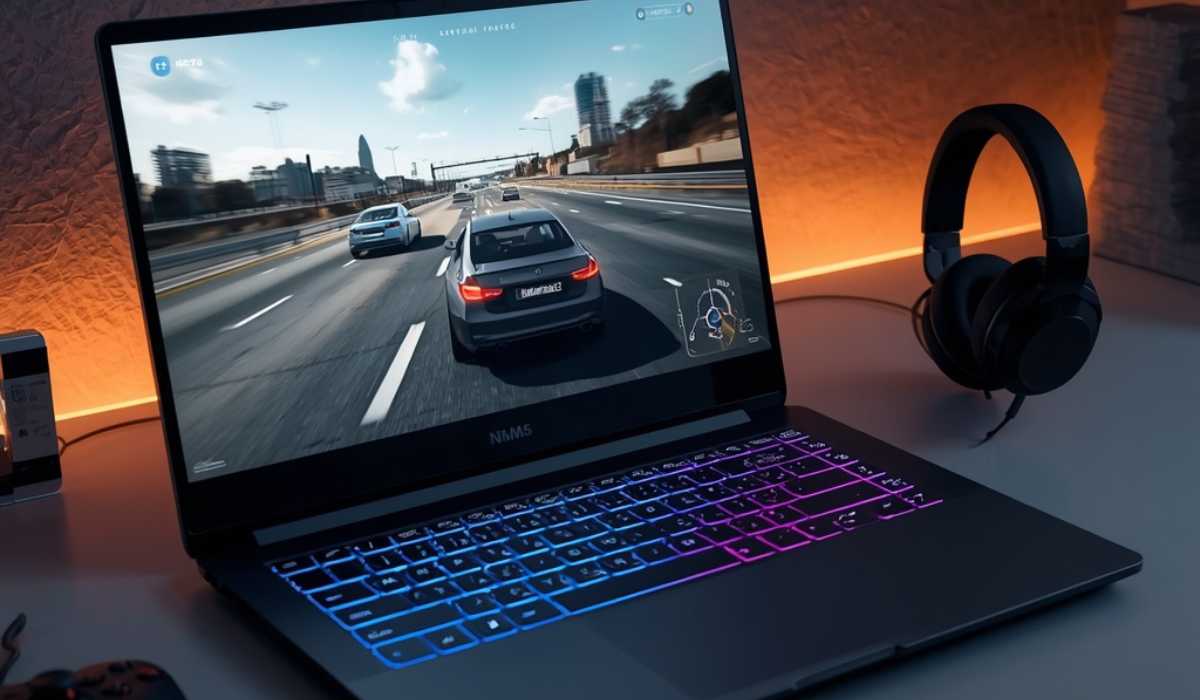
Recommended Laptop Specifications
The top BeamNG. drive gaming laptop should have:
- RTX 3060 Laptop GPU or better
- Ryzen 7 or Intel Core i7 processor
- 16 GB to 32 GB RAM
- fast NVME SSD storage
Laptop Performance Considerations
According to official documentation, even if the components are the same, the hardware of a laptop may operate differently from that of a desktop.
On some laptops, long gaming sessions may suffer from limited cooling and/or thermal throttling.
BeamNG Drive File Size
BeamNG.drive currently takes up approximately 55GB to 60GB, depending on the updates and installed content.
Why the File Size Increases
The overall size of the installation can be expanded due to the following:
- Vehicle mods
- Custom maps
- Texture packs
- Replays
- User-generated content
If you play with a lot of mods, always reserve additional space for new mods.
Optimize Video Games for Smooth FPS
The performance in BeamNG.drive can be optimized to a great extent, particularly on mid-range graphics cards.
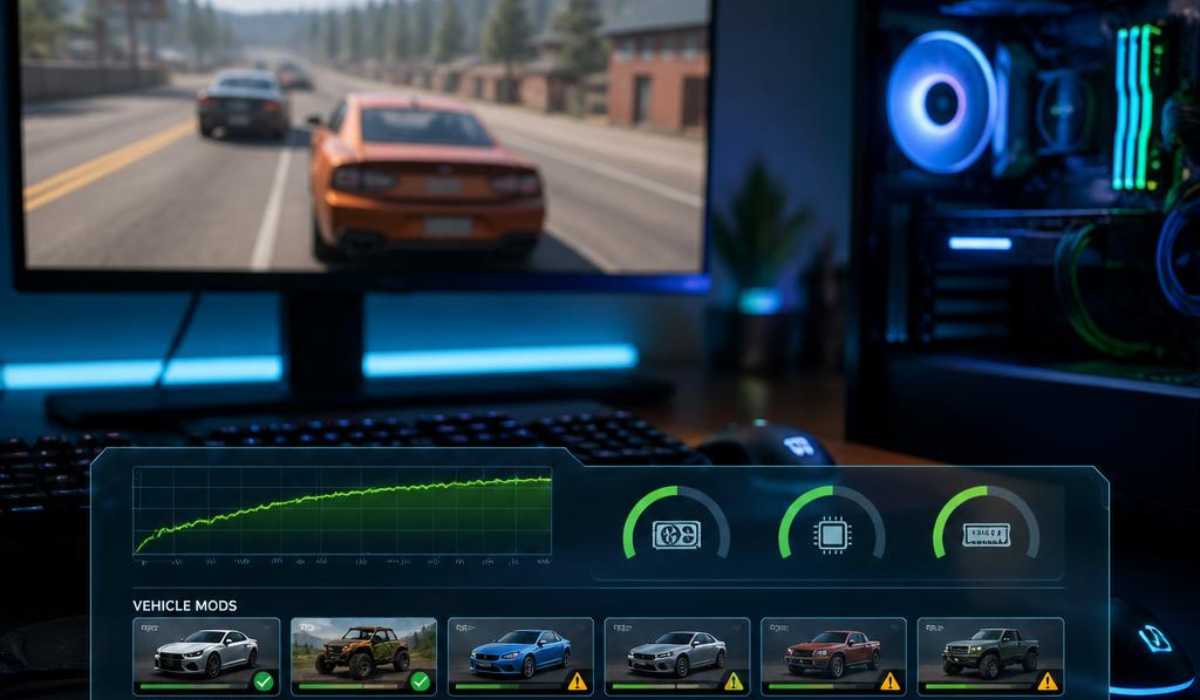
Recommended Performance Tips
- Vehicle mods
- Custom maps
- Texture packs
- Replays
- User-generated content
Some unofficial mods can cause performance degradation and instability. Most of the time, it is suggested that you use trusted mod sources for optimal gameplay.
Should BeamNG.drive Be Played in 2026?
The fact that BeamNG.drive features so many realistic crash physics and sandbox gameplay features makes it one of the most unique driving simulators out there today.
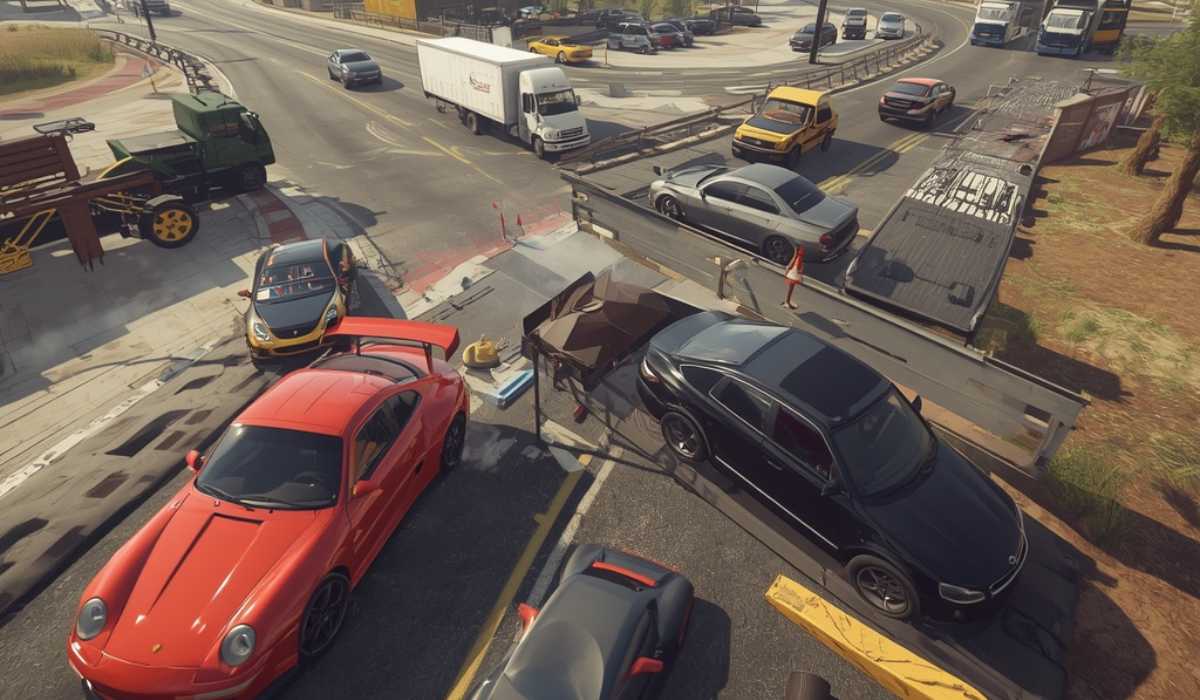
Why Players Still Love BeamNG. drive
Players keep playing the game due to the realistic handling of the vehicles, detailed crash mechanics, open worlds, and the lively modding community.
BeamNG.drive is more concerned with realism and simulation, rather than competitive racing mechanics like a traditional racing game.
Ideal for Simulation Enthusiasts
BeamNG.drive is especially popular among:
- Car enthusiasts
- Driving simulator fans
- Content creators
- Physics sandbox players
- Vehicle modding communities
The game has a very high positive Steam rating owing to its realism and regular updates.
Conclusion
With its advanced physics engine and real-time crash calculations, BeamNG.drive is one of the most demanding vehicle simulation games. The game is capable of running on entry-level systems, but it makes for a much better experience with higher-end CPUs and more RAM.
To experience smooth gameplay in 2026, gamers are advised to play with the following:
- A recent Ryzen 7 or Intel i7 processor.
- At least 16 GB RAM
- SSD storage
- A graphics card with 6 GB to 8 GB VRAM.
Highly recommended hardware is for players who like realistic traffic, more advanced mods, and cinematic crashes. If you are a fan of realistic physics, vehicle damage, and sandbox games, BeamNG.drive is one of the best driving simulators.