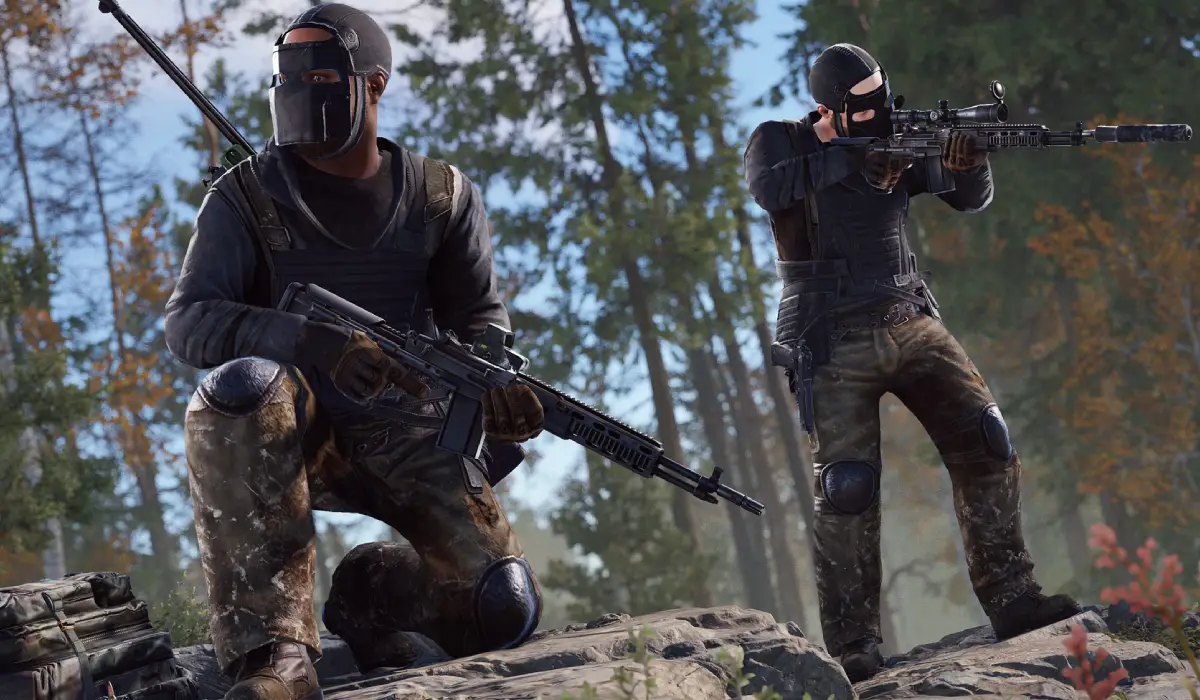
Rust is one of the most popular multiplayer survival games on the market. Created by Facepunch Studios, it puts players into a brutal open world where finding resources, constructing bases, creating equipment, and engaging in conflict with other survivors are all routine.
Rust may not be as graphically intensive as some of the newer AAA games, but its massive open world, building mechanics, and crowded online environments can still tax your system. It’s also a good idea to make sure that your PC is up to date with the latest system requirements before downloading the game. We’ll go over the requirements and recommended settings, discuss what’s most important, and discuss what type of performance you can expect.
Rust Minimum System Requirements
If you just want to run and play Rust, you’ll need to make sure you have at least the following:
| Component | Requirement |
|---|---|
| Operating System | Windows 10 64-bit |
| Processor | Intel Core i7-3770 or AMD FX-9590 |
| Memory | 10 GB RAM |
| Graphics Card | NVIDIA GTX 1050 or AMD Radeon RX 550 |
| DirectX | Version 11 |
| Storage | 35 GB available space |
| Internet | Broadband connection |
Those requirements are the minimum one needs to play the game. The graphics settings and frame rates will be lower than they are at higher levels, and players at this level should find larger player-created bases or the more crowded servers a bit of a challenge.
Rust Recommended System Requirements
Facepunch recommends more powerful hardware for smoother gameplay and better graphics.
| Component | Requirement |
|---|---|
| Operating System | 64-bit Windows 10 or Windows 11 |
| Processor | AMD Ryzen 5 2600 or Intel Core i7-4790K |
| Memory | 16 GB RAM |
| Graphics Card | NVIDIA GTX 1070 or AMD RX Vega 56 |
| DirectX | Version 12 |
| Storage | SSD with at least 35 GB free space |
| Internet | Stable broadband connection |
A computer with these specifications is likely to be able to play Rust at 1080p with decent frame rates. It reduces loading times and improves in-game flow and performance when dealing with massive raids or busy server events.
Why Rust Is Harder Than Many Gamers Think
First impressions of Rust may not be the most graphically polished of games out there, but for the purposes of this piece, it will suffice. But quality is not the only part of the performance equation. The game is constantly processing hundreds of players, enormous buildings, animals and vehicles that are controlled by artificial intelligence, environmental effects, and server activity.
The Rust language has some hard requirements for its hardware.
Massive Open World
Rust has giant maps with forests, mountains, monuments, rivers, and player settlements. The computer should load and render new parts of the map as it traverses across the map, and it should perform well all the time.
Busy Multiplayer Servers
Rust Servers allow for many active players, unlike many survival games. All of the players’ actions, movement, structures, and interactions have to be recorded in real time, which puts extra pressure on your system.
Player-Built Bases
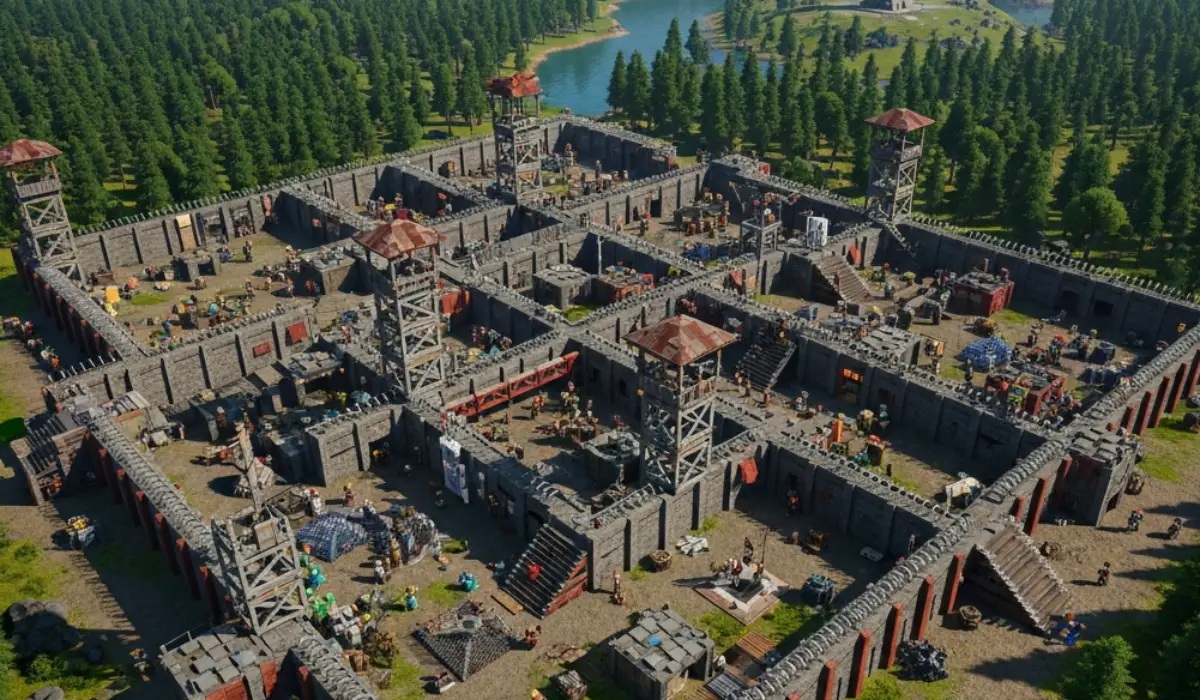
One of the most appealing things about Rust is its building system. Players build anything from a simple starting base to massive compounds, which are surrounded by walls, traps, and defensive structures. Roughly developed areas typically have lower performance because both CPU and GPU resources are required to render those huge bases.
Frequent Updates
The addition of new content, gameplay mechanics, visual tweaks, and quality-of-life changes is a regular feature of Facepunch. These additions can keep the game fresh but can also help to add more and more to the demands of the hardware over time.
Rust’s CPU requirements

When checking system requirements, many gamers just consider the graphics card. The GPU is crucial, but Rust is one of the few games to see how much of a difference the processor can make in its gameplay.
The CPU is responsible for handling:
- Physics calculations
- Building structures
- Player activity
- AI behavior
- Server communication
- World simulation
Even if the processor is a bit weak, it can be a bottleneck with a powerful graphics card. This is especially evident on highly trafficked servers where there are many players and large bases.
Entry-Level CPUs
Processors such as the Intel Core i3-10100 or AMD Ryzen 3 3100 can run Rust, but players may experience lower frame rates during intense gameplay situations.
Mid-Range CPUs
CPUs such as the Intel Core i5-12400F or AMD Ryzen 5 5600 are great for most gamers, providing decent performance and affordability. These processors can handle and deliver a seamless experience with various server types.
High-End-CPUs
For those seeking superior performance, options like the AMD Ryzen 7 7800X3D or the Intel Core i7-14700K processors should be taken into account. These CPUs are some of the most performant to run Rust on right now, and they’re good for high FPS even on busy servers.
What is the amount of RAM required for Rust?
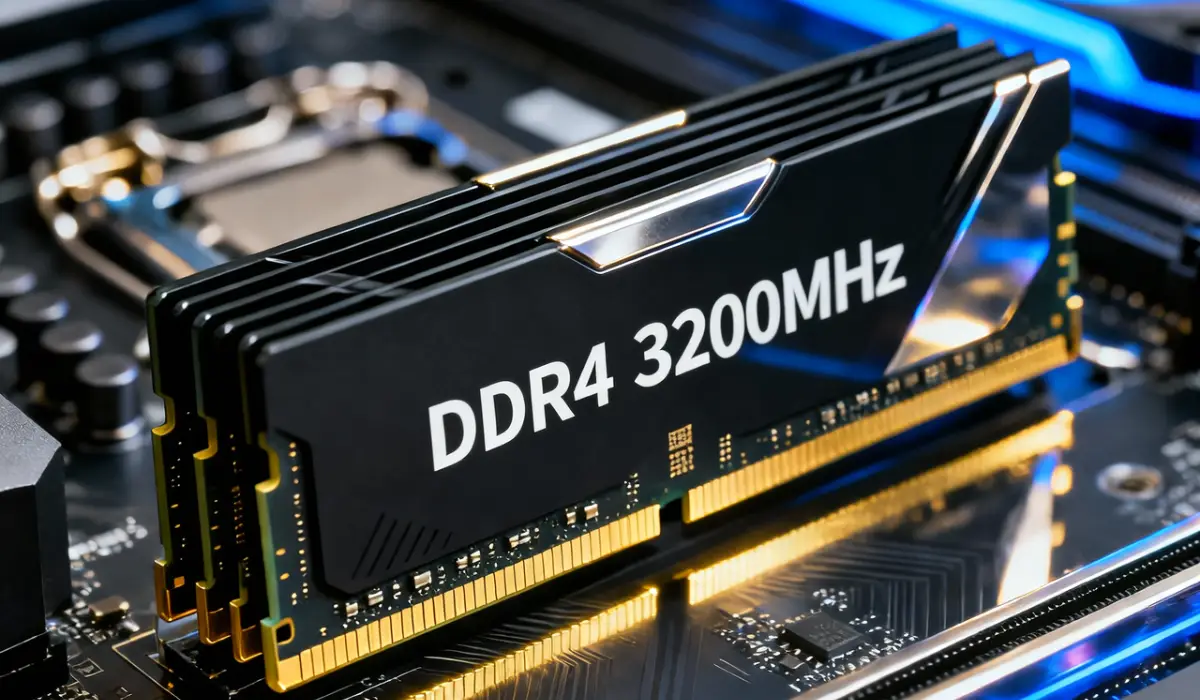
Rust is known to be a memory-heavy language, and there’s a reason for that. The game fetches assets, structures, textures, and player data from memory continually, and RAM becomes a crucial element in the game’s performance.
8 GB RAM
While some gamers try to run Rust with 8 GB of RAM, it may not be the best experience. Typical issues include slow load times, stutters, and drops in performance.
16 GB RAM
16 GB is a good amount for most users. It offers ample space for Rust and a little extra for background tasks like Discord, browsers, or streaming apps.
32 GB RAM
If you are one of those who broadcast live, record videos of your gameplay, or are likely to multitask a lot, 32 GB of RAM might be useful for you. The additional memory can enhance system responsiveness, but is not required for gaming use.
Graphics Card Requirements
The graphics card dictates the quality of the graphics in Rust, the frame rates, shadows, and texture detail.
For those with a lower budget, entry-level graphics cards like the GTX 1050 and the GTX 1650 will do the trick. But sometimes reducing graphical options is essential to get a stable performance.
The RTX 3060, RTX 4060, and Radeon RX 6700 XT will offer a much more enjoyable experience. Performance and high frame rates at 1080p and 1440p are possible with these GPUs.
Players interested in ultra settings or high-refresh-rate gaming should consider more powerful options such as the RTX 4070 Super or Radeon RX 7900 XT. These cards are designed to offer horses the power to run on the more challenging graphical settings without any sacrifice to smooth gameplay.
SSD vs HDD: Which Is Better for Rust?
Rust’s storage speed is more important than players think.
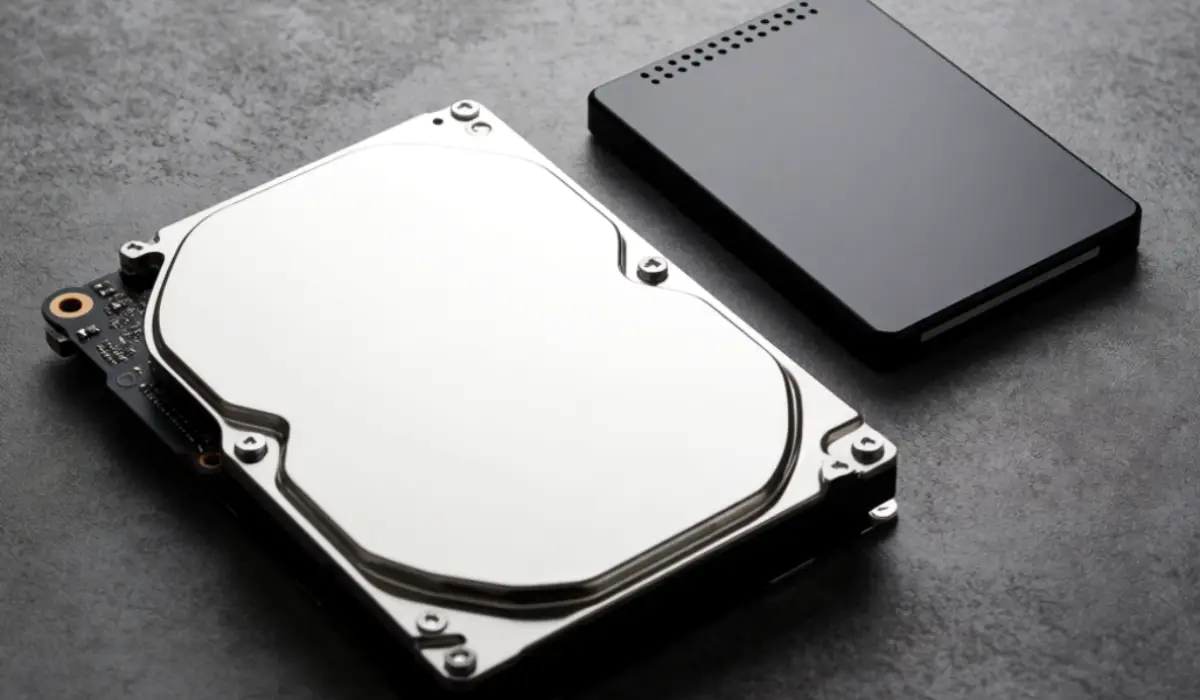
SSD Advantages
- Improved game load times
- Quicker server joins
- Better texture streaming
- Reduced stuttering
- Improved overall responsiveness
HDD Drawbacks
- Longer loading screens
- Slower asset loading
- Increased texture pop-in
- Reduced responsiveness
While Rust can be installed from a traditional hard drive, the overall experience is much better when it’s installed on an SSD, and it is highly recommended.
Performance Expectations by Hardware Tier
Results will differ on different systems.
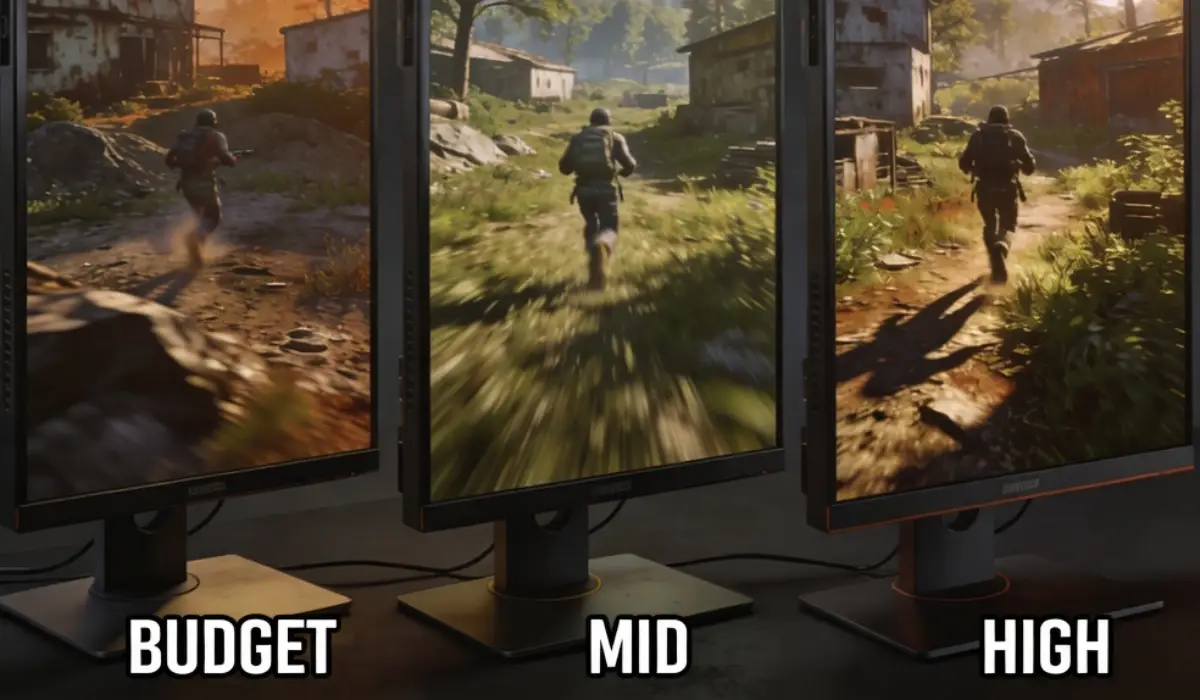
Budget Gaming PC
- GTX 1050
- 16 GB RAM
- Core i7-3770
Performance: 40-60 FPS with low settings and 1080p resolution.
Mid-Range Gaming PC
- RTX 3060
- Ryzen 5 5600
- 16 GB RAM
Performance: 80-120 frames per second at 1080p resolution at medium to high settings.
High-End-Gaming-PC
- RTX 4070 Super
- Ryzen 7 7800X3D
- 32 GB RAM
It is capable of 144+ frames per second at high or ultra settings at 1440p.
How to Boost Rust Performance
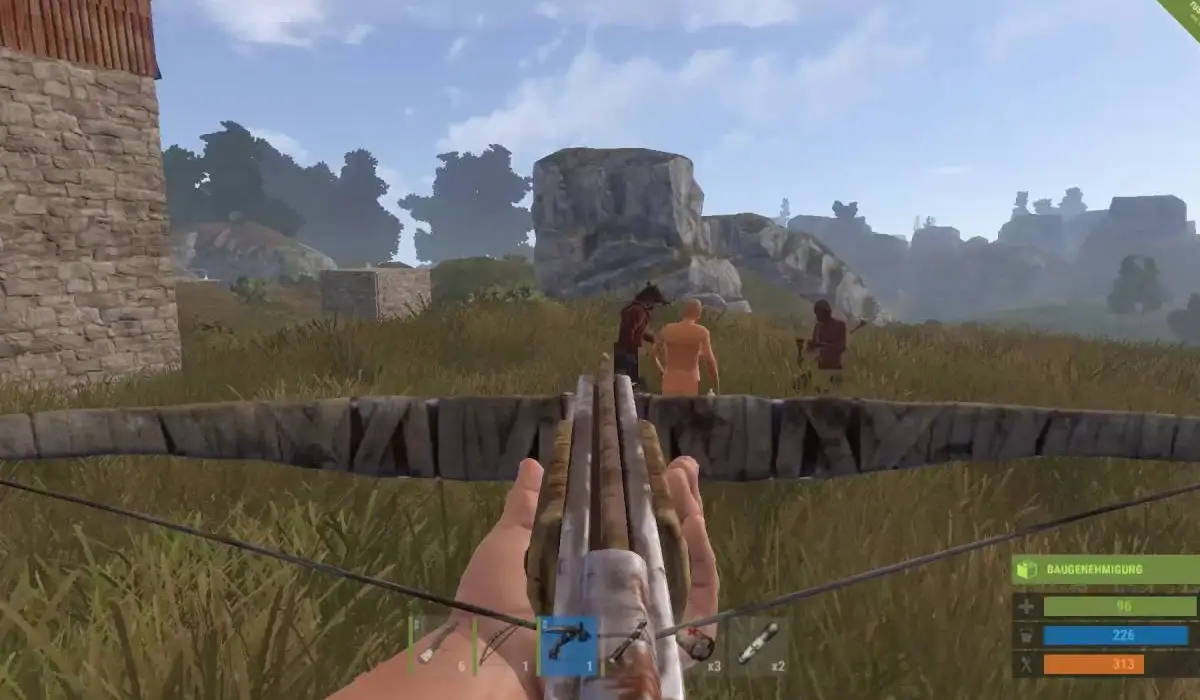
If you’re facing Rust issues, there are a few things you can tweak to get better frame rates.
Get to lower levels of shading.
- Reduce draw distance
- Disable motion blur
- Lower particle quality
- Shut any background programs that are not in use.
- Regularly update graphics drivers.
- Make sure to install the game on an SSD.
Any change, no matter how small, can have a big impact, especially on older equipment.
Final Thoughts
While Rust continues to be one of the best survival games in 2026, it also pushes your PC harder than most would anticipate. The game will run on older devices, but it’s going to run much better with 1GB of RAM, an older processor, and an SSD drive.
Upgrade to consider CPU, memory, and storage first; graphics card last. With a well-balanced system, players can anticipate a more seamless experience, faster loading speeds, and a better overall experience as they immerse themselves in the harsh world of Rust, exploring, constructing, and surviving.