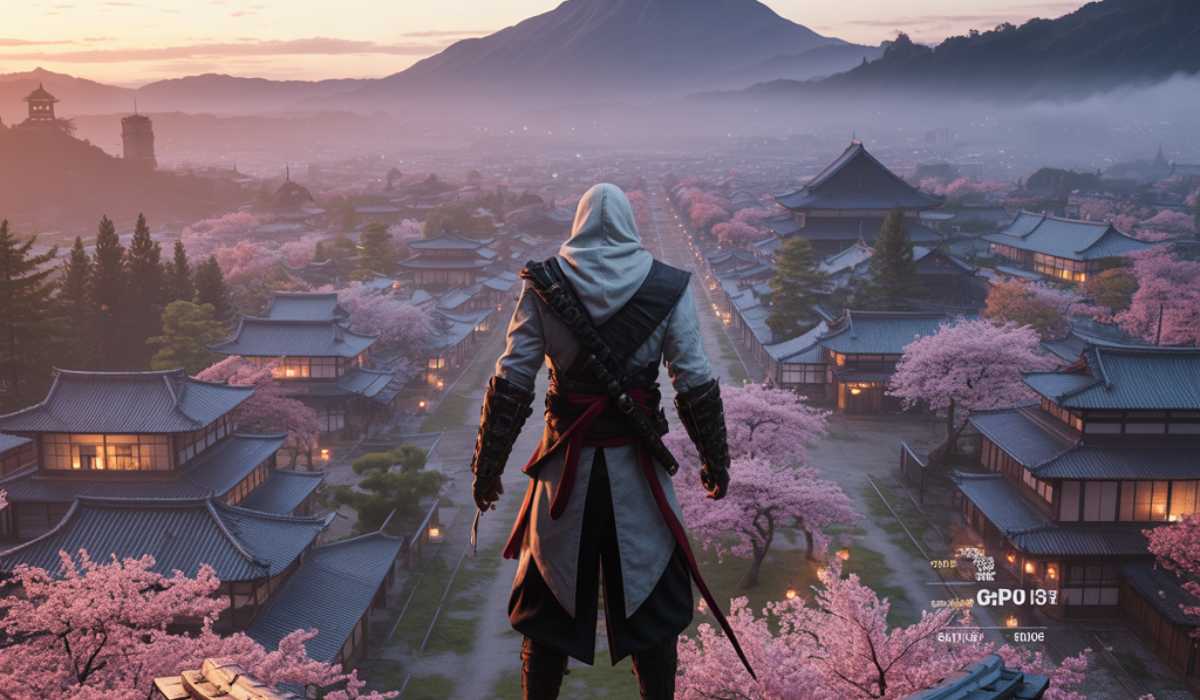
Assassin’s Creed Shadows is one of the most ambitious games ever made in the iconic Assassin’s Creed series, taking players to a highly detailed open world set in feudal Japan. This game is designed to utilize the capabilities of modern PC hardware to the fullest, with state-of-the-art visuals, dynamic environments, and enhanced AI systems.
In case you are intending to install the game, it is important to know the system requirements of Assassin’s Creed: Shadows. Lack of the appropriate hardware can result in low FPS, stuttering, or even crashes. This guide has all the minimum requirements through to the most performance, with some tips on how to get the best out of it.
Assassin’s Creed: Shadows System Requirements
These requirements are made at low settings for entry-level gameplay:
Minimum Hardware Requirements
Your PC must have the following to be able to run the game at 1080p low settings:
| Component | Requirement |
|---|---|
| Operating System | Windows 10 / 11 (64-bit) |
| CPU | Intel Core i7-8700K or AMD Ryzen 5 3600 |
| RAM | 16 GB |
| GPU | NVIDIA GTX 1650 or AMD RX 5500 XT |
| Storage | 115 GB SSD |
The minimum settings are already enough to show that the game is rather demanding in terms of the required amount of RAM. The massive open world and the detailed assets demand swift memory and storage to ensure smooth execution.
Recommended Hardware Specs
| Component | Requirement |
|---|---|
| Operating System | Windows 10 / 11 (64-bit) |
| CPU | Intel Core i5-11600K or AMD Ryzen 5 5600X |
| RAM | 16 GB |
| GPU | NVIDIA RTX 3060 Ti or AMD RX 6700 XT |
| Storage | 115 GB SSD |
At 1080p with better textures, lighting, and overall smoothness, you can expect stable 60 FPS gameplay at 1080p. This is the best configuration that gamers seeking quality graphics but not wanting to spend a lot on upgrades would like.
Ultra Specs
| Component | Requirement |
|---|---|
| CPU | Intel Core i7-12700K or AMD Ryzen 7 5800X3D |
| RAM | 16–32 GB |
| GPU (1440p) | NVIDIA RTX 3080 or AMD RX 6800 XT |
| GPU (4K) | NVIDIA RTX 4070 Ti or AMD RX 7900 XT |
| Storage | NVMe SSD recommended |
The following specifications enable you to play the game at ultra settings using maximum detail settings, realistic lighting, and smoother frame rates. To have 4K gameplay, it is still advisable to enable DLSS or FSR to have a stable performance.
Why Is Assassin’s Creed: Shadows So Intense?
The game allows the PC hardware to be challenged because of its sophisticated design.
Next-Gen Engine and Features
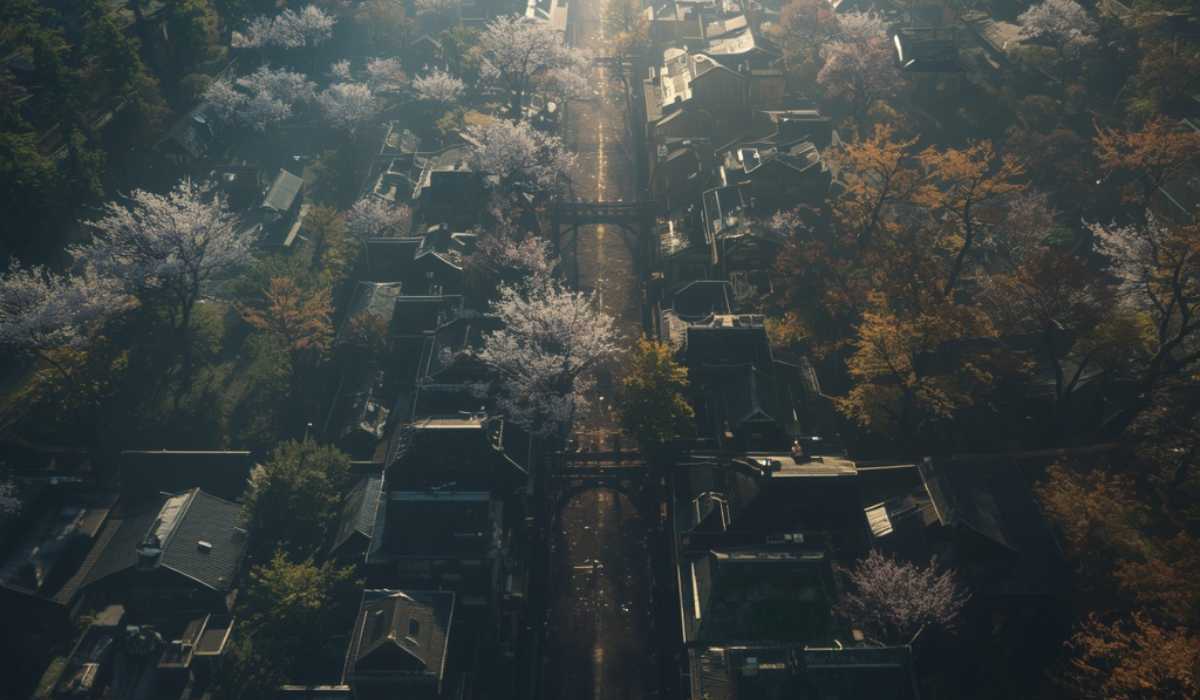
Assassin’s Creed Shadows is a modern engine that allows dynamic seasons, advanced lighting, and realistic physics. These features greatly add to the usage of the GPU and require a higher rate of data streaming out of storage.
The open world is more detailed than ever, with cities, forests, and weather systems that are constantly changing. Such detail demands not only powerful hardware but also good optimization.
Performance Analysis After System Requirements
Knowing performance can assist you in planning your setup.
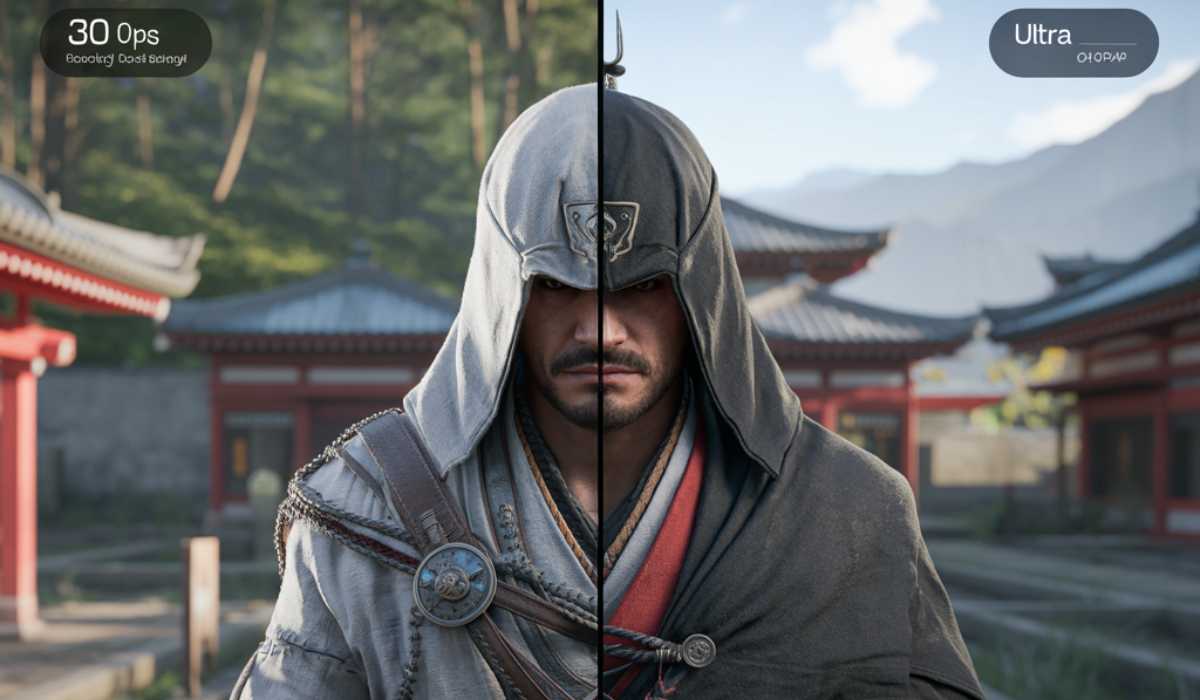
Performance of Real-World Gameplay
The game can run with around 30 FPS on low settings and is playable, but not ideal for supporting fast-paced gameplay. Players can also have a very immersive experience with the experience being very smooth because of the recommended specs that allow players to enjoy high performance at high settings with the recommended specs.
The game can be enhanced to 1440p or 4K resolution with a high-quality visual output on high-end systems. Allowing ultra settings and ray tracing can decrease the FPS, which is why upscaling technologies are significant.
Optimal Graphics Options to achieve a fluent gameplay
Tweaking settings can greatly enhance performance.
Mid-range PCs in Balanced settings
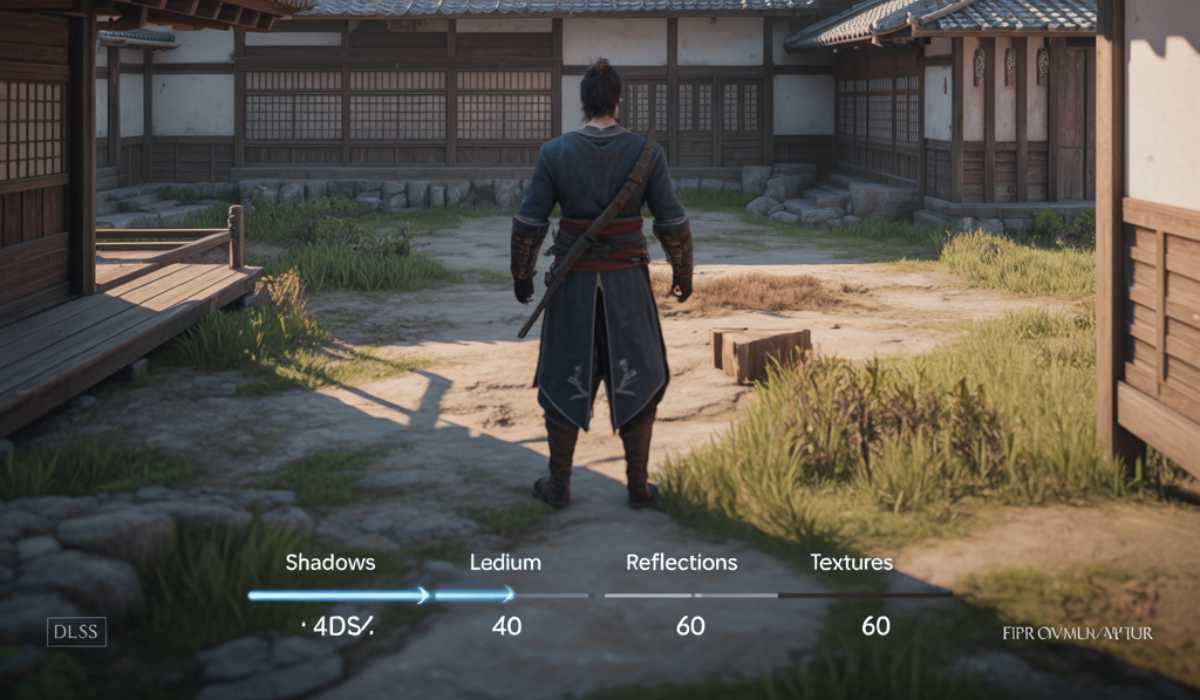
When you are operating a mid-range graphics card, you should focus on performance as opposed to an ultra graphics card. Reducing the quality of shadows, minimizing reflections, and using medium textures can be used to ensure stable FPS.
Activation of DLSS or FSR can be used to increase performance without a significant decrease in the quality of the image. Such environments prove particularly handy when it comes to ensuring the gameplay in challenging locations.
Storage and SSD Requirement
The speed at which things are stored is also very important in this game.
Why SSD Is Compulsory
The game has an approximate storage capacity of 115GB and has to be installed on an SSD. This guarantees quicker loading duration and an easier changeover between regions.
The use of an HDD may lead to stuttering, slower texture loading, and longer load times. One of the most effective upgrades you can do to achieve modern gaming is the upgrade to an SSD.
RAM Requirements and Future-Proofing
Memory is necessary in managing big game assets.

Should You Upgrade to 32GB?
Although 16GB RAM will suffice for most players, you may want to upgrade to 32GB, which will help boost performance stability, especially when you have background programs running. It is also useful in securing the future-proofing of your system in regard to future AAA titles.
GPU Performance Breakdown
The graphics card is the most affected in performance.
Choosing the Right GPU for Your Needs
The game can be played on entry-level GPUs, although the experience will not be smooth. The balance is best in mid-range GPUs, and the high-end GPUs unlock ultra settings and enhanced graphics.
In case you intend to play at higher resolutions such as 1440p or 4K, then investing in a powerful GPU is necessary.
CPU Performance and Optimization
The processor helps in supporting the overall performance of the system.
The influence of CPU on Gameplay
This game can be played on a modern 6-core CPU. Although CPUs with higher costs are more stable, the difference in performance is not as high as that to an upgrade of your GPU.
Ray Tracing and Upscaling Technologies
The use of modern features improves the appearance of images at the expense of performance.
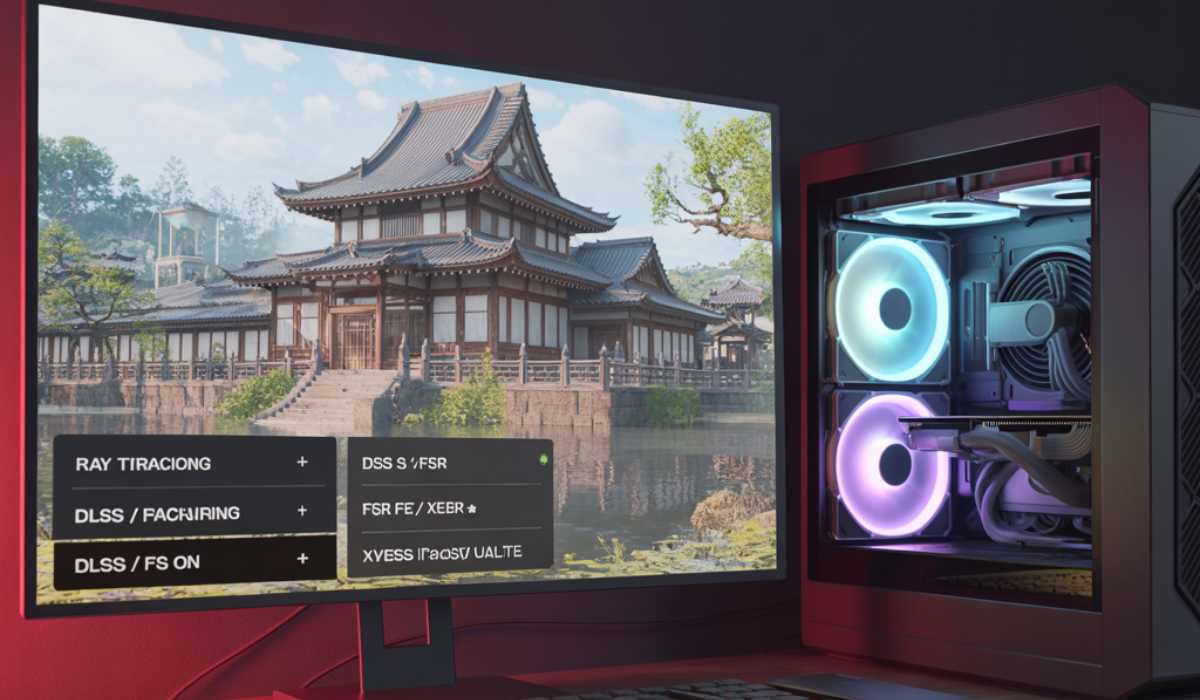
Should You Have Ray Tracing?
The issue of light and reflections is enhanced by ray tracing, enhancing the realism of the game. Nevertheless, it can severely decrease FPS, particularly with mid-range GPUs.
A DLSS, FSR, or XeSS can be used to counteract this performance loss and enable you to experience higher quality images without necessarily sacrificing smooth gameplay.
Common Performance Issues and Fixes
Technical issues might be encountered by some players.
How to correct FPS Drops and Stuttering
To fix low FPS, it is possible to reduce graphics settings or use upscaling technologies. Slow storage can also cause stuttering, which can be resolved by installing the game on an SSD.
Performance can also be improved by ensuring you update your GPU drivers and also shut down background applications.
Final Thoughts
Assassin’s Creed Shadows is a very tough next-generation game, which needs the latest hardware. 16GB of RAM, SSD storage, and the ability to use the GPU will offer a smooth experience.
Should you wish to play the game to its full potential, the most viable upgrade would be to upgrade your GPU. Having the proper setup and the right settings, you can enjoy one of the most visually impressive games in the Assassin’s Creed series.