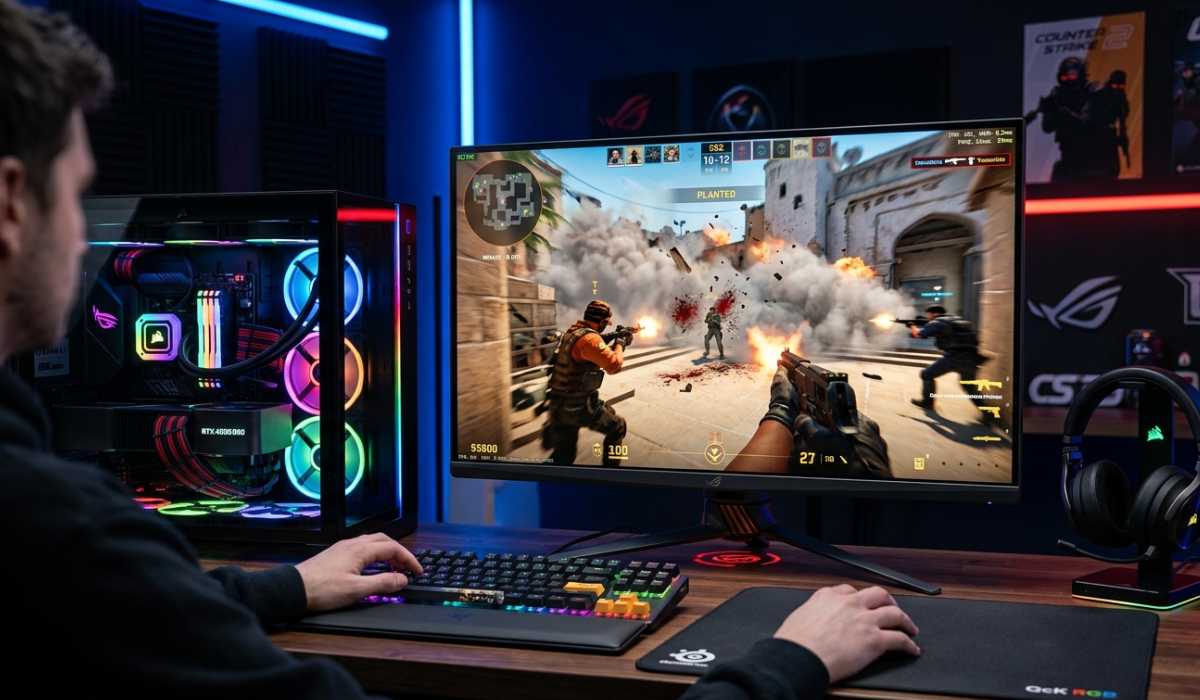
Counter-Strike 2 (CS2) is the newest installment of the legendary Counter-Strike series developed by Valve and powered by the advanced Source 2 engine. It introduces enhanced graphics, real-world light effects, dynamic smoke effects, enhanced tick rate responsiveness, and an overall enhanced competitive experience. Nevertheless, these upgrades also imply the higher hardware requirements of the Counter-Strike 2 system, so one should know the minimum hardware requirements to play the game.
Regardless of whether you are a casual gamer, competitive player, or esports enthusiast, the proper PC setup can make a big difference. Fluid gameplay, high FPS, and low latency are factors that are important in CS 2, where every millisecond matters.
To help you achieve the best gaming experience, we will cover minimum, recommended, and high-end system requirements, performance tips, and hardware explanations in this detailed guide.
Counter-Strike 2 System Requirements
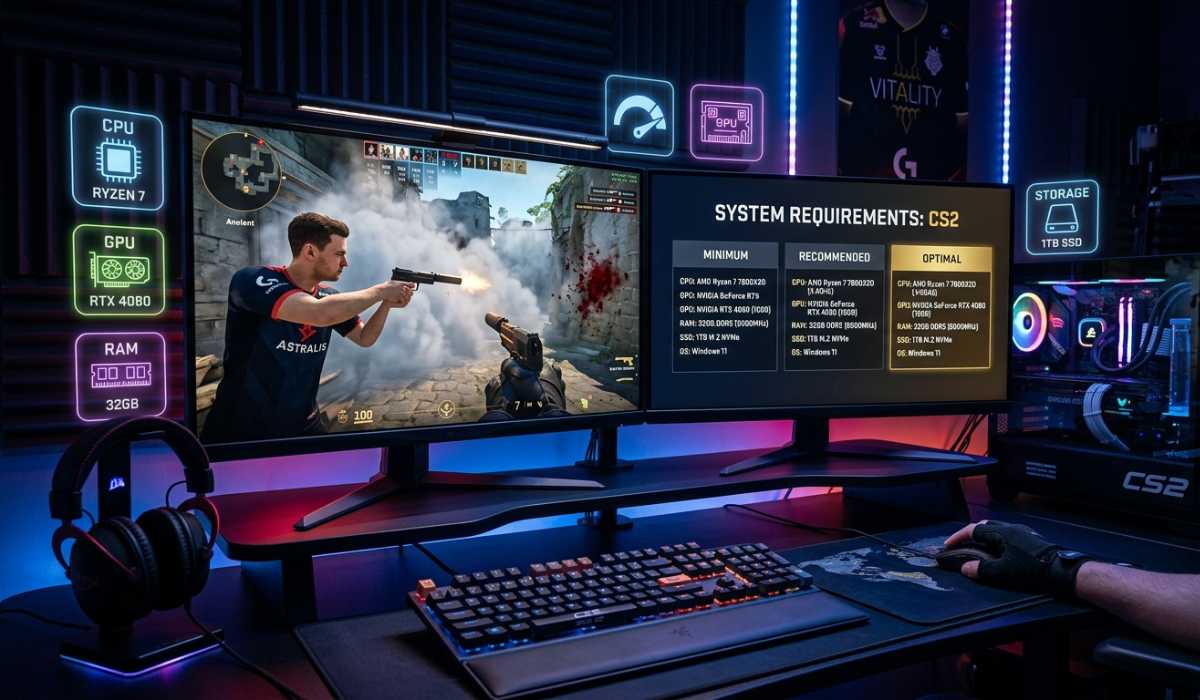
Depending on your expectations of the gameplay, your PC will have to meet some hardware requirements to have an enjoyable experience playing Counter-Strike 2.
Minimum System Requirements (Basic Gameplay)
| Component | Requirement |
|---|---|
| Operating System | Windows 10 (64-bit) |
| CPU | Intel Core i5-750 / AMD Phenom II X4 |
| RAM | 8 GB |
| Graphics Card (GPU) | NVIDIA GTX 1060 / AMD Radeon RX 580 |
| Storage | 85 GB available space (SSD recommended) |
| DirectX | Version 11 |
This setup enables you to use CS2 on low settings. You can also have a reduced FPS, particularly when you are in a strong gun battle, in smoke, and on congested maps.
It can only be used in playing the game casually and educating someone on how to play the game.
Recommended System Requirements (Smooth Competitive Play)
| Component | Requirement |
|---|---|
| Operating System | Windows 10 / 11 (64-bit) |
| Processor (CPU) | Intel Core i5-10400 / AMD Ryzen 5 3600 |
| RAM | 16 GB |
| Graphics Card (GPU) | NVIDIA RTX 2060 / AMD RX 6600 or higher |
| Storage | SSD with 85+ GB free space |
| DirectX | Version 12 |
This arrangement gives a much smoother experience with constant FPS and enhanced graphics. It is best suited to competitive players who desire responsive gameplay and consistency in performance during gameplay.
High-End System Requirements (Pro Gaming & High FPS)
| Component | Requirement |
|---|---|
| Operating System | Windows 11 (64-bit) |
| CPU (Processor) | Intel Core i7 / i9 (newest generation) / AMD Ryzen 7 / 9 |
| RAM | 16 GB to 32 GB |
| Graphics Card (GPU) | NVIDIA RTX 3070 / 4070 or higher |
| Storage | NVMe SSD (1 TB recommended) |
| Display | 144Hz / 240Hz high refresh rate monitor |
This setup will suit professional gamers and streamers. It provides ultra-high FPS, low input lag, and a smooth playing experience even in the most extreme circumstances.
Why System Requirements Matter in Counter-Strike 2
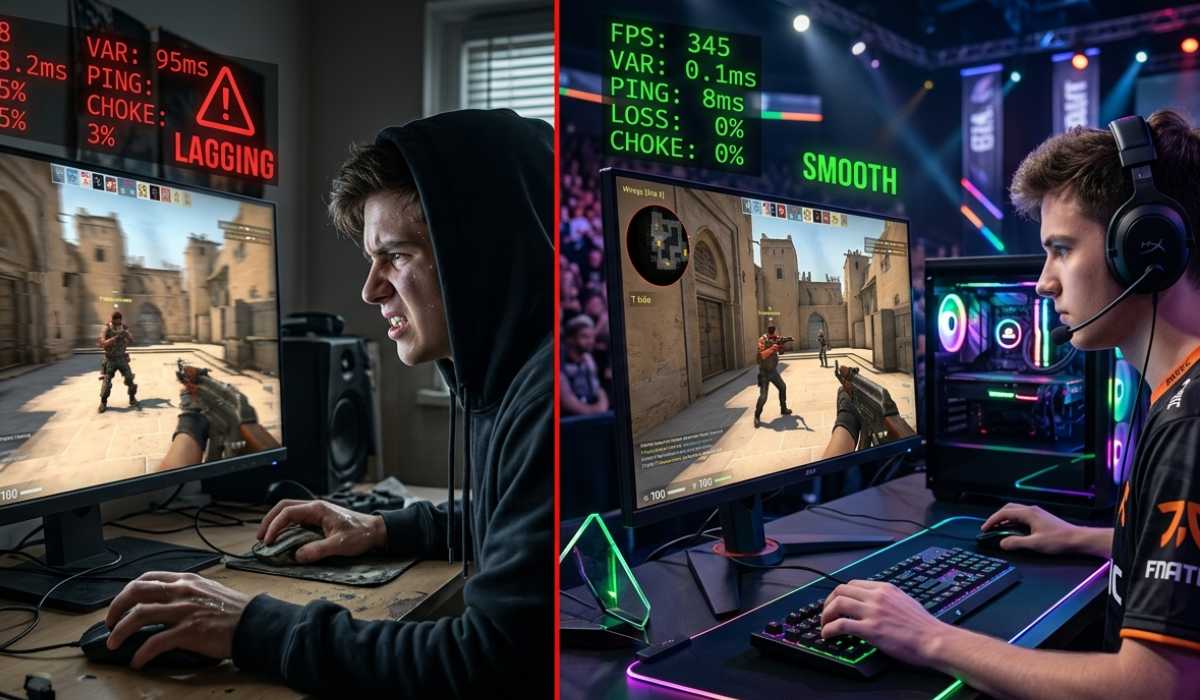
Counter-Strike 2 is not merely about graphics; it is about accuracy, timing, and speed of response. Even a small decrease in FPS may impact your aim and performance during competitive games.
Effect of Performance on Gameplay
Poor FPS and lag may result in shots being missed, poor reaction times, and a poor gaming experience. This may be the difference between winning and losing in a fast-paced shooter such as CS2.
Competitive Advantage of High FPS
The system is powerful, meaning it will deliver high FPS, a smoother animation, and a faster response time. This provides a competitive advantage to players, particularly in ranked matches and even tournaments.
CPU Requirements
The CPU plays a crucial role in Counter-Strike 2, as it handles game logic, physics calculations, and communication with servers.
A powerful processor will guarantee smooth gameplay at the moment when the number of players, grenades, and effects is all active. Intel Core i5/i7 or AMD Ryzen 5/7 are highly suggested, as they will have the best performance.
The increased clock speed and multi-cores aid in the stability of FPS, particularly in competitive events where stability in performance is paramount.
GPU Requirements Explained
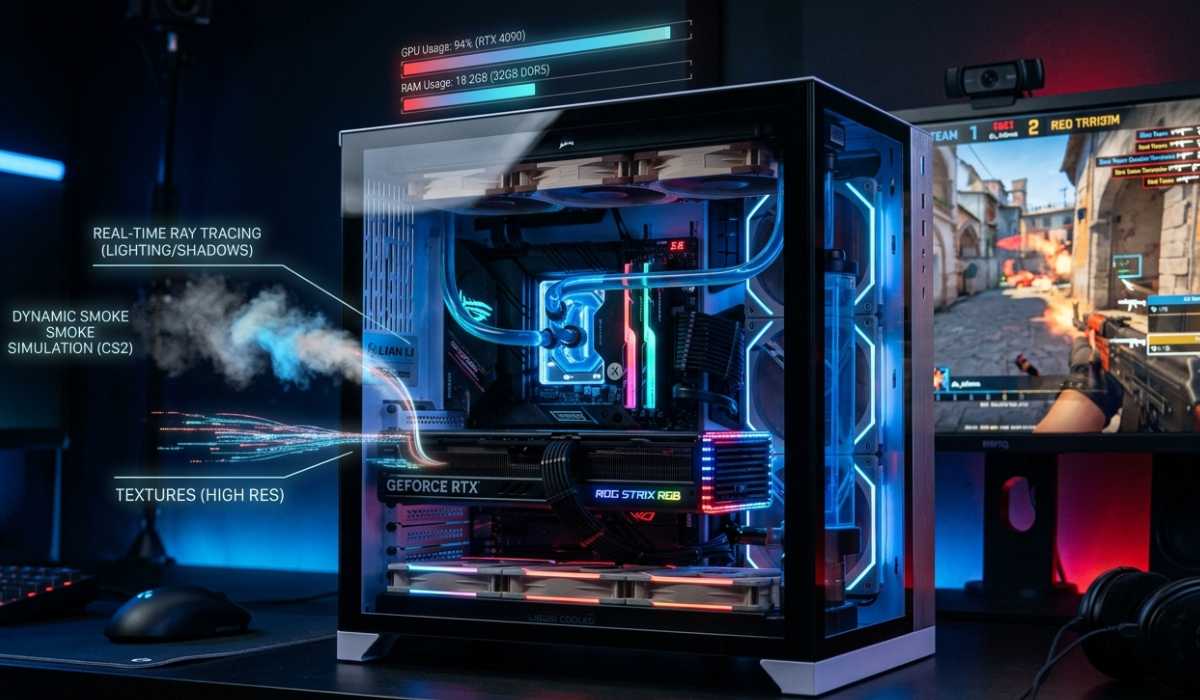
The GPU will render graphics, textures, lighting, and visual effects in CS2.
Importance of GPU in CS2
The good GPU is made to provide smooth graphics, increased frame rate, and improved quality of graphics. It particularly plays an important role in managing such effects as dynamic smoke, shadows, and lighting.
Choosing the Right GPU
GPUs of the NVIDIA RTX series are popular due to their stability and performance. AMD GPUs, too, can perform well and have reasonable prices, particularly in mid-range systems.
RAM Requirements and Performance
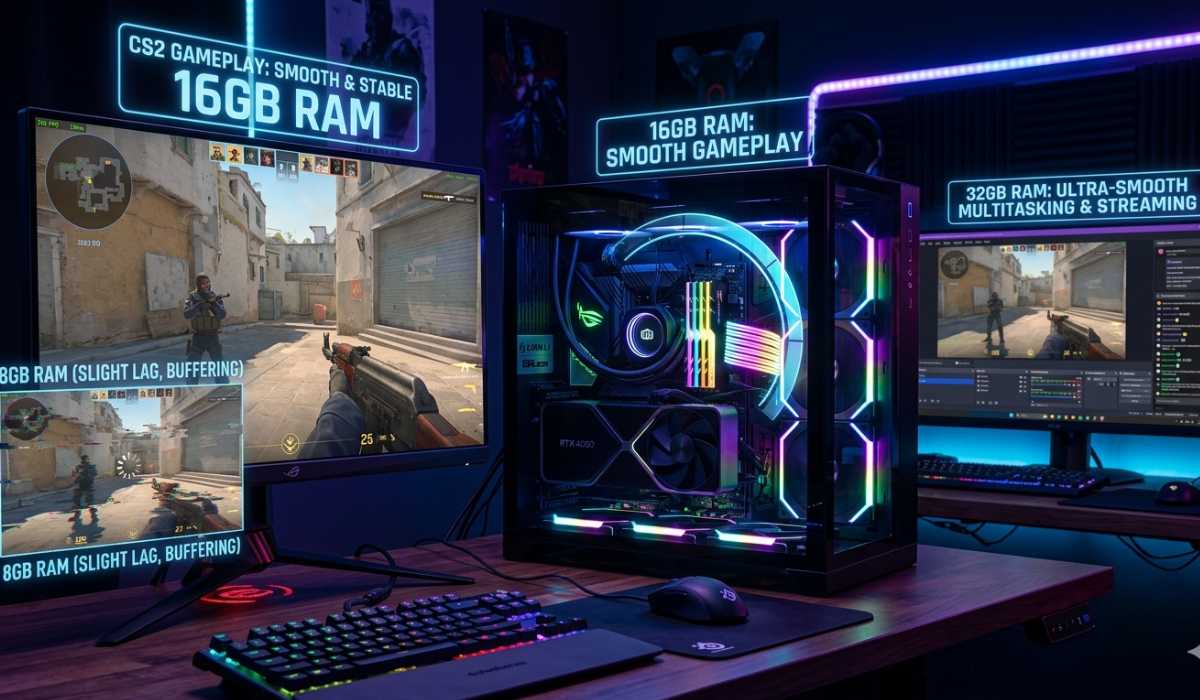
RAM is crucial in providing the seamless running of the game and multitasking.
8 GB RAM – Entry Level
This is the lowest possible and can lead to lag when other applications are used in the background.
16 GB RAM – Recommended
It suits most gamers and offers a smooth performance and the capability to have background running programs without any problems.
32 GB RAM – High-End setup
It comes in handy to streamers and advanced users who may have several applications running alongside the game.
storage needs (SSD vs HDD)
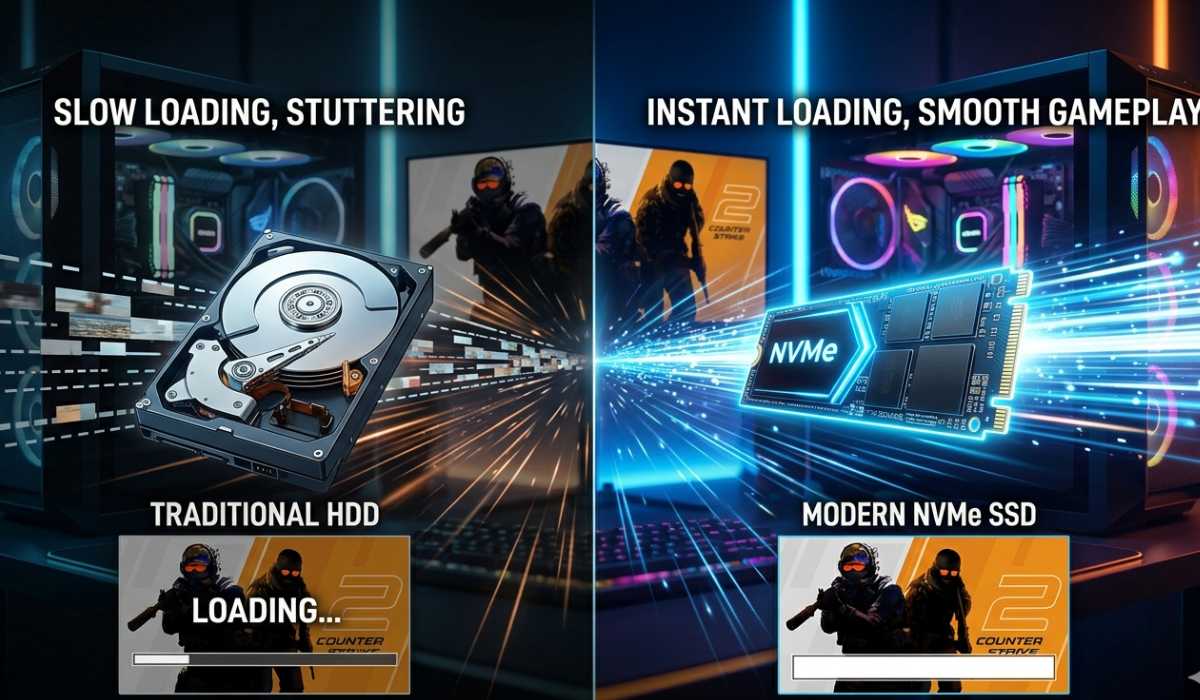
Storage speed has a direct influence on game loading performance and time.
Benefits of SSD
SSDs offer quicker loading times, enhanced gameplay, and decreased stuttering than HDDs.
Suggested Storage System
It is strongly advised to install CS2 on an SSD in order to have the optimal experience. NVMe SSDs offer even greater speeds and performance.
Display and Refresh Rate Significance
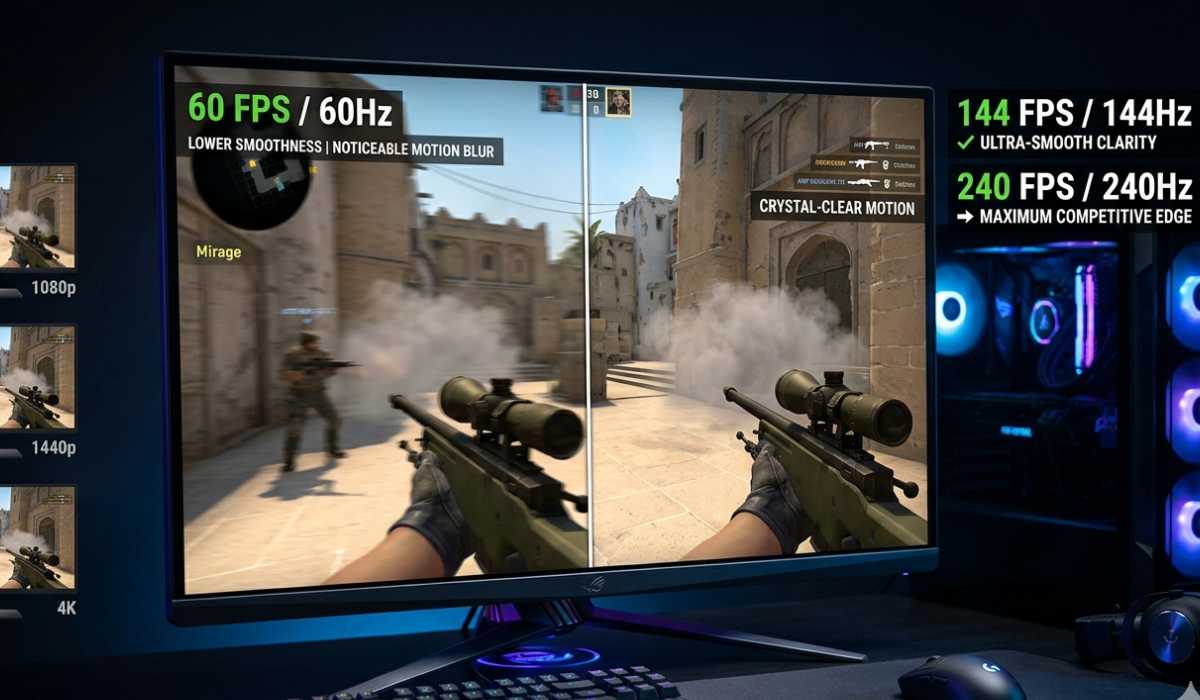
Your display is an important part of your gaming experience, particularly in competitive shooters.
High Refresh Rate Benefit
Monitor displays with higher refresh rates (144Hz or 240Hz) allow gameplay to be smoother and the images to be clearer than those on standard 60Hz displays.
Resolution and Performance
Shorter resolutions, such as 1080p, on the other hand, have higher FPS but lower resolution than higher resolutions like 1440p or 4K.
Optimization Tips for Better FPS
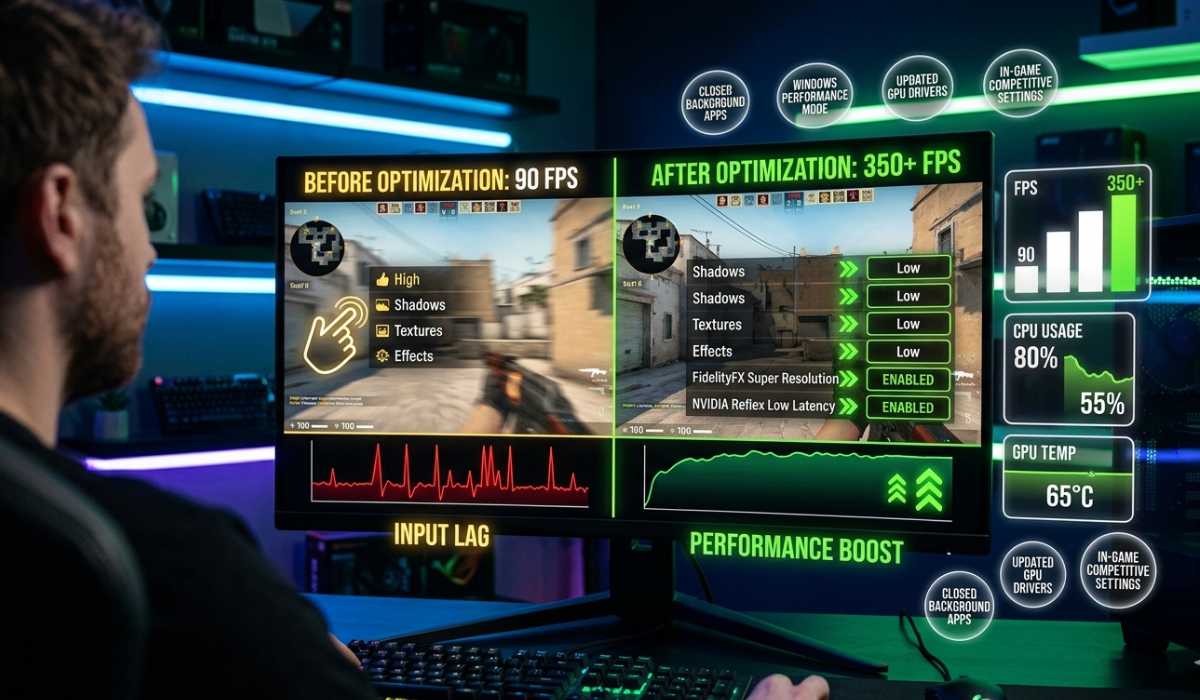
- Reduce graphics to achieve higher FPS.
- Shut down any unnecessary background applications.
- Periodically update GPU drivers.
- Operate in performance mode in Windows.
- Tune in-game options to play competitively.
Such optimizations are able to greatly enhance the gameplay performance on even mid-range systems.
Optimal Settings to play competitively
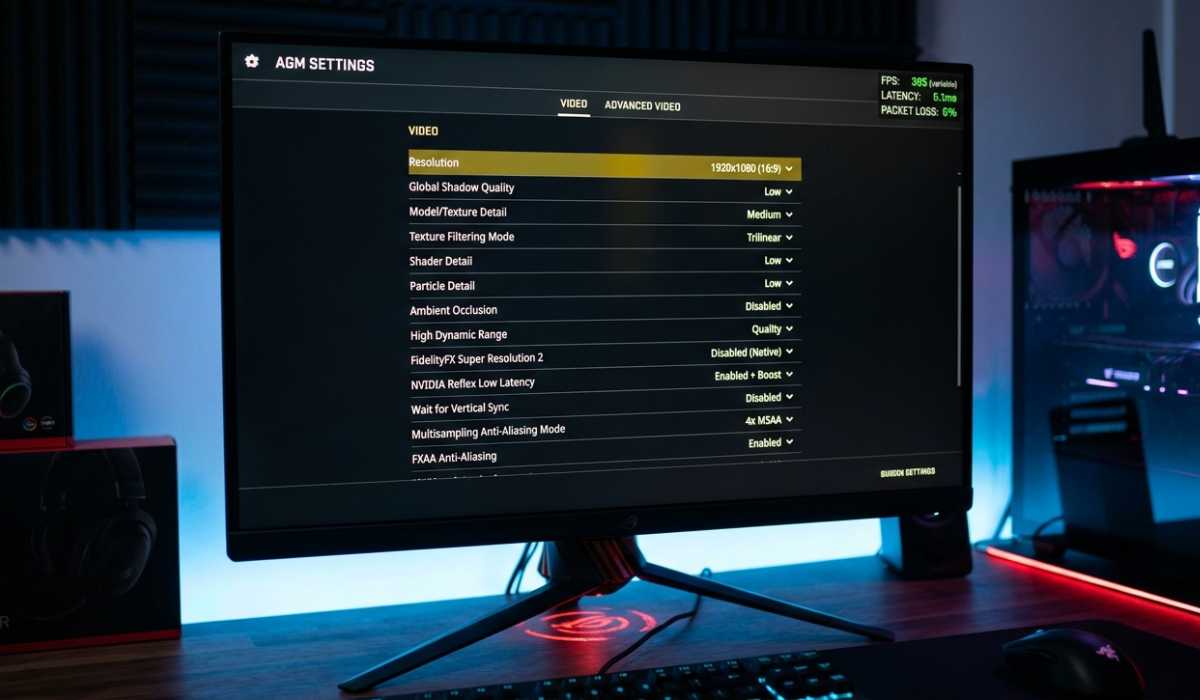
- Resolution: 1080p (greater FPS)
- Graphics Settings: Low to Medium.
- Shadows: Low
- Anti-Aliasing: On or High.
- V-Sync: Disabled
These environments can be used to achieve the maximum FPS and the minimum input lag, which is essential in competitive gameplay.
General Problems on the Low-End Systems
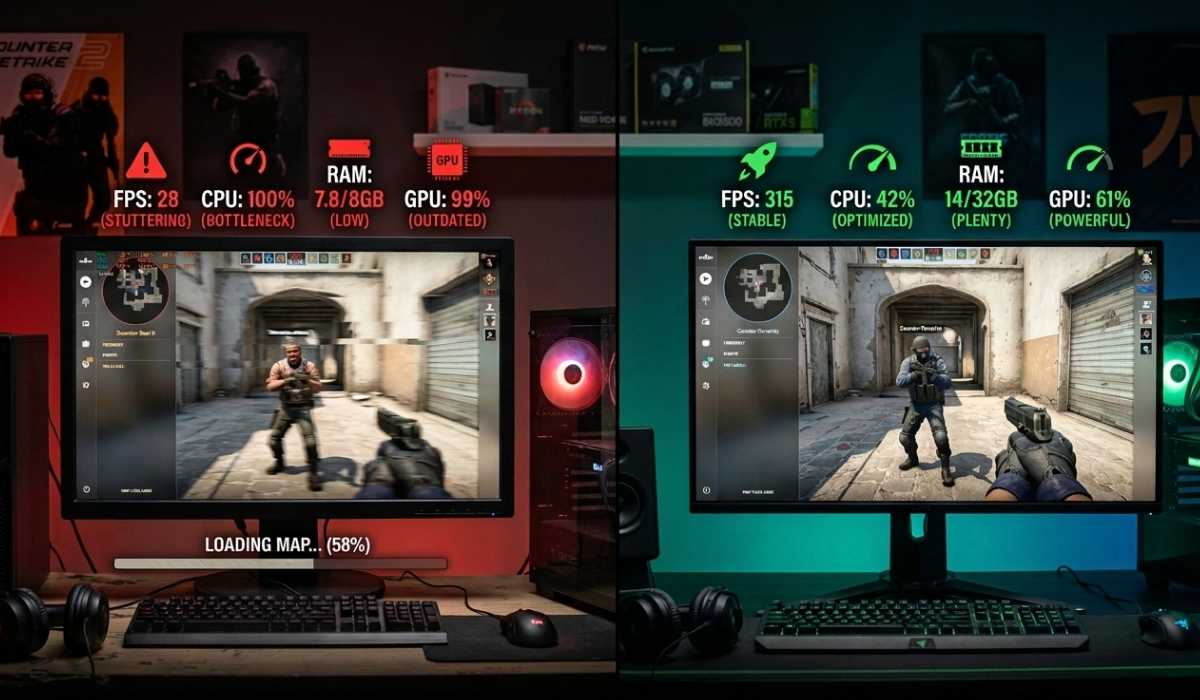
Low-end system players can experience lag, stuttering, reduced FPS, and slow loading times. These problems are normally occasioned by a weak processor, low memory, or an old graphics card.
The upgrade to an SSD, increased RAM, or even a better GPU can make a huge difference in performance.
Final Thoughts
Counter-Strike 2 is a very competitive game where the performance of a system directly reflects on the game. Although the minimum specifications are enough to run the game, it takes a balanced and optimized system in order to achieve smooth operation and a high FPS.
Basic gameplay can be supported with minimum requirements, recommended setups are good enough to support smooth competitive performance, and high-end systems are suitable when it comes to supporting professional players and streamers.
By investing in the appropriate hardware, there will be an enhanced performance, a faster response rate, and a generalized improved gaming experience. Regardless of whether you are climbing the ranks or just casually playing, having the correct system setup will make you a strong advantage in Counter-Strike 2.