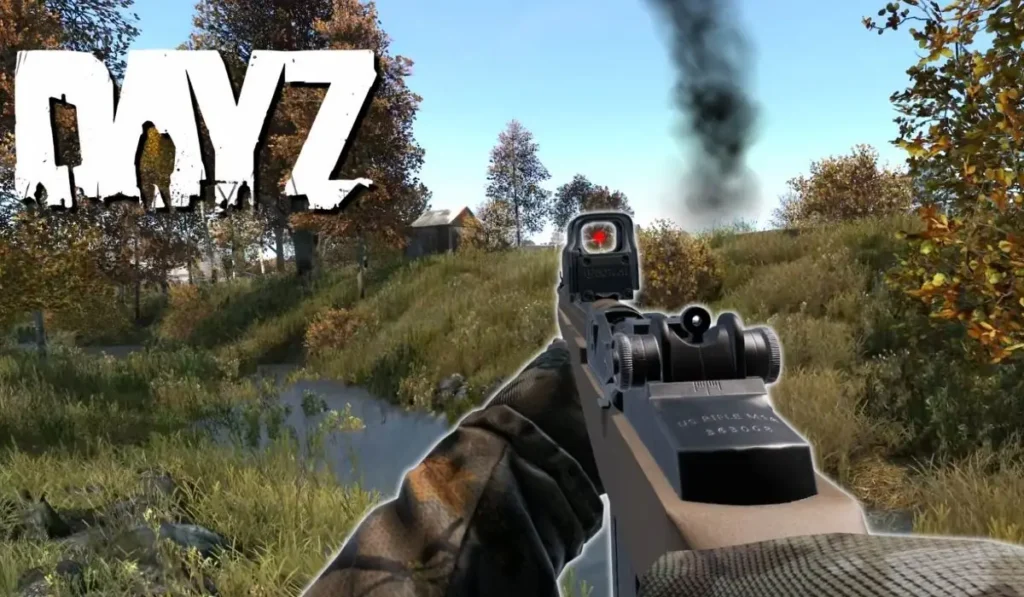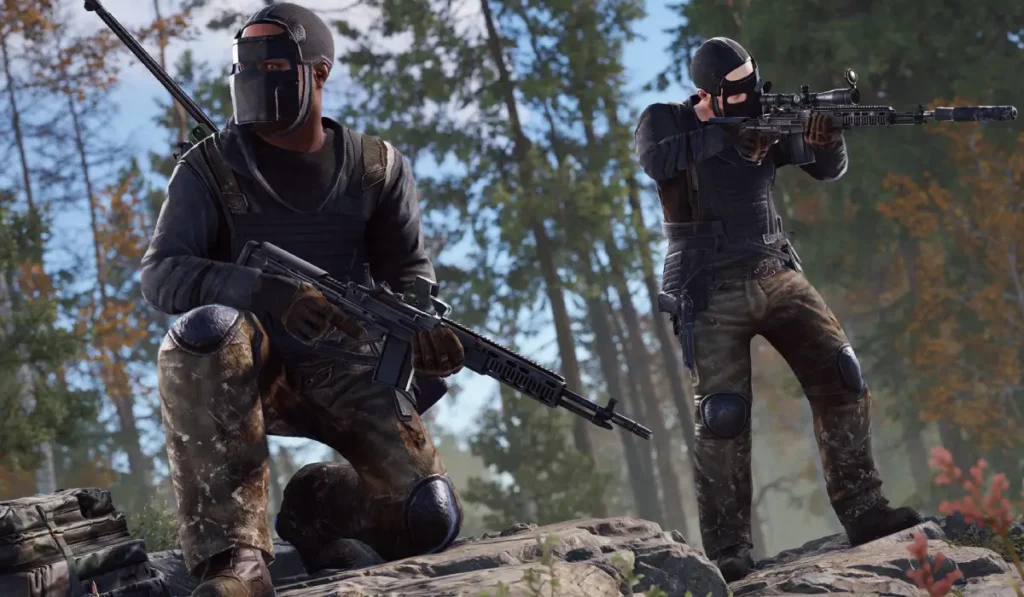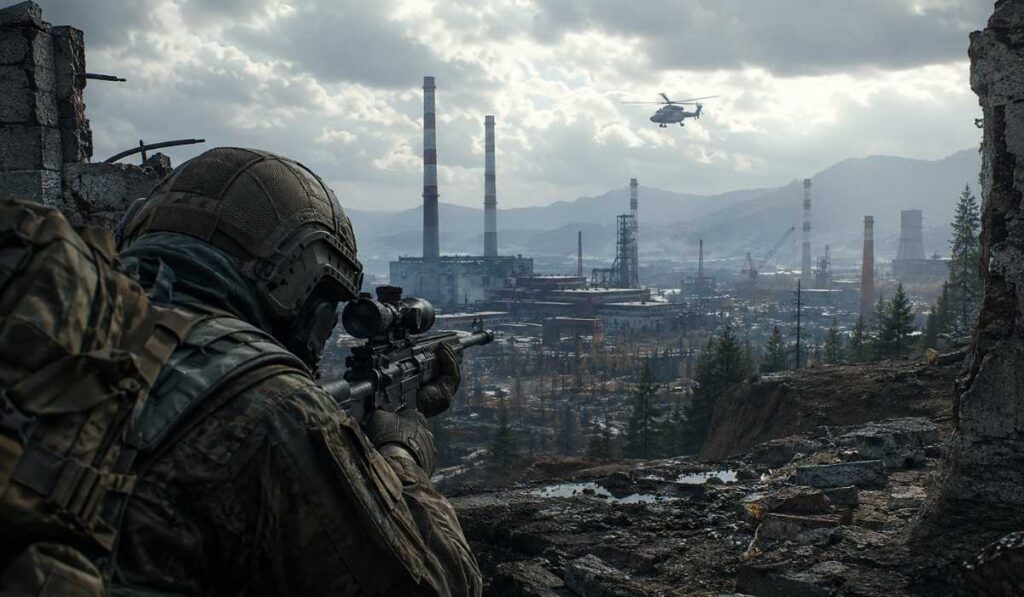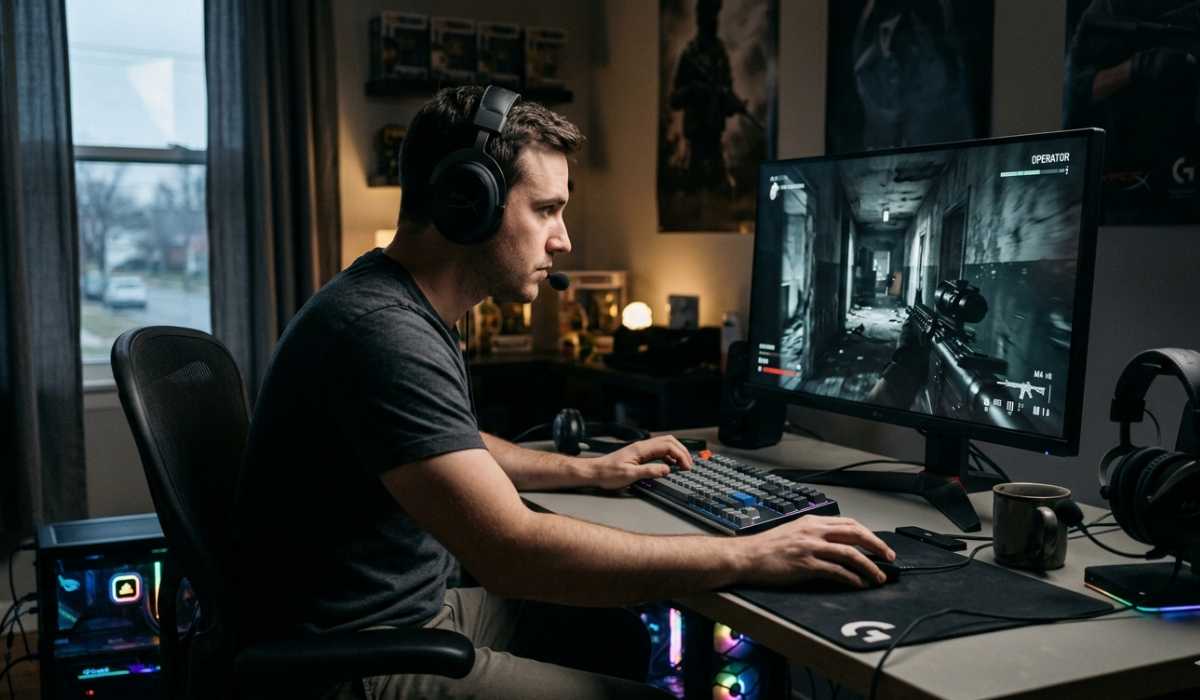
Bodycam is a very realistic first-person shooter that employs a body-camera viewpoint to provide a cinematic and immersive experience of combat. As opposed to the classic FPS games, it is extremely realistic and has an emphasis on lighting and tactical play, which is what makes it one of the most challenging shooters in contemporary gaming.
Due to its high-quality graphics and Unreal Engine 5, a question that many players would like to know before downloading it is:
Will my PC support BodyCam?
The full Bodycam system requirements, performance information, and hardware explanations will be presented below to ensure that you know everything well.
Bodycam System Requirements
The official PC requirements to run Bodycam are as follows:
Minimum Requirement (Playable Settings)
| Component | Requirement |
|---|---|
| Operating System | Windows 10 / 11 (64-bit) |
| Processor (CPU) | Intel Core i7-9700K or AMD Ryzen 7 3700X |
| Memory (RAM) | 8 GB |
| Graphics Card (GPU) | NVIDIA RTX 2070 / AMD RX 5700 |
| Storage | 50 GB SSD storage |
This configuration enables the game to play, though it might not necessarily perform well during intense battles.
Suggested Requirements (Smooth Gameplay)
| Component | Requirement |
|---|---|
| Operating System | Windows 10 / 11 (64-bit) |
| Processor (CPU) | Intel Core i7-10700K or AMD Ryzen 7 3800X |
| Memory (RAM) | 16 GB |
| Graphics Card (GPU) | NVIDIA RTX 3060 / AMD RX 6600 XT |
| Storage | 50 GB SSD storage |
This setup offers a more comfortable experience with higher FPS, reduced stutters, and better visual quality.
Why Bodycam Requires High-End Hardware
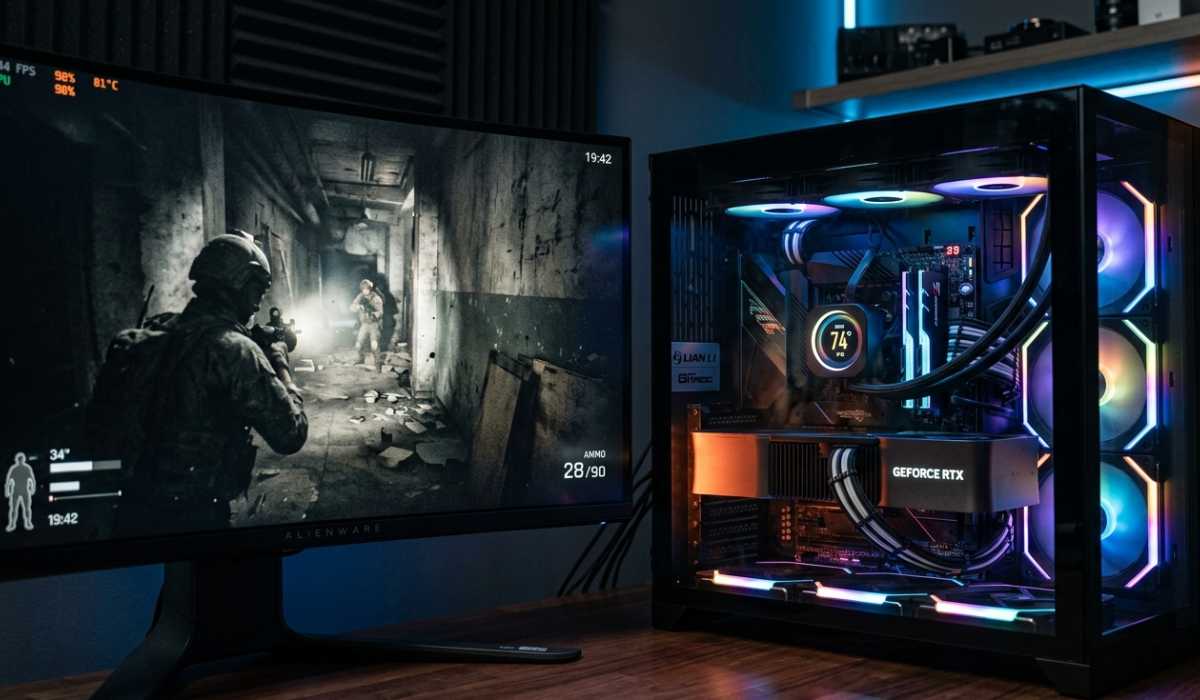
Bodycam is created with the help of Unreal Engine 5, which is oriented on ultra-realistic images and high-quality rendering. Although this results in beautiful graphics, it also places a lot of burden on your PC.
This game is always generating high-quality lighting, textures, and physics on the fly, particularly when it comes to the fast-paced battle scenes.
Primary causes of high demand on the system:
- Vivid world lighting and shadow.
- High-resolution backgrounds and graphics.
- High-tech visual effects and physics.
- Multiplayer synchronization load
- Body-camera perspective rendering in cinema.
Due to such systems, even modern gaming PCs may not perform well in critical moments.
Are Bodycam compatible with Low-End PCs?
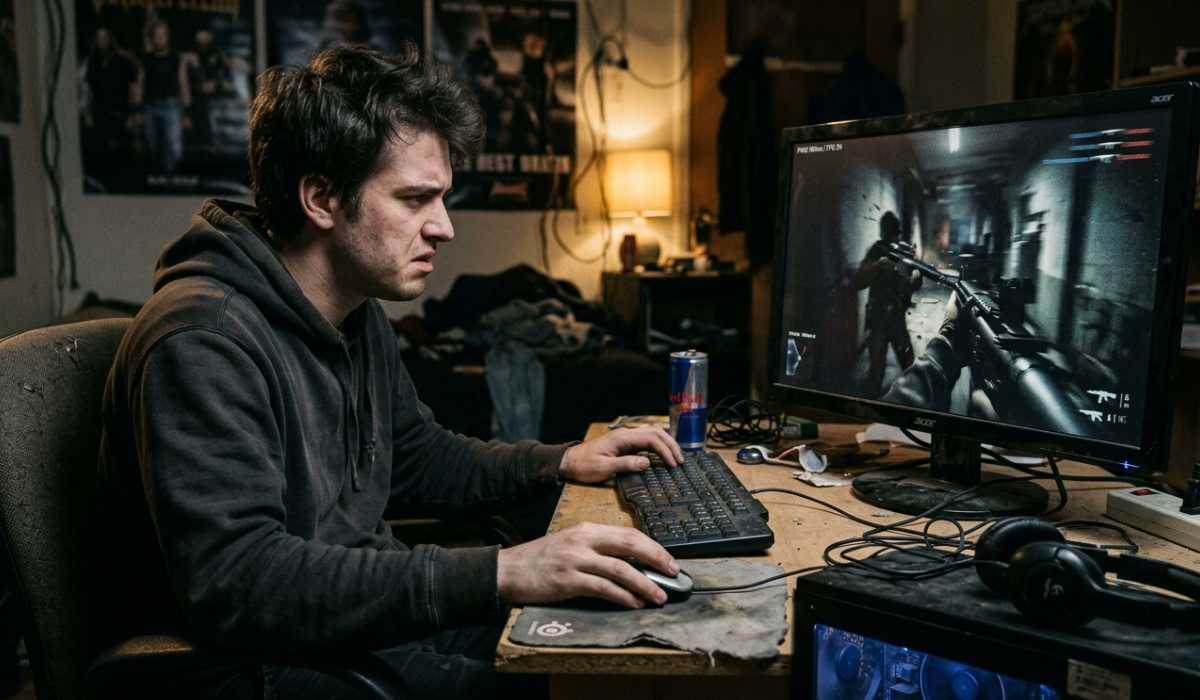
Weak systems tend to have difficulty with Bodycam since the game is not designed to run on weaker systems.
Performance is usually unreliable even upon release of the game, particularly in scenes with a lot of fighting.
Typical issues with low-end PCs:
- Very slow FPS during fights.
- Several stutters and halts.
- Long loading screens
- Crashes suddenly in congested regions.
Reducing graphics settings can somewhat address them but cannot completely address the performance problems, as the game is heavily dependent on the graphics card.
Medium-Range PCs Performance
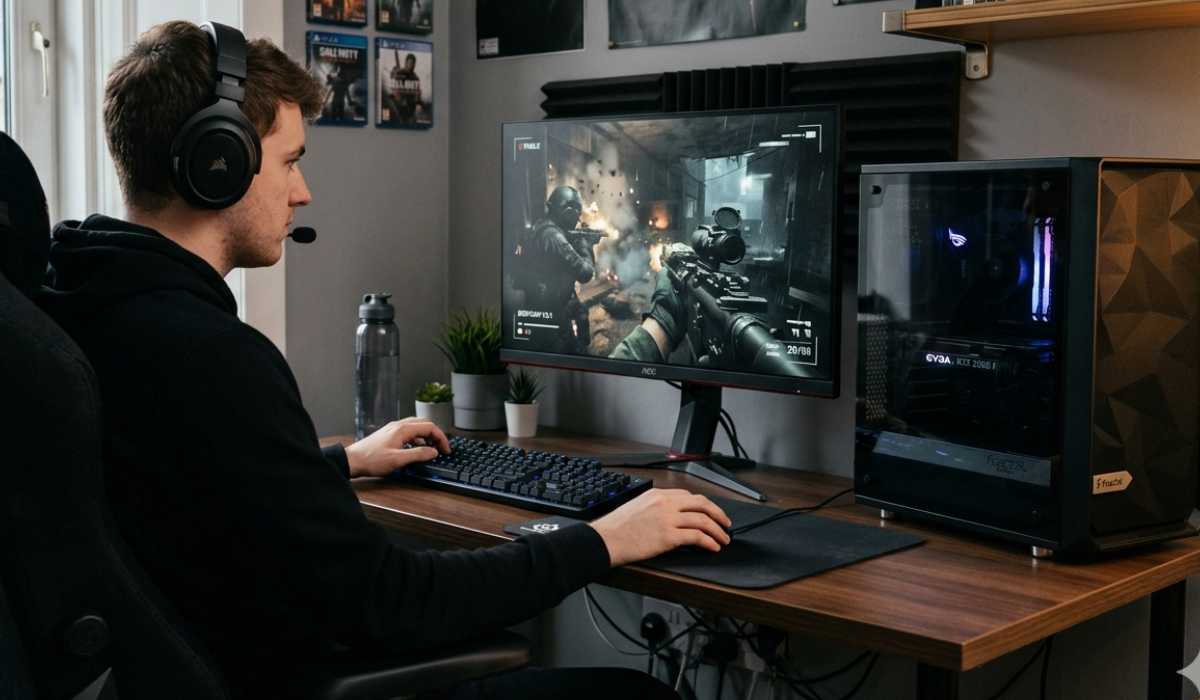
Bodycam can be installed on mid-range gaming PCs, but it is important to optimize and adjust the settings.
The game can be played in medium settings with playable FPS using systems with RTX 2060 or RTX 2070 GPUs and 8-16 GB RAM.
But performance is not necessarily consistent in intense multiplayer fights.
Expected experience:
- 40-60 FPS under normal gameplay.
- Medium graphics settings
- Periodic decreases in FPS during intense fights.
- Reasonably sound performance with serene scenes.
This tier is a fairly good experience, but not the best stability.
High-End PCs’ Performance
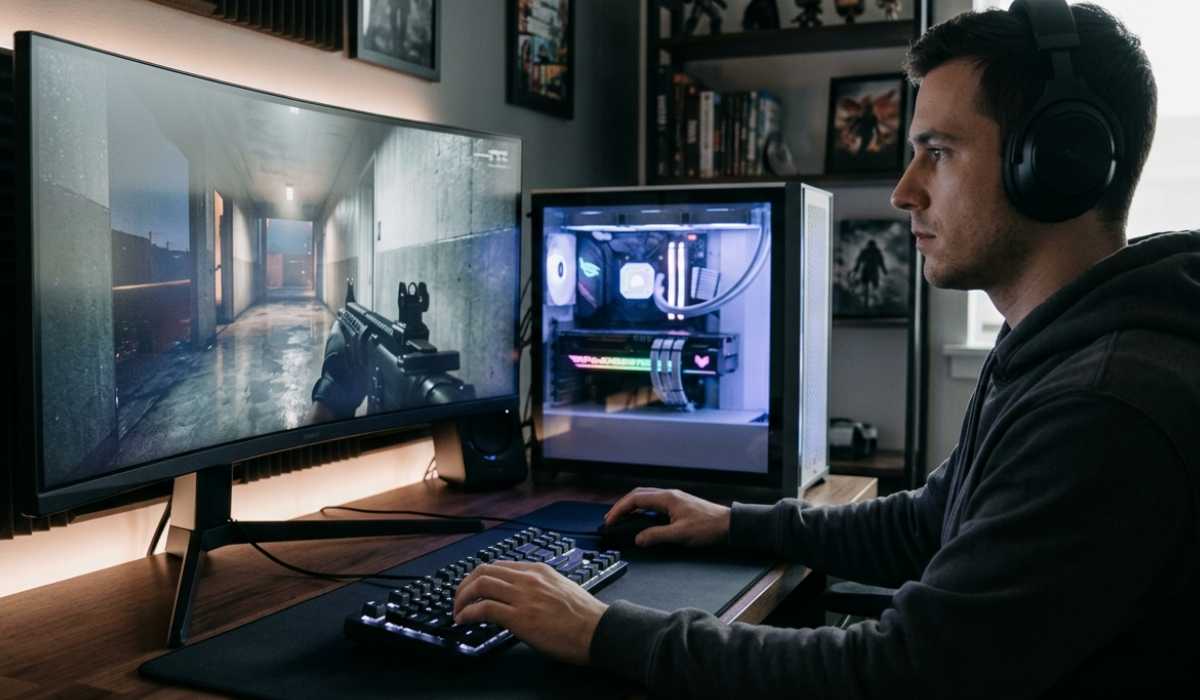
The best experience in Bodycam is provided by high-end PCs. Having good GPUs and the necessary amount of RAM, the game is much smoother and more impressive.
The RTX 3060, RTX 3070, and more powerful GPUs are capable of higher settings at a stability level.
The benefits of high-end systems:
- Constant FPS (60-120 with settings)
- Realistic graphics with ultra graphics.
- Quick loading with SSD.
- Smooth multiplayer experience
- Less stuttering and delay.
Still, it is possible that a few drops in FPS can still occur at that time since the game is still being optimized.
Why GPUs Matter More Than CPUs
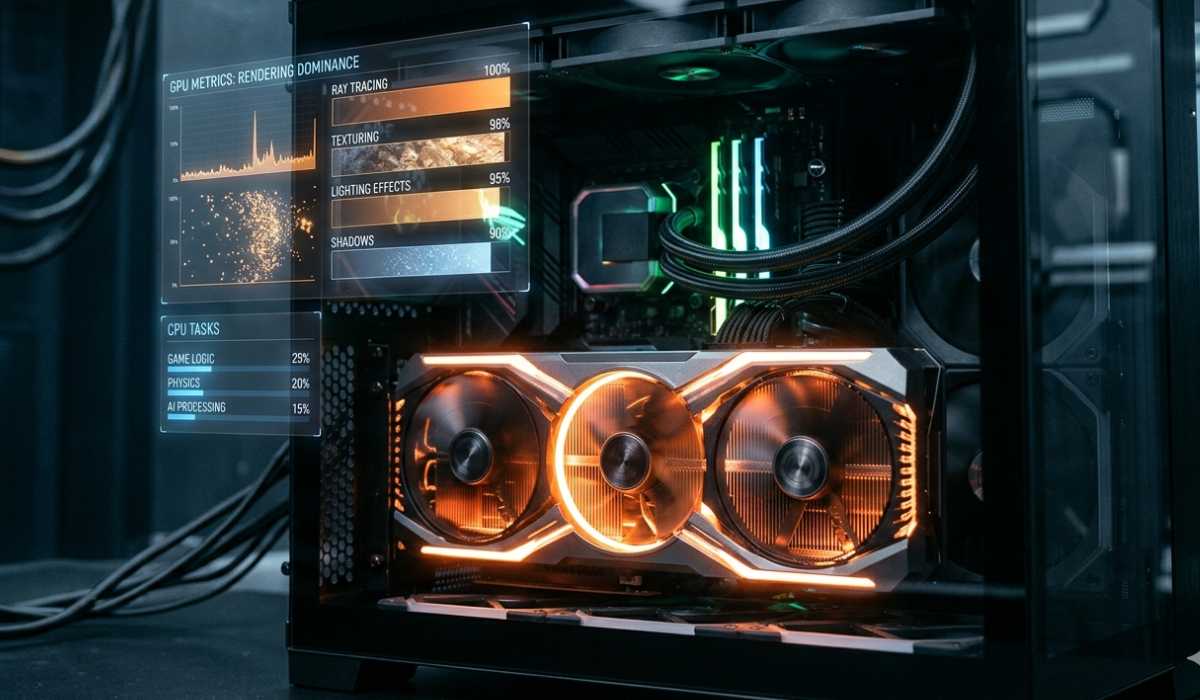
The role of the GPU in a bodycam is larger than that of the CPU since the graphics rendering occupies the largest portion of the total workload.
The graphics of the game are highly intensive, and thus, most of the real-time rendering is done by your GPU.
GPU responsibilities:
- Lighting and shadow effects.
- Texture processing
- Environmental effects
- Visual post-processing
CPU responsibilities:
- Game logic processing
- Multiplayer synchronization
- Basic physics calculations
Although both are essential, the performance of the GPU directly influences FPS more.
Laptop vs Desktop Performance
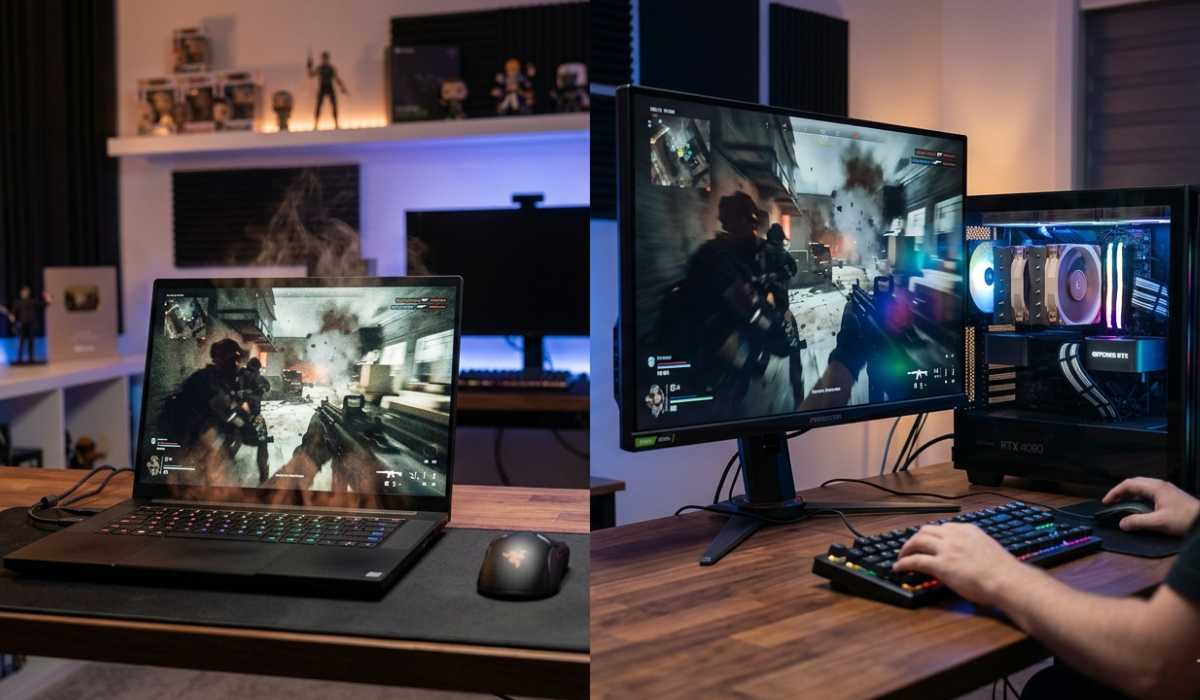
Bodycam is compatible with laptops and desktops, although its performance seriously differs.
Gaming Laptops
Gaming laptops are portable but can get hot over time during prolonged use. This may cause impaired performance in the long term as a result of thermal throttling.
They can be used in medium environments but cannot be used in ultra-graphics gameplay over long periods.
Desktop PCs
Desktops are better cooled, stronger performing, and can be upgraded. They can withstand hard games such as Bodycam.
Desktops are more appropriate in the case of prolonged gaming.
Common Performance Problems in Bodycam
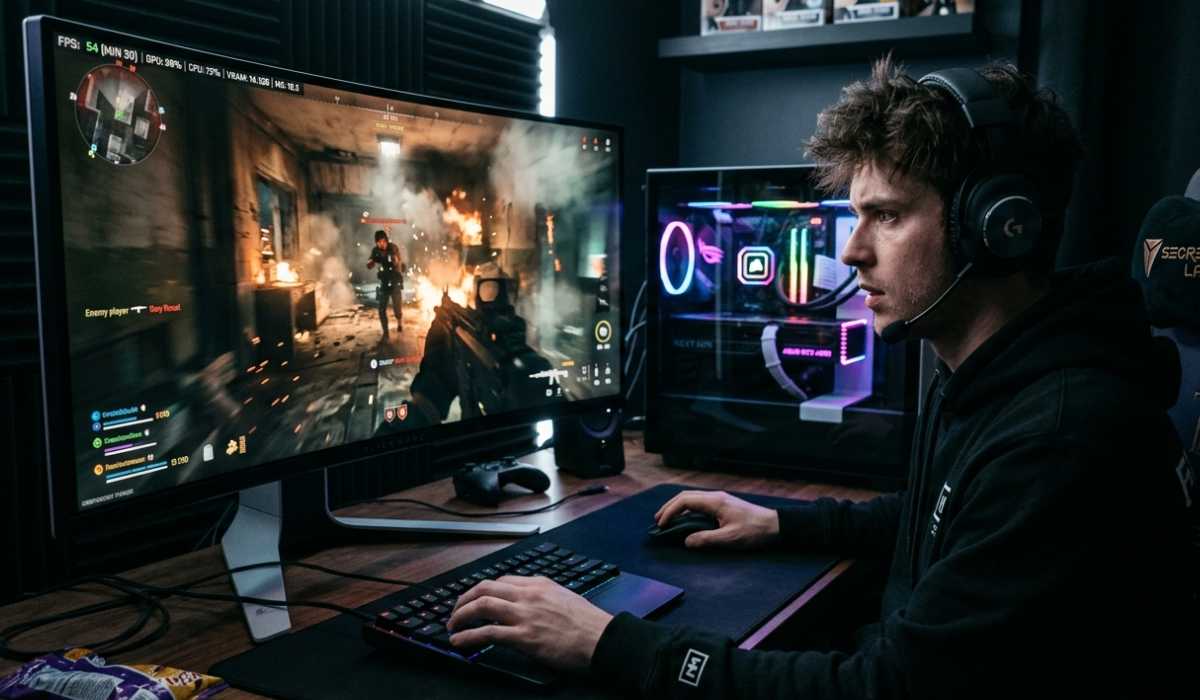
Despite quality hardware, a few players are still experiencing performance problems, as the game remains in optimization.
The most frequent issue is a reduction in FPS when there is a lot of combat in the game because of the high rendering load.
Others are stuttering due to slow storage or lack of VRAM, particularly without an SSD.
Other common issues:
- Delays in loading HDD.
- Micro-stutters during movement
- Multiplayer fights are associated with sudden drops in FPS.
- Periodic crashes on weaker GPUs.
- With further updates, these issues should be resolved.
Improving Bodycam Performance
When your game is not performing as expected, then there are various tips you can use to increase performance without necessarily buying a new PC.
The best way is to reduce graphics settings. Shadows, textures, and effects can be minimized effectively to increase FPS.
An SSD, as opposed to an HDD, can also enhance the speed of loading and minimize stuttering.
Simple optimization tips:
- Reduced graphics effects (shadows, effects, textures)
- SSD, not HDD.
- Periodically update GPU drivers.
- Close background applications
- Comment on performance mode settings.
These can be adjustments that can be made to enhance the experience of the game.
Should you play Bodycam?
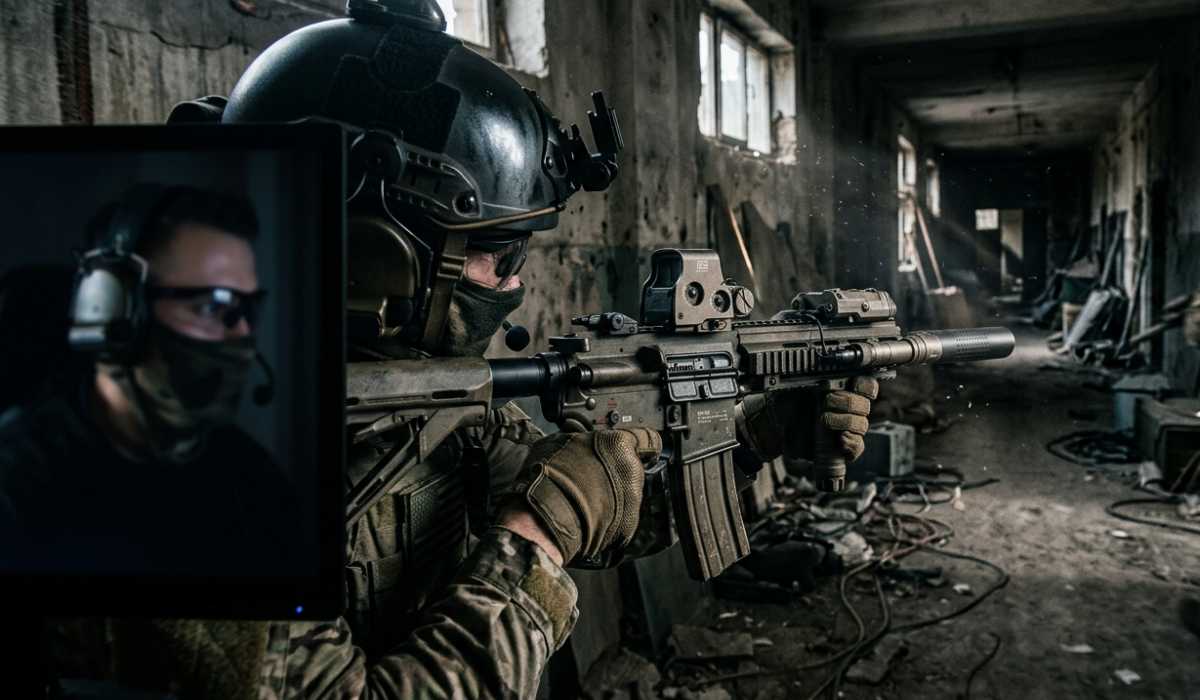
Bodycam is targeted at those players who prefer realism, tactical battles, and immersive FPS.
Its body camera and realistic shooting mechanics make it unlike other shooters.
The game is, however, in its developmental stages, and so optimization is in progress. Stability is enhanced with performance updates.
Provided that your system is up to recommended standards, Bodycam has an exclusive and cinematic FPS experience.
Final Thoughts
Bodycam system requirements are great due to the fact that the game is developed with realism and next-generation graphics. Even mid-range PCs can be limited in terms of performance during extreme conditions.
Never forget to check your GPU, RAM, and type of storage before playing. A powerful graphics card and SSD are significant performance differences.
Assuming that your system has the recommended specs, then you will have a smooth and immersive experience. Otherwise, settings will have to be lowered or hardware upgraded.
Bodycam is the future of FPS gaming: realistic, immersive, and highly demanding.