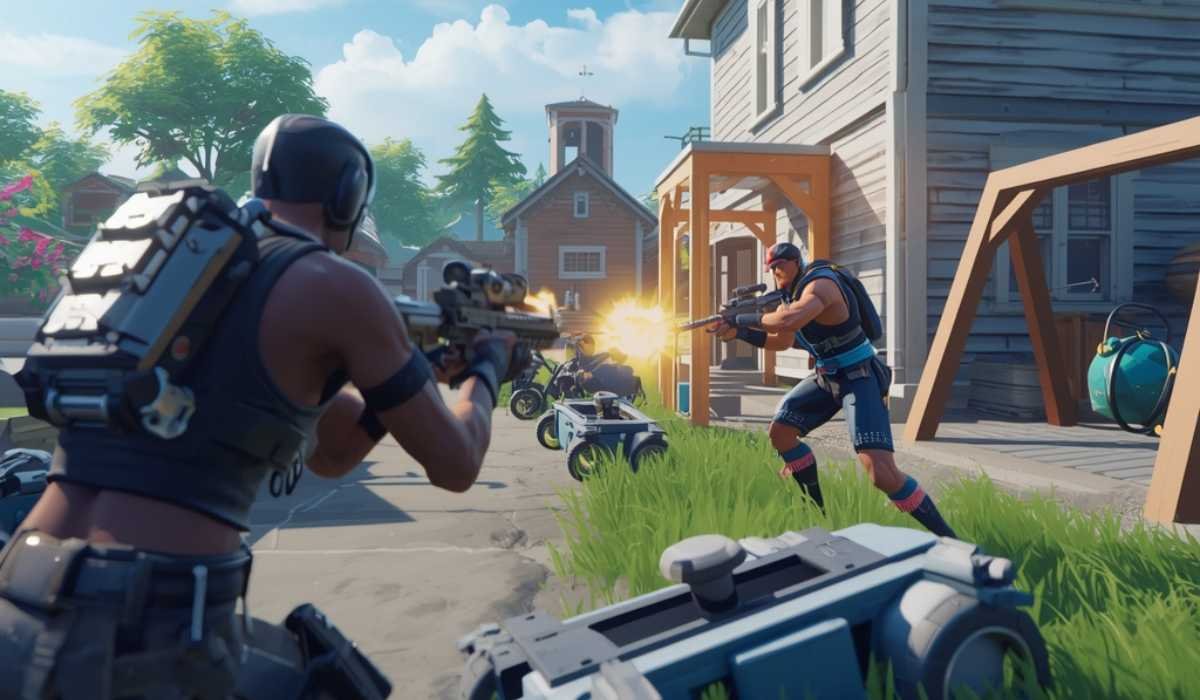
There are millions of players who are attached to Fortnite all over the world, making it one of the most popular games on all platforms. Having a reputation of being a fast-paced, combat-based game; a building game; and having frequent seasonal updates, Fortnite is popular among both non-competitive, casual players and high-performing ones.
But first you have to make sure that your system can cope with the game. The performance of Fortnite in terms of smooth running is based on the need to have the specifications that the game requires.
It is in this guide that we will discuss in detail the system requirements of Fortnite, what each specification implies, the comparison between various platforms, and tips on how to optimize your gaming experience most effectively.
Concept of system requirements
System requirements are what your device will need: hardware and software to get a game to run in the right way. The needs of Fortnite can be classed into three categories:
- Minimum Requirements: The prerequisites that are necessary to start the game. Screen time and image frequency can be reduced.
- Recommended Requirements: Perfectly well to play the game and enjoy the graphics. Apposite to the majority of players.
- High / Competitive requirements: Hardware to have high fps, maximum graphics quality, and competitive gaming.
By getting knowledge of these requirements, you can prevent such performance problems as lag, crashes, or sluggish loading. Achieving the recommended or high-end specifications would guarantee the stability in performance and enhance a more enjoyable gaming experience.
Fortnite PC/Windows System Requirements
The system requirements of Fortnite on PC are as follows:
| Requirement Type | Minimum | Recommended | High / Competitive |
|---|---|---|---|
| Operating System | Windows 10 64-bit | Windows 10 or 11 64-bit | Windows 10 or 11 64-bit |
| Processor (CPU) | Intel Core i3-3225 3.3 GHz / AMD equivalent | Intel Core i5-7300U / AMD Ryzen 3 | Intel Core i7 / AMD Ryzen 7 |
| Memory (RAM) | 8 GB | 16 GB | 16 GB+ |
| Graphics Card (GPU) | Intel HD 4000 / AMD Radeon Vega 8 | Nvidia GTX 960 / AMD Radeon R9 280 | Nvidia RTX 3070 / AMD RX 6700 XT |
| Storage | 30 GB free | SSD with 30 GB+ free | SSD for fast load times |
| DirectX | Version 12 | Version 12 | Version 12 |
Minimum conditions enable you to play Fortnite, but the graphics quality will be low, with the frame rates being low. Specifications recommended have a medium-to-high setting with smooth gameplay.
Premium or competitive settings are the most ideal in terms of frame rates and detailed graphics, suited to competitive gamers or live-streamers.
Importance of meeting the system requirements
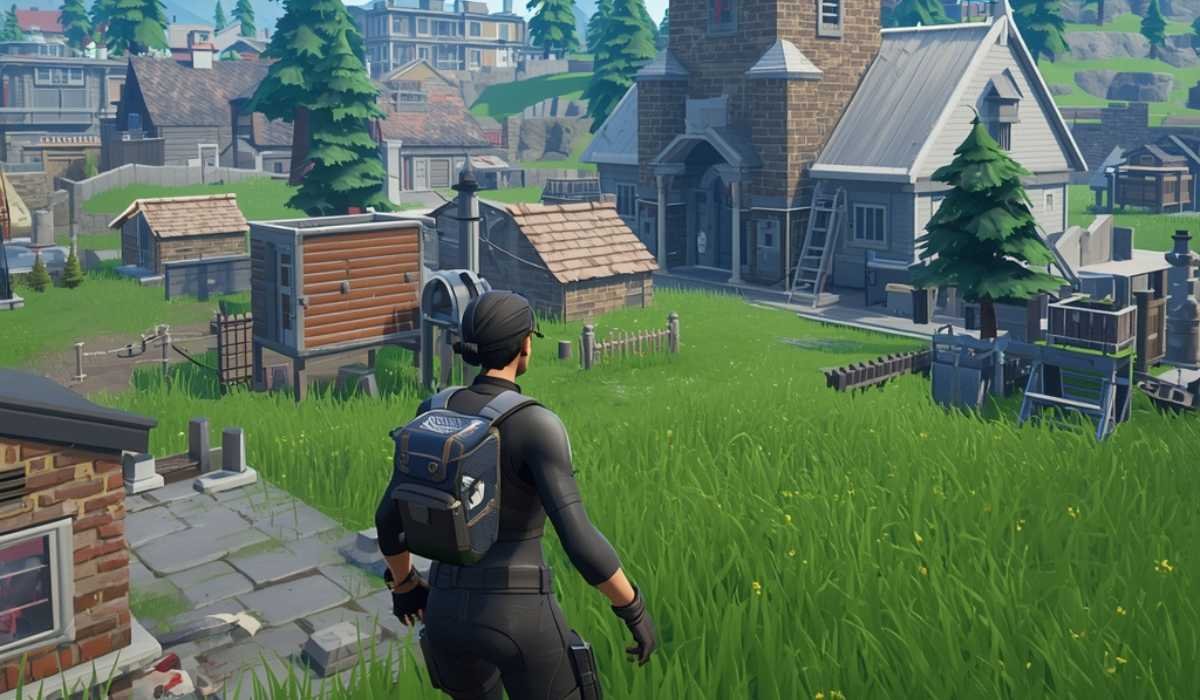
Fitting into the system requirements will affect your experience with Fortnite in various ways:
Fast Performance
The FPS allows building, shooting, and navigation to go much faster and more responsively.
Improved Graphics
The recommended and high-end setups can enable detailed textures, realistic lighting, and improved environmental effects.
Stability
Sound hardware eliminates crashing, freezing, or stuttering at peak periods.
Reduced Loading: Faster loads. SSDs are faster to load and have adequate RAM to access matches faster.
Competitive Advantage
The ability to have a competitive advantage during play with the use of high FPS and smooth controls.
Meeting the recommended specifications even by casual players would be an improvement, whereas for competitive gamers, the high-end systems would be a quantifiable advantage.
Fortnite on Various Systems
Fortnite could be found on a variety of platforms, and each has its compatibility issues:
Consoles
Fortnite can be optimized to run on consoles such as the PlayStation 4, PlayStation 5, Xbox One, Xbox Series X/S, and Nintendo Switch.
Consoles are a plug-and-play alternative to most players because the game automatically balances graphics and performance to ensure easy playing. Consent frame rates are constant, and automatic updates are processed.
Mac Computers
Fortnite is compatible with macOS, but it can perform well depending on the hardware. Macs that have dedicated graphics or high-end integrated GPUs have improved performance.
Aged Mac computers might require reduced graphics to play the game well. Regular updates to macOS are essential in order to be in line with new Fortnite developments.
Mobile Devices
On selected smartphones and tablets, Fortnite can also be played. Performance in mobile depends on processor speed, RAM, and storage.
Newer phones are able to run Fortnite well, whereas older phones might lag or have diminished graphics quality. Mobile versions can use either touch control or an external control and be flexible in their gameplay style.
How to Improve Fortnite Performance
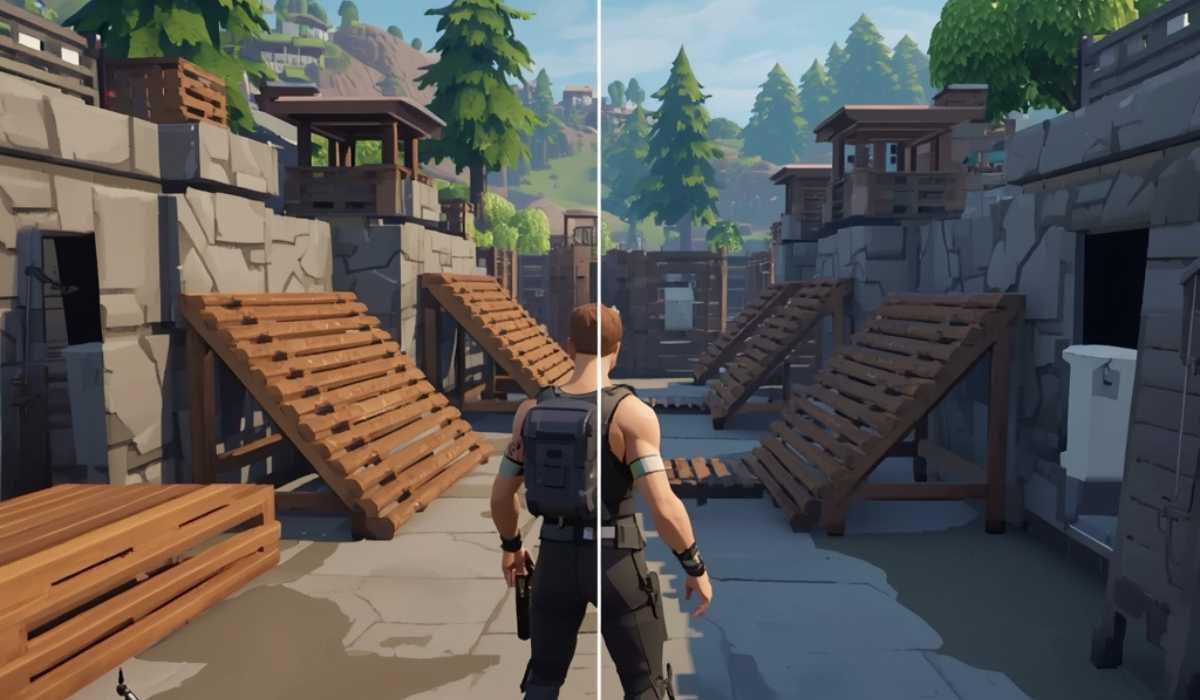
Your system might fulfill the requirements, but it can be optimized to make your use of it even more enjoyable:
Update Drivers: GPU and CPU drivers make sure that the drivers are compatible and perform better.
Install on SSS: Fortnite can run faster, and texture loading on the SSSs is smoother.
Tweak graphical options: The graphics can be reduced to shadows, textures, or effects to increase FPS.
Close Background Programs: This is because the release of memory and CPU resources eliminates lag.
Keep Storage Clean: You can make sure you have adequate storage; store updates and temporary files so they do not slow your system.
Such minor changes can have a great impact in both non-competitive and competitive play.
FAQs
Is it possible to play Fortnite using an older laptop?
Yes, provided it is done without problems with the minimum requirements. Reducing graphics can be used to facilitate the gameplay.
Is there any need for my own graphics?
Specialized GPUs offer more visuals and FPS. Integrated graphics are capable of playing Fortnite, although they may not perform well in high-intensity matches.
Is it important which type of storage?
Yes, SSDs have a great impact on decreasing load times and enhancing sampling of texture.
Do specifications of consoles matter?
Fortnite works optimally on consoles, and graphics automatically regulate high-quality work.
Are there Mac versions compatible with Fortnite?
Yes, but the Mac model depends on performance. Dedicated graphics or good built-in GPUs have improved output.
Conclusion
Fortnite is still among the most popular games on the planet. Knowledge of system requirements provides well-gamed play and an enhanced experience.
Minimum specifications enable you to play, recommended specifications are predictable in terms of performance and graphics, and premium setups have an advantage over rivals.
With the latest drivers and Fortnite on an SSD and graphics settings, you can have a good and quick battle and creative building without discontinuity. The important thing to take in order to play Fortnite on the highest level, be it PC, console, Mac, or mobile, is knowing what your system can handle.