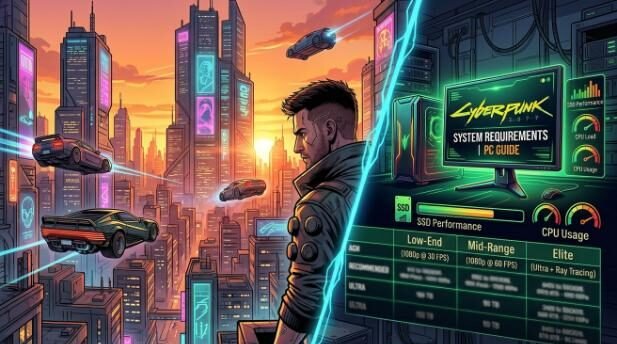
Cyberpunk 2077 is considered one of the most progressive open-world games to date. It provides realistic lighting, a detailed futuristic city, and rich gameplay. Due to this, several players worry whether or not their PC can sustain it.
This guide is in simple terms. It will be easy to identify the system requirements, understand the functions of each component, and learn how to improve performance.
Why Cyberpunk 2077 Is a Demanding Game
Cyberpunk 2077 is not an ordinary game. It employs modern technology to produce a very detailed world. The game consists of highly populated urban areas, lifelike NPCs, and state-of-the-art lighting effects.
All these functionalities demand powerful hardware. The game itself is also constantly updated, which enhances visuals but also raises the system requirements somewhat.
Due to this, the old systems might not work, particularly without upgrades such as SSD or extra RAM.
Rapid Response: Does Your PC Support Cyberpunk 2077?
Here is a brief summary:
- Low-end PC → Can run on low settings.
- Mid-range PC → Medium or high smoothness.
- Elite PC → Ultra with ray tracing.
With a minimum RAM of 12GB (or higher), a GTX 1060-grade graphics card, and an SSD, you can play the game at minimum settings.
Cyberpunk 2077 Minimum System Requirements
Minimum requirements imply that the game will work, although performance will be poor. To be safe, you might have to turn down graphics settings.
| Component | Requirement |
|---|---|
| OS | Windows 10 (64-bit) |
| CPU | Intel Core i7-6700 or AMD Ryzen 5 1600 |
| RAM | 12 GB |
| GPU | NVIDIA GTX 1060 (6GB) or AMD RX 580 |
| DirectX | Version 12 |
| Storage | 70 GB |
| Storage Type | SSD required |
What This Means
These specs will give you the expectation to play the game at low settings. The resolution will most commonly be 1080p or a little less.
Frame rates will remain in the range of 30-40 FPS. There can be a slight decrease in performance in crowded places.
Cyberpunk 2077 Recommended System Requirements
Suggested requirements provide a significant experience. The game is smoother and more visually enhanced.
| Component | Requirement |
|---|---|
| OS | Windows 10 (64-bit) |
| CPU | Intel Core i7-12700 or AMD Ryzen 7 7800X |
| RAM | 16 GB |
| GPU | NVIDIA RTX 2060 Super or AMD RX 5700 XT |
| DirectX | Version 12 |
| Storage | 70 GB SSD |
Performance Expectation
These specs allow you to play at high settings and with consistent frame rates. The majority of the players will achieve approximately 60 FPS at 1080p.
The quality of graphics is much higher than the minimum settings.
Ray Tracing Requirement and Ultra Settings
High-end hardware is needed by players who desire the best visuals. Ray tracing provides more lifelike reflections and light but also an extra load on the system.
High-End Hardware
| Component | Requirement |
|---|---|
| GPU | RTX 3070 / RTX 3080 or higher |
| RAM | 16 GB or more |
| Storage | SSD |
| CPU | Current multi-core processor |
What Varies at this Level
In ultra settings, textures are sharper, the light is realistic, and the environment is more immersive.
Nevertheless, 1440p or 4K play is demanding of a strong GPU. In its absence, the performance will decline.
Understanding Each Component
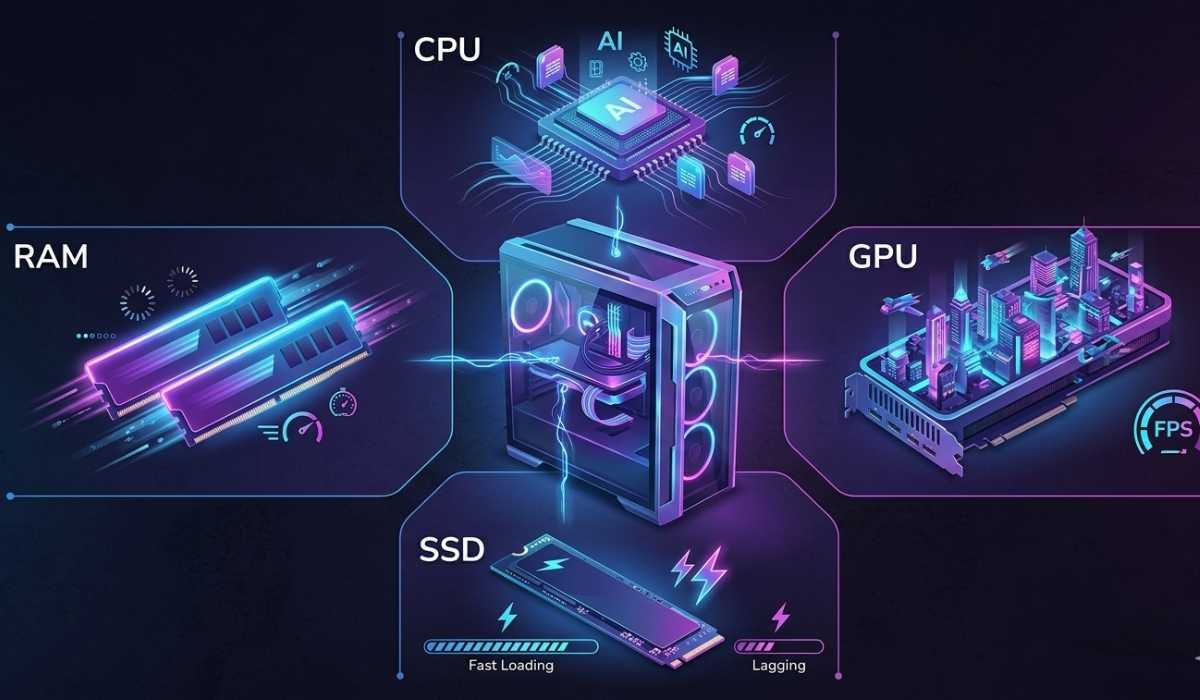
Not all users know well what each requirement entails. We can describe them in a simple manner.
Processor (CPU)
The CPU is responsible for running the game in the background. It is responsible for calculations, physics, and AI.
A poor CPU can result in:
- Stuttering in busy areas
- Late action response.
The powerful CPU guarantees more fluent gameplay.
Graphics Card (GPU)
The most significant component in relation to Cyberpunk 2077 is the GPU. It deals with images, textures, and lighting.
The following is its impact on performance:
- Low-end GPU → Low settings.
- Middle-level GPU: Medium to high.
- Hollywood GPU → Ultra + ray tracing.
A higher quality GPU enhances graphics and frames per second.
RAM (Memory)
RAM assists your system in running the game.
- 12GB → Minimum requirement
- 16GB → Recommended
- 32GB → Ideal multitasking capacity.
The low RAM may result in latency and crashes.
Storage (SSD Importance)
An SSD is now required for this game.
The advantages of SSDs are the following:
- Faster loading times
- Smooth texture streaming
- Less stuttering
HDD usage may lead to delays and low performance.
Performance According to Various Systems
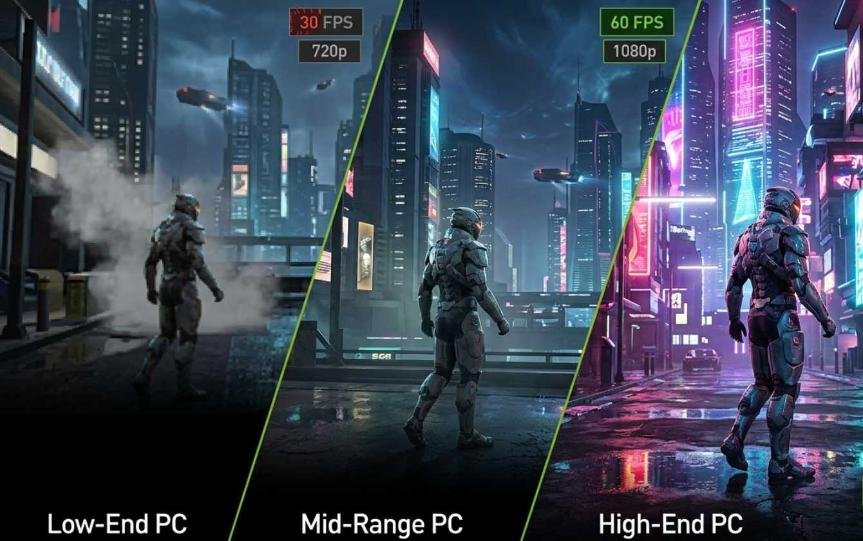
Your hardware setup is important to performance. The following is what you can anticipate.
Low-End PC
The game will run on low-end systems, but with the minimum settings. It might be required to scale down the resolution.
FPS will remain approximately 30, and it is not smooth.
Mid-Range PC
Mid-range systems have a moderate experience. You can play in medium or high settings.
The resolution of 1080p is effective, and gameplay is smoother.
High-End PC
Premium systems are the most enjoyable. You are able to work with ultra settings and increased resolutions.
FPS remains constant, and graphics are impressive.
Laptop vs Desktop Performance
Most of the users believe that the specifications in laptops and desktops are identical, but this is not the case.
The components on the laptops tend to be less powerful because of heat and power restrictions. Although the specifications might be identical, performance can be poor.
The cooling is also a major factor. The desktop will always have high performance compared to a laptop that is not properly cooled.
Optimal Environment to enhance performance
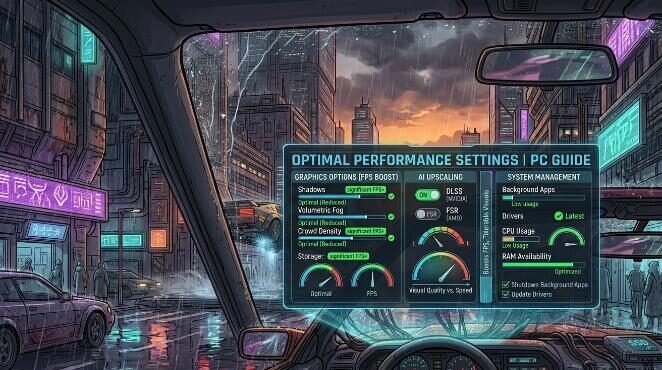
You can enhance performance without updating your PC. It can be beneficial to adjust settings.
Reduced Heavy Graphics Options
Certain settings have a greater effect on performance than others:
- Shadows
- Volumetric fog
- Crowd density
Making these settings smaller provides a significant FPS increase.
Use DLSS or FSR
The current GPUs are capable of performance-enhancing technology.
- DLSS for NVIDIA GPUs
- FSR for AMD GPUs
These capabilities both boost FPS but with tolerable visuals.
Manage Background Apps
Shut down unneeded programs prior to starting the game. This releases RAM and CPU.
In addition, update your drivers to enhance performance.
Typical troubleshooting and solutions
Although your system may be up to the task, something can go wrong.
- Lag or Stuttering
This normally occurs because of slow storage or low RAM. Ensure that the game is on an SSD. It can also be reduced by decreasing the number of people in a crowd. - Low FPS
Reduce the resolution and turn off ray tracing. DLSS or FSR to increase performance. - Game Crashes
Install the latest drivers and check game files. This fixes the majority of the problems.
Is Cyberpunk 2077 Easier to Run?
The game was experiencing performance problems at launch. Gradually, the stability and optimization were improved.
The game is now more compatible with modern systems. It is, however, still a demanding title, particularly on high settings.
Should You Upgrade Your PC?
In case of system difficulties, an upgrade can assist.To begin with, you should pay attention to the following parts:
- SSD (most important upgrade)
- GPU (improves graphics and FPS)
- RAM (to play it better)
- CPU (for overall performance)
Even minor upgrades may have a significant impact.
Final Thoughts
Cyberpunk 2077 is a weighty and yet rewarding game. It is very graphic and needs a powerful PC.
The game can be played on any system, provided that it meets the minimum specifications. To improve good results, strive to achieve recommended specs or above.
GPU, CPU, RAM, and SSD are the most essential elements. Striking a balance between them will provide you with the best experience.
Before installing, always compare your system with the requirements. This will assist you in preventing problems with performance and playing the game without difficulties.