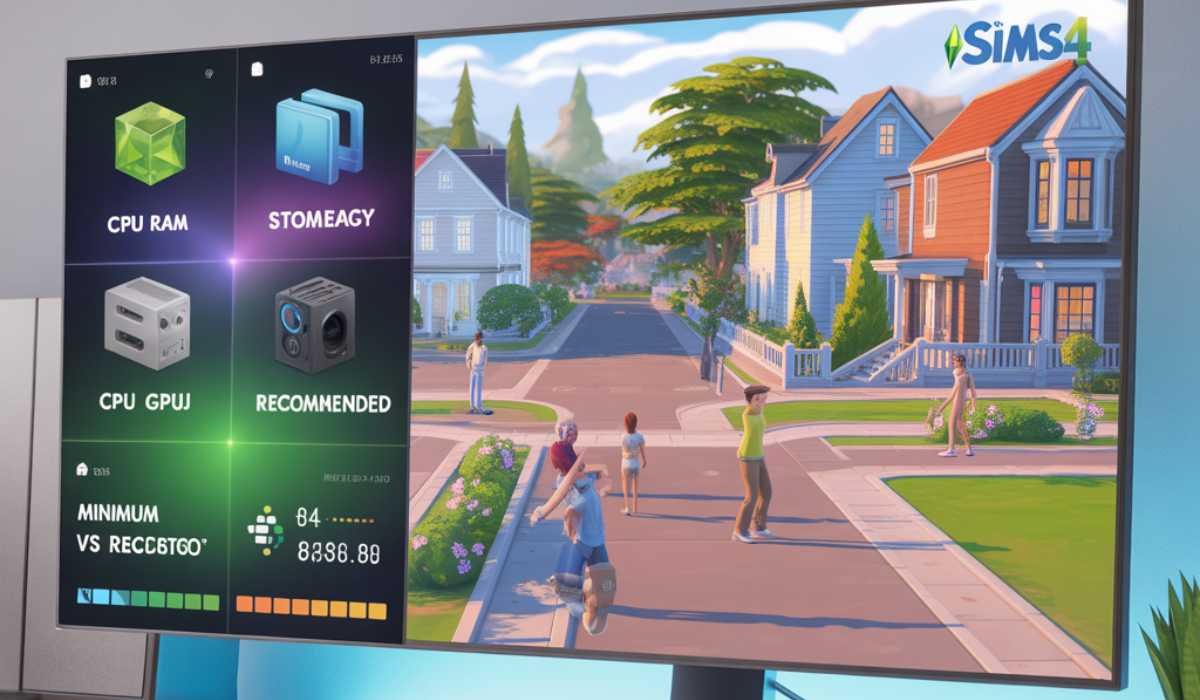
One of the most popular games of the life simulation genre is The Sims 4. Players are able to make characters, build houses, take care of families, and visit neighborhoods. There are several expansion packs and custom content, so it is wise to make sure that your system is capable of running the game to ensure smooth gameplay.
Before installing The Sims 4, it’s essential to check your PC or Mac specs. This manual describes the minimum and recommended requirements, performance hints, and tips for both Windows and macOS users.
Understanding System Requirements
System requirements tell you what your computer requires to be able to run a game. They dictate the adequacy of your CPU, RAM, GPU, storage, and operating system to play without issues.
Minimum requirements enable the game to run in a basic setting, but it can be slow. Suggested specifications offer a better gaming experience, better graphics, and consistent frames.
In the case of The Sims 4, where calculations are based on AI, several active Sims, and build/buy features, it is imperative to learn about the requirements of the system.
Minimum System Requirements
In order to play The Sims 4 at its minimum settings, your computer must have the following minimum specifications:
| Component | Requirement |
|---|---|
| Operating System | Windows 7 (SP1), Windows 8, Windows 8.1, or Windows 10 (64-bit) |
| Processor | Intel Core 2 Duo 1.8 GHz / AMD Athlon 64 Dual-Core 4000+ |
| RAM | 4 GB |
| Graphics | NVIDIA GeForce 6600 / ATI Radeon X1300 / Intel GMA X4500 |
| DirectX | Version 9.0, 10, 11 |
| Storage | 15 GB of free space |
| Resolution | 1280 × 768 minimum |
By satisfying these requirements, gameplay can be enjoyed, but it may have poor performance in large neighborhoods or when several expansion packs are used.
Recommended System Requirements
To enjoy the game without any glitches and to have a superior visual experience, the following are the recommended specifications of your system:
| Component | Requirement |
|---|---|
| Operating System | Windows 7 (SP1), Windows 8, Windows 8.1, or Windows 10 (64-bit) |
| Processor | Intel Core i5 or higher |
| RAM | 8 GB |
| Graphics | NVIDIA GTX 650 or higher |
| DirectX | Version 11 |
| Storage | 18 GB of free storage |
| Resolution | 1920 × 1080 |
These requirements enable great graphics, quicker loading, and dependable functionality, particularly when multiple expansions are utilized or when playing in creative build mode.
Sims 4 on MacOS
In the case of Mac users, The Sims 4 will require:
| Component | Requirement |
|---|---|
| Operating System | macOS X 10.7.5 or later |
| Processor | Multi-core Intel processor |
| Memory | 4 GB (minimum), 8 GB (recommended) |
| Graphics | Intel HD Graphics 4000 or better |
Newer Macs with dedicated GPUs will be more efficient, particularly in build/buy mode or handling of large households.
CPU and Game Logic
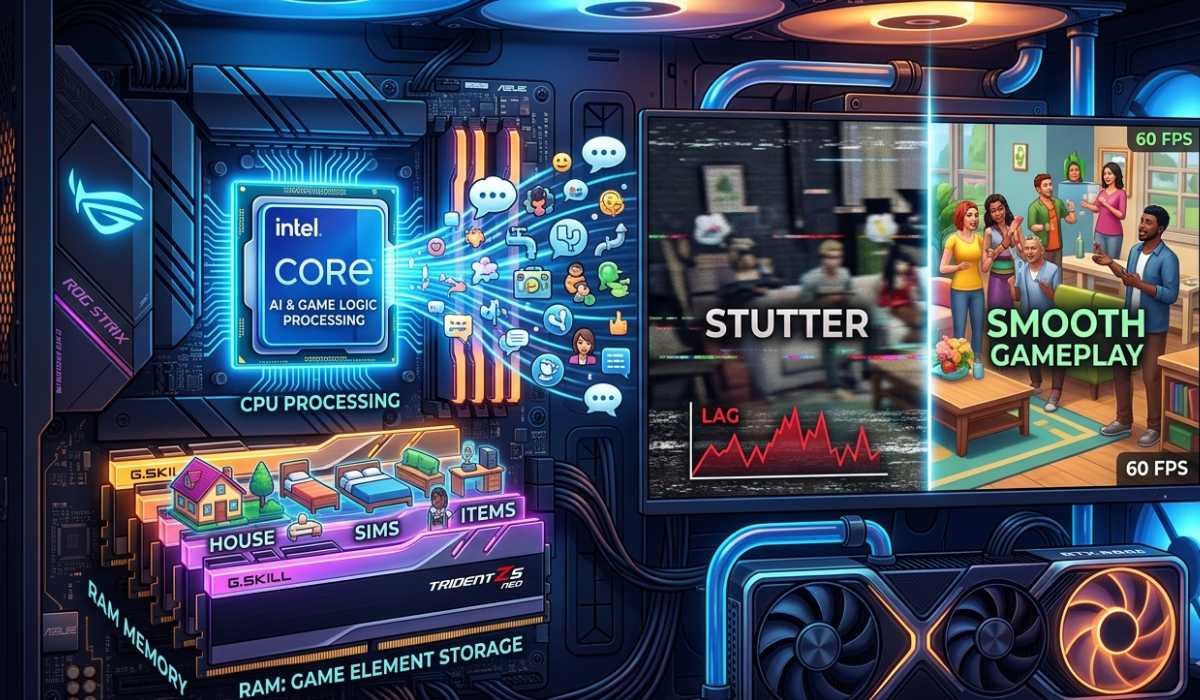
Game logic, AI behavior, and active Sim interactions are processed by the CPU. Powerful CPUs guarantee a better gaming experience, especially in big families or with many neighbors. The game can be run with a minimum of CPUs, but with stuttering.
Suggested processors, such as Intel Core i5 or more, provide good performance and quicker computation.
Memory and Fluid Gameplay
Active Sims, world interactions, and objects are temporarily stored in RAM. When gameplay is limited to the essentials, 4 GB RAM is enough, and 8 or more will be sufficient to support many expansion options.
Increased RAM minimizes stuttering and enables more extended households and rich neighborhoods.
Graphics and Visual Quality
The GPU handles animations, lighting, and textures. It can use integrated graphics, but it might not work with crowded neighborhoods or the build/buy mode. Suggested GPUs provide better quality graphics and a constant frame rate.
Load times are also better on an SSD when installing the game.
Expansion Packs
Additional content, such as seasons, cats and dogs, and city living expansion packs, provides new objects, interactions, and gameplay. They put a strain on the CPU, RAM, and GPU:
- Multiple expansions increase memory usage
- Recommended hardware might be needed in large households and intricate neighborhoods.
- Change graphics and resolution to play with many packs with smoother performance.
Performance Improvement Tips
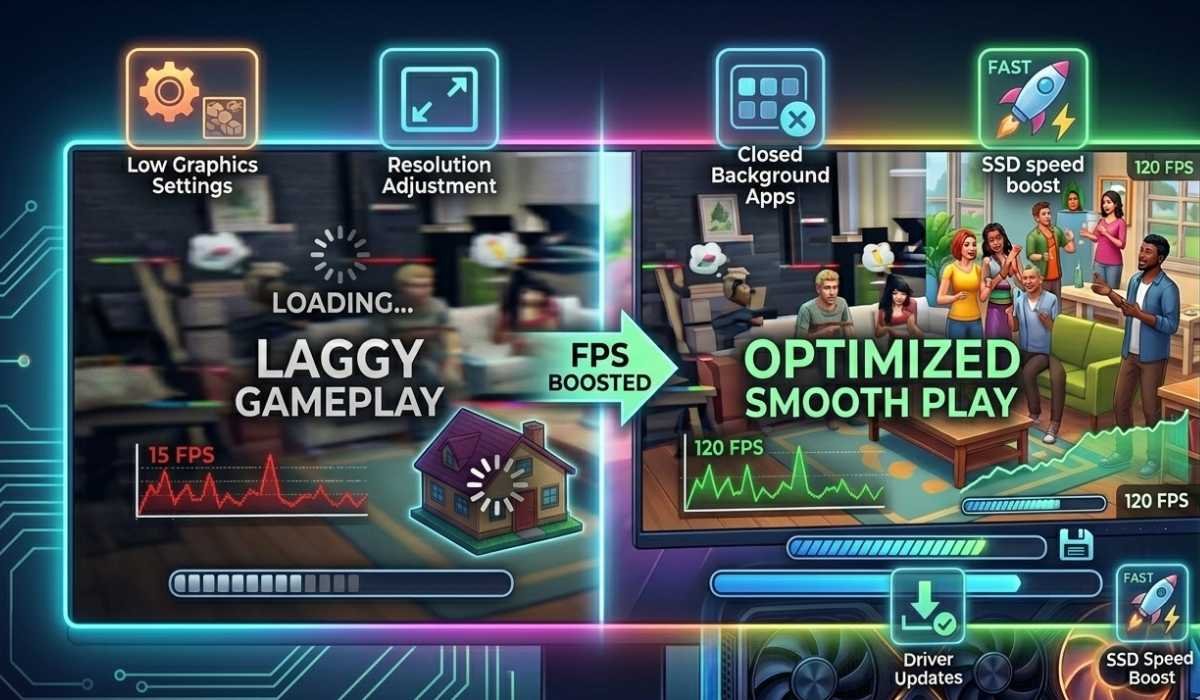
Although your system may be the minimum required, you can enhance gameplay by:
Lower Graphics Settings
Lessen visual effects and shadows to ease gameplay.
Adjust Resolution
Reduce the screen resolution or turn on the screen resolution scaling.
Close Background Applications
Close all system resources and then start the game.
Update Drivers
Maintain up-to-date system software and GPU drivers.
Use SSD
Installing the game in an SSD shortens the load times and enhances performance.
Checking Your System
Windows
Click Windows + R, enter dxdiag, and press Enter.
Check CPU, RAM, and GPU information.
Mac
Click Apple logo → About This Mac
View processor, memory, and graphics information
Check compatibility between your system requirements and specifications.
Minimum Performance
Reduced graphics, frame rate when in crowded neighbourhoods, and increased load times in build/buy mode.
Recommended Performance
Fluid gameplay and quality graphics, reduced load times, and consistent frame rates, even when using expansion packs and with multiple people.
Supported Issues and Fixes
- Crashes: Patches and drivers.
- Low FPS: Lower graphics options.
- Spend a long time loading: Use an SSD.
- Graphical glitches: Update graphics drivers.
Sims 4 on Laptops
GPU, cooling, and power settings are determinants of laptop performance. Laptops with dedicated GPUs can easily support expansions, and laptops with older graphics might need reduced graphics options. Stability is enhanced by playing when it is plugged in.
Conclusion
The Sims 4 can run on a variety of systems. Minimum specs can be used to play the game, whereas recommended specs will provide a smoother gaming experience, shorter loading time, and improved visuals.
Addressing system requirements guarantees the optimal experience during the construction and storytelling of virtual neighborhoods and exploration.