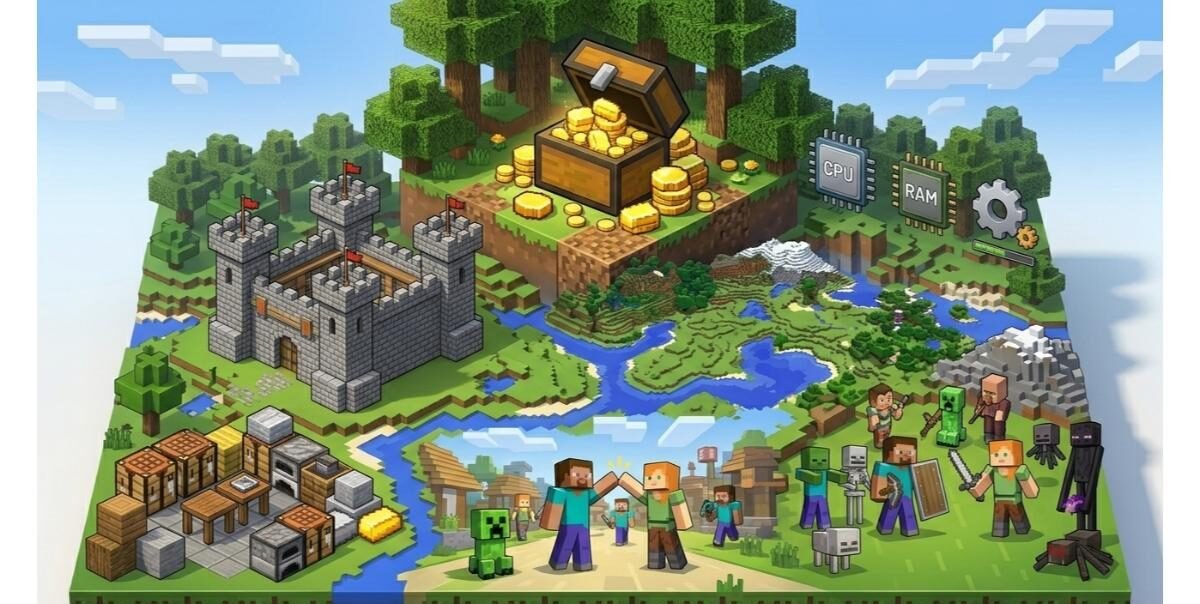
Minecraft is among the most liked sandbox games worldwide. It is characterized by its basic block-style graphics and limitless creativity. Most individuals think that it would run on any computer without issues.
Although this is generally the case, the actual solution will be subject to the way you play the game.
Minecraft is extremely lightweight, yet it can be made strenuous with settings, huge worlds, or mods and shaders. This is the reason why it is important to know the system requirements before installing the game.
What is Minecraft
Minecraft is a sandbox game in which the player is able to build, explore and even survive in a block-based world. It does not have a set goal so you can play the game in your unique fashion.
You are able to amass resources, make tools, construct buildings, and battle foes. Play with friends in multiplayer mode and join big online servers is also possible.
Although it has a simple graphics, the game consumes system resources in the background. The world continues to generate even when you are in motion and it consumes CPU and RAM. This is why performance is based upon your hardware and settings.
Minecraft System Requirements
This section provides you with a brief overview to make sure whether your PC is capable of running the game.
Java Edition Requirements
Minimum
| Component | Requirement |
|---|---|
| CPU | Intel Core i3-3210 / AMD A8-7600 |
| RAM | 2 GB |
| GPU | Intel HD 4000 / AMD Radeon R5 |
| Storage | 4 GB |
| OS | Windows 7 and above |
Recommended
| Component | Requirement |
|---|---|
| CPU | Intel Core i5-4690 / AMD A10-7800 |
| RAM | 4 GB or more |
| GPU | Nvidia GeForce 700 series or higher |
| Storage | SSD preferred |
| OS | Windows 10 or higher |
Bedrock Edition Requirements
Minimum
| Component | Requirement |
|---|---|
| CPU | Intel Celeron J4105 / AMD FX-4100 |
| RAM | 4 GB |
| GPU | Intel HD Graphics 4000 |
| Storage | 1 GB |
| OS | Windows 10 |
Recommended
| Component | Requirement |
|---|---|
| CPU | Intel i7-6500U / AMD A8-6600K |
| RAM | 8 GB |
| GPU | NVIDIA GeForce 940M or higher |
| Storage | SSD |
| OS | Windows 10/11 |
Java and Bedrock- Performance Difference
Here’s a brief difference between Java and Bedrock-Performance
Java Edition
The first version of Minecraft is Java Edition. It is extensively employed due to its maximum customization. The players are able to install mods, shaders, and play custom servers.
Due to these features, Java Edition consumes extra system resources. It is also very CPU intensive and more RAM is needed when mods are downloaded. With high settings or heavy mods, the performance will decline rapidly.
Bedrock Edition
Bedrock Edition is less prone to crashes. It is streamlined to operate on numerous devices, both high-end and low-end PCs and mobile devices.
This version consumes less system resources, hence, leading to an improved FPS. Bedrock Edition is preferable to your PC, which is not very powerful.
Is it possible to play Minecraft on a Low-End PC?
One of the few games that can be used on low-end systems is Minecraft. Although the PC may not be too powerful, you can still have fun with the game.
A Smooth Experience over Low-End Systems
With low settings, the game will run smoothly. A smaller world and less render distance will go a long way. Bedrock Edition is particularly well-suited to low-end PCs, as it is performance-optimized.
When Performance Drops
You can experience lag when:
- The render distance is too high
- Worlds are loaded big.
- There are too many background applications in operation.
Most of the problems can be corrected by maintaining settings low and disabling unneeded programs.
Performance Depends on You
You can experience lag when:
- The render distance is too high
- Worlds are loaded big.
- There are too many background applications in operation.
Most of the problems can be corrected by maintaining settings low and disabling unneeded programs.
Your Settings
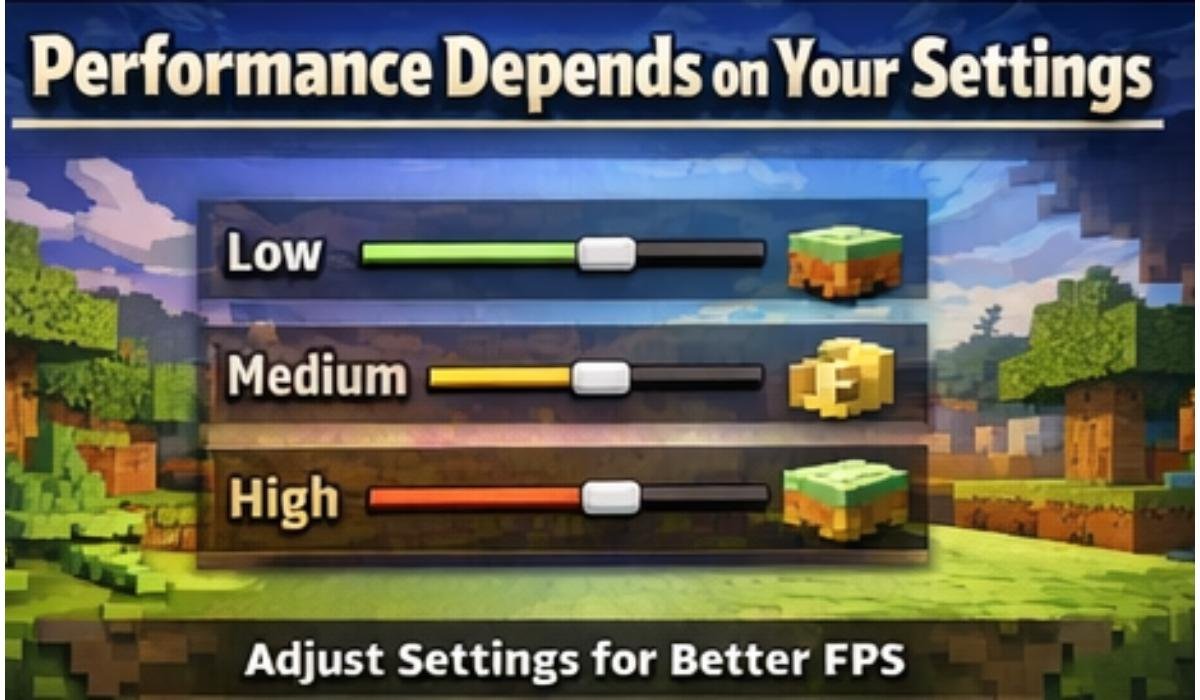
Minecraft game settings are quite significant for performance. Good PC also can also slow down with inappropriate settings.
Low Settings
Minimal settings minimize system loading. This consists of reduced render distance and plain graphics. Weak systems and laptops work better with it.
Medium Settings
Medium settings provide a balance of visuals and performance. The majority of players play using this level as it offers a smooth experience with enhanced graphics.
High Settings
High settings enhance the quality of visuals, but they need powerful hardware. This level can cause lag and a reduction in FPS in weak systems.
Specifications of Minecraft on Various Systems
Minecraft is compatible with various operating systems, although they have a somewhat different experience.
Windows
The most popular platform of Minecraft is windows. It comes in both Java and Bedrock Editions. Java is compatible with older versions such as Windows 7, whereas Bedrock needs Windows 10 or higher. Windows support most of the features.
macOS
Java Edition can only be played by Mac users. The game is well run as long as the system has sufficient RAM and a good processor.But performance might not be as smooth as windows particularly in old machines.
Linux
Java Edition is supported by Linux. You must have Java and correct graphics drivers installed.It is a smooth performance with the proper configuration.
Storage Space, Game Size
Installing Minecraft does not consume a lot of storage. The size of the base game is small.The size however increases with time.
This is because saved worlds increase with the number of places you venture. Data is added with every new part of the world.
Storage can also be increased dramatically by mods. Certain mod packs take up many gigabytes of memory.An SSD is faster to load compared to a hard drive and enhances the experience of playing the game.
Requirements of Mods and Shaders
Mods and Shaders have the potential to transform the appearance of the Minecraft game and its mechanics entirely. They also raise the requirements of systems.
Mods
Mods introduce new gameplay, items, and features. Other mods are light, whereas big mod packs are heavy.
To play mods and have smooth gameplay:
- At least 8 GB RAM is recommended
- A fast CPU enhances performance.
- Huge mod packs have the potential to slow down your system.
Shaders
Shaders enhance lighting, shadows, and reflections. They give the game a realistic appearance.
In order to execute shaders smoothly:
- You require a powerful GPU.
- More RAM is required
- FPS can decrease to very low levels without the appropriate hardware.
Minecraft RTX Requirements
Minecraft RTX is an exclusive feature in Bedrock Edition.To create realistic light and reflections, it uses ray tracing. Your system should have:
- NVIDIA RTX family GPU (such as RTX 2060 or above)
- at least 8 GB RAM
- Windows 10
RTX is what makes the game look fantastic and is not mandatory in the regular gameplay. It is primarily among those who desire top-tier graphics.
Common Performance Issues
Even with a PC that meets the requirements, Minecraft might not run smoothly at times.
This may occur due to high settings, old drivers or big game worlds. System resources can also be used by background applications and lower the performance.
Common Reasons
- high render distance
- excessive number of mods.
- outdated graphics drivers
The vast majority of these issues can be resolved by setting changes or updating drivers.
Tips to Improve Performance
You do not necessarily have to upgrade your PC in order to enhance performance. Minor adjustments can have major impacts.
- reduce render distance
- disable graphic effects
- close background applications
- update graphics drivers
These measures will aid in enhancing FPS and decrease lag. Optimization tools, such as OptiFine, can also be used by Java players to enhance performance.
Is Minecraft a Heavy Game
Minecraft is not a heavy game per se. It is compatible with numerous systems.With default settings and no modifications, it can run well even on low-end PCs. Nonetheless, it is challenging as you add settings or access sophisticated functions.
Examples of heavy usage are shaders, big worlds, and mod packs. A more powerful PC is needed in these instances.
Optimal PC Build to play without issues
A mid-range PC is sufficient in case you need a hassle free experience.
CPU: Intel Core i5 or Ryzen 5.
RAM: 8 GB or more
GPU: GTX 1650 or higher.
Storage: SSD
This configuration enables you to run both Java and Bedrock Editions. It also has light mods and enhanced graphics.
Checking your PC Specs
Prior to the installation of Minecraft, one should check the specifications of the system.
Steps to check
- open system settings,
- monitor RAM, and the processor.
- instances of graphics cards.
Once you confirm your specs, compare them with the specifications above. This will aid you in determining whether your PC is capable of running the game smoothly.
Final Thoughts
Minecraft is highly adaptable in terms of system requirements. It is capable of running on low-end PCs; however, it can also utilize high-end hardware to provide enhanced graphics and features.
Bedrock Edition is the most suitable option if your PC is not that powerful. Java Edition is preferable in case you desire greater control, mods, and customization.
The game can be configured to play in a number of different ways, and how you play the game is what determines your experience. With a little adjustment and knowledge of your system, you can play Minecraft without performance problems.