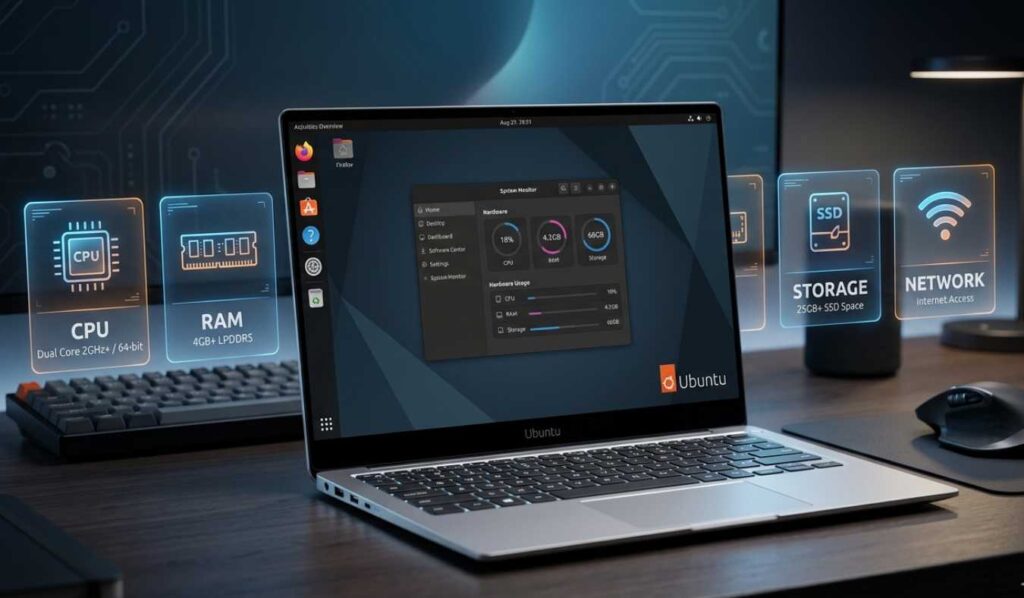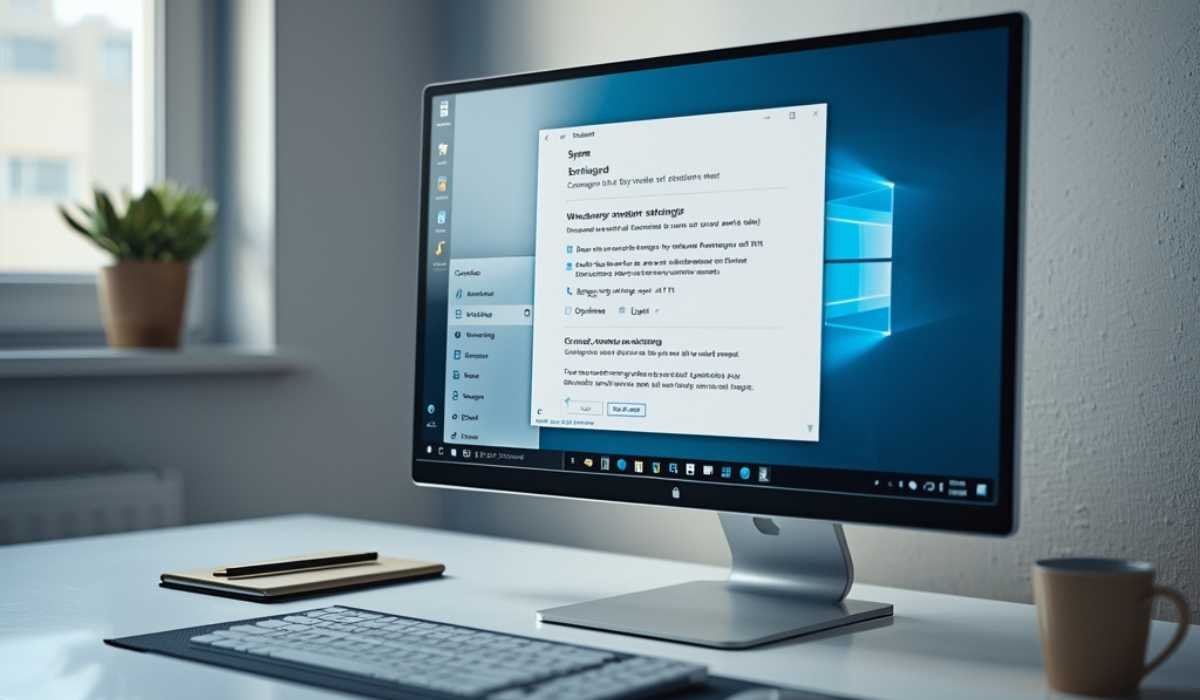
Windows 10 is among the most popular operating systems in the world. It is characterized by the simplicity of the design, smooth operation, and compatibility with various kinds of hardware.
Prior to the installation of an operating system, one should be aware of its system requirements. These requirements inform you whether your computer is capable of running the system or not. Without having an appropriate system, you might experience issues such as slow performance, hardware freeze, or failure to install the necessary system.
Windows 10 is compatible with low-end systems, making it popular. Nevertheless, its ability to run on a system does not imply that it will run smoothly. This is the reason why it is so important to have knowledge of the minimum and recommended requirements.
Windows 10 Minimum System Requirements
Your system will require some basic hardware to install Windows 10. The following are the minimum requirements of the operating system.
Minimum system requirements:
| Component | Requirement |
|---|---|
| CPU | 1 GHz or more processor |
| RAM | 1 GB (32-bit) or 2 GB (64-bit) |
| Storage | 32 GB of storage space |
| Graphics | DirectX 9 or later with WDDM 1.0 |
| Display | 800 × 600 resolution |
These are very basic requirements and are intended to be used with older computers. These specifications can be easily fulfilled by most systems.
Basic Hardware Requirements Explained
| Component | Details |
|---|---|
| Processor | Windows 10 requires a minimum of a 1 GHz processor, which can be met by older CPUs |
| Performance Note | Minimum processor may slow down tasks like opening software or switching applications |
| RAM (Memory) | Minimum requirement is 2 GB RAM, but it is not sufficient for modern multitasking needs |
| Performance Note | With 2 GB RAM, lag may occur when running multiple applications at the same time |
| Storage | Windows 10 requires at least 32 GB of storage space for installation |
| Performance Note | Limited storage reduces space for files and applications after system installation |
System Requirements to improve the performance
Windows 10 can be used with minimal specifications, and recommended specifications guarantee a better experience.
To achieve good performance of your system, you should strive to achieve higher standards of hardware.
Recommended specifications:
| Component | Requirement |
|---|---|
| Processor | Dual-core or more (Intel Core i3 or similar) |
| RAM | 4 GB (8 GB is desirable) minimum |
| Storage | SSD of 64 GB or more |
| Graphics | DirectX 10 or above |
| Display | 1366 × 768 resolution or more |
Advantages of Recommended Specifications
A superior processor enables your system to operate more quickly and multitask with ease. It enhances efficiency and saves time in waiting.
Increased RAM will enable you to operate multiple applications without any problems. You are able to surf the internet, work on office applications, and watch videos without any form of lag.
One of the best upgrades is to use an SSD, rather than a regular hard drive. It also boots faster and enhances the time to load applications.
An increased display resolution also enhances the viewing experience, and everything appears clearer and more detailed.
Compared to Windows 10, Windows 11 system requirements include TPM 2.0 and Secure Boot for better security.
Windows 10 Requirements: feature specifications
Windows 10 has numerous features that are of an advanced nature, yet others require some extra hardware support. These features can not be used on all systems.
Feature-specific requirements include:
BitLocker Encryption: Does need a TPM chip.
Windows Hello: Needs a fingerprint sensor or an IR camera
Hyper-V Virtualization: Needs CPU virtualization.
Touch Capabilities: Must have a touch-sensitive screen.
These are optional and provide additional functionality and security.
To illustrate, BitLocker will assist in securing your information, whereas Windows Hello will provide quicker access to your computer by using biometric authentication. In case your system has such features, you will be better off.
Checking PC Specifications
You will want to check your system specifications before installing Windows 10. This will assist in verifying that your computer is fit.
Using Settings
Click on System and open About in Open Settings. Here you will find your processor, RAM, and the type of your system.
With the System Information Tool
You can search for “System Information” in the Start menu. This utility gives you a good description of your hardware.
Using Command Prompt
Command Prompt will also allow you to check your system.
Steps:
- Open Command Prompt
- Type “systeminfo”
- Press Enter
This command will show full system information, such as memory, processor, and version of the operating system.
Low-End systems have certain common problems
When your system just matches the minimum requirements, you might experience a number of problems when using Windows 10.
Common problems:
- Delays in startup and shutdown.
- Lag while opening programs
- Lack of storage capacity to store updates.
- Poor multitasking performance
These problems may result in your system being frustrating to use. Tasks that seem easy can be more time-consuming than anticipated.
The old hardware cannot keep up with new software, which may result in freezing or crashing of the system. This is the reason as to why in most cases, you need to upgrade your system.
How to have Windows 10 work faster
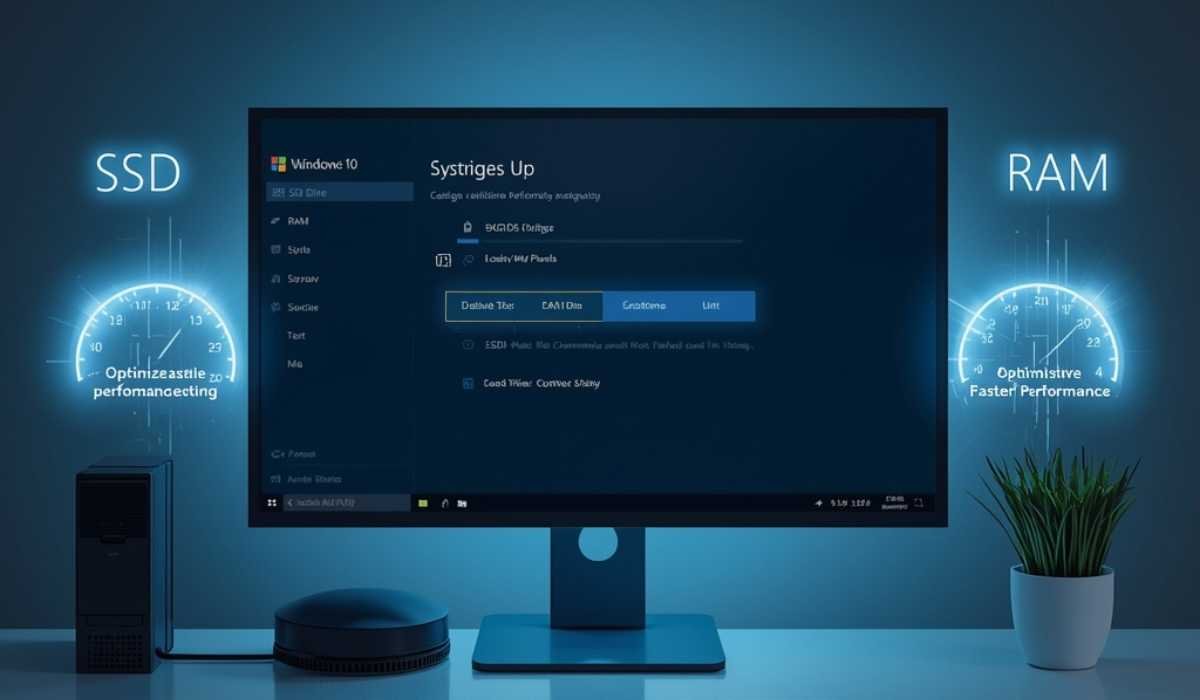
Slow system: With a few simple steps, you can enhance your performance. Not all computers have to be purchased.
Upgrade Important Hardware
Performance can be significantly enhanced by upgrading major components.
Recommended upgrades:
- Install an SSD instead of an HDD.
- Increase RAM to at least 4 GB or more
These improvements will make your system quicker and more responsive.
Optimize System Settings
System settings can also be optimized to enhance performance.
- Turn off unneeded startup programs.
- Remove unused applications
- Always update your system.
Such changes assist your system in operating more effectively.
System settings can also be optimized to enhance performance.
- Turn off unneeded startup programs.
- Remove unused applications
- Always update your system.
Such changes assist your system in operating more effectively.
Windows 10 in the current Technology
Windows 10 was created to accommodate numerous devices. It is compatible with both new and old systems. This is one of the reasons why it is popular.
Nevertheless, technology keeps on getting better. Better hardware is designed to be used in the new operating systems and provides better performance and security.
Windows 10 can be used, but it might not be compatible with future updates and new applications, as well as new systems.
Who is Windows 10 suited for?
Most users can use Windows 10, particularly those who have simple needs.
Best for:
- Older computer users.
- Students doing basic tasks
- Browsing and office work, such as documents.
Nevertheless, users who require high performance or features should consider upgrading to a more recent operating system.
Final Thoughts
The requirements of Windows 10 are not complicated and can be easily fulfilled, which is why it can be a very good choice among numerous users. It is accessible and convenient since it can operate on older systems.Nonetheless, it is not enough to satisfy the minimum requirements to have a successful experience. Its users are supposed to target suggested specifications to have enhanced performance.
A RAM upgrade and SSD can make a massive difference. Such minor modifications can enhance speed, decrease lag, and increase the overall usability.
Always ensure that you check your system specifications before installing Windows 10. This will guide you in preventing issues and ensuring your system works correctly.
Finally, to make the correct decision, it is necessary to comprehend system requirements. It also assists you in determining the most appropriate configuration to suit your requirements and guaranteed computing experience.