Ubuntu is a popular Linux-based operating system that is stable, secure, and flexible. It is free and open-source, developed by Canonical, which has made it popular among students, developers, IT professionals, and organizations.
It is compatible with modern and older hardware, hence its use in education, development, cloud computing, and servers. Nevertheless, Ubuntu still has particular system requirements that need to be met so that the performance of the system can be smooth and no problems linked to lag or slow booting can occur.
Ubuntu System Requirements
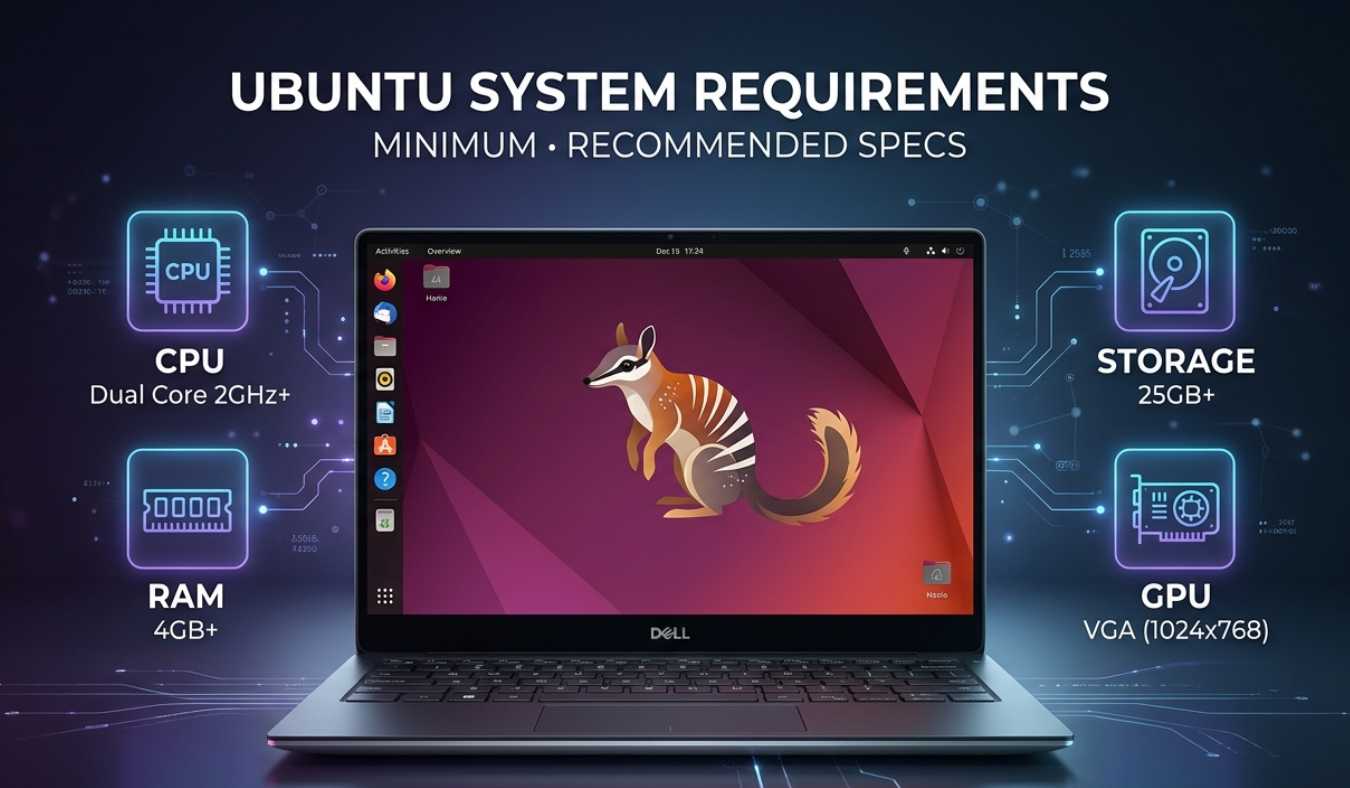
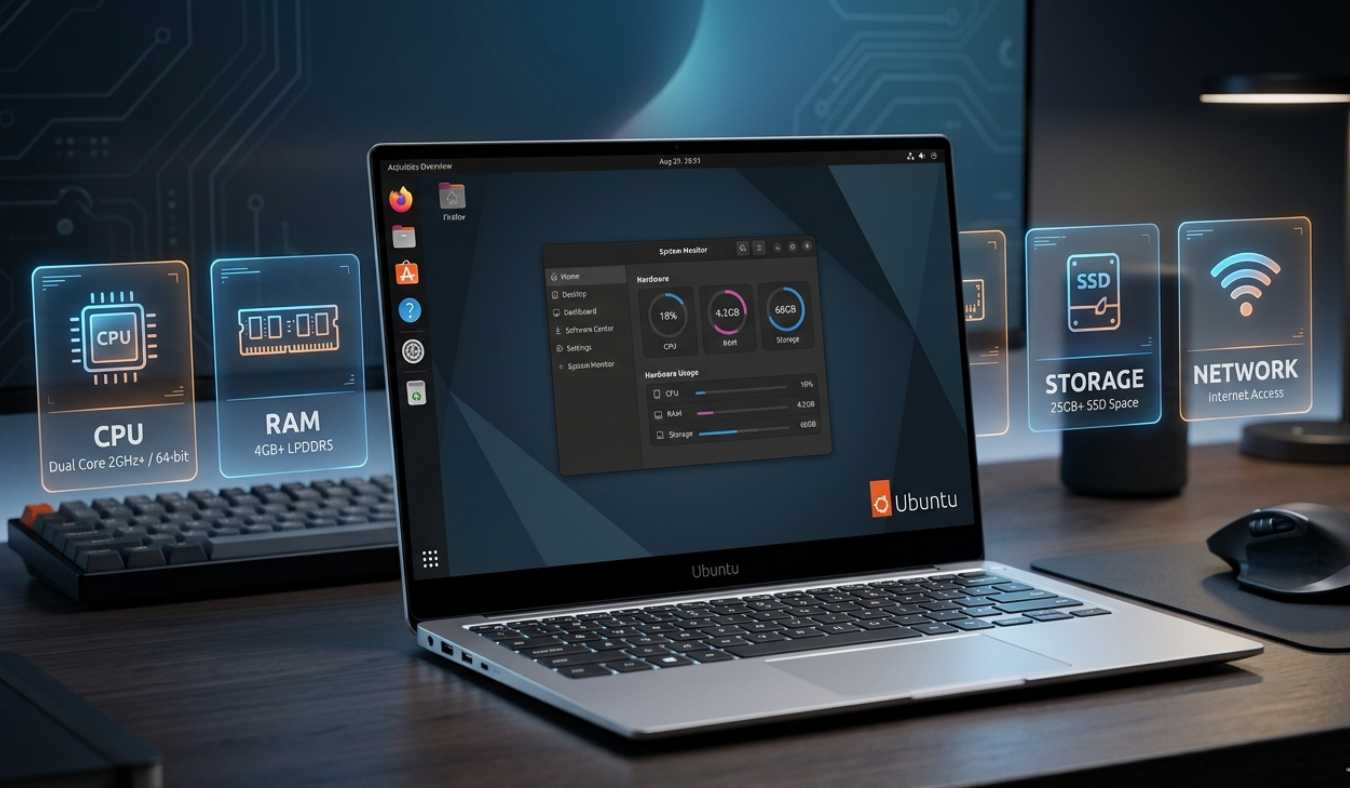
Make sure that your system is at least at the minimum or recommended requirements before installing Ubuntu. Recent releases such as Ubuntu 22.04 LTS and 24.04 LTS have similar hardware specifications.
Ubuntu has been changing with time, and this has raised its needs with better graphics, security, and advanced applications.
Minimal System Requirements (Ubuntu Desktop)
The following are the minimum requirements to install and be able to run Ubuntu Desktop:
| Component | Requirement |
|---|---|
| CPU | 2 GHz (dual-core) or faster |
| RAM | 6 GB minimum |
| Storage | 25 GB or more free disk space |
| Display | 1024×768 resolution or better |
| Graphics | Basic graphics support for desktop interface |
These are the requirements that enable Ubuntu to run well; however, its performance might not be too smooth when more than one application is in use.
Recommended System Requirements (To run smoothly)
To ensure that Ubuntu performs well without any delays, particularly when it comes to multitasking or development-related tasks, the following specifications are a good idea:
| Component | Requirement |
|---|---|
| Processor | Quad-core 2.5 GHz or higher |
| RAM | 8 GB or more |
| Storage | 50 GB SSD or greater |
| Graphics | Integrated or optional dedicated GPU (recommended for design, gaming, or AI work) |
These specifications make Ubuntu highly efficient and capable of supporting heavy workloads like programming, virtual machines, and multimedia editing.
Ubuntu Server System Requirements
Ubuntu Server is crafted to be used in cloud, hosting, and backend networks. It does not have a graphical interface as a default; hence, it consumes fewer resources than Ubuntu Desktop.
| Component | Requirement |
|---|---|
| CPU | 1 GHz or faster (64-bit preferred) |
| RAM | 1.5 GB minimum (3 GB or more preferred) |
| Storage | 4 GB or more (depends on installed services) |
| Network | Required for updates, remote access, and server configuration |
Ubuntu Server is extensively deployed in firms and data centers due to its effectiveness and reliability.
Lightweight Ubuntu Versions (Old Computers)
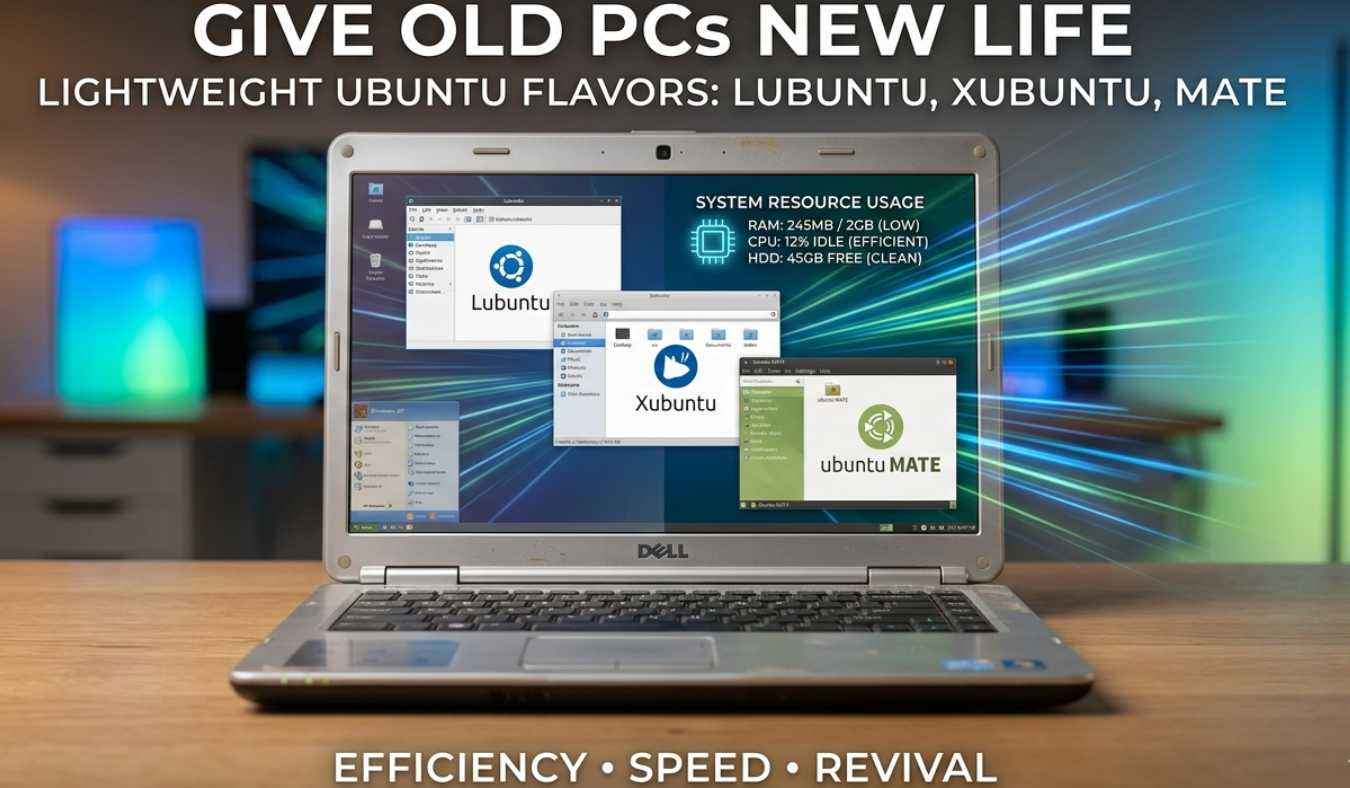
The modern Ubuntu Desktop is not compatible with all systems. Ubuntu has lightweight versions, including Lubuntu, Xubuntu, and Ubuntu MATE, which are available to older laptops and low-end PCs.
These versions are capable of using fewer resources and yet offer a complete Linux experience.
Typical requirements include the following:
- RAM: 1–2 GB
- Processor: Dual-core slow CPU.
- Storage: 10–20 GB
These versions are suitable for those users who prefer reusing old hardware as opposed to purchasing a new system.
Why is Ubuntu special compared to other operating systems?
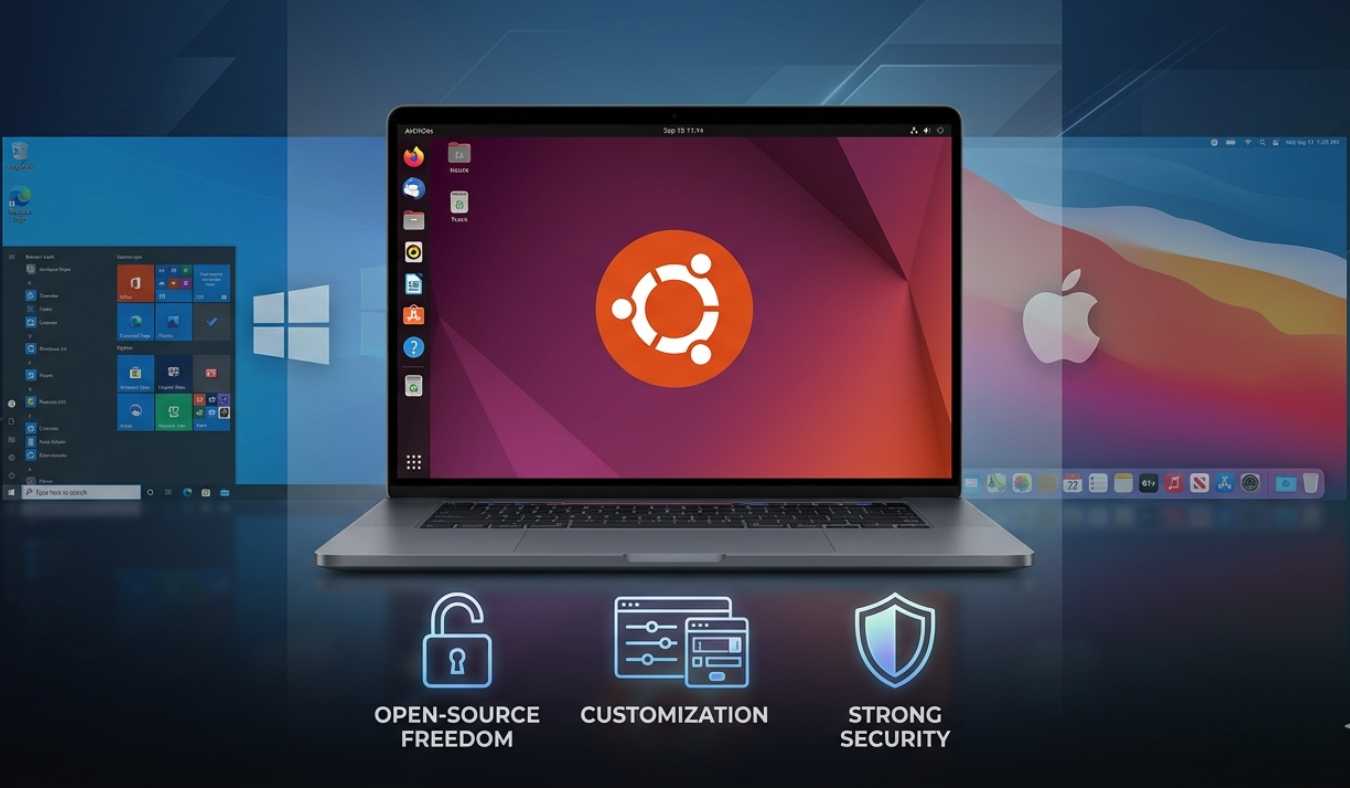
Ubuntu has much in common with Windows and macOS. The largest distinction is that Ubuntu is an open-source and free-of-charge product. It does not require users to buy a license to use it.
Customization is another significant dissimilarity. Ubuntu enables users to alter virtually every aspect of the system, including the desktop and the behaviour of the system. This is the degree of control that is lacking in most commercial operating systems.
The Ubuntu system is also reputed to have a solid security system. It is not so vulnerable to viruses and malware because of its Linux-based architecture (as compared to Windows).
Why Ubuntu System Requirements Have Increased Over Time
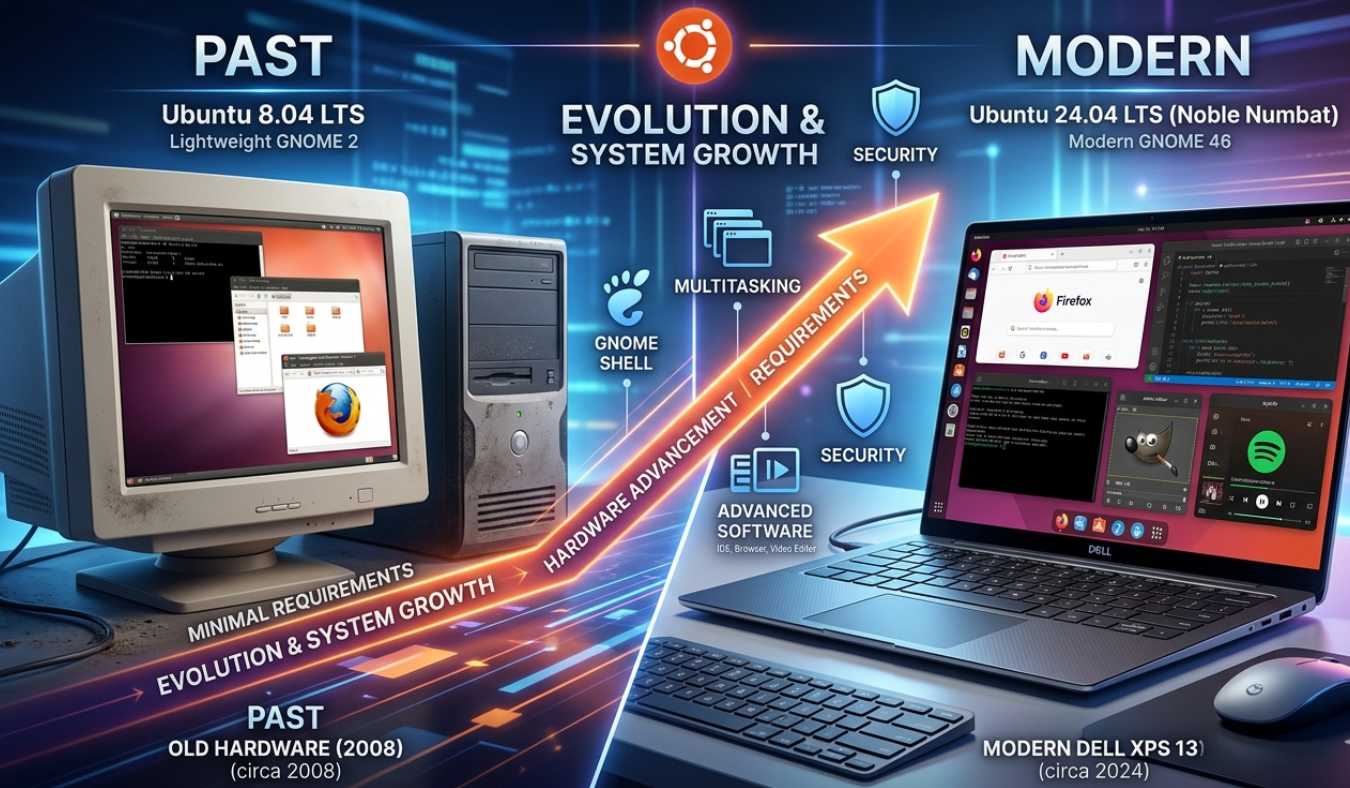
Earlier editions of Ubuntu were able to operate effectively on machines that had 1-2 GB of RAM. But the current versions of Ubuntu demand more powerful hardware. This increase can be attributed to a number of reasons:
1. Modern Desktop Environment
GNOME is now the default interface of Ubuntu. GNOME offers a more modern and richer visual experience, although it consumes more of the system memory and processing power.
2. Advanced Software Integration
Current Ubuntu has updated applications such as browsers, office applications, and development environments that use more resources on the system.
3. Multitasking Capabilities
The current users operate several applications simultaneously, like browsers, code editors, and communication tools. Ubuntu is made in a way that it can be used in multi-tasking, and this consumes more memory.
4. Security Enhancements
Enhanced security means that there are background processes that are used to shield the system against threats.
These enhancements render Ubuntu stronger and a bit heavier than older versions.
Ubuntu Performance on various systems
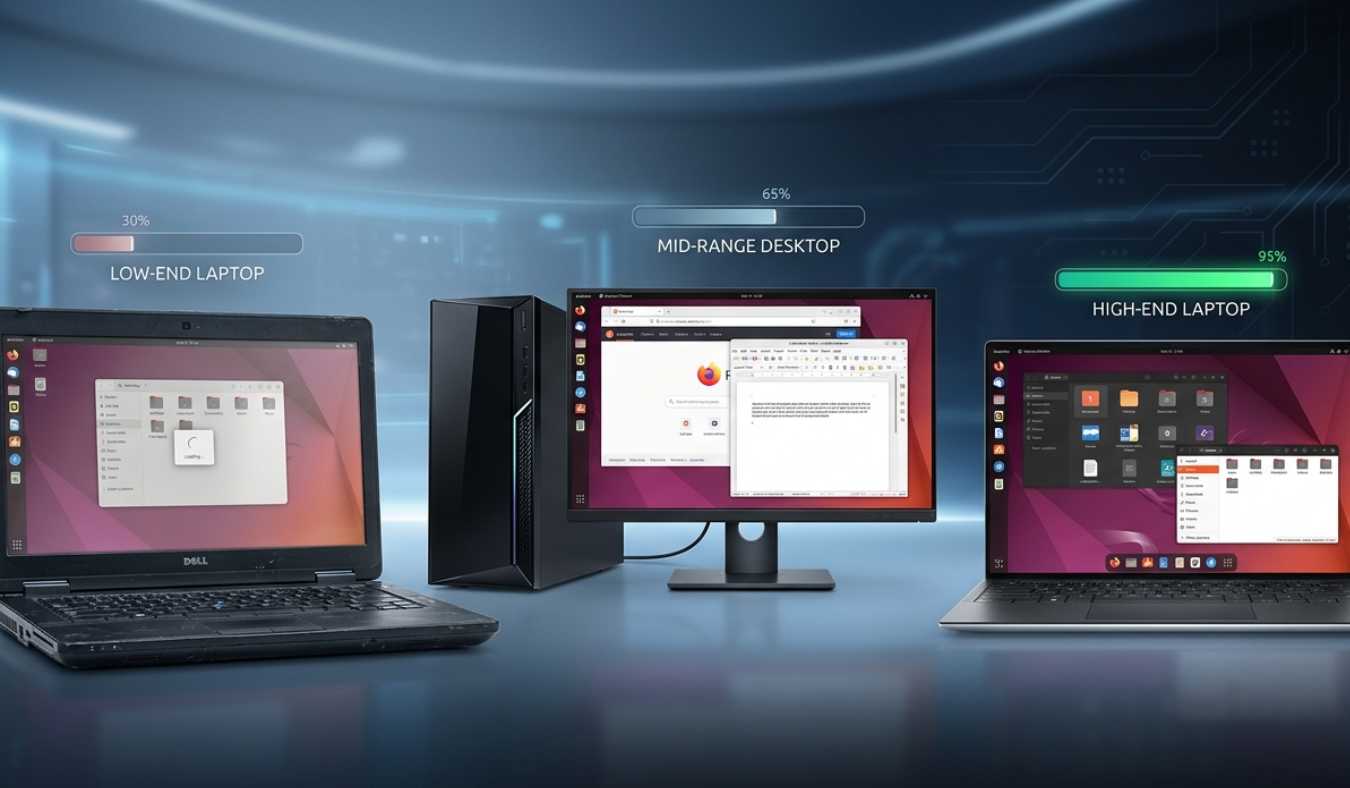
Ubuntu will vary based on what hardware you install it on.
Ubuntu is very fast on high-end systems using SSD storage and 8 GB or greater RAM. The applications can be launched fast, multitasking is easy, and the system can be used effectively even when heavily loaded.
Ubuntu is also good on mid-range systems, although you might experience some delay when opening several applications.
With low-end systems, performance varies with the version. A normal Ubuntu Desktop can be sluggish, whereas lightweight ones, such as Lubuntu, are significantly faster.
This is one of the key strengths of Ubuntu.
Is Ubuntu compatible with old computers?
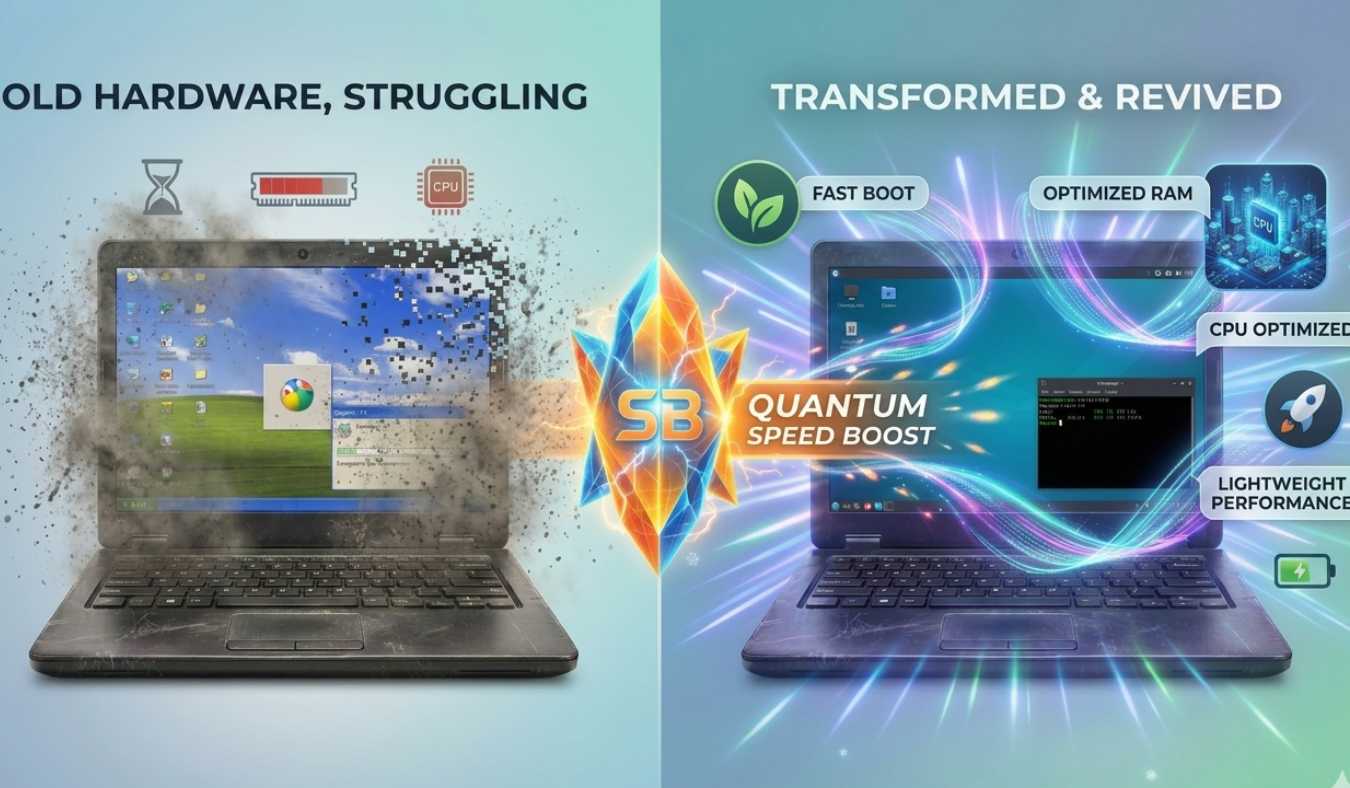
Yes, Ubuntu supports old computers, but performance is based on the version that you install. A normal Ubuntu Desktop could fail to work with very old hardware, particularly that which has less than 4 GB of RAM.
But there are also lightweight versions of Ubuntu that are tailored to older computers. These editions strip out heavy graphical effects and redundant background processes and permit easier operation even with low-performance hardware.
This makes Ubuntu a good choice for those who would like to restore their old laptops rather than buy new ones.
Benefits of Ubuntu
Ubuntu has numerous strengths that can be a good substitute for other operating systems.
- It is open-source and free to use and share.
- It is very secure and less prone to virus attacks.
- It is compatible with much hardware.
- It is secure and does not crash often.
- It is very common in the development and server environments.
The other significant strength is a high level of community support. Ubuntu has millions of users and developers worldwide, making it easier to find a solution to a problem.
Tricks to Optimize Ubuntu
Although your system may have only the minimum requirements, you can still get it to perform better with some simple changes:
- Turn off any unnecessary startup applications.
- Instead of HDD, use SSD.
- Make sure that you update your system frequently.
- Get rid of idle applications used in the background.
- Install light desktops when necessary.
Such minor alterations can make a big difference in speed and responsiveness.
Ubuntu vs Windows in Terms of Requirements
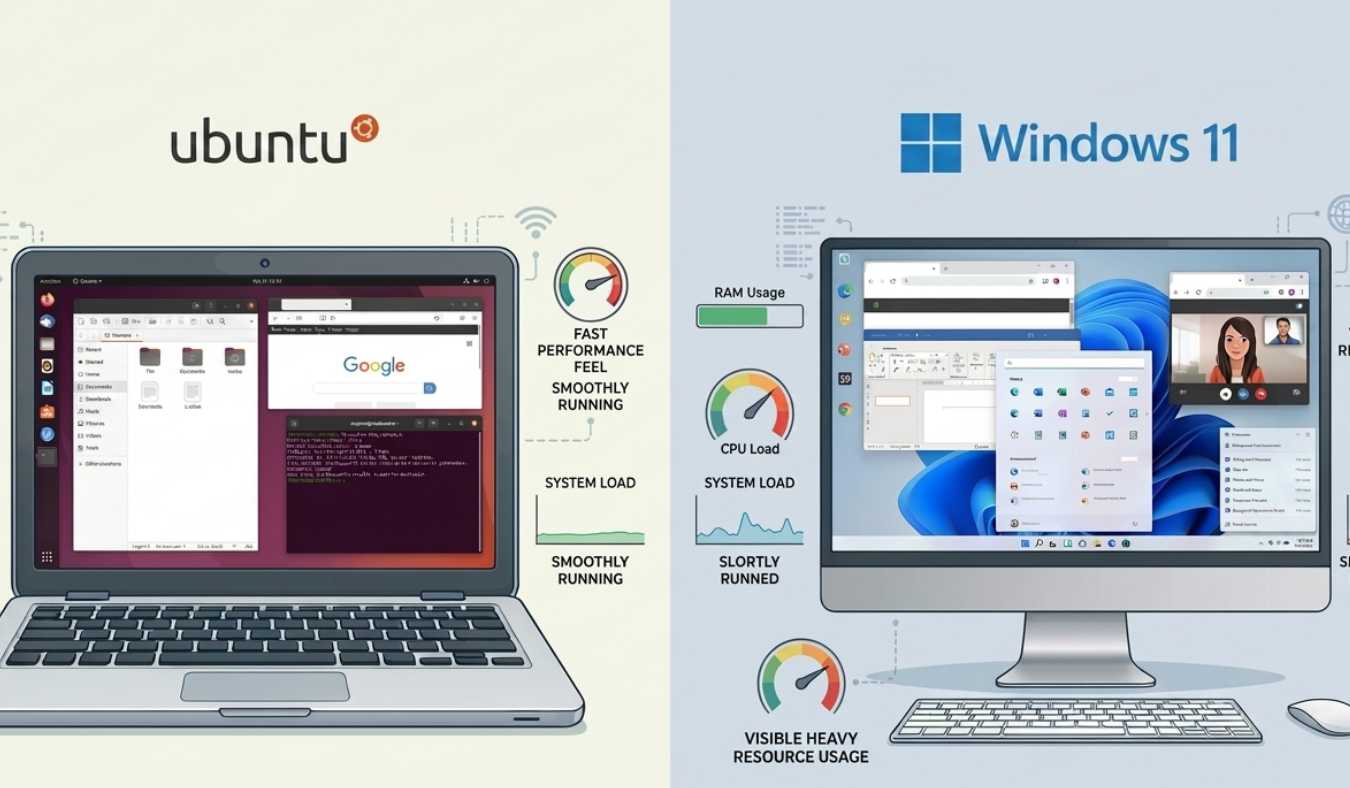
Comparing Ubuntu and Windows, each system has various strengths.
Windows seems to be a more resource-intensive system since it has a graphical interface and background services. Ubuntu, however, is more efficient and can run on lower-powered hardware (particularly lightweight editions).
Nevertheless, recent releases of Ubuntu have now demanded the same amount of RAM as Windows 11 because of the new features and desktop environments.
Nonetheless, Ubuntu continues to beat Windows in older systems.
For a detailed breakdown, check out our Windows 11 system requirements guide.
Conclusion
It is highly important to know the system requirements of Ubuntu before installation. Although Ubuntu is not restrictive and it may work with most hardware, the correct choice of specifications is likely to provide a pleasant and stable experience.
Ubuntu versions today are very powerful, secure, and full of features; however, they need at least 6-8GB RAM and a good processor to perform well. Lightweight versions of Ubuntu offer a great alternative, should you have an older system.
Ubuntu is still continuously developed and among the most trusted and most popular operating systems in the world that can be used by beginners, professionals, enterprise users among others.