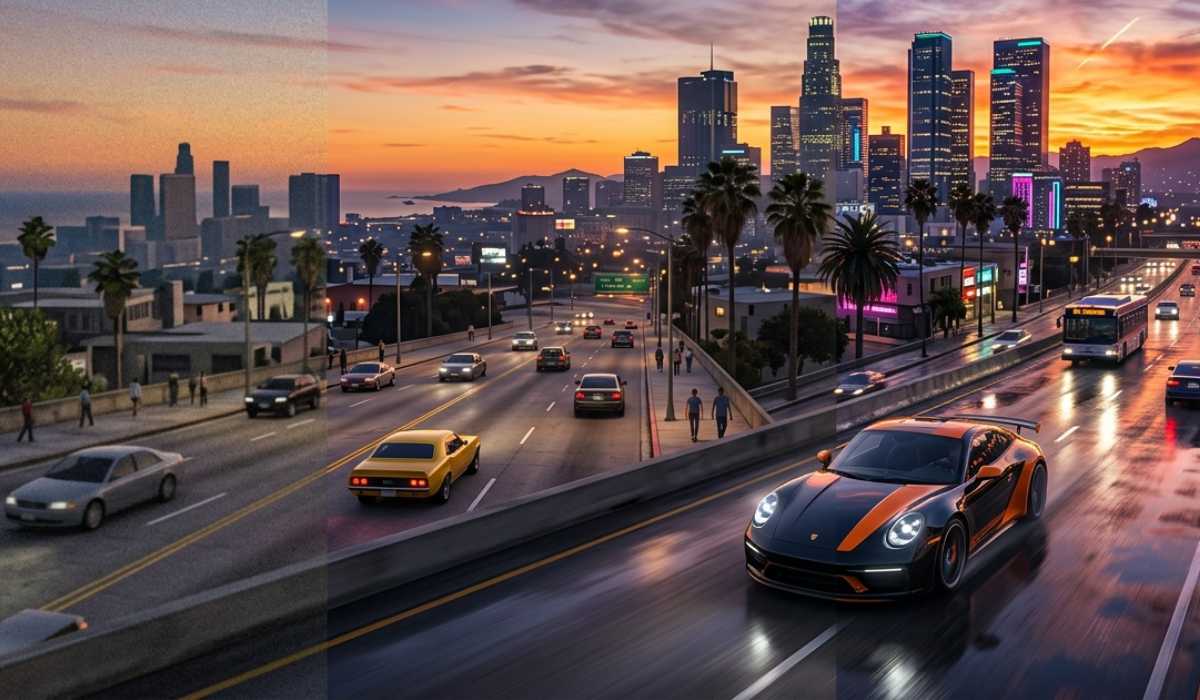
In the open-world game Grand Theft Auto V remains one of the most popular. It is developed by Rockstar Games and remains popular due to the huge world, detailed gameplay, and the constantly changing GTA Online.
The most basic question to ask before installing is the following:
Is your PC capable of running GTA V?
This guide subdivides system requirements, performance expectations, and optimizing your setup.
GTA V Minimum System Requirements
The minimum specifications are: In case you simply wish to play the game on the default settings
| Component | Requirement |
|---|---|
| Operating System | Windows 10 / 11 (64-bit) |
| CPU | Intel Core 2 Quad Q6600 / AMD Phenom 9850 |
| RAM | 4 GB |
| GPU | NVIDIA 9800 GT / AMD HD 4870 |
| Storage | 110 GB |
The specs will enable the game to run, albeit with limited performance.
What You’ll Experience
Playing GTA V with minimum specifications implies reduced graphics and unstable performance in crowded locations. The game can be played, though not smoothly, when driving fast or in a crowded environment.
Recommended System Requirements
To have a more enjoyable experience, you should seek to:
| Component | Requirement |
|---|---|
| Operating System | Windows 10 / 11 (64-bit) |
| CPU | Intel Core i5-3470 / AMD FX-8350 |
| RAM | 8 GB |
| GPU | NVIDIA GTX 660 / AMD HD 7870 |
| Storage | 110 GB (SSD is preferred) |
Under this configuration, the game can be played at 1080p with medium to high graphics and constant FPS.
Why GTA V Still Needs Good Hardware
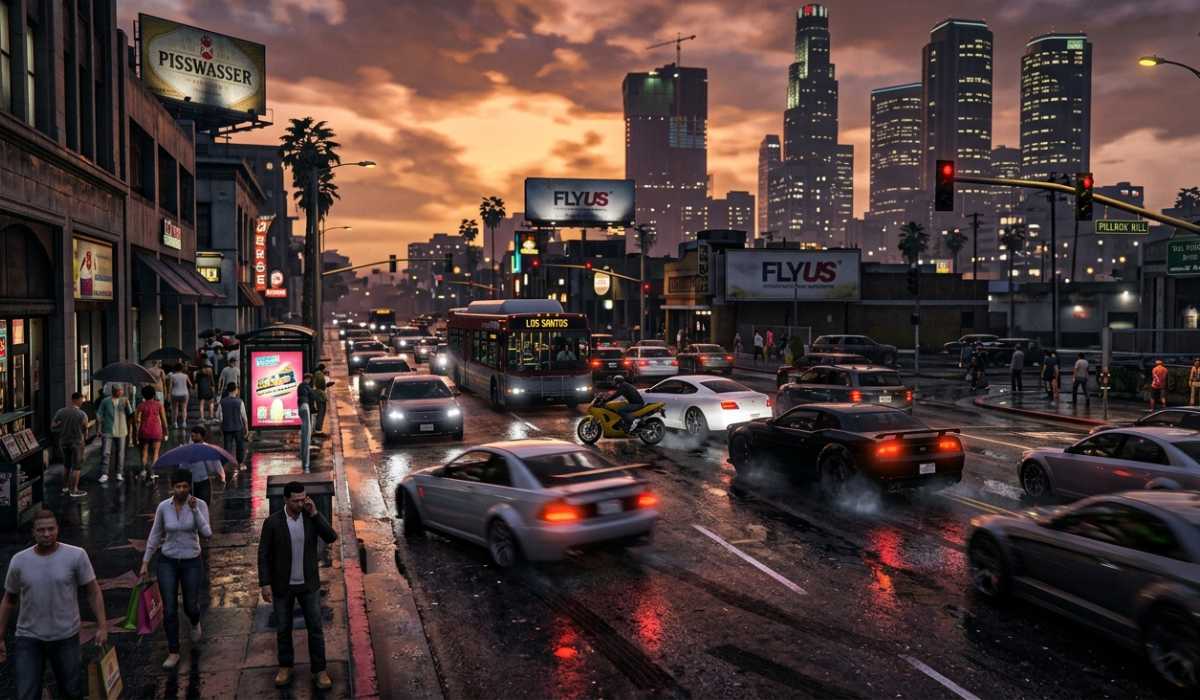
Even in 2026, GTA V isn’t a “light” game. It’s an open world that continuously generates traffic, non-playable characters, weather, and physics in real time.
The PC version also comes with more graphics settings, thus more demanding than the older console versions. Online gameplay and user-added mods, and the hardware requirements only get higher.
Low-End PC Performance
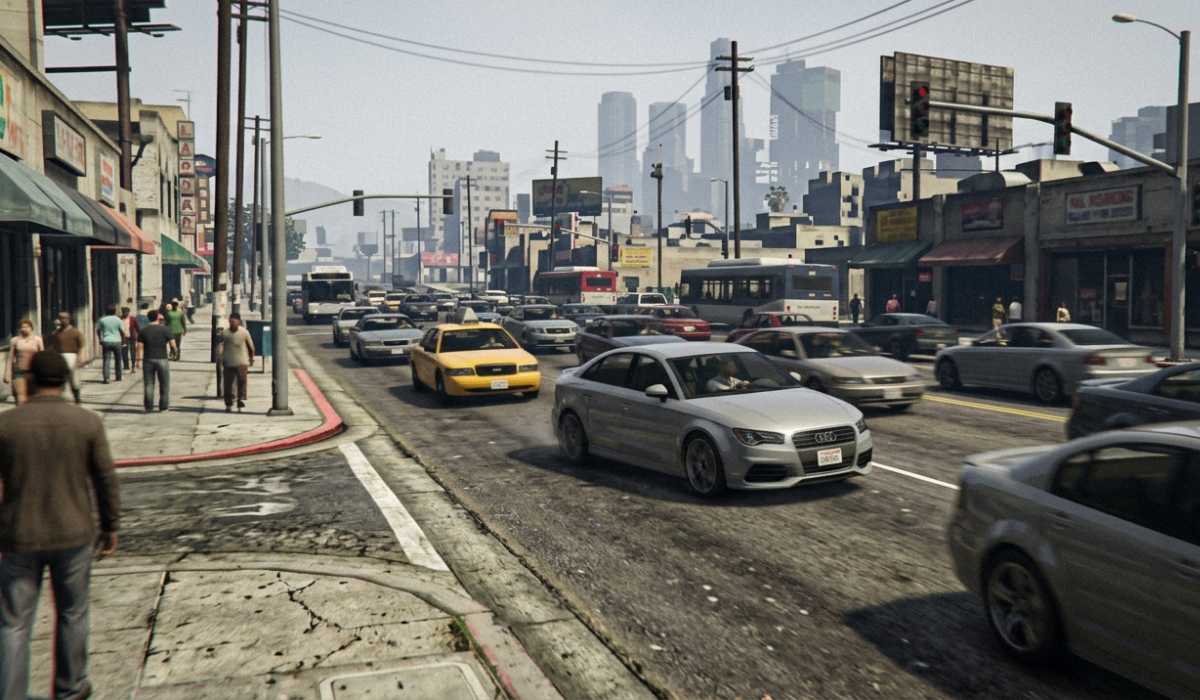
GTA V may be run on low-end systems, but expect compromises. The loss of performance is typical in crowded regions, and the time of loading is increased.
Common Problems
- Very slow FPS in urban regions.
- Stuttering during driving
- Pop-in textures and delays.
- Longer loading screens
Diluting settings can alleviate the experience but does not address it entirely.
Mid-Range PC Performance
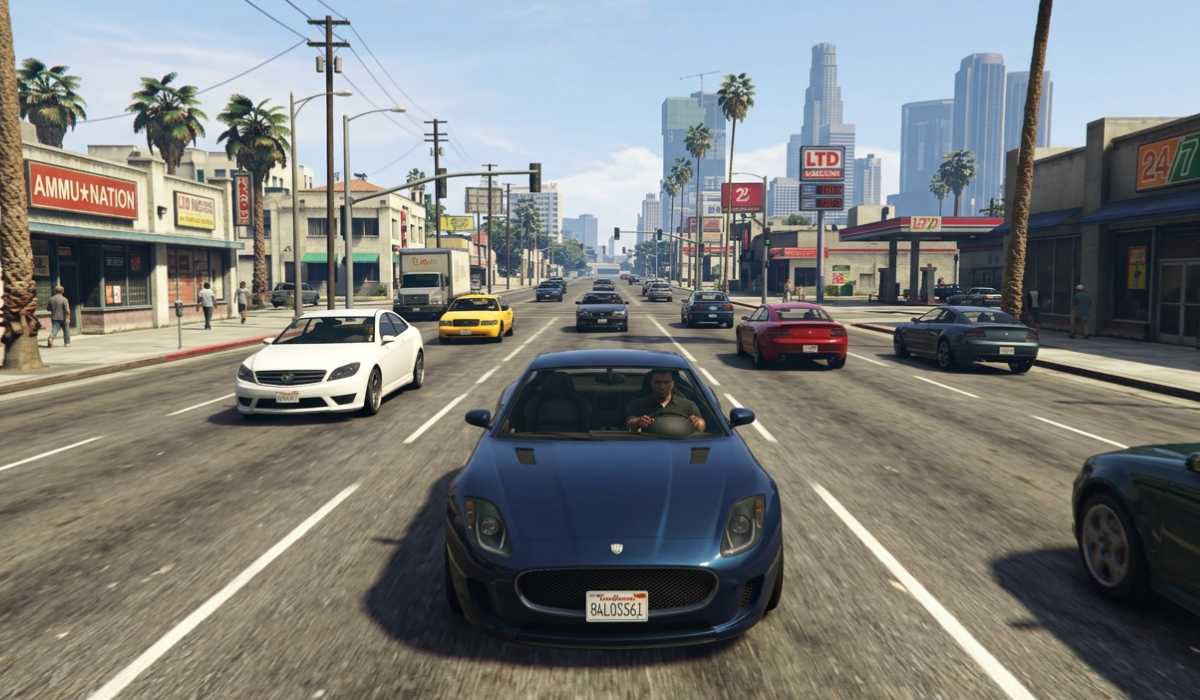
Mid-range systems offer far more of a balance between performance and visuals.
Having 8-16 GB of RAM and a good GPU, GTA V should run without any problems in most cases. Mission, exploration, and driving can be enjoyed without significant problems.
Expected Experience
- 40-60 FPS during normal gameplay.
- Moderate to high settings.
- Indoor and mission comforts.
This arrangement suits the majority of the players.
High-End PC Performance

Premium PCs can provide the optimal experience in GTA V.
You can crank the game to ultra settings with the modern GPUs with smooth frame rates.
Advantages of High-End Set-Up
- Stable 60+ FPS
- Ultra graphics settings
- Faster loading times
- Enhanced illumination and textures.
Such is the way in which the game should be played
GPU vs CPU: Which is More Important?
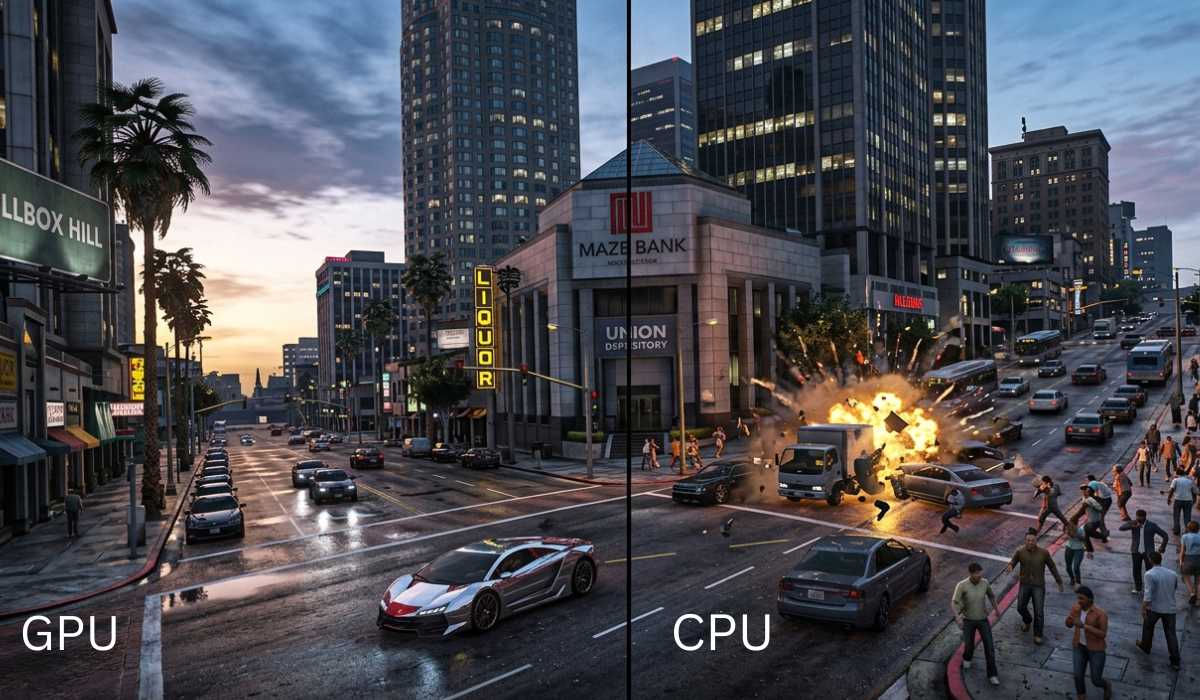
The two components are relevant; however, they perform different tasks.
The graphics card, the GPU, takes care of graphics, including textures, resolution, and lighting, and the processor, the CPU, takes care of the AI, physics, and game logic.
Generally, the largest performance increase is with an upgrade in your GPU, although a well-balanced system is preferred.
Storage and SSD Importance
GTA V has a large size of approximately 110 GB.
Although the game can be played on an HDD, it can be played better on an SSD. Slow storage may result in stuttering and slowness in loading textures.
Why SSD Matters
- Faster loading screens
- Smoother gameplay
- Reduced stuttering
- Better world streaming
It is highly advisable to install the game on an SSD.
RAM Requirements Explained

Even though the minimum requirement is 4 GB, that is not enough for modern use.
Playable is 8 GB; however, more is 16 GB, and it is much smoother, particularly when you multitask or use mods.
More RAM will assist in decreasing lag and enhancing responsiveness.
Laptop vs Desktop Performance
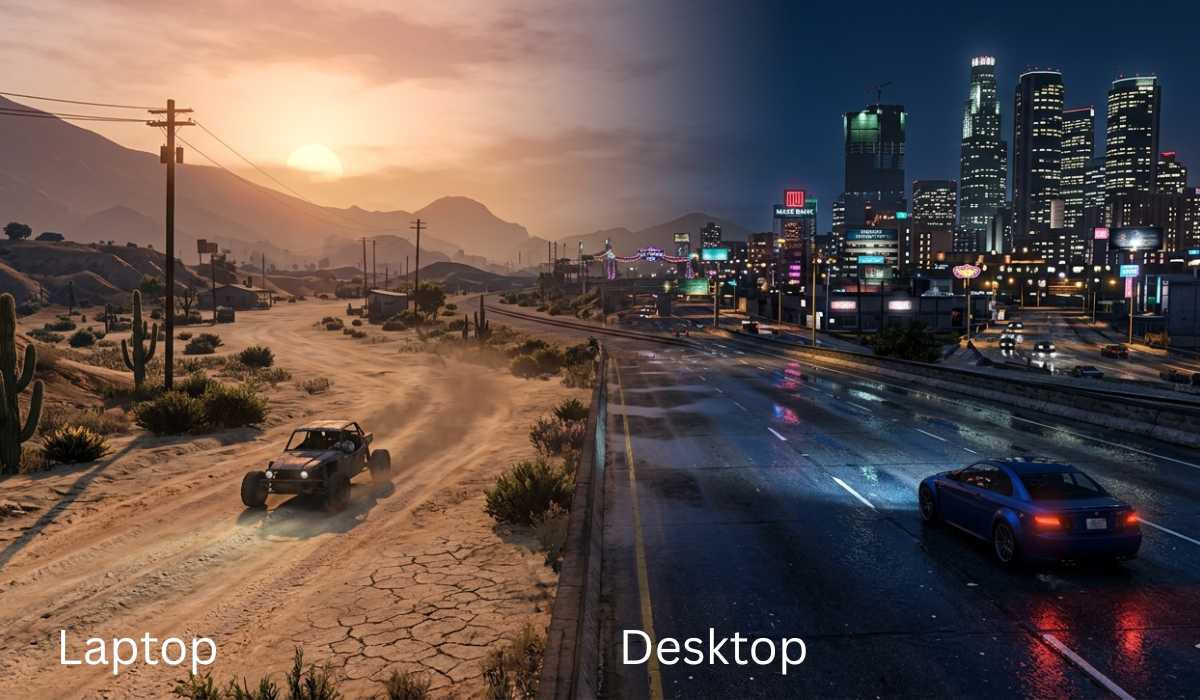
GTA V plays on both laptops and desktops, however, with varying performance.
Gaming laptops are mobile but may have heat issues in the event of prolonged use. This may result in decreased performance as time goes by.
Desktops have superior cooling and performance. They can also be upgraded, and this makes them a superior choice in the long run when gaming is involved.
Common Performance Issues
Despite good hardware, there are problems that may arise.
The most frequent issues include FPS decreases, stuttering, and texture delays. All these normally occur as a result of high settings, slow storage, or old drivers.
These problems can be resolved by simple optimizations in most cases.
GTA V Improvement Guide
When your game is not running well, you can do some tweaking to get the game to run well.
Quick Optimization Tips
- Lower graphics settings
- Update GPU drivers
- Close background apps
- Use an SSD in place of an HDD.
- Adjust resolution
These minor updates can make a lot of difference to the gameplay without the need to upgrade hardware.
Will GTA V be worth playing in 2026?

GTA V is still one of the most successful open-world games. Its story mode and GTA Online make sure that there is never a moment when there is nothing to do.
The game is a full experience, whether it is the first time you play or even the second time.
Final Thoughts
The system requirements of GTA V are quite bearable, but it depends on your hardware.The game can be played on low-end systems with compromises; mid-range systems will be able to play the game with ease, and high-end PCs will allow the best visuals.
To maximize the experience, three main upgrades to consider include a good GPU, sufficient RAM, and SSD storage.
GTA V shows that, despite all these years, a properly designed game can be relevant, immersive, and enjoyable.