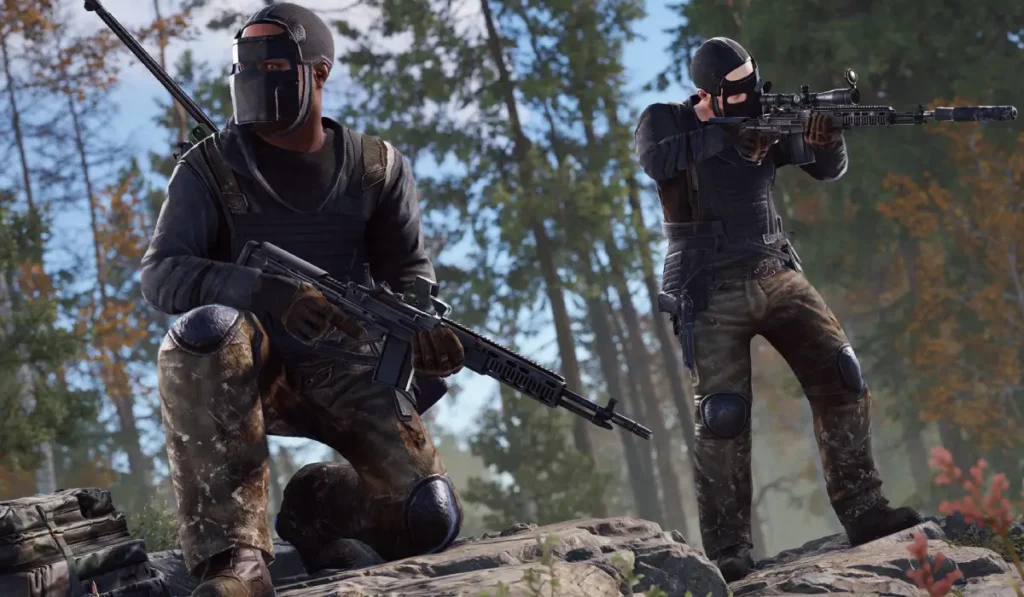
Ready or Not is a first-person shooter that is tactical, realistic, and based on SWAT-style operations. It is not like the fast arcade FPS games, and it takes patience, planning, and coordination. Each mission is as though it were a real tactical mission where a single misstep can alter the whole situation.
Due to its realistic settings, sophisticated AI, and stunning graphics, a large number of gamers continue to pose a single question: Can my PC run Ready or Not?
This manual simplifies it all, such as system requirements and actual performance expectations.
Minimum System Requirements
| Component | Requirement |
|---|---|
| Operating System | Windows 10 / 11 (64-bit) |
| Processor | Intel Core i5-4430 / AMD FX-6300 |
| RAM | 8 GB |
| Graphics | NVIDIA GTX 960 / AMD Radeon R7 370 |
| Storage | 50 GB of space |
At this level, the game is not restricted and is playable. Low settings will be required to play the game smoothly. There is diminished visual quality and performance that is not consistent in times of intense combat conditions.
Recommended System Requirements
| Component | Requirement |
|---|---|
| Operating System | Windows 10 / 11 (64-bit) |
| Processor | Intel Core i5-7600K / AMD Ryzen 5 2600 |
| RAM | 16 GB |
| Graphics | NVIDIA GTX 1060 / AMD RX 580 |
| Storage | SSD (50 GB) |
This is the perfect setup for the majority of players. The game performs well on high settings and can perform well even in complicated missions.
High-End System Requirements
| Component | Requirement |
|---|---|
| Operating System | Windows 10 / 11 (64-bit) |
| Processor | Intel i7 / Ryzen 7 or higher |
| RAM | 16–32 GB |
| Graphics | NVIDIA RTX 3060 / RTX 3070 or higher |
| Storage | NVMe SSD |
The top-end PCs provide the most desirable experience. The game performs under ultra settings with extremely high FPS, even in high-tactic situations.
Low-End PC Performance
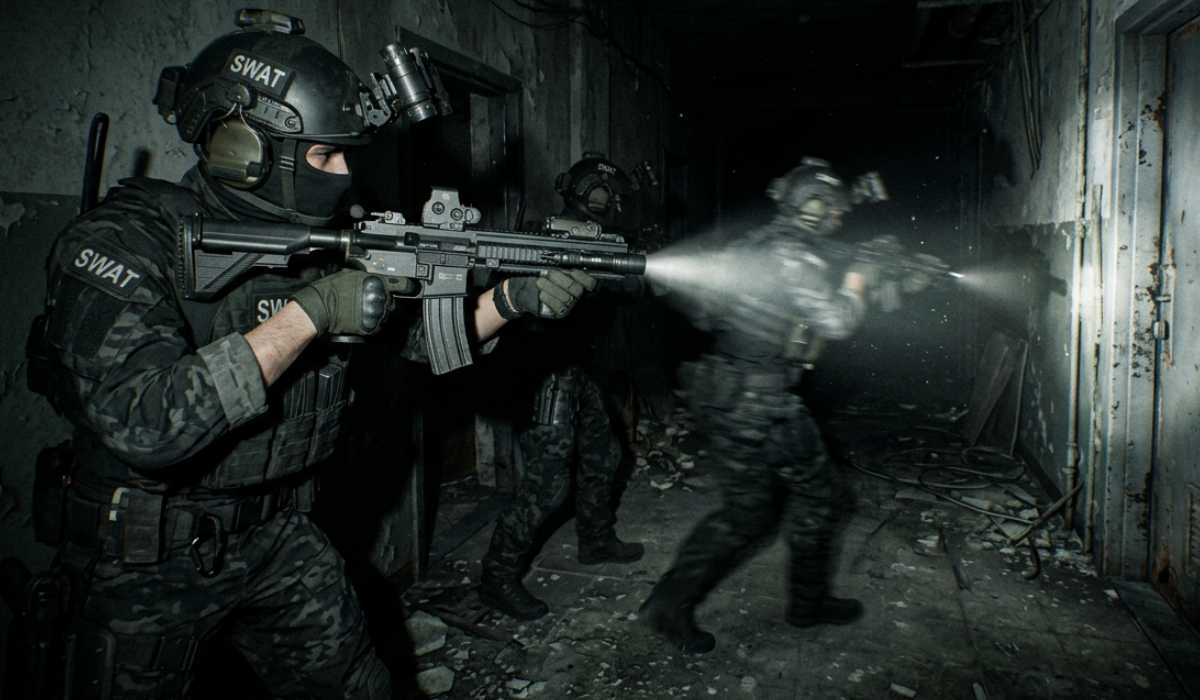
Ready or Not can still be played on low-end systems, although its performance is not predictable.
Initial missions tend to work well, particularly in less densely populated settings. But in case of a heavy-fighting situation, the decline in FPS may happen. This is due to the fact that the game is currently executing several AI units, animations, physics interactions, and lighting effects.
The modern systems are also faster to load screens than the older systems. There can be a perceived delay in texture loading, and it can have stutters at times when loading into new rooms or areas.In spite of these shortcomings, the game is still playable, which is remarkable considering such a realistic tactical shooter during this time.
Mid-Range PC Performance
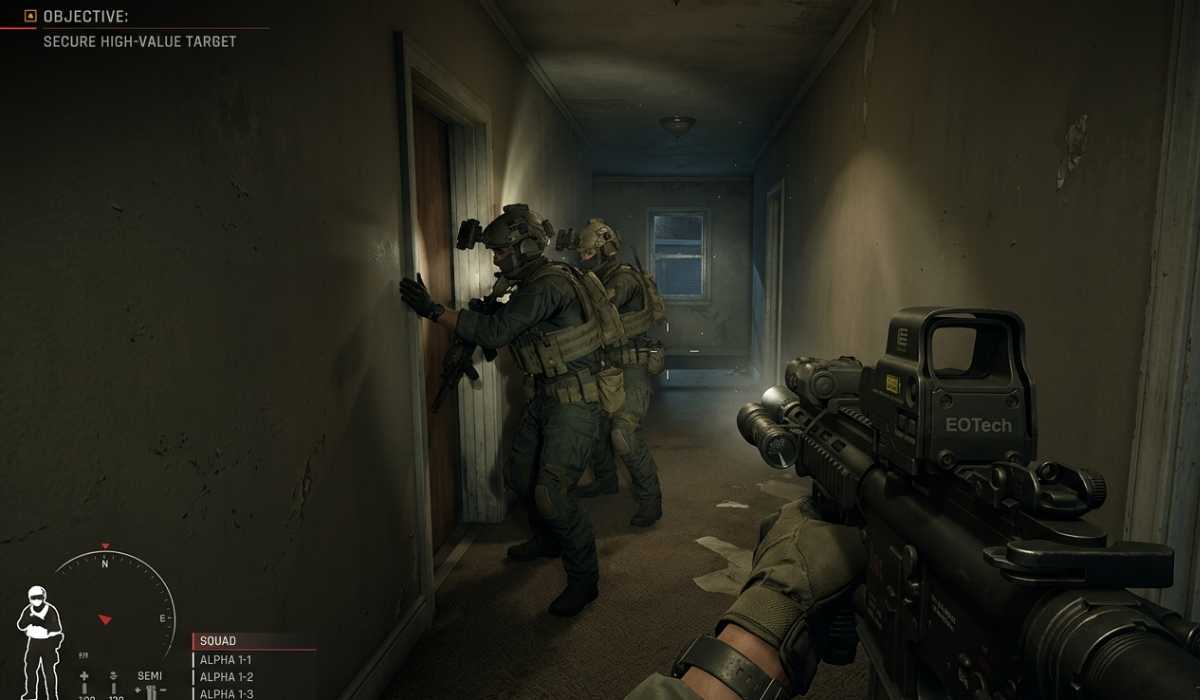
Mid-range computers provide the most reasonable performance and display. This is where Ready or Not is most comfortable and pleasant.
In most cases, the game can run under high settings. Frame rates are always maintained in the normal gameplay, and only a minimal drop can be experienced during extreme combat scenes.Games play responsively, aiming is a smooth process, and movements are stable. This renders mid-range systems the most suggested to a majority of the players.
Performance is also predictable even in high-stakes tactical operations, a crucial element in a strategy-based FPS such as this one.
High-End PC Performance
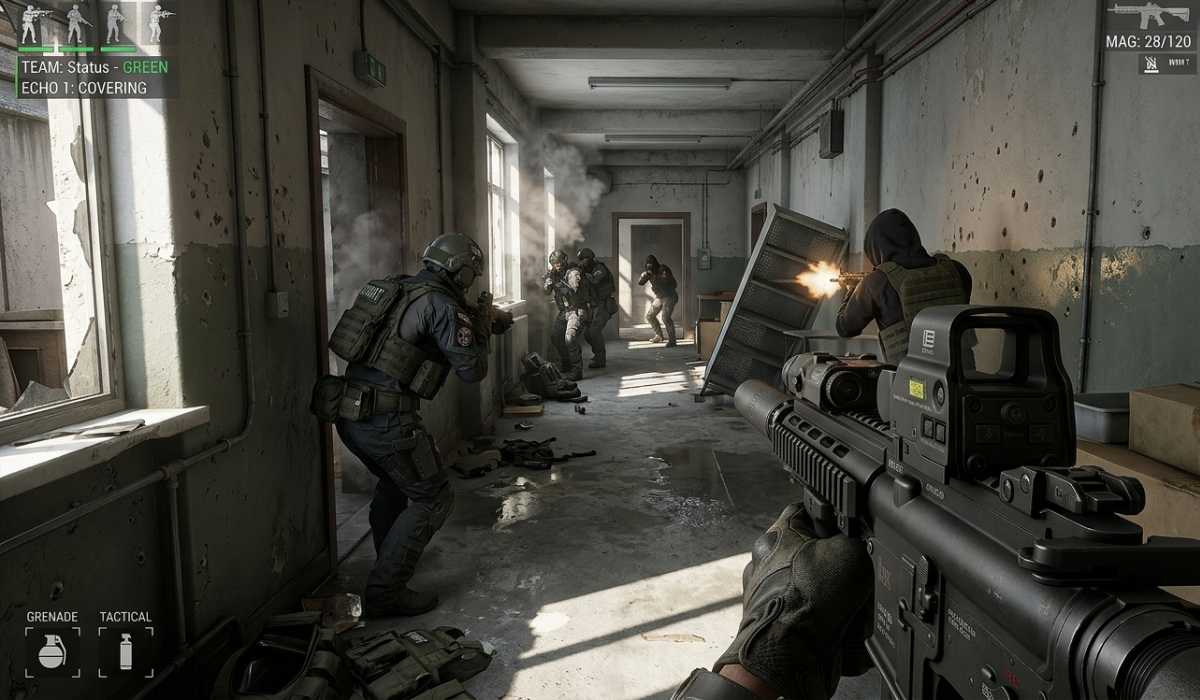
Premium systems bring Ready or Not to the ultimate.The game operates on ultra settings and has very smooth performance. FPS does not fluctuate even in the most complicated missions with numerous enemies and impacts.
It is all fluid; movement, shooting, AI responses, and the impact of the environment are all flowing continuously. The experience is further enhanced by high refresh rate monitors (144Hz and above) to provide highly responsive gameplay that can be used in competitive play.
Significance of CPU vs GPU
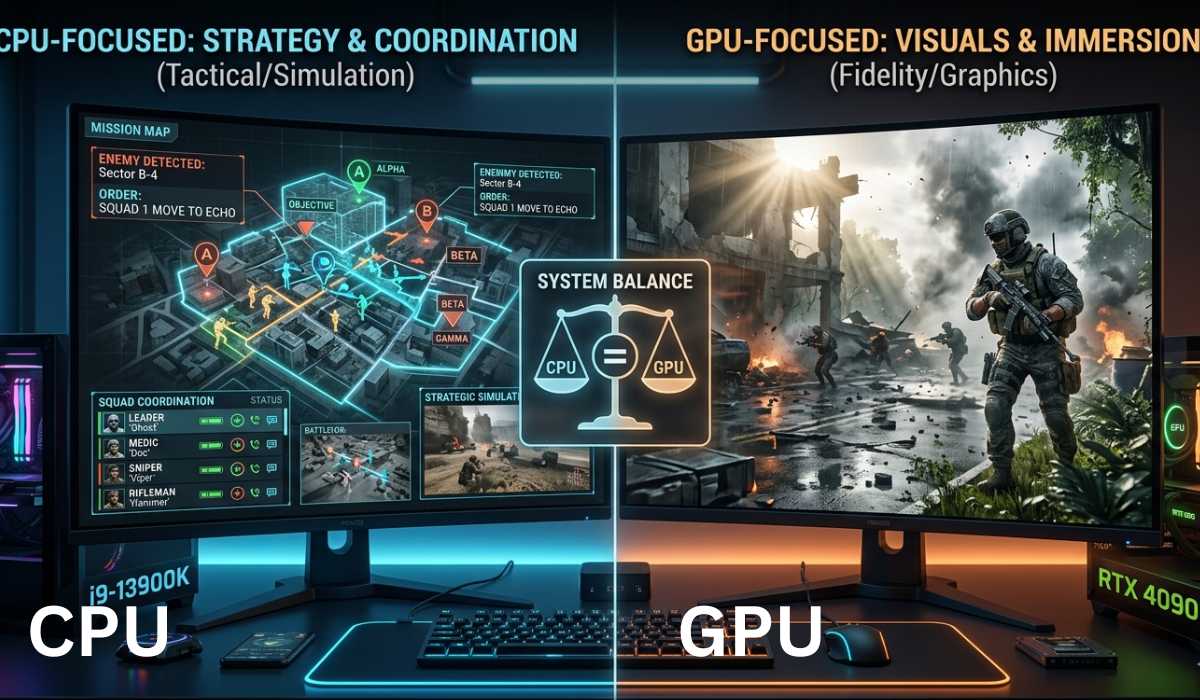
Ready or Not is one of the games where CPU and GPU are equally important, but with a slight advantage to the former.
The CPU handles:
- AI behavior
- Mission Logic
- Squad Coordination
- Tactical Simulations
The GPU handles:
- Graphics Quality
- Lighting and Shadows
- Colors and Graphics
Storage and SSD Effect
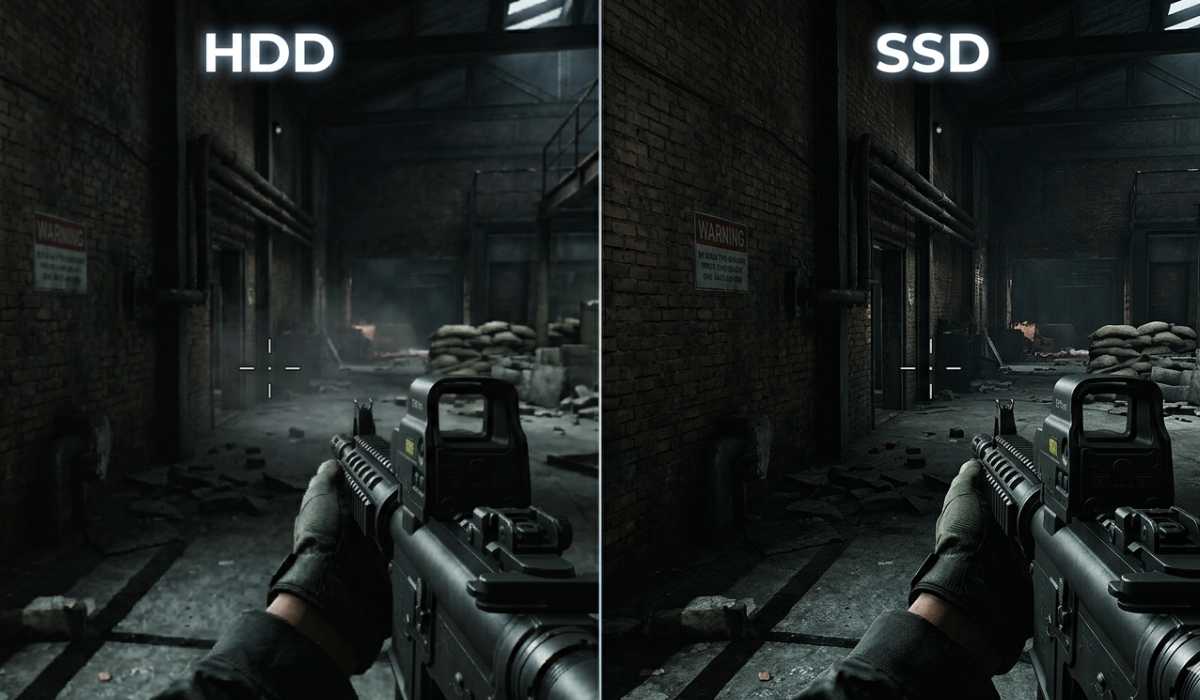
The game needs approximately 50 GB of storage. Although it is capable of running on HDD, it works significantly better on SSD.
With HDD:
- Longer loading times
- Slower texture streaming
- Delayed mission transitions
With SDD:
- Fast Loading
- Smooth Transitions
- Better overall responsiveness
SSD does not augment FPS, yet it greatly enriches the experience of the game, appearing fast and smooth
Storage and SSD Effect
RAM has a significant contribution to performance stability.The game is playable at 8 GB RAM but not entirely smooth when on large missions. When more than one system is at play, stuttering can manifest itself.
The performance is much more stable with 16 GB RAM. The gameplay is less clunky, and the processes going on in the background are less noticeable.
With 32 GB RAM, the game is very smooth even when multitasking or streaming. It is perfect for content creators or extended gaming periods.
Laptop vs Desktop Performance
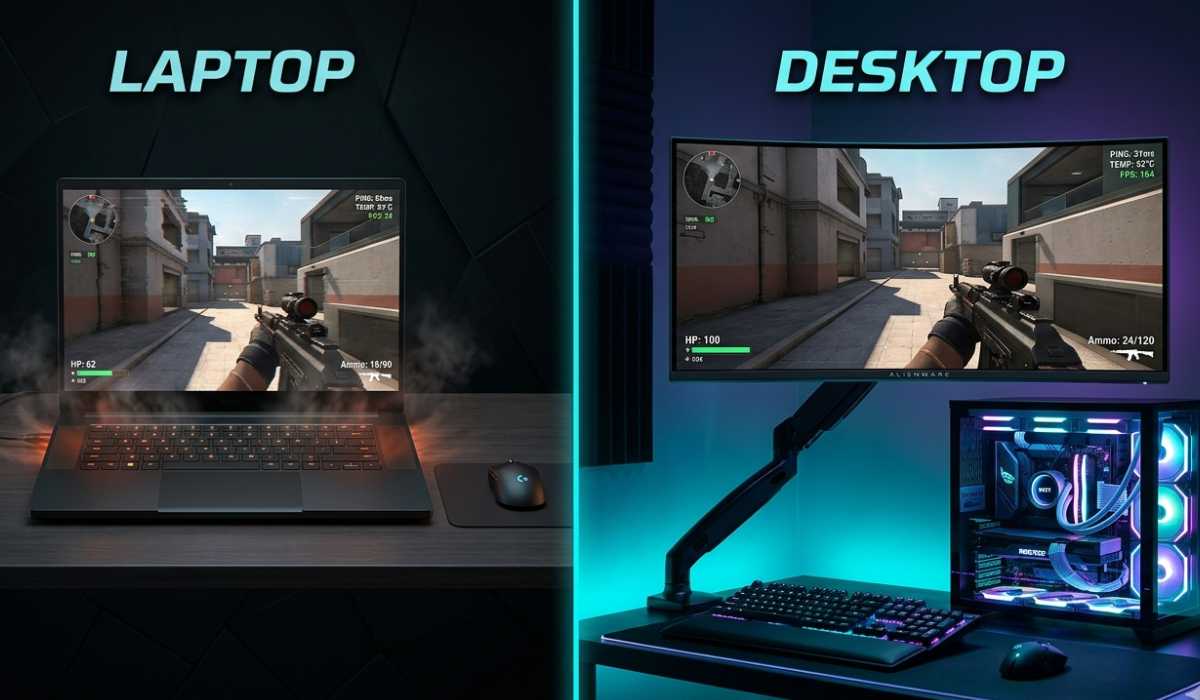
Ready or Not may run on both laptops and desktops, but performance disparities are apparent.
Gaming laptops are easy to carry and convenient, yet they might experience thermal throttling after prolonged use. This may slightly decrease FPS with time.
Desktops are easier to upgrade, have superior cooling, and offer more consistent performance. They tend to be the more tactical FPS games in the long term.To maintain a competitive performance, desktops are advisable.
Common Performance Issues
Although your PC may be in line with the system requirements, there are certain problems that may emerge.
The most prevalent ones are FPS drops when engaging in intense combat, slight stuttering when trying to enter new zones, and lag spikes due to background programs or unreliable internet connectivity in multiplayer.
These problems are normally not long-term and are more about optimization and not hardware failure.
Tips to enhance performance
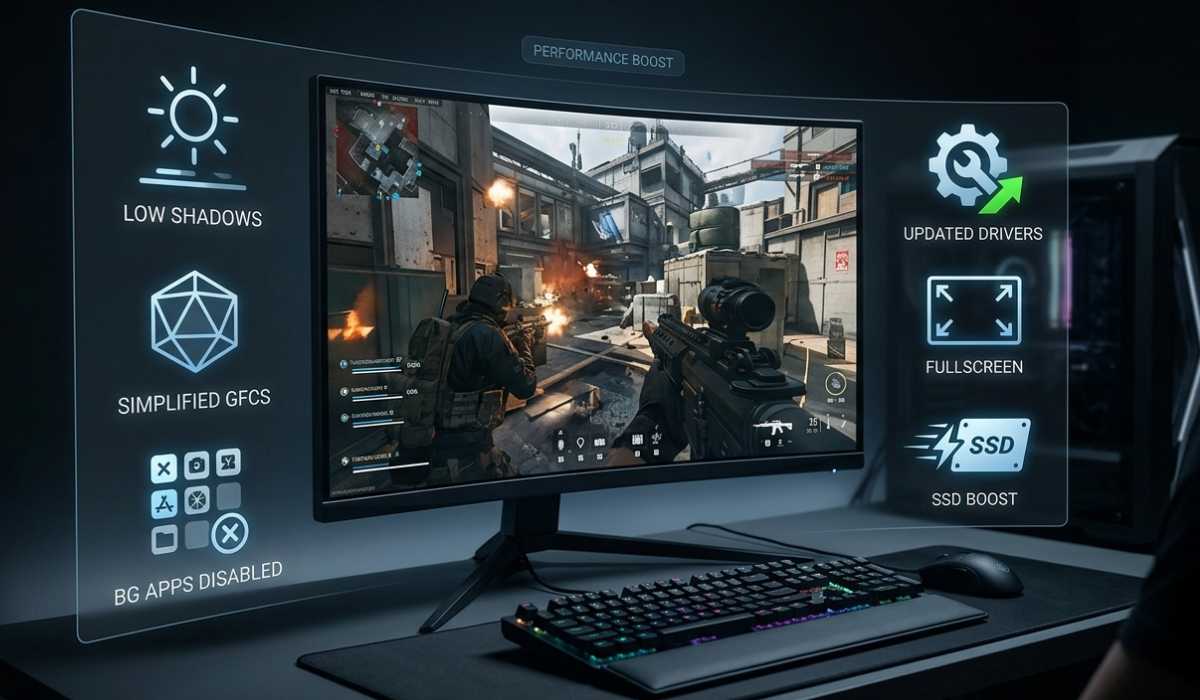
The performance can be enhanced without updating your PC by just making some changes.
Reducing the quality of shadows, turning off all unnecessary effects, disabling background programs, and changing the drivers of the graphics card can contribute greatly to the stability of the FPS.
Input lag can also be minimized by using full-screen mode and loading speed, and responsiveness can be increased by installing the game on an SSD.These minor modifications can be felt on even mid-range systems.
Ready or Not? Worth Playing?
Ready or Not is definitely a play worth playing in 2026.
It provides a focus on teamwork, planning, and strategy over fast shooting and offers a realistic tactical FPS experience. The game is still being updated and has a great number of players.It is among the most simulated shooters of a tactical nature.
Final Thoughts
Ready or Not system needs are average, but the performance of the system is strongly dependent upon the balance of the system.
It can be played on low settings on low-end PCs; mid-range PCs offer the optimal experience; and high-end PCs offer unbelievably smooth and immersive gameplay.
Provided that your system is at least as per the recommended requirements, you can be guaranteed of a stable, realistic, and highly engaging tactical FPS experience with few significant problems.