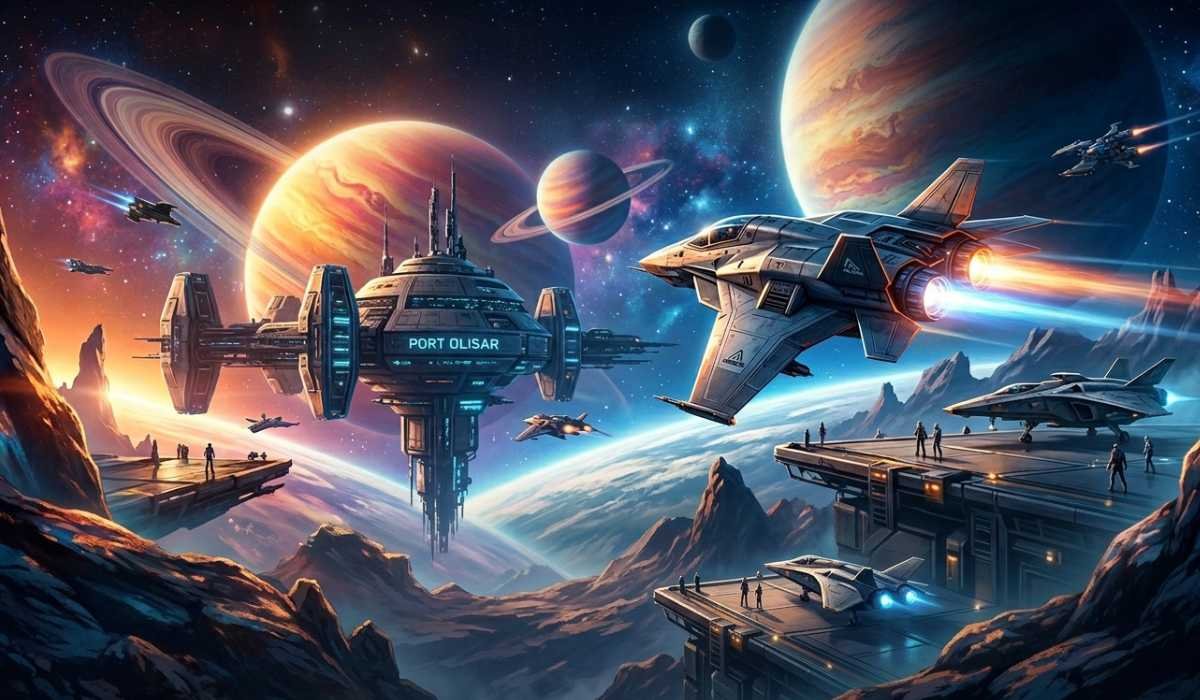
Star Citizen is a massively ambitious space simulation game, featuring an immensely large universe and highly realistic systems of gameplay.
Compared to conventional games, it challenges hardware with the detailed planets, advanced physics, advanced AI in real-time, and high-end graphics. Due to this fact, it is important to learn about the requirements of the system prior to installing the game to eliminate lag, crashes, and underperformance.
This guide tells you all about the requirements of the Star Citizen system, what it should be able to do, and even what you should upgrade to in an easy and accessible manner.
Star Citizen System Requirements
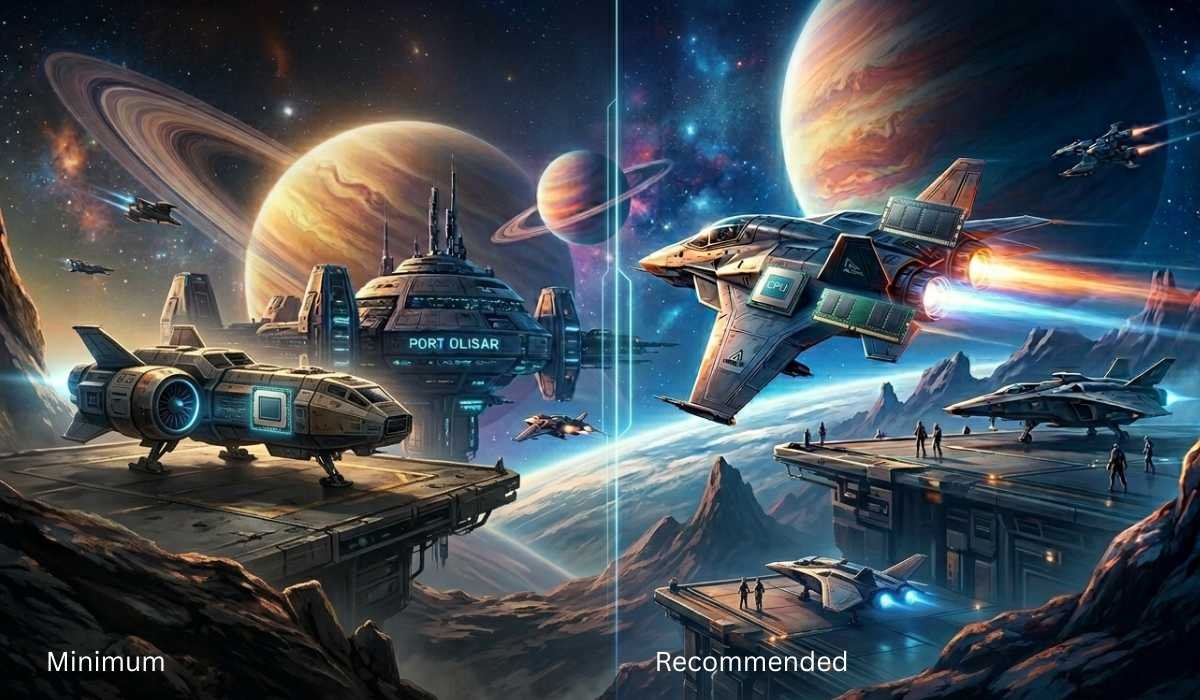
It is necessary to know the minimum and recommended specifications needed to play Star Citizen before the installation to make sure the game runs well.
The game itself is highly reliant on CPU, GPU, RAM, and speedy storage, and it is important to balance all of them in order to experience a smooth game.
Minimum Requirements
| Component | Minimum Requirements |
|---|---|
| Operating System | Windows 10 (64-bit) |
| Processor | Quad-core CPU |
| Graphics Card | 4GB VRAM (DirectX 11.1 compatible) |
| Memory | 16GB RAM |
| Storage | SSD of 150GB (or more) free space |
Recommended Requirements
| Component | Recommended Requirements |
|---|---|
| Operating System | Windows 10 / 11 (64-bit) |
| Processor | Intel i7 / Ryzen 7 (4 or more cores) |
| Graphics Card | 8GB or more VRAM |
| Memory | 32GB RAM |
| Storage | NVMe SSD |
Importance of Recommended Specs
Specifications are not recommended as a way to have higher graphics, but rather because of the high stability of the games, particularly in cities, space stations, and areas that involve a lot of combat, where the performance decrease is a frequent occurrence.
How Does Using Minimum Specifications Work?
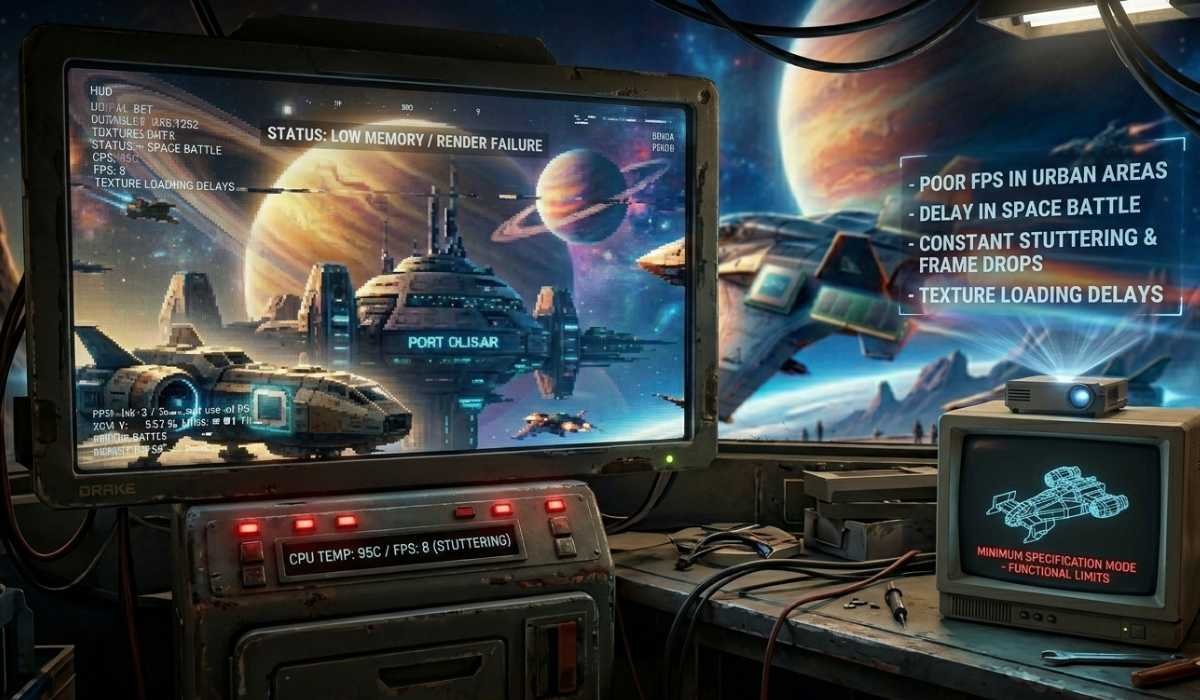
Star Citizen can be played with minimum specs, but there are numerous performance constraints that impact the quality of the gameplay.
Basic Gameplay Experience
The game has bare minimum requirements, allowing you to enter the game and tour around in the simple environments. But performance will not be seamless in most cases.
Common Performance Issues
Players with minimum specifications can experience:
- Poor FPS in urban areas.
- Delay in space battle.
- Constant stammering and frame drops.
- Delays in the loading of textures and objects.
Inappropriate in Long Sessions
Minimum specifications are primarily used in testing the game or for casual playing. Prolonged play is irritating because of instability and delays in rendering.
Why Star Citizen needs a Powerful PC
Star Citizen is not a regular game but a simulated living universe in real-time. This is the reason why it requires strong hardware.
Large Open-World Environment
The game incorporates whole planets, cities, space stations, and seamless space-to-ground travel. All the loading is handled dynamically without the use of loading screens.
Advanced Graphics Engine
The game uses:
- High-resolution textures
- Volumetric clouds
- Shadows and dynamic lighting.
- Realistic environmental effects
These characteristics of the graphics consume a lot of memory.
Real-Time Simulation System
Star Citizen is a continuous simulation:
- Physics interactions
- NPC AI behavior
- Environmental systems
- The actions of players in servers.
This renders the CPU performance very crucial.
CPU Requirements Explained
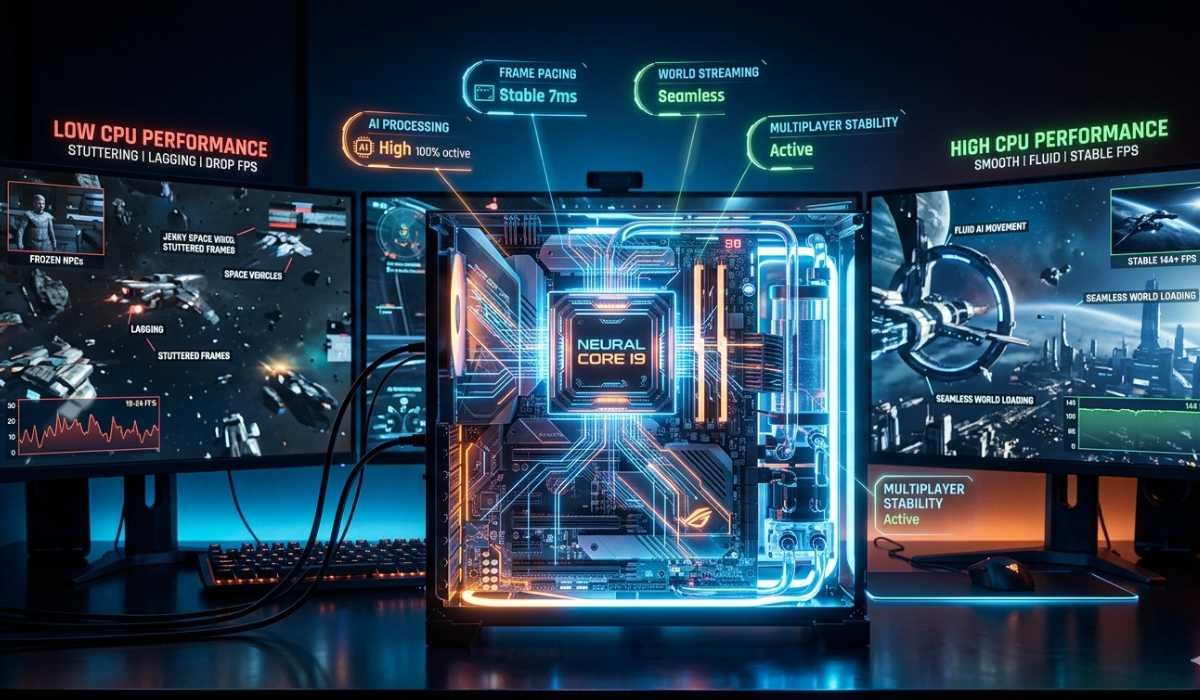
One of the most significant elements in the performance of Star Citizen is the CPU.
Minimum CPU Performance
The game can be played on a quad-core processor, but it will not perform well in a busy environment, such as in cities or large battles.
Recommended CPU Performance
6 to 8 cores (Intel i7 or Ryzen 7) are the best to play games without problems and achieve greater stability.
Why CPU Matters
Powerful CPU enhances:
- Frame pacing
- AI processing
- World loading speed
- Multiplayer stability
Even when the GPU is powerful, weak CPUs can result in lag spikes.
GPU Requirements Explained
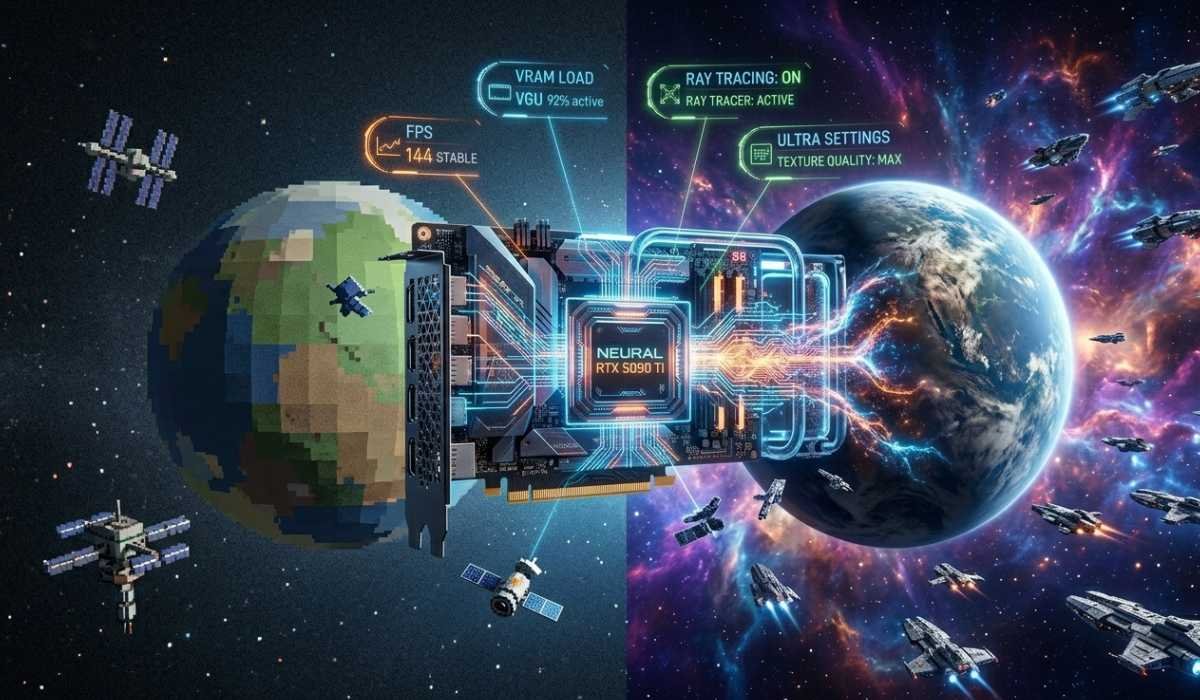
The graphics card determines the quality of visuals and frame rate performance of Star Citizen.
Minimum GPU Requirements
A 4GB VRAM with a graphics card will be able to render low settings, although the quality of the visuals will be poor.
Recommended GPU Requirements
A minimum of 8GB VRAM will guarantee a more pleasant gaming experience and improved visualization.
What GPU affects gameplay?
- Frame rate stability
- Texture quality
- Shadow and lighting effects.
- Overall visual smoothness
A good GPU enhances immersion and lessens graphical stutter.
RAM Requirements Explained
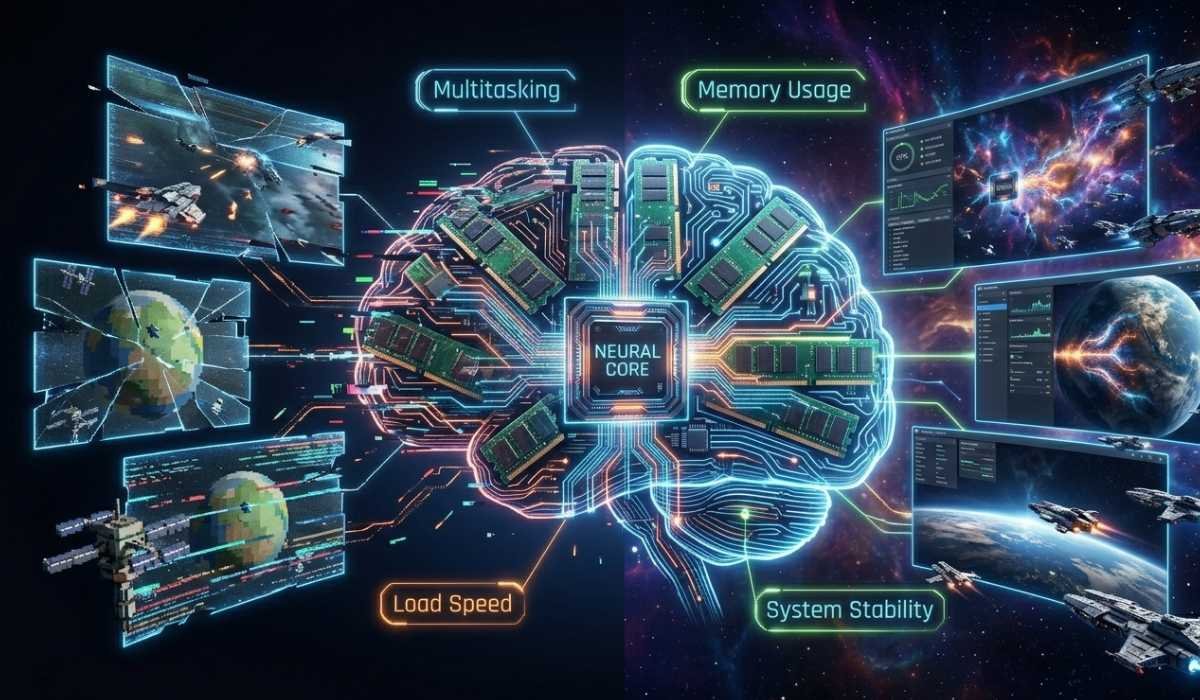
RAM is very important in processing huge amounts of in-game data.
Minimum RAM Requirement
16GB RAM is required to run Star Citizen.
Recommended RAM Requirement
A high RAM of 32GB is well advised so as to have smooth gameplay.
Importance of RAM
More RAM helps:
- Reduce stuttering
- Improve asset streaming
- Prevent memory overload
- Enhance multitasking performance
Star Citizen is known to load massive environments and thus requires RAM.
Storage Requirements
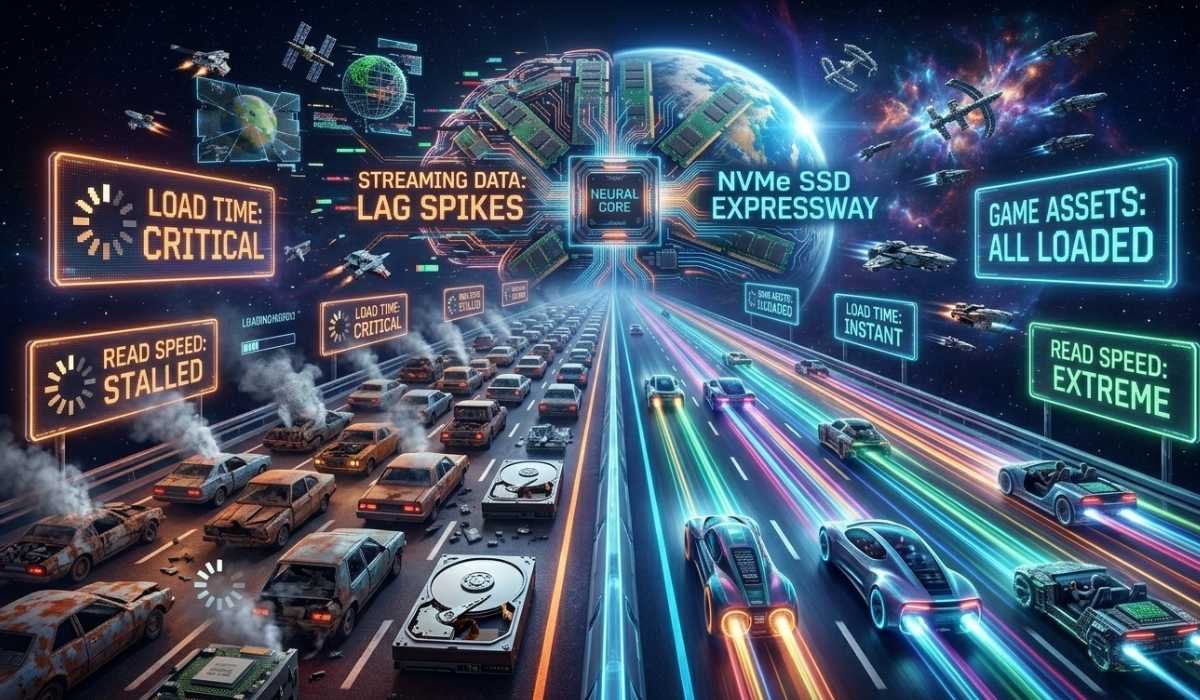
One of the most significant factors in Star Citizen’s performance is fast storage.
SSD is mandatory
The game is not compatible with conventional HDDs. HDD loading is very slow and has low texture streaming.
Best Storage Option
NVMe SSD (maximum performance)
SATA SSD (acceptable alternative)
Why Storage Matters
Fast storage ensures:
- Quick loading screens
- Smooth texture streaming
- Reduced in-game lag
- Better responsiveness
Best Settings Depending on Your PC
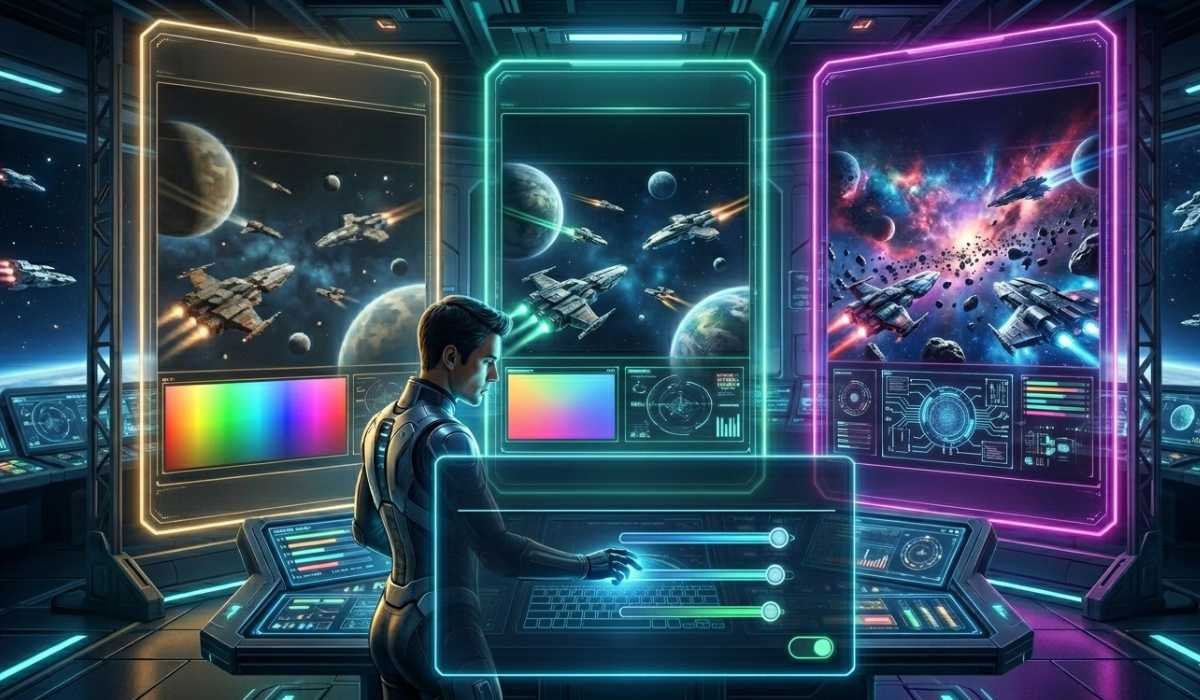
Various systems have different graphics settings at which they perform optimally.
Low-End PCs
- Low graphics settings
- Less resolution (720p or less)
- Limited performance stability
Mid-Range PCs
- Medium to high settings.
- 1080p resolution
- Balanced gameplay experience
High-End PCs
- High or ultra settings.
- 1440p or 4K resolution
- Balanced and consistent operation.
It is necessary to adjust the settings according to your hardware to have an optimal experience.
Troubleshooting and Common Problems
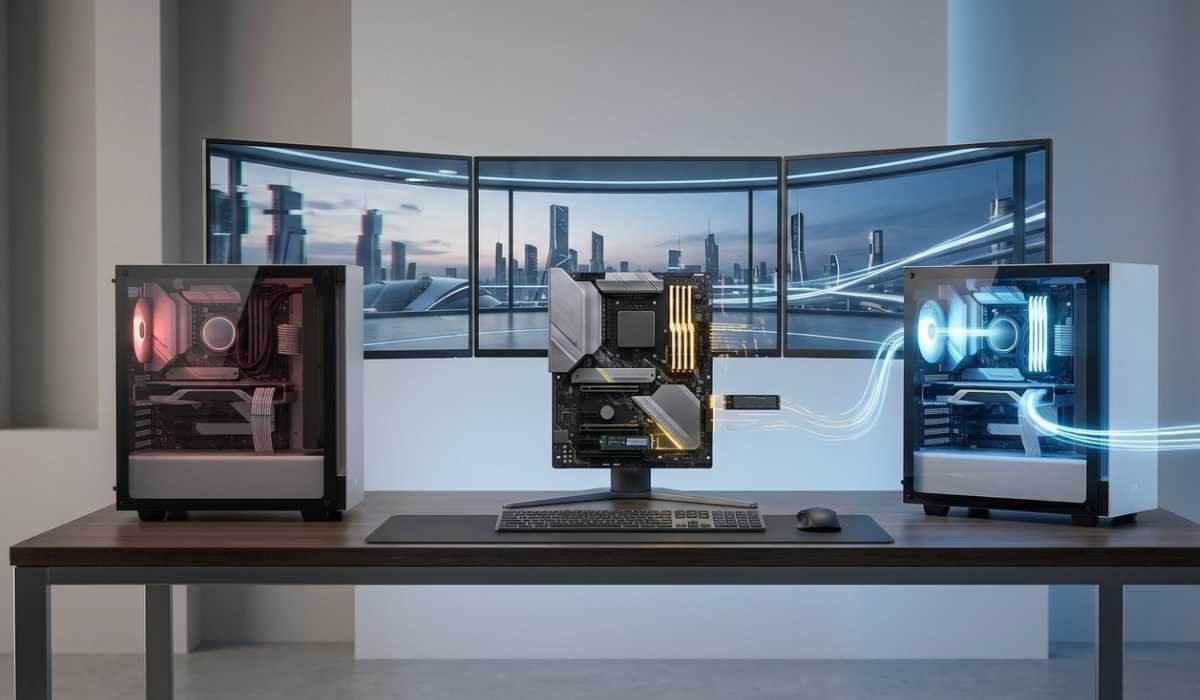
The performance is prone to issues in Star Citizen, yet the majority of those can be resolved with simple optimizations.
Low FPS
Reason: Feeble CPU or GPU.
Fix: Reduce graphics features such as shadows and clouds.
Game Stuttering
Reason: RAM and/or slow storage.
Fix: Change to 32GB RAM and use SSD/NVMe.
Long Loading Times
Cause: HDD storage
Fix: Transfer game files to SSD/NVMe drive.
Is Star Citizen Optimized?
Star Citizen is under active development, which means that optimization is still taking place.
Current Performance Status
The game can be played, but not optimized. Even high-end systems may experience FPS drops.
Real-World Performance
Performance is dependent on location, load of the server, and system configuration.
Future Improvements
Updates on the development of the software are still being released to enhance stability and optimization.
Is It Time to Upgrade Your PC?
In case your system is not super fast with Star Citizen, it might be worth upgrading some of its parts.
You Should Upgrade To:
- Less than 16GB RAM
- Old with a low VRAM GPU.
- HDD instead of SSD
- Best Upgrade Order
- SSD / NVMe (biggest improvement)
- RAM upgrade
- GPU upgrade
- CPU upgrade
This order guarantees maximum profitability of your budget.
Other Performance Improvement Tips
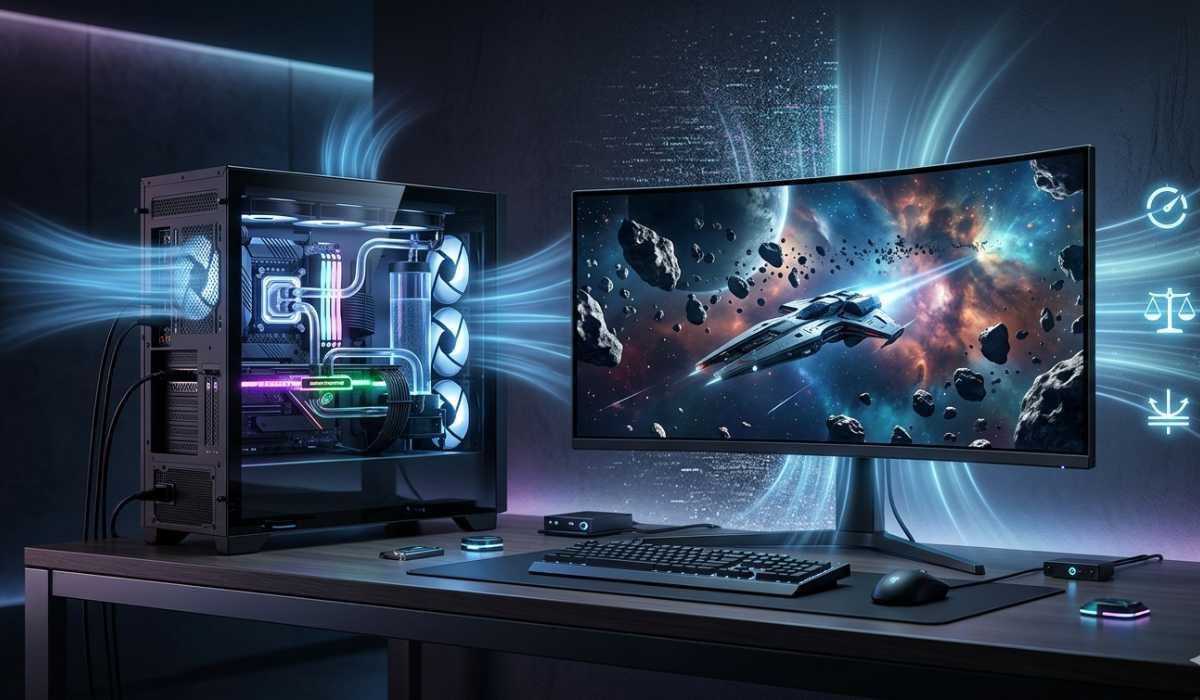
With simple optimizations, even without hardware upgrades, you can enhance performance.
System Optimization Tips
Make sure to update GPU drivers.
Shut down unneeded background programs.
Monitor CPU and GPU temperature
In-Game Settings Optimization
Lower shadow quality
Reduce volumetric clouds
Scale, texture, and resolutions.
Smart Gaming Practices
Always make sure not to use ultra settings unless your PC is capable of doing so.
Best PC to build for playing Star Citizen
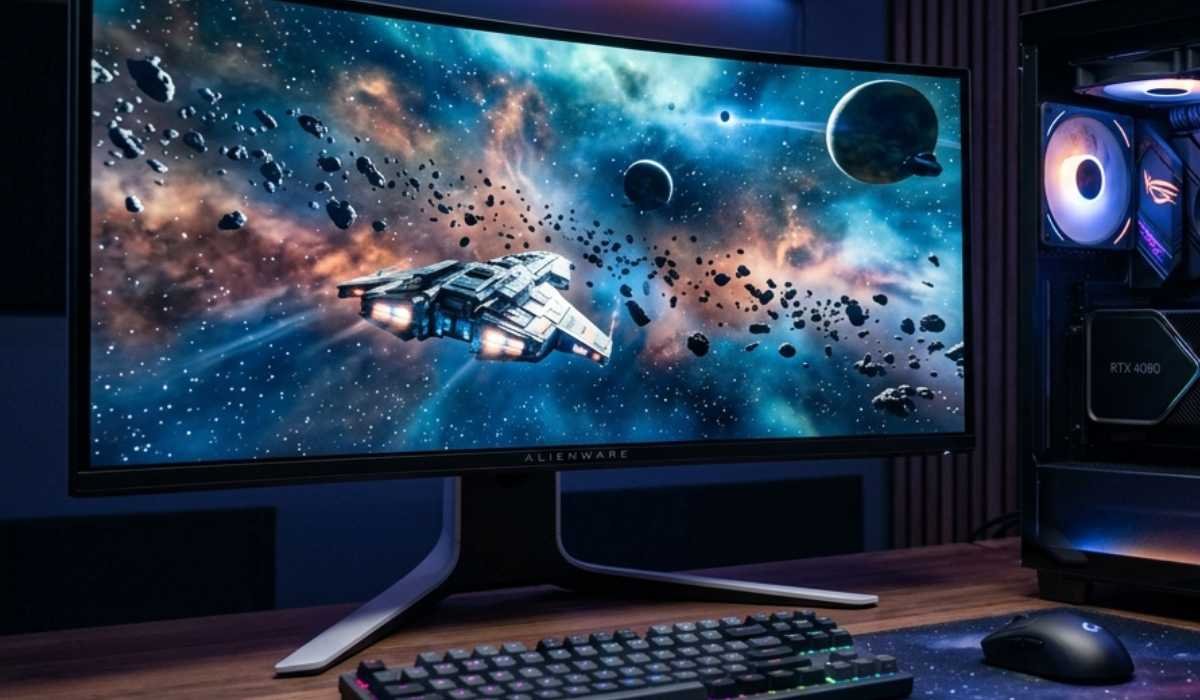
The key to a pleasant experience with Star Citizen without any performance problems is a balanced system.
Recommended Build Setup
| Component | Ultra Requirements |
|---|---|
| CPU | Intel i7 / Ryzen 7 |
| GPU | 8GB–16GB VRAM, current GPU |
| RAM | 32GB |
| Storage | NVMe SSD |
Advantages of This Arrangement
- Smooth gameplay
- Faster loading times
- Stable frame rates
- Less stuttering in urban areas and war.
This setup promises a safe and fun Star Citizen experience.
Final Thoughts
Star Citizen is a game that is both visually appealing and technically enhanced, and it needs high-performance hardware to operate effectively.
Although the minimum requirements enable the game to start, they do not offer a stable and pleasant experience. Players are encouraged to strive towards recommended or even greater specifications in order to achieve optimal results.
Performance can be greatly enhanced with updates to such essential parts as SSD, RAM, and GPU. Star Citizen is an immersive experience, and it can work without lag, stutter, or interruptions with the right setup.