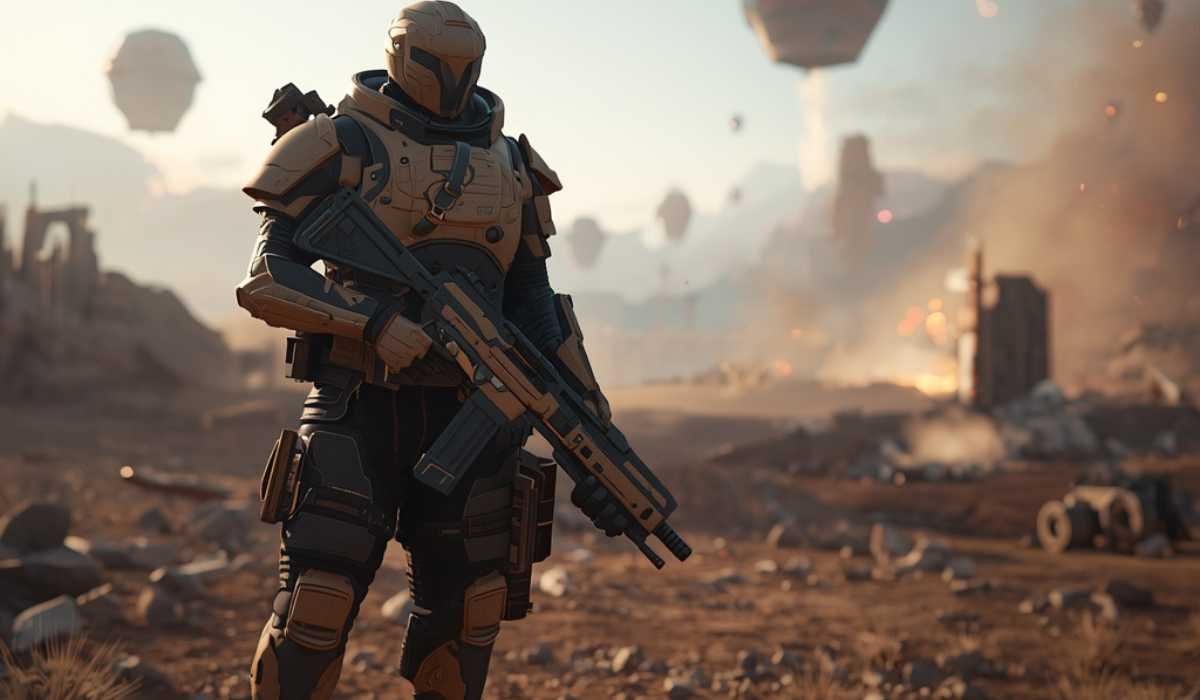
The newest addition to the already famous looter-shooter franchise is Borderlands 4, created by Gearbox Software and released by 2K. The game expands on the fast-paced shooting genre of the franchise, but with a considerably larger world, a smoother experience in play, and improved graphics technology.
This is the latest sequel that puts the players in a new setting with action, adventure, and treasure. Borderlands 4 is less dated compared to other games and is more modern and detailed. The environments are larger, the transition is smoother, and the systems of the gameplay are more polished.
But these are all gains at a price. System requirements are a significant issue to PC players because the game is more demanding.
Borderlands 4 System Requirements
Here is a brief explanation of min and rec requirements:
Minimum Requirements
These are the requirements to play the game at low to medium levels:
| Component | Requirement |
|---|---|
| Operating System | Windows 10 / Windows 11 (64-bit) |
| CPU | Intel Core i7-9700 or AMD Ryzen 7 2700X |
| Memory (RAM) | 16 GB RAM |
| Graphics Card (GPU) | NVIDIA GeForce RTX 2070 / AMD Radeon RX 5700 XT / Intel Arc A580 |
| VRAM | 8 GB |
| Storage | 100 GB SSD |
| DirectX | Version 12 |
Recommended Requirements
These specifications are for superior performance and superior settings:
| Component | Requirement |
|---|---|
| Operating System | Windows 10 or Windows 11 (64-bit) |
| Processor | Intel Core i7-12700 or AMD Ryzen 7 5800X |
| Memory (RAM) | 32 GB RAM |
| Graphics Card (GPU) | Nvidia GeForce RTX 3080 / AMD Radeon RX 6800 XT |
| VRAM | 10–12 GB |
| Storage | 100 GB SSD |
Storage Requirement and SSD Requirement
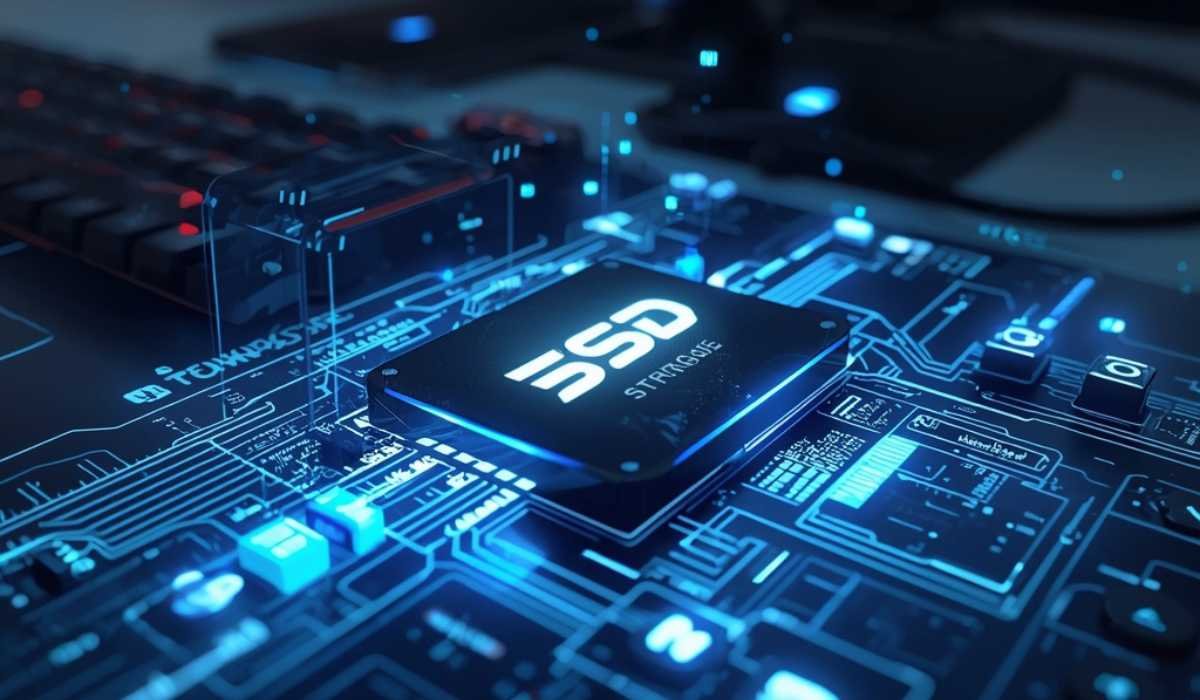
The Rationale of SSD
Due to its huge and extensive world, Borderlands 4 will need an SSD. As you are playing the game is constantly loading images, objects, and environments.
Storage Size
Approximately 100 GB of free space will be required. That is typical of a modern AAA game, but it still has to be properly stored.
What Is More Demanding about Borderlands 4?

Greater and Smoother World
Borderlands 4 presents a dynamic and open world. Gamers spend less time loading screens to move to other massive territories. This implies that your system has to be capable of processing data at real time.
Graphical and Special Effects
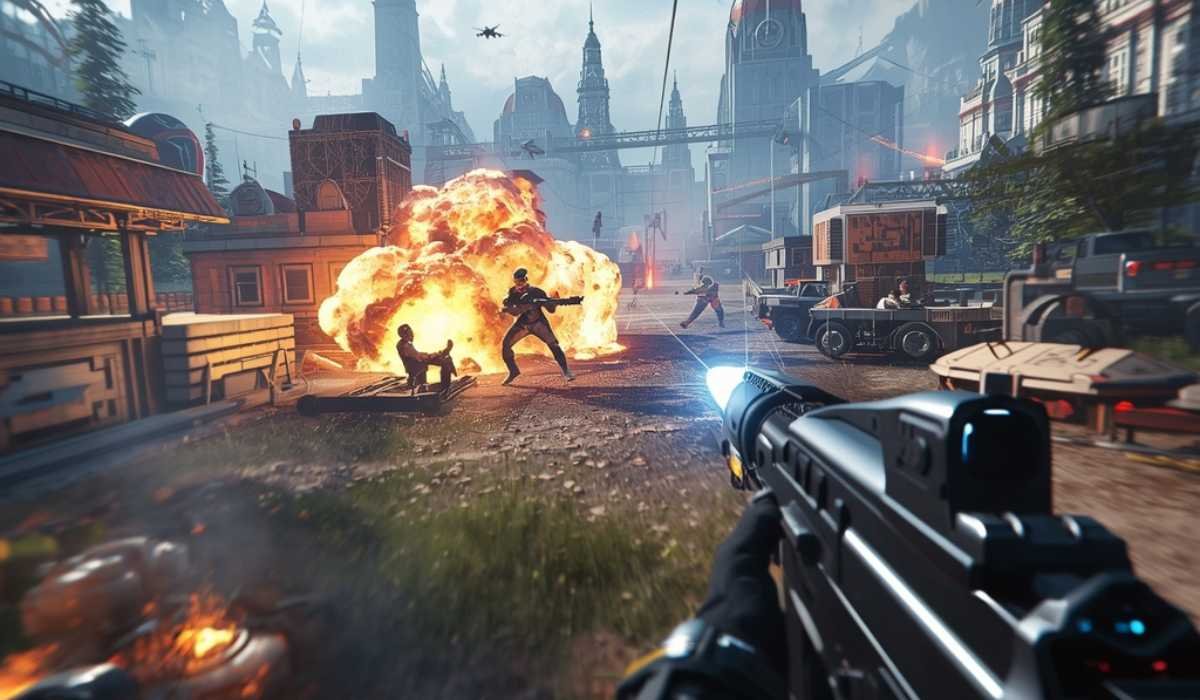
Modern rendering techniques have been employed in the game and enhance lighting, textures, and shadows. Particle effects, explosions, and environmental effects are more realistic than ever before.
Better Artificial Intelligence and Physics
Computer AI in Borderlands 4 is smarter and more dynamic. Meanwhile, physics-based reactions provide a feeling of realism to combat and movement. Such systems take up more CPU and GPU.
Importance of System Requirements
Smooth Gameplay Experience
The fulfillment of system requirements will guarantee that the game will not run slowly, have stuttering, or crash. In case your PC is underpowered, then you are likely to have difficulty enjoying the game.
Visual Quality
Opting for higher specifications would enable you to play at more favorable graphics settings. This enhances the entire experience and makes the game appear more immersive.
Performance Expectations

Entry-Level Experience
With minimum requirements, then you will probably be playing with the lowest settings on your PC. Depending on your system, frame rates can remain close to 30-40 FPS.
Mid-Range Experience
Using upgraded hardware, you will be able to make more settings and have smoother gameplay. The frame rates are more stable, and there is an improvement in the visuals.
High-End Experience
The game can be played in high or ultra settings on high-end PCs, which perform it well. This particularly applies to the higher resolutions such as 1440p or 4K.
Older Borderlands Titles Compared to New Ones

Borderlands 2
Games released several years ago, such as Borderlands 2, could be run with low-end computers with ease. They required very basic hardware.
Borderlands 3
Borderlands 3 added more demands yet could be played on the middle-tier systems.
Borderlands 4
Borderlands 4 leaps to an extreme. It needs modern hardware, and it is evident that it is targeted at powerful systems.
Known Problems with Low-End Systems
Low-end computers might not be able to have consistent performance, particularly when there happens to be a commotion.
Small RAM or slow storage may lead to stuttering of the game loading new locations.
SSD is not present, which makes loading times aggravatingly lengthy.
Suggestions to boost work performance
These are:
Lower Graphics Settings
It is possible to reduce settings such as shadows and textures and enhance performance considerably. Such settings significantly affect the usage of GPUs.
Use Upscaling Technologies
When your graphics card supports either of them (DSLI or FSR), you can enable it to improve the performance of your graphics card and maintain the quality of visuals.
Close Background Applications
Having too many programs running in the background may lower the performance. Shutting of unneeded apps aids in the liberation of resources.
Update Drivers
It is recommended to update your GPU drivers to have a higher match of compatibility and performance with the newer games.
Hardware Upgrade Suggestions
- Graphics Card Upgrade
The most important component of gaming is the GPU. Performance can be significantly increased by upgrading a graphics card to a modern one. - Increasing RAM
The upgrades from 16 GB to 32 GB RAM can assist in smooth gameplay, particularly in games operating in broad, dispersed worlds. - Switching to SSD
Unless you have switched to an SSD, it is very advisable to upgrade to an SSD. It enhances the loading times and responsiveness.
Is Borderlands 4 hardware-worthy?

Borderlands 4 is a significantly superior experience than the previous games of the series. Its enhanced graphics, bigger world, and enhanced smoothness are the reasons why fans should consider it.
Nevertheless, PC upgrading is costly. Before deciding, it is worth comparing the current system and the needs of the users.In the case of the modern AAA player, it might be worthwhile to upgrade in the long-term.
Final Thoughts
Borderlands 4 is an innovation of the Borderlands game series. It comes with high-quality graphics, gameplay, and a bigger world. Simultaneously, it requires potent hardware.
The entry-level is already high, and the specifications suggested will demand a powerful gaming computer. Gamers with an older system might require an upgrade or to change settings to be able to play the game correctly.
Always verifying your system specifications is a good idea before installing the game. Using the right set-up, Borderlands 4 has the potential to provide an enjoyable and smooth gameplay experience.