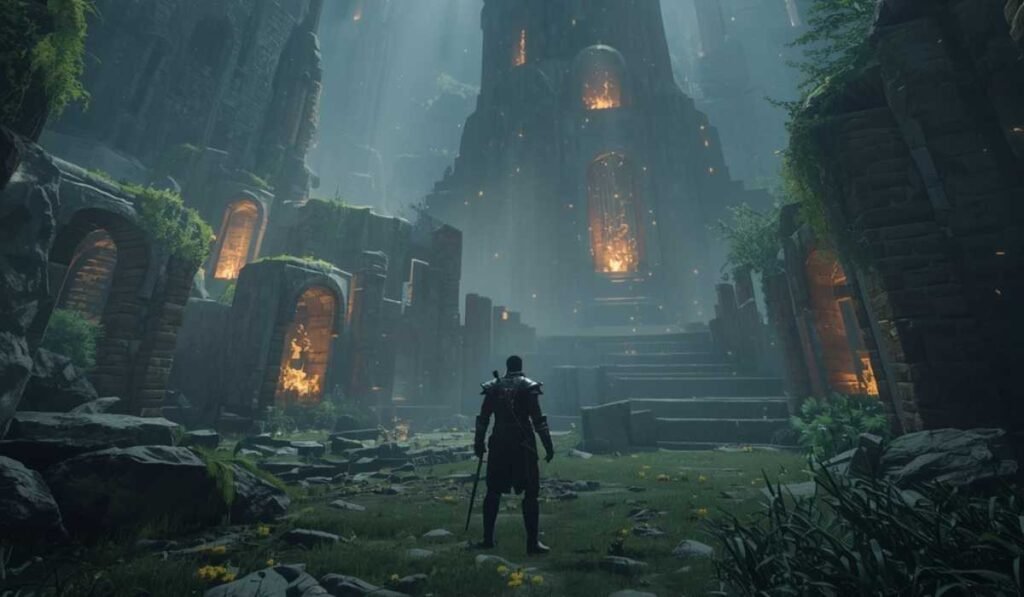
Baldur’s Gate 3 is an RPG game that is expected to be very popular and is filled with a deep storyline, a vast world, and elaborate graphics. You need to be aware of whether your system can support the game before you begin playing.
What Are System Requirements?
System requirements are a list of what your computer requires to run a game (both hardware and software). They indicate your ability to start the game in the system, the smoothness of your system, and the graphics settings you can have.
It is of two kinds:
Minimum requirements: what your system must have to start the game.
System requirements: what you need to make your system perform smoothly and to enhance the display.
Being aware of them will make sure you do not fall behind, crash, or take too long to load.
Why Does Baldur’s Gate 3 Require Intensive Hardware?

Baldur’s Gate 3 is a graphically demanding and computationally expensive game. It features:
- Detailed textures and models
- Developed lighting and shades.
- Huge maps and numerous characters and monsters.
The older systems can be problematic, resulting in slow loading or poor performance. Although your system may meet the minimum requirements, more RAM and SSD will enhance gameplay.
Windows PC System Requirements
Here are the details of minimum and recommended requirements for the game:
Minimum Requirements
The lowest specifications can run the game, but should have low to medium graphics. The game will work, but the massive battles or dense spaces can make it slower.
| Component | Requirement |
|---|---|
| Operating System | Windows 10 64-bit |
| CPU | Intel i5-4690 / AMD FX-8350 |
| RAM | 8 GB |
| GPU | NVIDIA GTX 970 / AMD RX 480 (4 GB VRAM) |
| Storage | 150 GB SSD |
| DirectX | Version 11 |
Recommended Requirements
Suggested specifications enhance graphics and gameplay. You are able to play in larger settings and with more fluid FPS and load times.
| Component | Requirement |
|---|---|
| Operating System | Windows 10 64-bit or higher |
| CPU | Intel i7-8700K / AMD Ryzen 5 3600 |
| RAM | 16 GB |
| GPU | NVIDIA RTX 2060 Super / AMD RX 5700 XT (8 GB VRAM) |
| Storage | 150 GB SSD |
| DirectX | Version 11 |
macOS System Requirements
Here’s the detail:
Minimum Requirements
| Component | Requirement |
|---|---|
| Operating System | macOS 14.7.1 |
| CPU | Apple M1 |
| RAM | 8 GB |
| Storage | 150 GB SSD |
| Performance Note | Can only perform in low or medium settings |
Recommended Requirements
For smoother gameplay:
| Component | Requirement |
|---|---|
| Operating System | Latest macOS |
| CPU | Apple M1 Pro or a more powerful CPU |
| RAM | 16 GB |
| Graphics | Inbuilt M1 Pro+ graphics |
| Storage | 150 GB SSD |
Key Components of Understanding
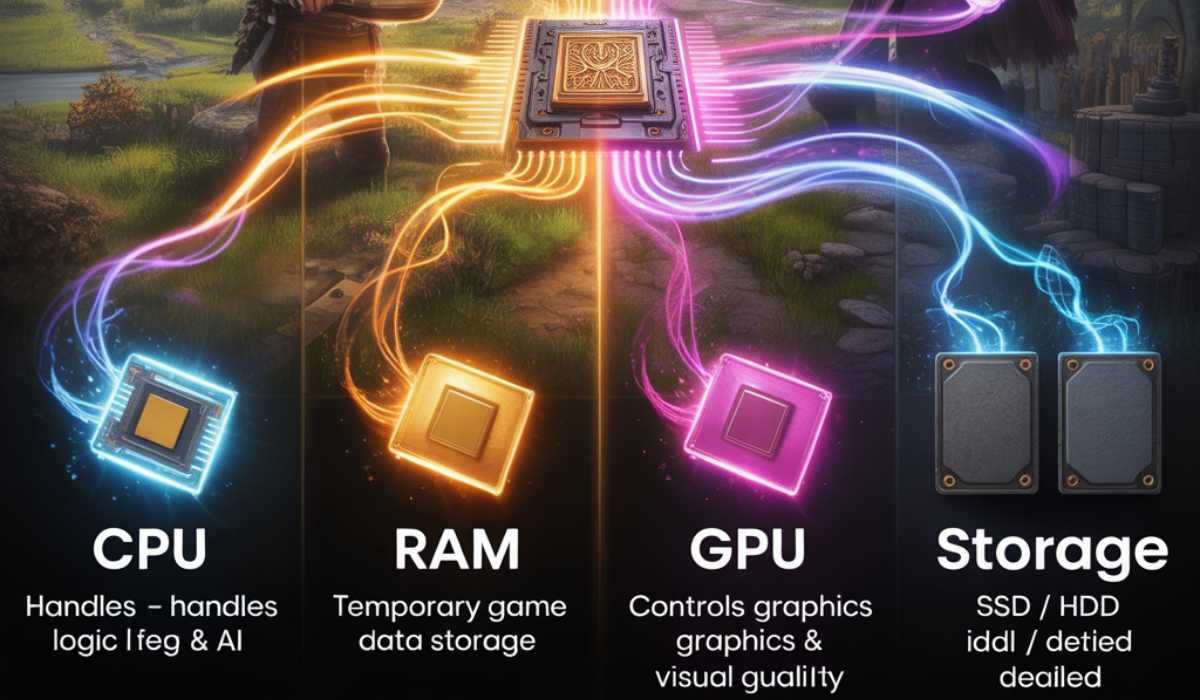
Here are the details of some components you should know:
CPU
The processor processes game logic and AI. Older CPUs will be able to meet minimum requirements but may not perform well when there are many players. Current CPU models, such as Intel i7 or Ryzen 5, have less hanging and allow smoother gameplay.
RAM
Game data is stored in RAM. The minimum memory is 8 GB, which supports the simplest version of the game, whereas 16 GB is good, facilitating smoother performance, particularly during dense scenes. Increased RAM is also beneficial when other programs are used in conjunction with the game.
GPU
The graphics card visualizes images. The game can be played with minimal GPUs on low settings, but with recommended GPUs, it can show high-resolution textures and smoother animations. And without a good GPU, even a good CPU is not able to perform optimally.
Storage
Baldur’s Gate 3 takes up 150 GB. The game can be installed on an SSD and will shorten the loading time, stuttering, and texture delays. Hard drives can result in extended load screens and reduced performance.
Checking Your System
On the Windows and Mac:
On Windows
Click Windows + R, enter dxdiag, and hit Enter. You are able to view your CPU, RAM, and GPU. Compare with the game requirements.
On Mac
Click the Apple logo, then in the drop-down menu, choose About This Mac and verify CPU, RAM, and storage. Before you install the game, make sure that your system meets the minimum requirements.
Performance Expectations
Performance varies on different systems:
Minimum System
The game is not smooth and can be played with minimum requirements. There is a possibility of low frame rates in busy places, low-quality graphics, and time-consuming loading times.
Recommended System
The recommended systems provide good FPS, advanced graphics, and stable operation. Big battles are dynamic, and loading times are shorter.
High-End System
Systems with higher than recommended specs can use maximum graphics settings and higher resolutions and can be reliably used in every situation.
How to play Baldur’s Gate 3 on Laptops

Laptops with dedicated GPUs and powerful CPUs can be used to play the game. Most gaming laptops have SSDs. Office or thin laptops might not perform well, particularly with built-in graphics.
Performance Improvement Tips
Although your system may have the minimum specifications, it can be enhanced:
- Put the game on an SSD to shorten the load times.
- Make sure the graphics drivers are up to date to run smoothly.
- Turn off background applications to release RAM and CPU.
- Tweak in-game graphics settings to ensure constant FPS.
These measures are used to ensure smooth gameplay and improved graphics.
Baldur’s Gate 3 Updates
Updates enhance performance, bug fixes, and additions. Although they tend to add no requirements to the system, updating your game will maintain stability and a superior experience.
System Future Proofing
By using the recommended specs, you will be guaranteed that your system can support updates and expansions. The upgrade of RAM, GPU, or SSD enhances the gaming life and performance in subsequent releases.
Is Baldur’s Gate 3 Worth the Requirements?
Yes. The game offers:
- Deep storytelling
- Immersive world
- Strategic combat
- Multiplayer options
The quality and depth of the gameplay explain the high requirements.
Summary of Requirements
| Category | Details |
|---|---|
| Windows Minimum | Windows 10 64-bit, Intel i5 / AMD FX-8350, 8 GB RAM, GTX 970 / RX 480, 150 GB SSD |
| Windows Recommended | Windows 10 64-bit, Intel i7 / Ryzen 5, 16 GB RAM, RTX 2060 / RX 5700 XT, 150 GB SSD |
| Mac Minimum | macOS 14.7.1+, Apple M1, 8 GB RAM, 150 GB SSD |
| Mac Recommended | Latest macOS, Apple M1 Pro+, 16 GB RAM, 150 GB SSD |
Final Thoughts
Baldur’s Gate 3 is challenging yet fulfilling. Understanding the system requirements aids in creating seamless and enjoyable gameplay. The systems that match specs that are recommended will offer consistent FPS, quality graphics, and quicker loading times. In weaker systems, upgrades such as RAM, GPU, or SSD might be required.