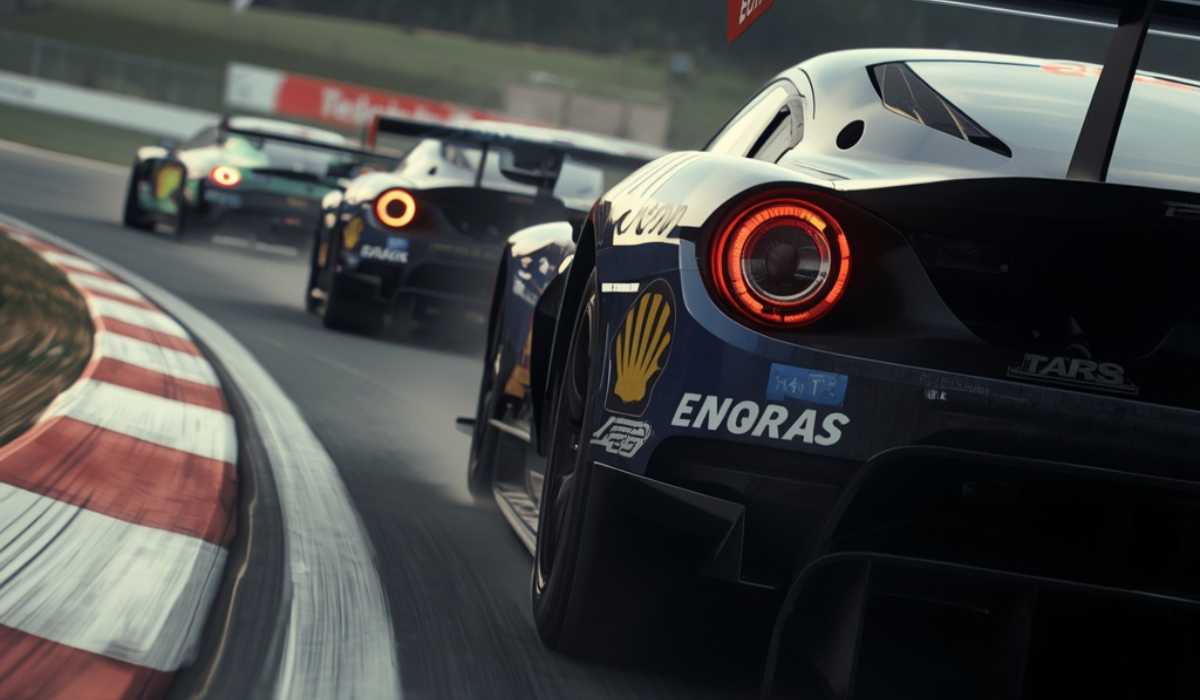
iRacing is one of the most realistic racing simulators that are available to PC gamers. iRacing is not an arcade racing game; it is about real-world driving physics, realistic driving of cars, laser-scanned racing tracks, and competitive online games. The game features cutting-edge simulation systems, making it essential to have a stable PC to ensure smooth performance.
Having the right specification is essential for players who want to get started with a single monitor as well as for those who want to join the sim racing fray, whether they are using VR or triple monitors. In this guide, you will see all of the requirements to run the iRacing system, the recommended hardware, VR performance, storage requirements, and optimization tips for a smoother racing experience and more stable frame rate.
iRacing System Requirements
Finding out if your PC can run iRacing in a way that is compatible with the game is crucial. The simulator can be played on mid-range systems, but stronger ones are required for higher settings and advanced set-ups.
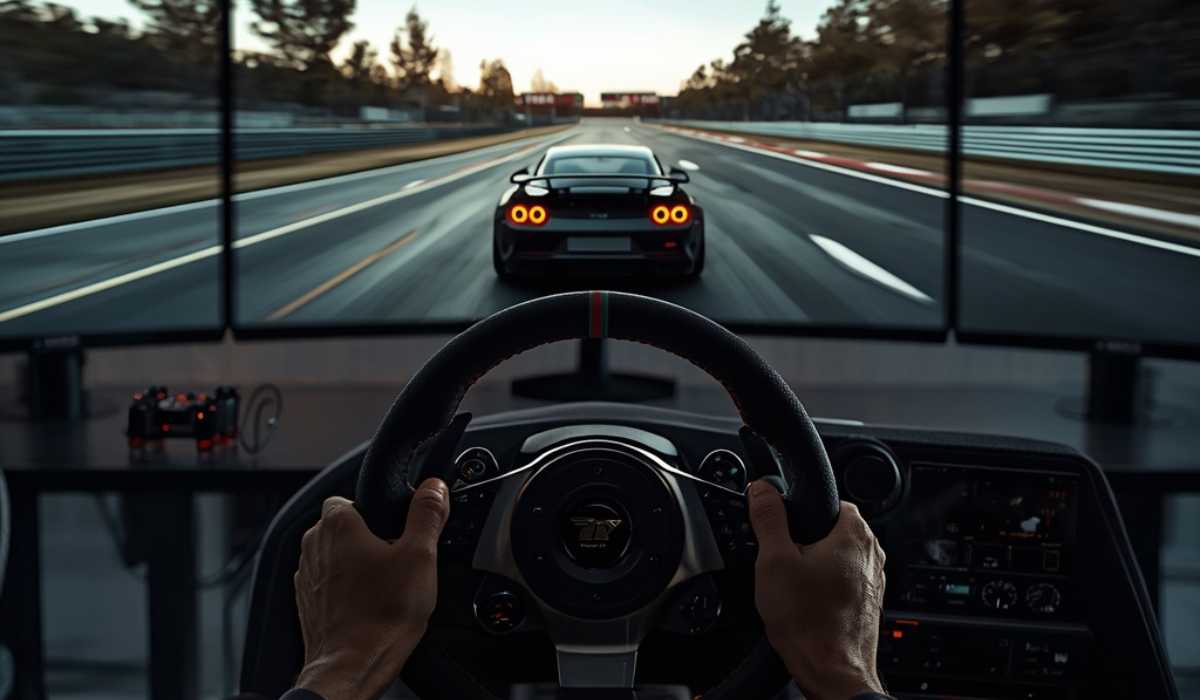
| Component | Minimum Requirements | Recommended Requirements |
|---|---|---|
| Operating System | Windows 11 64-bit | Windows 11 64-bit |
| Processor | Intel Core i5-6600 / Ryzen 3 4300G | Intel Core i5-11600 / Ryzen 5 5600X |
| RAM | 16 GB | 16 GB |
| Graphics Card | GTX 1070 / RX 5600 XT | RTX 2070 / RX 5700 XT |
| VRAM | 6 GB | 8 GB |
| Storage | 40 GB free space | 225 GB SSD |
| DirectX | DirectX 11 | DirectX 11 |
| Internet | Broadband connection | Cable or fiber internet |
The minimum spec is sufficient for low specs and basic online races. Nevertheless, those with the recommended setup will enjoy smoother FPS and graphics along with improved multiplayer stability.
High-End PC Requirements for Ultra Settings
Those looking for optimal graphics, frame rates, VR compatibility, or triple-monitor racing should opt for more powerful gaming machines. The Ultra settings will also raise CPU and GPU usage, particularly when playing online races with packed competitors.
| Component | High-End Requirement |
|---|---|
| Processor | Intel Core i7-14700 / Ryzen 7 9700X |
| RAM | 32 GB |
| Graphics Card | RTX 4070 / RX 6800 XT |
| VRAM | 10 GB or higher |
| Storage | NVMe SSD |
| Resolution | 1440p or 4K |
A top-end system will offer much smoother gameplay, quicker load times and better overall performance for future iRacing updates.
Why CPU Performance Matters in iRacing
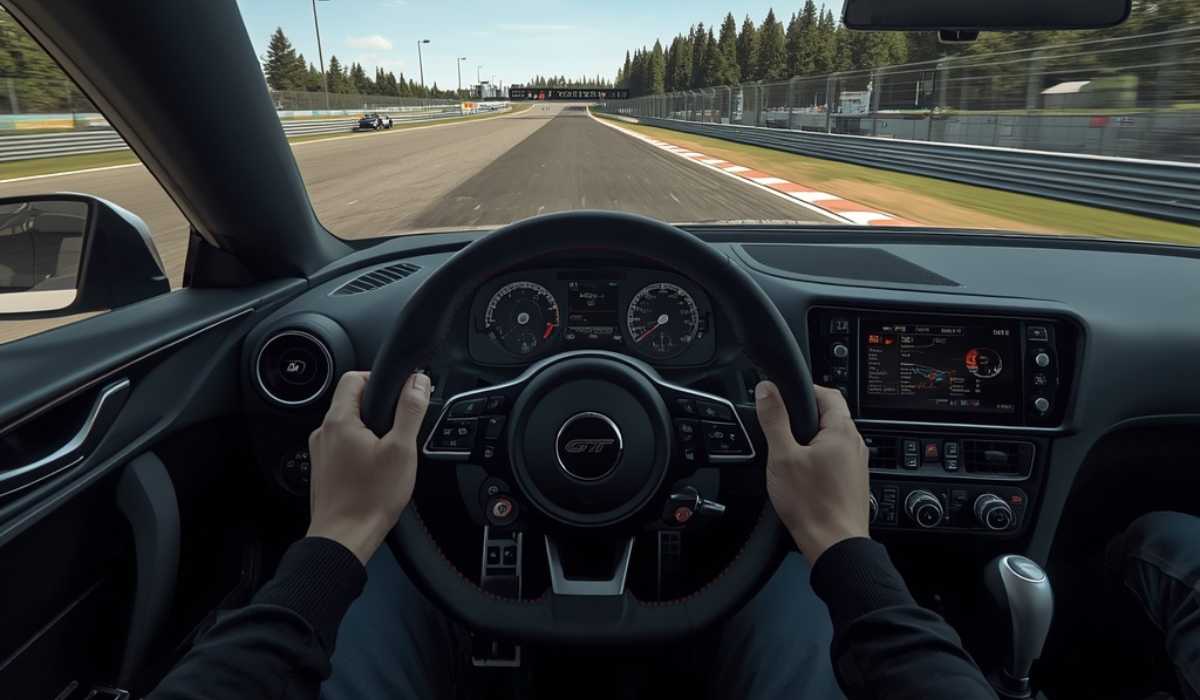
One of the most critical parts of a sim race is the processor. iRacing’s engine always simulates the interaction between the tires and the track, how the suspension bends and flexes, the weather on the track, multiplayer synchronization, and vehicle handling in real time.
A weak processor may cause the following:
- Input delay
- Stuttering
- Improved documentation of the rules and procedures for the staff.
- Decreased smoothness during play.
Commonly, modern 6-core processors can handle regular racing. Players with VR or triple monitors, however, have a greater need for powerful 8-core CPUs as the setups require more processing power.
The Ryzen 5, Ryzen 7, Intel Core i5, and Intel Core i7 are all great options for the iRacing platform.
Best Graphics Cards for iRacing

The graphics card directly impacts FPS, reflections, shadows, textures, and overall realism. While not as graphically demanding as some modern AAA games, advanced setups will still need the power of GPUs.
The RTX 3060 or RX 6600 is an excellent graphics card for 1080p gaming. Players who want 1440p or ultra settings may want to opt for RTX 4070-class graphics cards to get consistent frames.
VR racing demands even more GPU power since the system will be responsible for creating two displays inside the headset.
GPU Recommendations by Resolution
| Resolution or Setup | Recommended GPU |
|---|---|
| 1080p Gaming | RTX 3060 / RX 6600 |
| 1440p Gaming | RTX 4070 / RX 7800 XT |
| 4K Gaming | RTX 4080 / RX 7900 XT |
| VR Racing | RTX 4070 or better |
| Triple Monitors | RTX 4070 or better |
When picking the best graphics card to use, it is crucial to remember that the smooth FPS is directly related to reaction times and accuracy in racing.
RAM and Storage Requirements

16GB RAM is the minimum amount required for iRacing to run smoothly on modern models. Races online could be difficult for the systems with 8GB of RAM, particularly if there are background applications running.
If you are one of the majority of players, then 16GB RAM will suffice. But 32 GB RAM is perfectly suitable for:
- VR racing
- Triple-monitor setups
- Streaming
- Recording gameplay
- Heavy multitasking
The speed of storage is an important consideration, too. While it is technically possible to use an HDD for the simulator, it is highly recommended to use SSD storage as it will make the following improvements:
- Track loading times
- Update installation speed
- System responsiveness
- Game loading speed
For those who download every track and every car, it could take up more than 200GB of storage, so players should install all tracks and cars using an SSD or NVMe SSD.
Internet Requirements for Online Racing
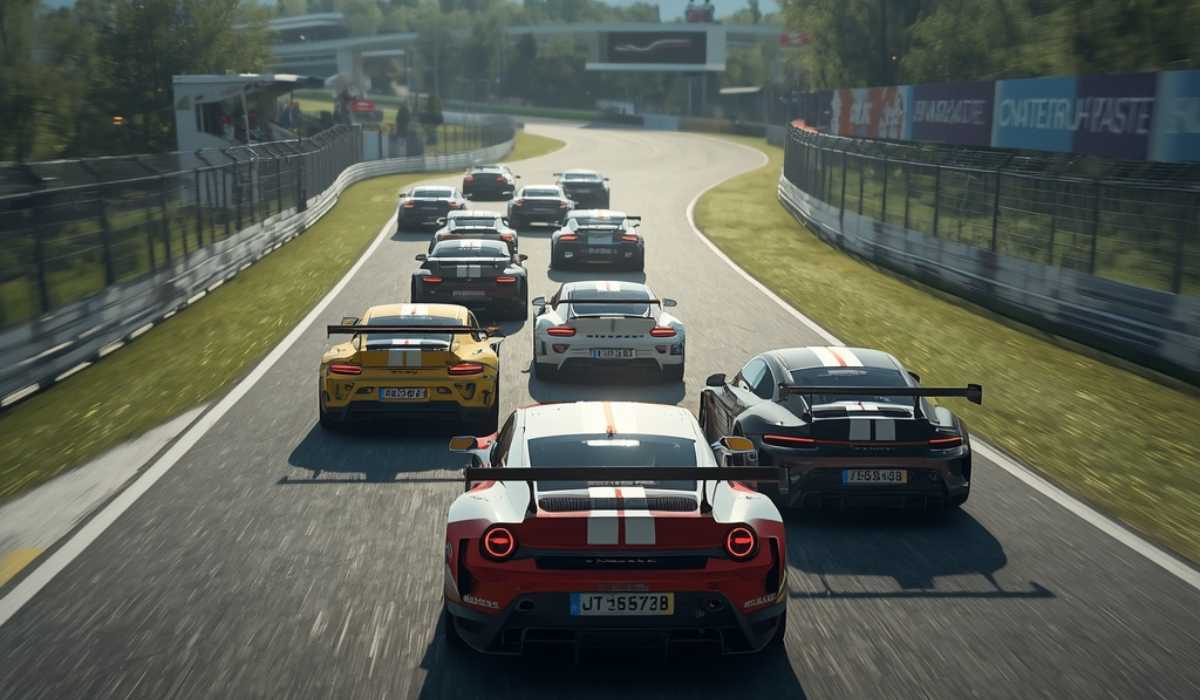
Internet stability is a huge factor in iRacing, as it is an online racing simulator. If they are not connected correctly, it can generate lag, desynchronization, or even drop the connection during races.
Players are recommended to use:
- Internet must be provided by cable or fiber.
- Wired Ethernet connection
- Stable low-latency network.
While Ethernet is better for those who race competitively, Wi-Fi is generally sufficient for casual racers.
iRacing VR System Requirements
One of the most popular experiences of iRacing is virtual reality, as it gives users a more realistic cockpit experience and improved depth perception. There are many places where players can make more accurate judgments of braking points and corner distances in VR.
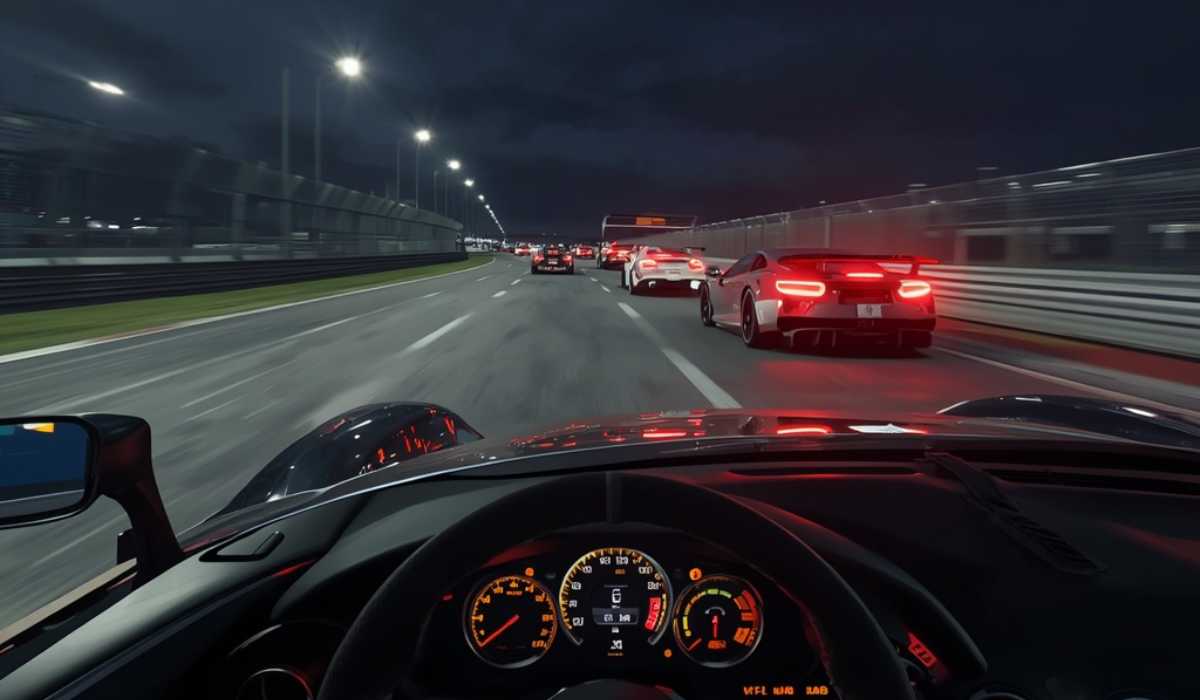
But VR imposes much higher hardware requirements.
Recommended VR Hardware
| Component | Recommended VR Hardware |
|---|---|
| Processor | Ryzen 7 / Intel Core i7 |
| RAM | 32 GB |
| Graphics Card | RTX 4070 or higher |
| Storage | NVMe SSD |
Lower-tier systems might not be able to keep up with the frame rate in VR, particularly during an extensive multiplayer race or on a very detailed track.
Triple Monitor Performance
Triple monitors are something that’s very common in sim racing, as they provide more of a field of view and make things easier to see during races. But if you’re running them all at once, you’ll need a lot more graphics capability.
Players with triple monitors should concentrate on:
- Strong GPU performance
- Fast CPU speeds
- Adequate cooling
- Sufficient RAM
The lower the shadows, reflections, and mirror quality, the better it will be for FPS in triple-screen setups.
Can you run iRacing on a laptop?
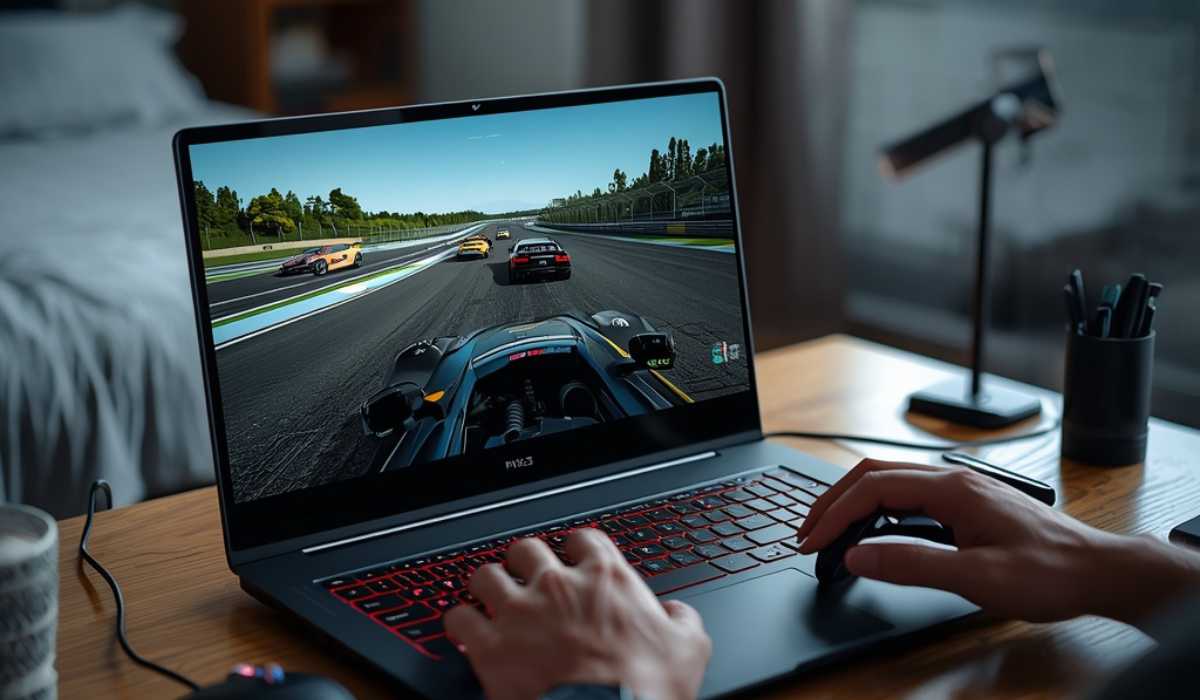
It’s perfectly fine to use any gaming laptop for iRacing online, particularly modern models equipped with RTX graphics cards. Most mid-range gaming laptops perform well with just a single monitor.
There are some drawbacks of laptop computers over desktop computers, however:
- Higher temperatures
- Limited upgrade options
- Lower cooling performance
- Reduced long-term stability
If you are looking to use VR or triple-monitor games, a desktop will generally be best, as it has better cooling options and upkeep.
Best Settings for Better FPS
Even the best gaming PCs can use optimization for a smoother gaming experience. Most sim racers are more interested in an FPS that is stable than in maxing out the graphics.
Certain settings have a greater FPS effect than others.
Settings that enhance performance
- Lower shadow quality
- Reduce reflections
- Lower mirror detail
- Minimize the number of people around and the amount of particles in the air.
- Shut down any unneeded background processes.
- Update graphics drivers
Common Problems on Low-End PCs
The following are a few performance issues that may affect the experience of players using older systems to play iRacing.
Stuttering Issues
If the RAM or the HDD storage are not sufficient, they can cause random stutters.
Long Loading Times
Hard drives load tracks much slower than the SSDs.
Overheating
Gaming laptops also suffer from performance decreases during extended gaming sessions due to excessive heat.
VR Performance Problems
VR demands high frame rates, so slower systems may not provide as smooth gameplay.
Many of these issues can be resolved by upgrading the RAM, GPU, or SSD storage.
Is iRacing difficult to play?
If you’re like many games today, iRacing is not massively hard to play on a standard gaming PC. Single-monitor games can easily be played on a modern mid-range system at good settings.
But things like VR, triple monitors, and high refresh rate screens come with the high price tag of the hardware in use.
Anyone who wants to go into sim racing with a long-term plan should purchase future-proof equipment to get better performance and upgrade seamlessly.
Final Thoughts
Knowing what a racing system requires is crucial prior to building/upgrading a gaming PC. The simulator can be played on middle-class machines; however, a more powerful machine will offer smoother gameplay, a higher level of graphics quality, and better multiplayer performance.
If you are racing casually, a modern 6-core processor, as much as 16 GB of RAM, SSD storage, and an RTX 3060-level graphics card are typically sufficient. For players with VR or triple-monitor setups, they may want to invest in a VR-ready or triple-monitor-compatible PC to ensure improved FPS and sustained performance.
The best iRacing experience will be given by a well-balanced gaming PC with a good CPU, a capable powerful GPU, fast storage, and high-speed internet.