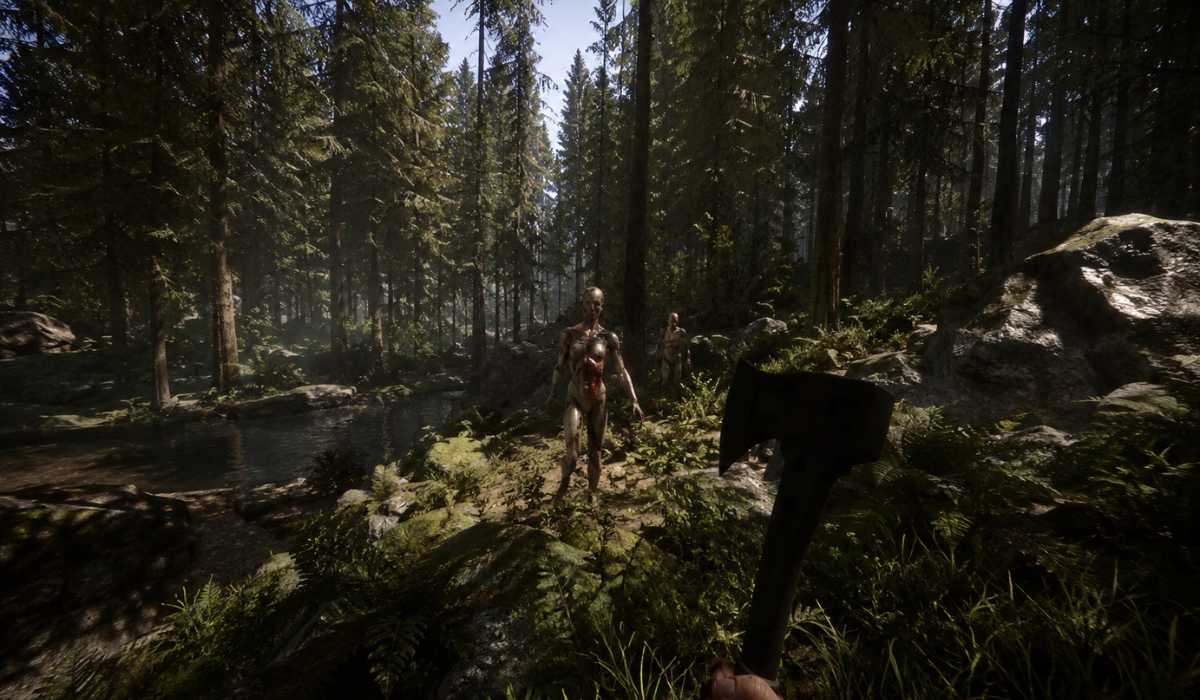
Sons of the Forest is an action survival horror game in which players embark on a dangerous quest through the woods where mutants, survival challenges, and crafting are everywhere. It has been the sequel to The Forest and features much better visuals, AI behavior, and environmental realism.
Unlike its survival counterparts, this game is entirely different with 3D lighting systems, lots of foliage, physics-based interactions, and complex AI systems. That’s why it’s important to understand the system performance. Lower-end users may see poor frames per second (FPS), while higher-end users can get a high quality of graphics, and the game can run smoothly.
Sons of the Forest System Requirements
You should make sure whether your PC can support the game or not before installing it. The game is moderately difficult and demands a balanced CPU and GPU.
| Component | Minimum Requirements | Recommended Requirements |
|---|---|---|
| Operating System | Windows 10 64-bit | Windows 11 64-bit |
| Processor | Intel Core i5-8400 / Ryzen 3 3300X | Intel Core i7-8700K / Ryzen 5 3600X |
| RAM | 12 GB | 16 GB |
| Graphics Card | GTX 1060 6GB / RX 570 | RTX 3060 / RX 6700 XT |
| VRAM | 6 GB | 8 GB |
| Storage | 20–30 GB SSD | 30–40 GB SSD |
| DirectX | Version 11 | Version 12 |
Minimal requirements enable the game to run on lower settings; however, this does not guarantee that the game will always run smoothly in dense forests or during combat.
Recommended requirements offer a much more stable FPS, increased draw distance, and good textures when exploring.
Why Sons of the Forest Needs a Strong PC
It requires a strong PC because of the following:
Advanced Open-World Graphics System
There are notably detailed forests, weather systems, lighting, and fog. Images in these features are very demanding on the graphics card and will only run at acceptable frame rates with a good GPU.
Real-Time AI Behavior System
Player actions have an impact on enemies and NPCs. This needs to be a continuous process of CPU processing, particularly in combat or exploration.
Physics-Based Survival Mechanics
System load is increased when constructing shelters, felling trees, and creating items.
Build a large open environment render
The game constantly reloads and renders vast blocks of wood, caves, and terrain, a process that can be very demanding on less powerful machines.
High-End System Requirements for Ultra Settings
High-end hardware is the best choice for players looking for top-notch graphics and performance. Ultra settings enhance visual quality and put a load on the system.
| Component | High-End Requirements |
|---|---|
| Processor | Intel Core i7-12700K / Ryzen 7 5800X |
| RAM | 32 GB |
| Graphics Card | RTX 4070 / RTX 3080 / RX 6800 XT |
| VRAM | 10 GB or higher |
| Storage | NVMe SSD |
| Resolution | 1440p or 4K |
Ultra Graphics Experience
With high-end systems, players can enjoy realistic lighting, high-resolution textures, and better shadow quality without any compromises in performance.
Stable fps
Even in a high-end PC, you will see smooth frame rates even in dense forests or combat.
Future-Proof Performance
Better compatibility with future graphical enhancements and updates.
CPU Requirements and Performance Impact
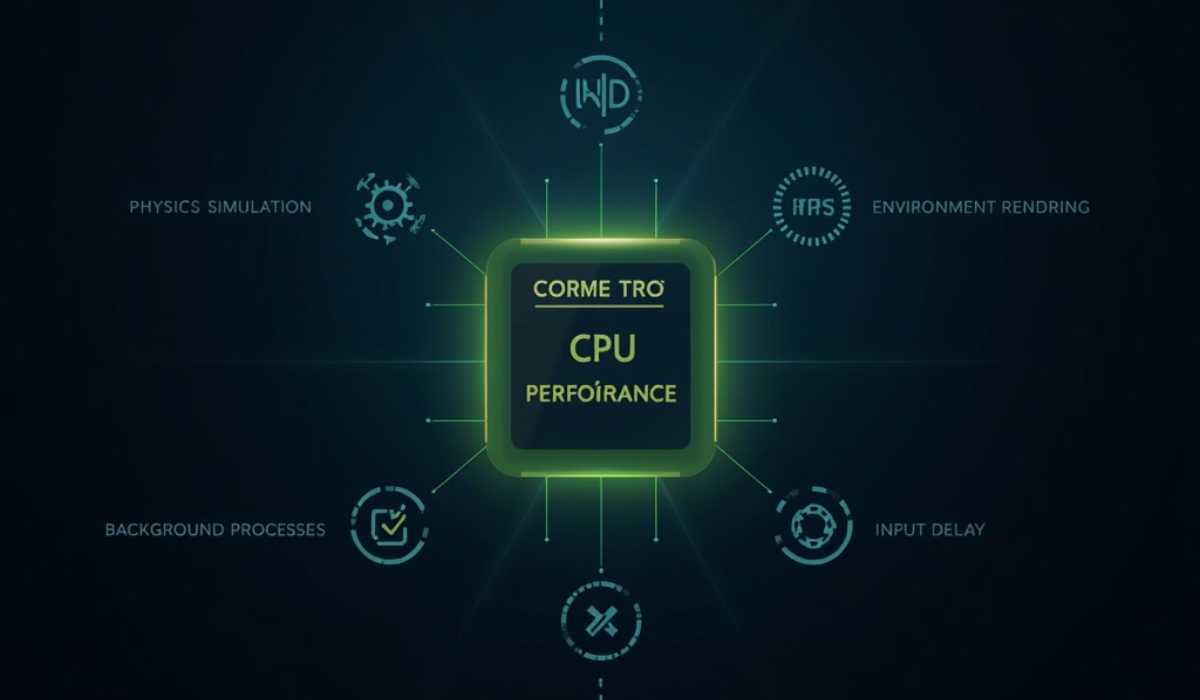
A major factor that differentiates Sons of the Forest from other games is its reliance on real-time calculations, which are strongly dependent on the CPU.
CPU’s job in the game
The processor will:
- Enemy AI behavior
- Physics-based interactions
- Making and constructing systems.
- Environmental simulation
- Background world processes
CPU Performance Effects
The problems a weak CPU can cause are the following:
- FPS decreases in combat.
- The high incidence of stuttering in forest areas
- If the player doesn’t respond to the input in time.
- Slower loading of game systems.
Recommended CPU Level
It requires modern 6-core processors, but more than 8-core processors offer much smoother gameplay.
For a balanced performance, processors such as the Ryzen 5 5600X or the Intel Core i5-11600K are suitable, while Ryzen 7 or Intel i7 CPUs would work best with high-end setups.
Graphical Processing Units (GPUs) and Visual Performance
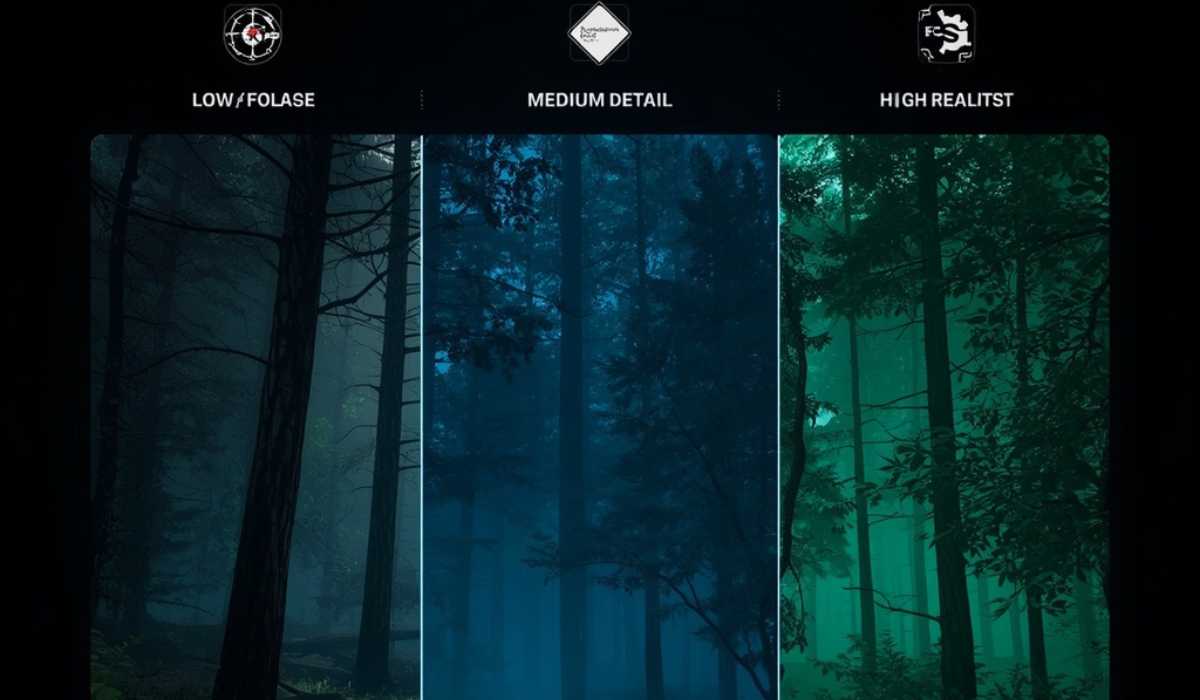
The GPU is a very important part of this game, as it looks after the graphics rendering in the game.
Low-end GPU Performance (1080p Low Settings)
The game can be played on older GPUs such as the GTX 1060 or RX 580, but with lower graphics settings and quality. Shadows and foliage density may have to be reduced to ensure playable FPS.
Mid-Range GPU Performance (1080p High Settings)
To get a stable FPS and good visual quality, you can use either an RTX 2060, an RTX 3060, or an RX 6600. This is the ideal playing level for most gamers.
High-End GPU Performance (1440p / Ultra Settings)
The RTX 4070, RTX 3080, and RX 7800 XT run smoothly in even the most challenging scenes with complex forested areas and lighting effects.
GPU Impact on Gameplay
A better GPU enhances such things as:
- Texture clarity
- Shadow quality
- Lighting realism
- Foliage detail
- Overall frame stability
Memory Requirements for Smooth Gameplay
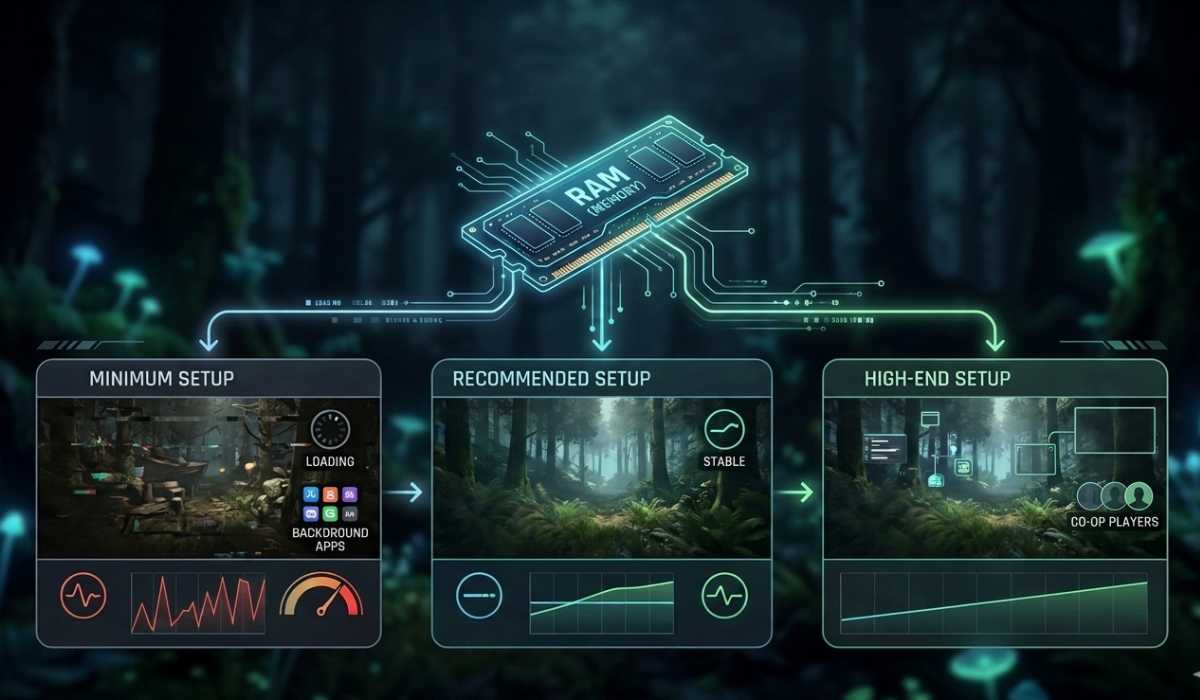
To ensure the game remains stable while exploring and engaging in combat.
Minimum RAM Requirement
A minimum of 12GB of RAM is required for playing the game. With lower memory configurations, it’s possible they won’t load the textures, and the gameplay won’t be as smooth.
Recommended RAM Setup
For most players, 16 GB RAM will be recommended. It offers a compromise between the performance and stability of the system.
High-End RAM Setup
32 GB RAM is recommended for:
- Streaming gameplay
- Running background applications
- Multiplayer co-op sessions
- Heavy mod usage
A lack of RAM may result in stuttering and take longer to load, particularly in large forests.
Storage Requirements and SSD Importance
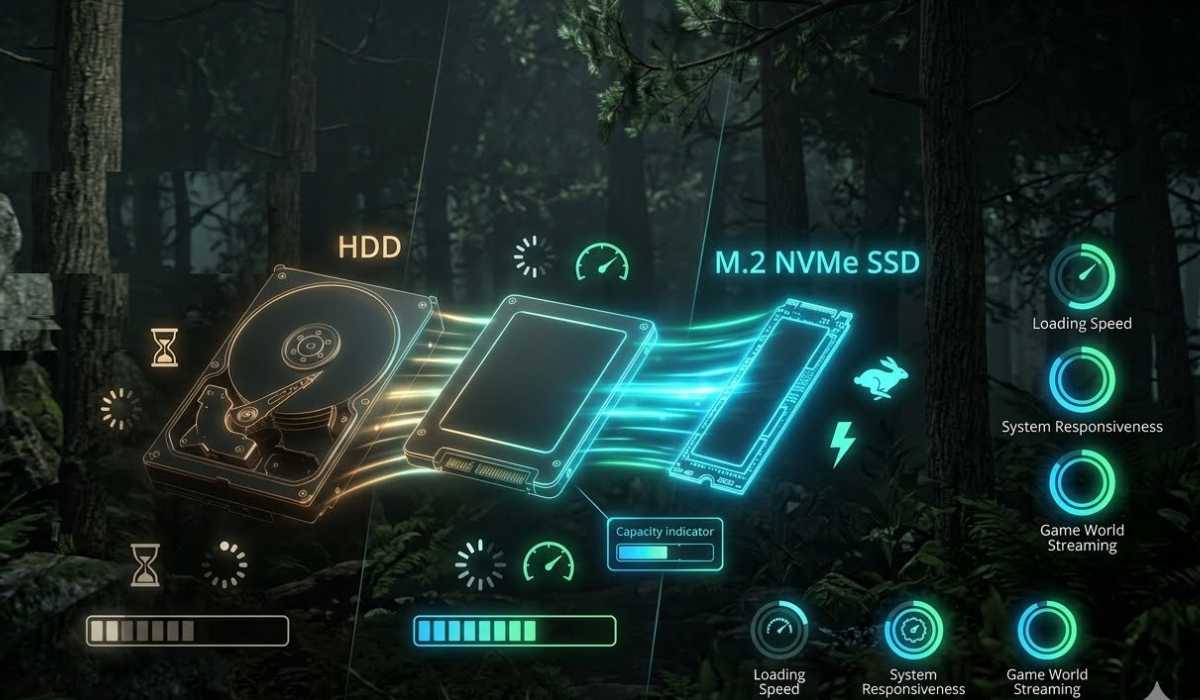
The type of storage is an important factor in loading and responsiveness when playing games.
SSD vs HDD Performance Difference
An SSD’s speed is significantly higher than that of a conventional hard drive. The benefits include:
- Faster game loading
- Reduced texture pop-in
- Smoother area transitions
- Better system responsiveness
Recommended Storage Capacity
This game needs approximately 30-40Gb of free space; more space is recommended for updates and future patches.
NVMe SSD Advantage
NVMe SSDs offer the quickest loading times, and they are highly recommended for the best experience.
Internet Needs for Sons of the Forest
For the most part, it’s a single-player and co-op game, but it still needs the internet for updates and multiplayer.

Stable Internet Requirements
Playing co-op and downloading updates is smooth enough as long as the internet connection is stable and has a reliable speed of broadband.
Best Connection Type
A wired Ethernet connection is preferred because it minimizes lag and instability of the connection as compared to Wi-Fi.
Best Setting for Better FPS
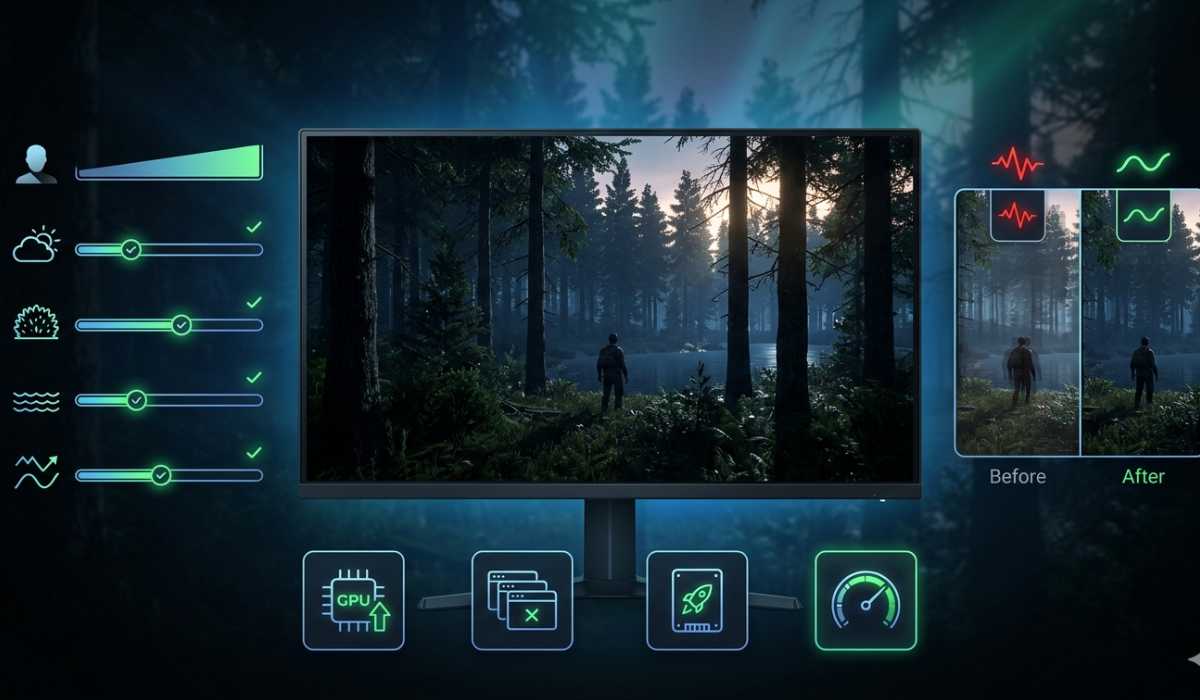
Even with a good system, optimization can be of benefit. Lots of players would prefer consistent FPS over super graphics.
Graphics Settings That Impact Performance
The following settings will yield better FPS:
- Shadows
- Volumetric fog
- Foliage density
- Water quality
- Anti-aliasing
System Optimization Tips
- Ensure you have up-to-date GPU drivers.
- Close background applications
- Use SSD storage
- Click on “Enable performance mode” in Windows
- If necessary, reduce the resolution.
The smaller changes can make a big difference in the smoothness.
Common Performance Issues
Several problems may occur if a player’s PC is either low or mid-range.
FPS Drops in Forest Areas
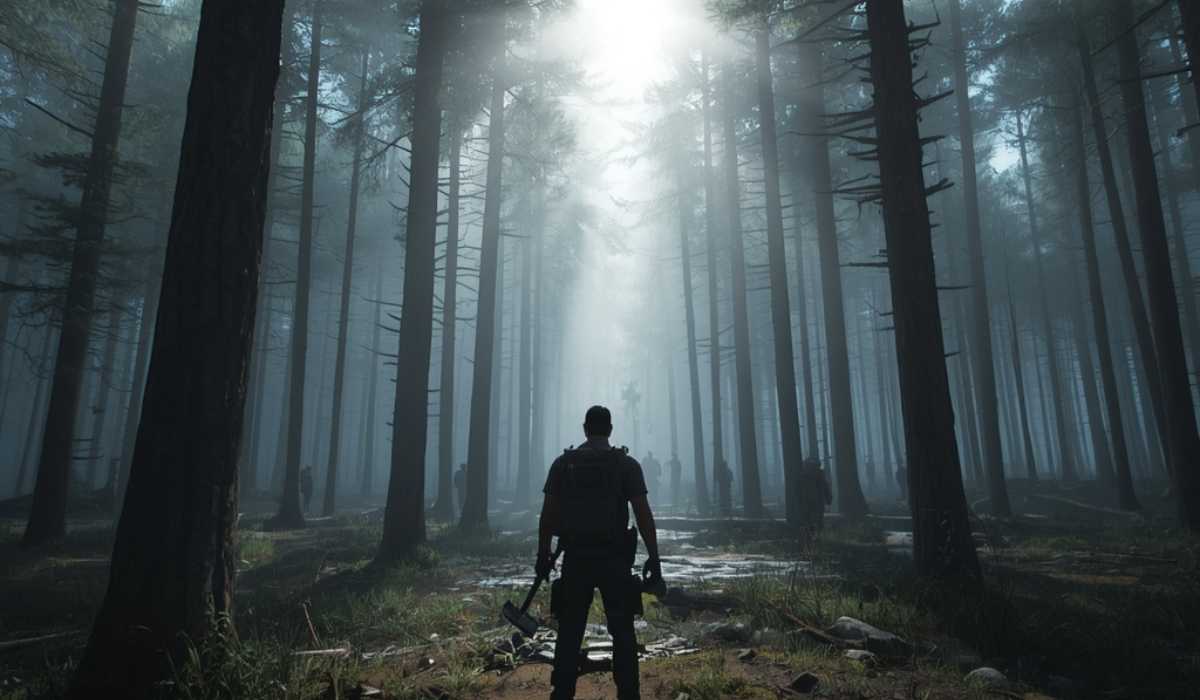
GPU load is high with dense trees and lights.
Stuttering During Exploration
This usually happens due to low RAM or HDD storage.
Long Loading Times
The loading time for game assets on hard drives is slower than on SSDs.
Combat Performance Drops
During fights, AI calculations and physics interactions increase the level of CPU usage.
Overheating on Laptops
Gaming laptops can be subject to throttling because of heat.
Can I play “Sons of the Forest” on a laptop?
Yes, it can run fine on many gaming laptops, particularly with the RTX GPUs.
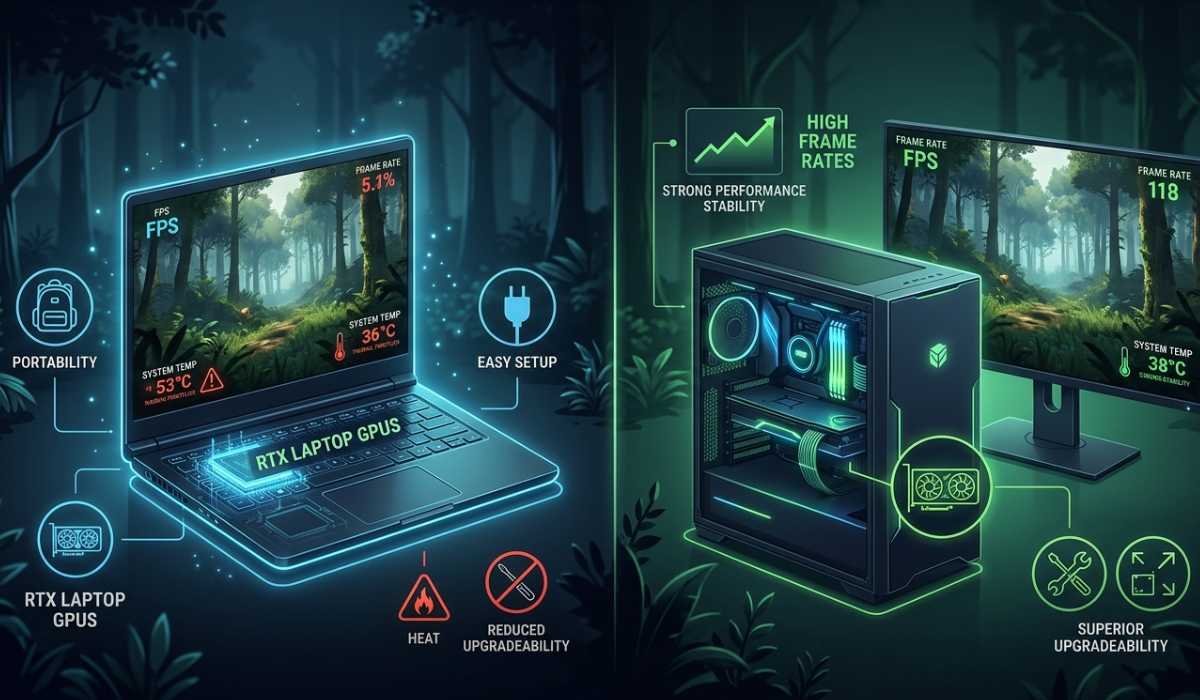
Laptop Advantages
- Portable gaming
- Confident performance on medium levels
- Easy setup
Laptop Limitations
- Higher temperatures
- Limited upgrade options
- Possible thermal throttling
- Reduced long-term performance
You will get the best results with desktop PCs.
Is Sons of the Forest Hard to Run?
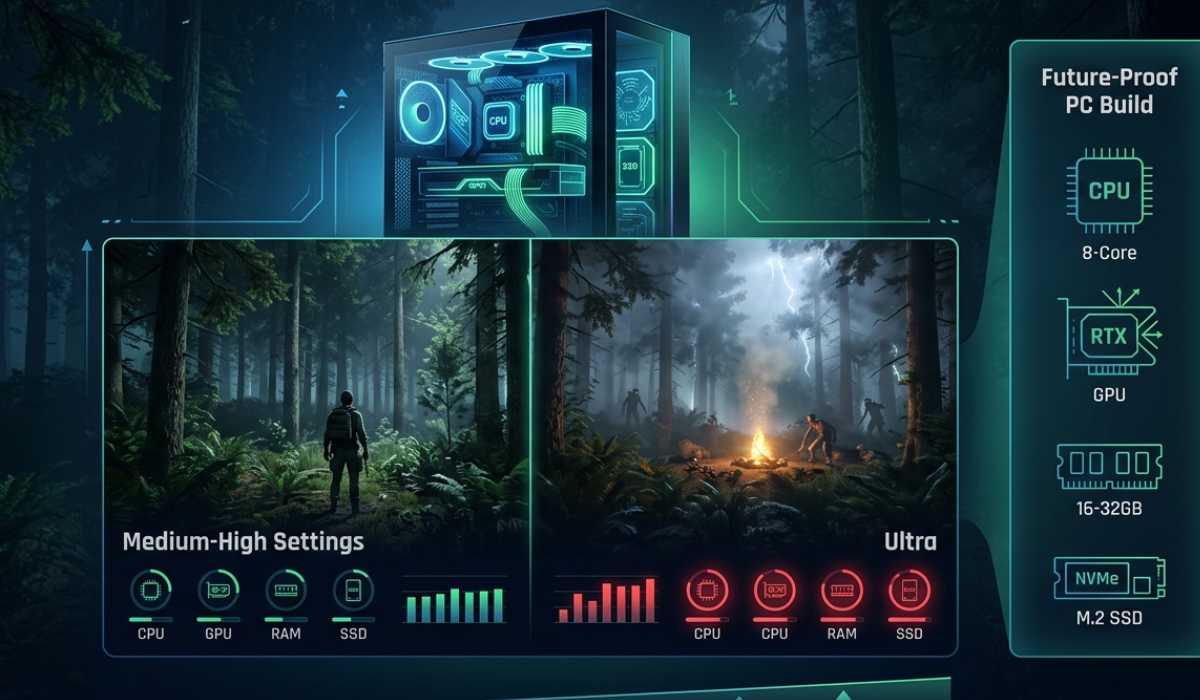
The game is of a moderate difficulty level. While not the most challenging survival game to operate, it will require a balanced system because of modern graphics and AI systems.
The game is well supported by mid-range PCs at medium to high settings. With ultra settings, though, it’s a different story, as they need more powerful GPUs and CPUs for steady performance.
Future Performance Expectations
During the updates, a slight increase in performance requirements might be needed because of new features, bug fixes, and graphical enhancements.
Future-Proof PC Recommendation
If they want to be prepared for future updates, they should keep in mind:
- 8-core CPU
- RTX 3060 or higher GPU
- 16–32 GB RAM
- NVMe SSD storage
This way, there is no need to make large changes to the system for years of trouble-free operation.
Final Thoughts
Knowing the system requirements for Sons of the Forest means that players can make sure they have the right hardware to enjoy the game without any issues. It’s a game that can be played on a medium-end machine but has improved performance with higher-end CPUs and GPUs.
In most cases, a balanced configuration of 16 GB RAM, a modern 6-core processor, and an RTX 3060 or higher will be sufficient for most players. If you’re looking for ultra settings or for the long term, you should stick with high-end hardware.
In the dangerous world of Sons of the Forest, the best experience will be on an optimally configured PC that has a powerful CPU, GPU, SSD storage, and stable RAM.