Indiana Jones and the Great Circle is a much-hyped game that combines storytelling and immersive elements of the action-adventure genre for a significant upgrade. The game features detailed environments, real lighting, and next-generation graphics and is created to provide a high-quality experience.
Due to this reason, there is one question that is raising many players:
Will my PC work with Indiana Jones and the Great Circle?
This guide will contain the entire Indiana Jones and the Great Circle system requirements and performance expectations, optimization tips, and all you need to know before installing the game.
Indiana Jones and the Great Circle System Requirements
The following are the official PC specifications of the game:
Basic Gameplay (Minimum Requirements)
| Component | Requirement |
|---|---|
| Operating System | Windows 10 / 11 (64-bit) |
| Processor (CPU) | Intel Core i5-10600K or AMD Ryzen 5 3600 |
| Memory (RAM) | 16 GB |
| Graphics Card (GPU) | NVIDIA RTX 2060 / AMD RX 6600 |
| Storage | 120 GB SSD |
This configuration will enable you to play the game in low to medium settings although the performance can be reduced in scenes that are not straightforward.
Suggested Requirements (Smooth Experience)
| Component | Requirement |
|---|---|
| Operating System | Windows 10 / 11 (64-bit) |
| Processor (CPU) | Intel Core i7-12700K or AMD Ryzen 7 7700X |
| Memory (RAM) | 32 GB |
| Graphics Card (GPU) | NVIDIA RTX 3080 / AMD RX 6800 XT |
| Storage | 120 GB SSD |
These specs will enable you to play with high settings, improved visuals, and smoother gameplay.
Why This Game Needs Powerful Hardware
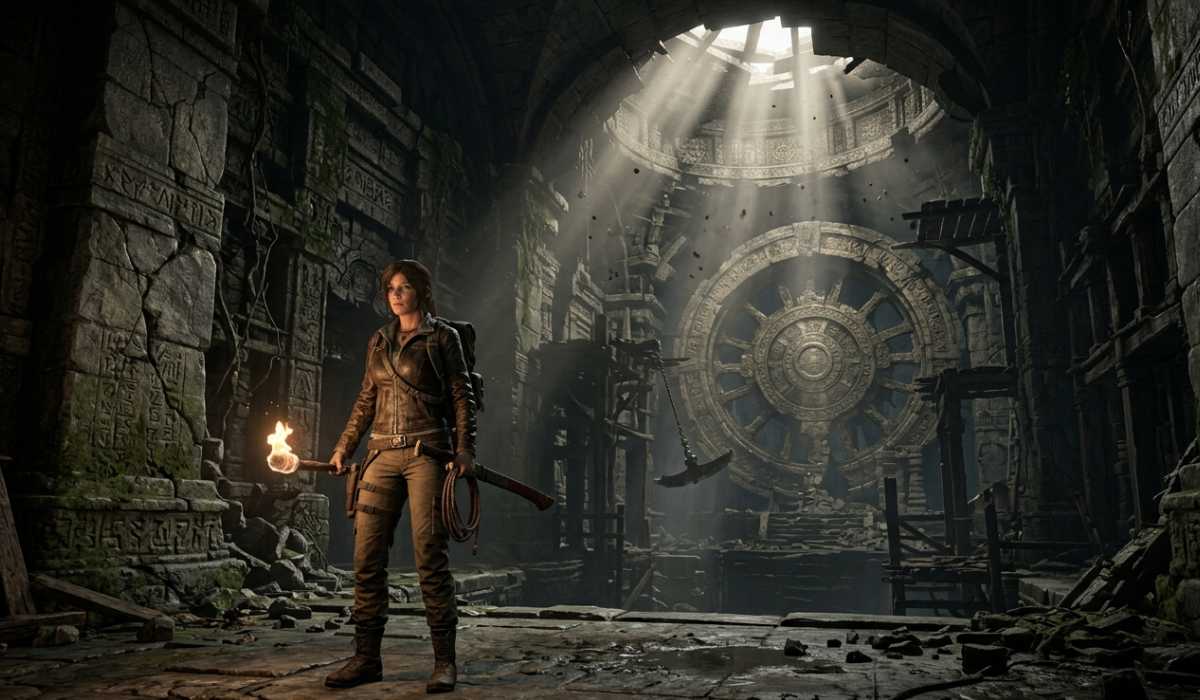
Indiana Jones and the Great Circle is more than an adventure game. It is constructed using modern technology that is geared towards being realistic and cinematic.
The settings are expansive, elaborate, and full of movement. Lighting, textures, and shadows are computed in real time, and this raises hardware requirements.
The primary causes of high system requirements:
- Big open spaces with elaborate resources.
- Dynamic lighting and shadows.
- High-resolution textures
- Film cutscenes and animation.
- High-level physics and interaction.
A combination of all these features helps to form an immersive experience, yet they also need a powerful PC.
Low-end PCs’ performance
Indiana Jones and the Great Circle is extremely hard to run on a low-end PC. Older GPUs or less RAM systems might not even be able to start the game properly.
Although the game is running, you might have poor performance, particularly in detailed environments.
Typical issues with low-end systems:
- Very low FPS
- Frequent stuttering
- Long loading times
- Accidents during heavy traffic.
Reducing graphics settings can achieve a bit, though this might not suffice to play the game smoothly.
Mid-Range PC Performance
Mid-range PCs are better suited to play the game, particularly with the settings optimized.
With 16GB of RAM and an RTX 2060 or any other comparable GPU, you can play it at medium settings.
Expected experience:
- 40-60 FPS in regular gameplay.
- Medium graphics settings
- Seldom fainting in complex places.
- Fluid action on the indoor scenes.
The arrangement provides a good experience, although not the highest visual quality.
High-End PC Performance
Indiana Jones and the Great Circle are optimally experienced on high-end PCs. The game can be played in high or ultra settings with powerful hardware.
Systems that include RTX 3080 or even above graphics cards provide optimal performance even in strenuous scenes.
Advantages of premium systems:
- Constant FPS (60 on average)
- Ultra graphics settings
- Faster loading times
- Smooth cinematic transitions
- Improved texture and lighting quality.
This is the best arrangement to have the game as it was supposed to be.
Importance of GPU vs CPU
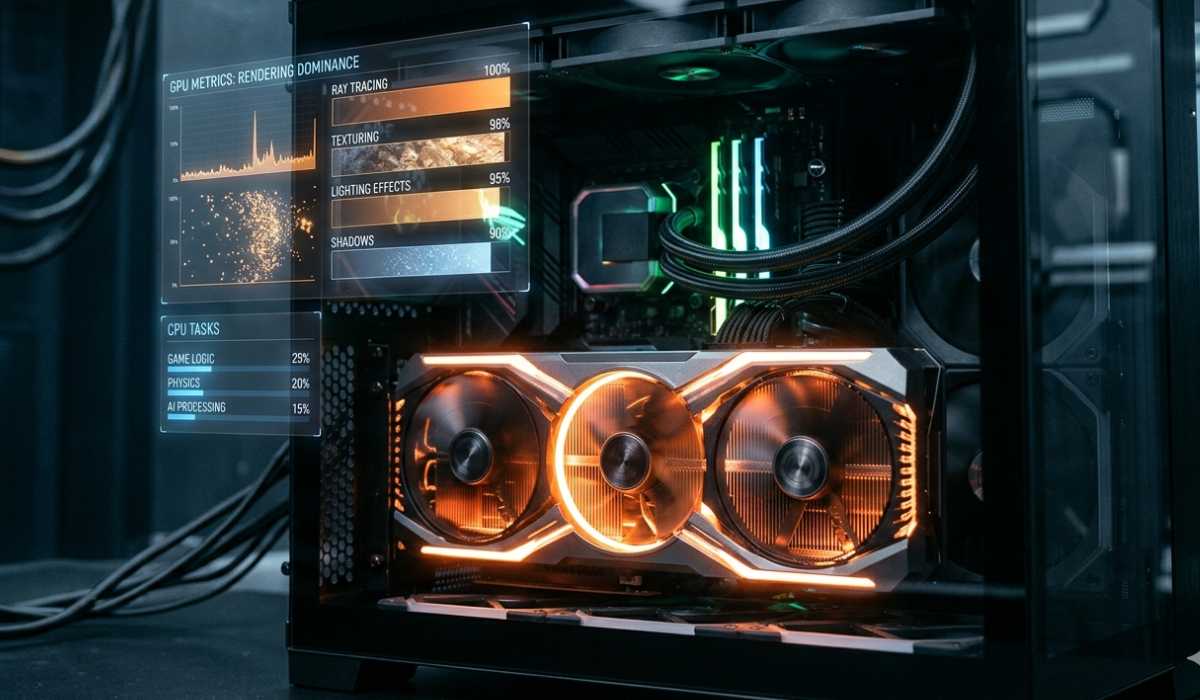
Both the CPU and GPU are significant, although the latter is more important in this game, as it is more graphics-oriented.
GPU handles:
- Rendering environments
- Light and shadow effects.
- Texture processing
- Visual quality
CPU handles:
- Game logic
- AI behavior
- Physics calculations
A powerful GPU is more advantageous to invest in to enhance performance.
Storage Requirements and the Importance of SSD
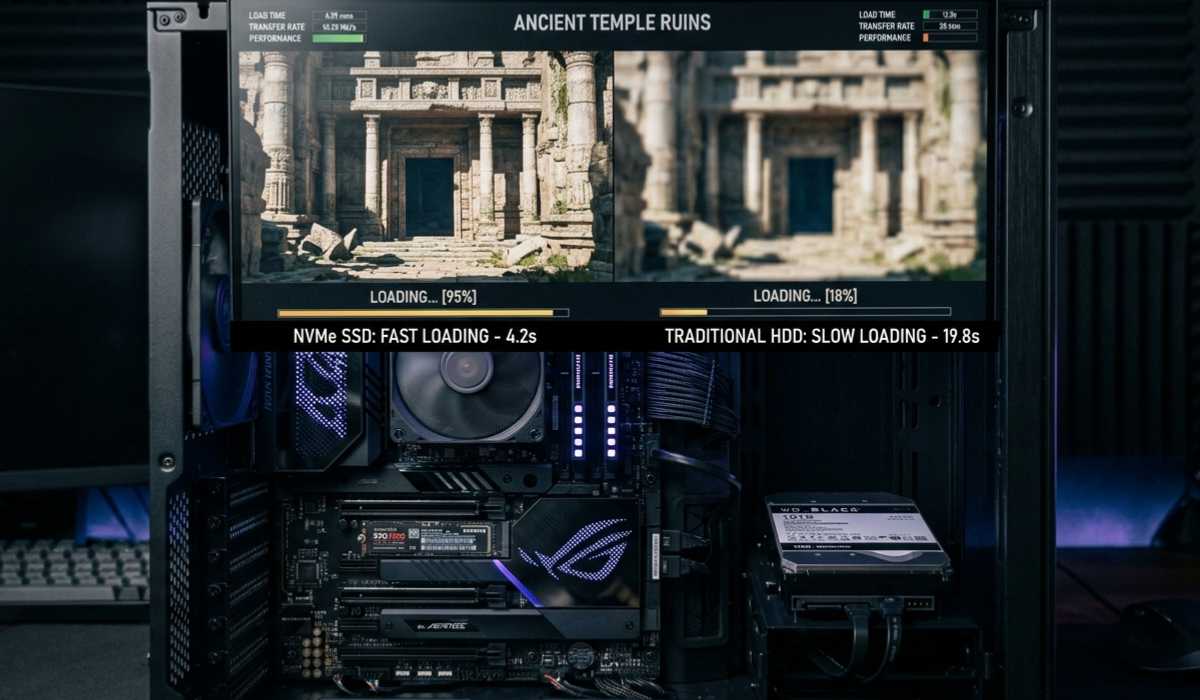
This game has a large storage requirement of about 120 GB. More to the point, there is a high recommendation to use an SSD.
HDDs are slower and may lead to long loading times and stutter effects on gameplay.
The importance of SSD:
- Faster loading screens
- Smoother gameplay
- Reduced stuttering
- Better overall performance
To have a smooth experience, it is important to install the game on an SSD.
RAM Requirements Explained
The game has a minimum RAM requirement of 16 GB, more than many of the older games. This is due to the fact that modern games consume more memory in the form of textures and environments, and background processes.
The game can operate with 16 GB RAM, but to have the best performance, it is recommended to use 32 GB.
RAM impact:
- Helps smooth gameplay
- Minimizes delays between transitions.
- Improves multitasking
- RAM upgrade can make a great difference in your gaming experience.
Laptop vs Desktop Performance
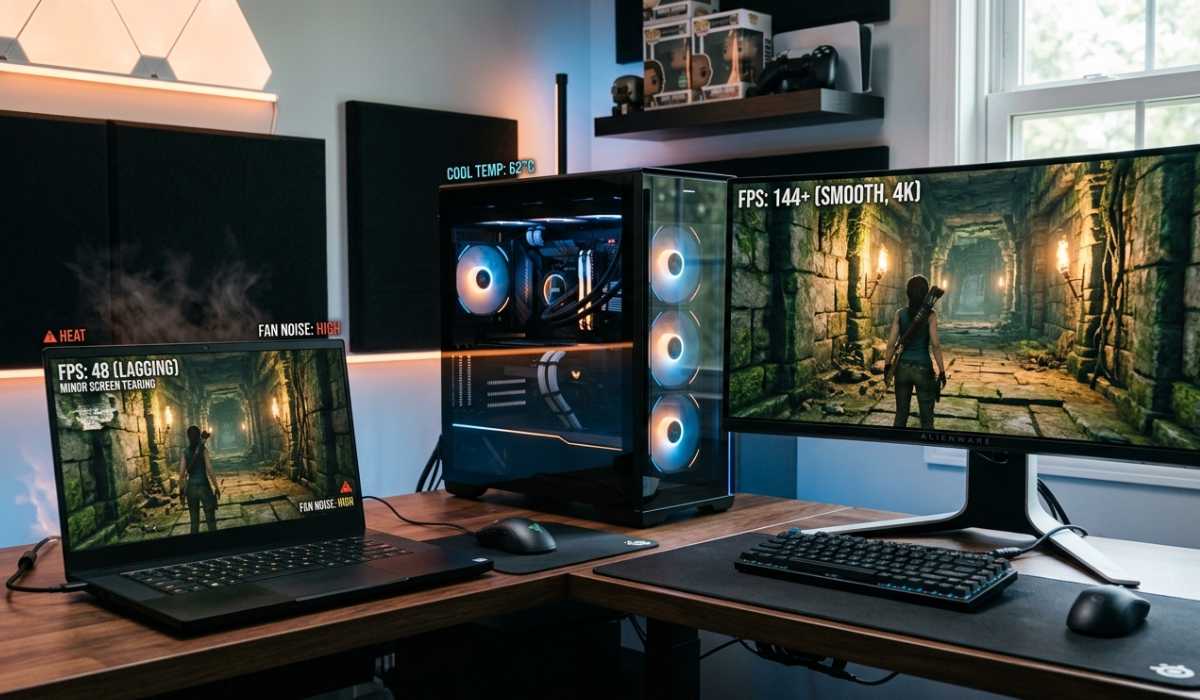
Indiana Jones and the Great Circle is compatible with laptops and desktops, although the performance differs.
Gaming laptops are mobile but might not perform well in terms of heat and performance during extended use.
Desktops are cooled better and have a consistent performance.
Key comparison:
Gaming Laptops:
- Portable
- Limited cooling
- The performance can decline with time.
Desktop PCs:
- Better cooling system
- Stable performance
- Upgrade flexibility
- Desktops tend to be preferable for intensive games.
Common Performance Issues
Performance problems may occur in some players despite having good hardware because of the complexity of the game.
FPS drops in large environments are one of the most frequent problems. This occurs when numerous elements are viewed concurrently.
Stuttering is another problem, which is usually triggered by slow storage or limited RAM.
Other issues include:
- Long loading times
- Texture pop-in
- Micro-stutters
- Occasional crashes
Such problems can be fixed through updates and patches.
Improving Game Performance
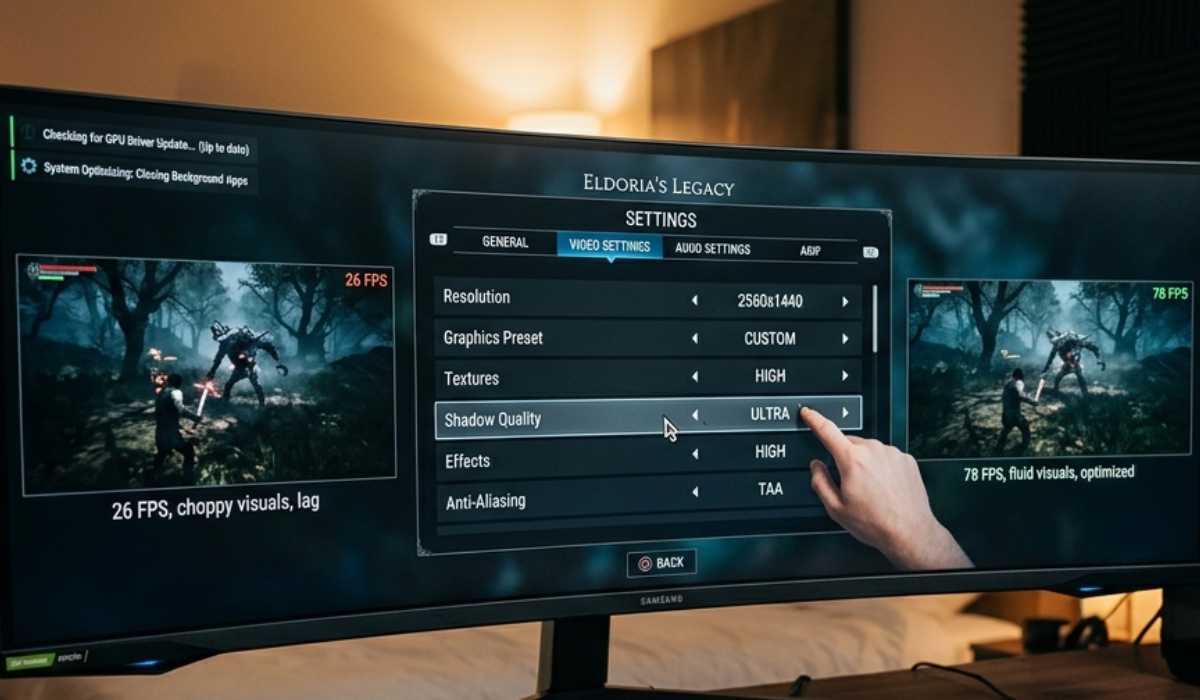
When your PC is not performing, you can enhance performance by making some simple changes.
The best method of increasing FPS is by reducing graphics settings.
An SSD and driver update also contribute to better stability.
Optimization tips:
- Lower graphics settings
- Update GPU drivers
- Close background apps
- Use SSD storage
- Adjust resolution settings
The following steps will enable you to achieve smoother gameplay without increasing hardware.
Should Indiana Jones and the Great Circle be played?
The game is aimed at those players who like story-based adventure games and traveling through movies.
It provides exploration, puzzles, and action, which make it unlike the usual shooters.
It has one of the most exciting upcoming titles, particularly for adventure gamers, due to the visuals and storytelling.
Provided that your PC is up to the recommended requirements, it is certainly well worth playing.
Final Thoughts
The requirements of Indiana Jones and the Great Circle system are high, as this game is concerned with realism and next-gen graphics. It is created to provide a movie-like experience, and that demands strong hardware.
Check your system specifications prior to installation. Smooth gameplay requires a strong GPU, sufficient RAM, and SSD storage.
Your system should have good specs that will allow you to play the game optimally. Otherwise, it might be required to decrease settings or upgrade hardware.
The game is the future of adventure gaming: immersive, detailed, and challenging.