Stellar Blade is an eye-catching action-adventure game, featuring quick-paced action, cinematic-style graphics, and very detailed backgrounds. It is entirely designed to optimize the stability of mid-to-high-range PCs with modern rendering, sophisticated lighting, and a fluid animation system.
The gameplay, frame rate stability, and the graphical quality are directly influenced by each hardware component, and before installing, upgrading, or modifying your system, you should be aware of these influences.
This guide will explain the system requirements for Stellar Blade, from minimum to ultra, with detailed tables and performance expectations, making it easy to determine whether your PC is capable of running the game.
Minimum System Requirements
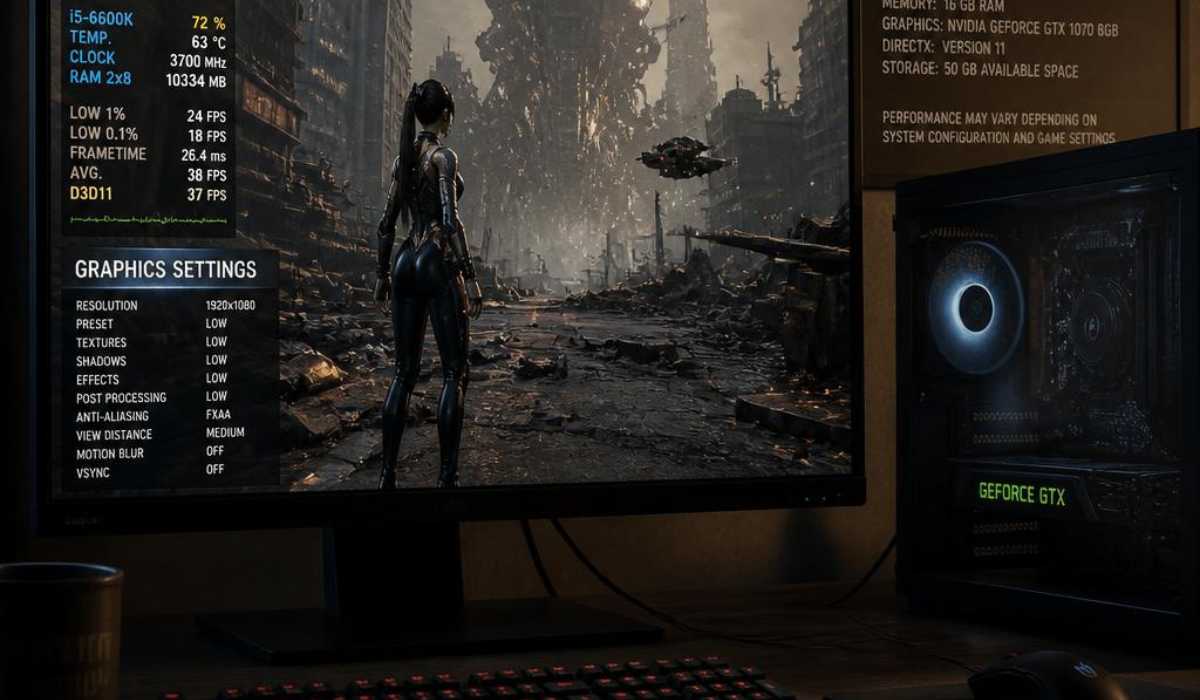
The minimum requirements are the lowest hardware requirements to play Stellar Blade. This is where the game will focus on performance before graphics, limiting effects and shadows, and decreasing the level of texture detail.
| Component | Requirement |
|---|---|
| Operating System | Windows 10 (64-bit) |
| Processor | Intel Core i5-7600K / AMD Ryzen 5 1600X |
| RAM | 16 GB |
| Graphics Card | NVIDIA GTX 1060 (6GB) / AMD Radeon RX 580 (8GB) |
| DirectX | Version 12 |
| Storage | 75 GB available space |
Performance expectations at minimum settings.
At this level, the game is optimized for 1080p low-settings gameplay. Expect loss of visual fidelity: simplified shadows, lower texture resolution, and few/no post-processing effects. Heavy combat and open environments may experience occasional frame drops, but the game is still playable.
The CPU is a major factor in this, particularly in fights against enemies and in physics interactions. In the meantime, the majority of the rendering is offloaded to the GPU, and old graphics cards can be unable to pace the frames.
Although the memory needs 16GB, there is efficient memory usage, but due to downplaying some applications for stutter-free performance.
Recommended System Requirements
For players looking for a more balanced experience with improved visuals and performance, the recommended configuration has been suggested.
It’s the best configuration to enjoy high-quality graphics without compromising frame rates for most players.
| Component | Requirement |
|---|---|
| Operating System | Windows 10 / Windows 11 (64-bit) |
| Processor | Intel Core i5-8400 / AMD Ryzen 5 3600X |
| RAM | 16 GB |
| Graphics Card | NVIDIA RTX 2060 Super / AMD RX 5700 XT |
| Storage | SSD with 75 GB free space required |
Success criteria of recommended settings
Depending on optimizations, Stellar Blade can be optimized to run at 1080p high and 1440p medium at these levels. The most significant benefit is the enhanced frame rates and quicker load times on an SSD.
The combat action is more responsive, and the environment is much more detailed. Much better lighting effects, reflections, and particle systems than the minimum settings.
Enables smoother performance for AI behavior and background simulation, particularly during demanding in-game scenes.
High-End System Requirements
People who are looking for better graphics, lighting effects, and resolution of the video without sacrificing performance will find these high-end features.
| Component | Requirement |
|---|---|
| Processor | Intel Core i5-8400 / AMD Ryzen 5 3600X |
| Graphics Card | 2 GB DDR5 memory |
| RAM | 16 GB |
| Storage | SSD required (75 GB) |
Performance expectations for high settings
At this setting, the Stellar Blade performs well and is stable in 1440p at high settings. Enhancements in the visuals are more apparent, particularly in lighting, reflections, and character detail.
The game is presented cinematically, and the textures are sharper, and the environment is deeper. Explosion effects, particles, and combat animation look smoother and more realistic.
At this stage, a lot more complex lighting systems are in use, particularly on open-world maps, which makes GPU usage more significant. But modern GPUs in this category can deal with the load with minimal performance loss.
Ultra / 4K System Requirements
This level is for enthusiast gamers looking for the best visuals possible. It offers the greatest graphics fidelity, resolutions, and ultra settings.
| Component | Requirement |
|---|---|
| Processor | Intel Core i7-12700K / AMD Ryzen 7 5800X |
| Graphics Card | NVIDIA RTX 3080 / AMD RX 7900 XT |
| RAM | 16 GB or higher |
| Storage | NVMe SSD (75 GB) |
Performance expectations at Ultra Settings
In this mode, Stellar Blade provides a real cinematic 4K experience with the ultra textures, lighting quality, and advanced post-processing effects.
In most cases, frame rates are stable and will need to be optimised to a certain degree in really demanding combat scenes, depending on the resolution scaling.
Here, the game displays its full graphical prowess, with detailed character models, convincing shadows, and superior environmental effects. The most visually similar experience to what developers wanted.
How Each Component Affects Performance
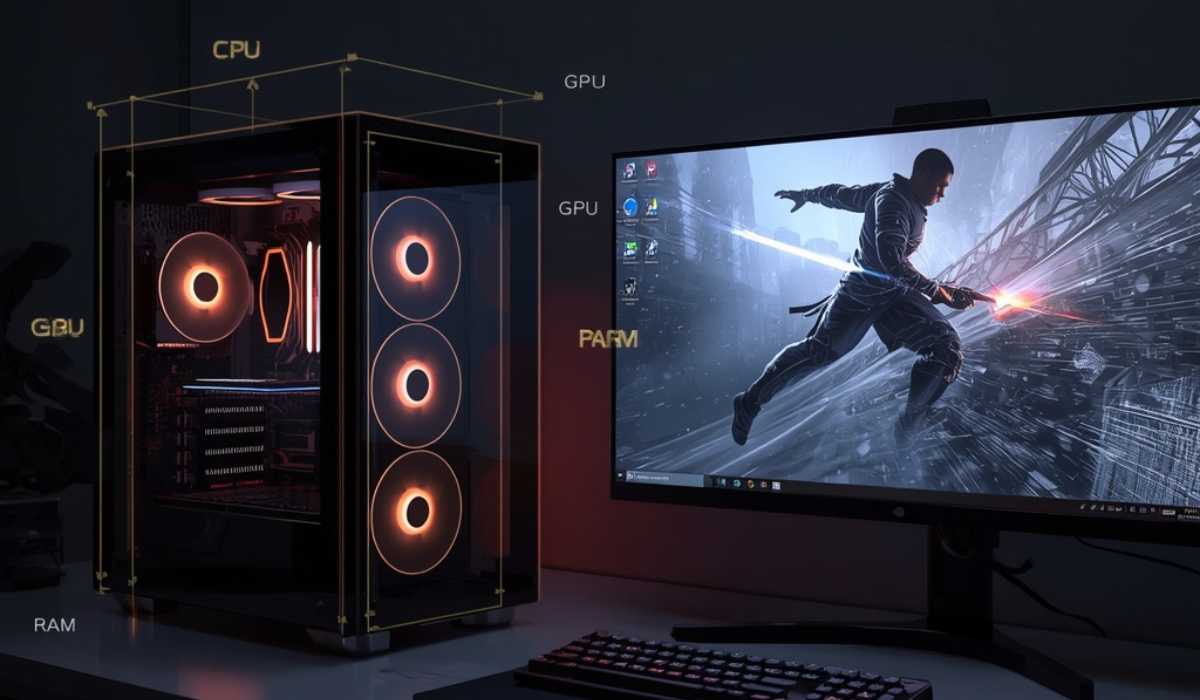
By becoming familiar with the role that each hardware component plays, you’ll be able to fine-tune your PC to perform even better with Stellar Blade.
CPU Performance Impact
The processor will deal with AI behavior, enemy logic, physics interactions, and background world simulations. Even though it is GPU-intensive, CPU power is still important when two or more systems are operating concurrently in the midst of a battle.
If the CPU is weaker, it will cause the following:
- Frame drops in crowded areas
- Delayed enemy reactions
- Sweating when doing physics-related tasks
This will help to maintain smoother transitions between scenes in games and better frame pacing.
GPU Performance Impact
The most important component of the game in terms of graphics is the graphics card. It is used to render, light, add texture, cast shadows, and create visual effects.
The game is playable on a mid-range GPU like the RTX 3060 at high settings at 1080p, with higher resolutions needing more powerful GPUs.
There are some limitations that can be caused by GPUs:
- Reduced frame rates
- Lower texture quality
- Visual pop-ins in a complex environment
The biggest performance improvement will come from upgrading the GPU.
RAM and Memory Usage
16 GB of RAM is needed for stable performance in the game. It’s not a very memory-intensive game, but without enough RAM, it can experience stuttering, and load times can become longer.
Adding more RAM will assist with:
- Background application stability
- Faster asset loading
- Smoother multitasking
Storage Type (HDD vs SSD vs NVMe)
The texture streaming and loading speeds are greatly dependent on the type of storage.
HDD: Some load times, some texture slowdowns
SSD: Fast loading, smoother transitions
NVMe SSD: It will deliver the best performance and near-instant loading times.
An SSD is highly recommended, and NVMe is the optimum experience.
Mid-Range Performance Analysis
For most gamers, the mid-range PC is the most popular configuration, and with the proper settings, Stellar Blade performs well.
Balanced 1080p High Settings
The gameplay can be played at high settings at 1080p resolution with ease by mid-range GPUs such as RTX 3060 or RX 6600 XT. This will improve the user experience and deliver a stable frame rate and high-quality images in most regions.
1440p Medium Settings Experience
Mid-range systems might require fewer shadows & effects at 1440p. But even if these upscaling features, such as DLSS or FSR, are activated, the gameplay is smooth.
CPU Behavior in Combat Scenes
Mid-range CPUs like the Ryzen 5 5600X or Intel i5-12400F are capable of handling combat logic, physics, and AI with ease. It can drop during big boss battles, but is generally stable.
Optimization Tips for Better Performance
Optimization can go a long way towards improving gameplay smoothness, particularly for mid-range and lower-end systems.
Enable Upscaling Technologies
DLSS or FSR increases FPS by lowering the internal resolution to achieve sharpness. This is one of the best performance enhancements that can be made without any hardware additions.
Smartly change graphics settings in the game.
The largest FPS improvement is achieved by reducing shadows, reflections, and volumetric effects. If VRAM permits, it’s possible to maintain good texture quality.
Use SSD Instead of HDD
The game will load faster and won’t cause any texture streaming problems when installed on an SSD. NVMe drives provide even higher speeds.
Close Background Applications
This releases RAM and CPU usage, which can be helpful when the combat-arena parts of the game are on. This kills unneeded apps to release RAM and CPU usage, which will be useful during combat-heavy phases of the game.
Final Thoughts
Stellar Blade is a contemporary AAA game that is scalable and looks great across all hardware levels. The game provides adjustable performance settings and can be configured with minimum or high-end gaming PCs.
Mid-range models offer a sweet spot between performance and visuals, particularly with optimization features such as DLSS and the correct settings. A minimum of an RTX 2060 Super, 16 GB RAM, and an SSD is highly recommended for the best experience overall.
A well-configured blade can provide a smooth, visually stunning, and incredibly immersive PC gaming experience—the next step in today’s modern PC gaming.