Even in 2026, League of Legends is still one of the most popular games in the world of competitions. It is one of the games that takes place in the esports industry, developed by Riot Games, and has been reigniting there due to its rapid gameplay, depth of strategy, and a worldwide audience.
In contrast to contemporary AAA games, it is very optimized and can operate on a wide variety of systems. However, due to the frequent updates and visual changes, there is one question that players pose all the time:
Will my PC be able to run League of Legends in 2026?
This guide clarifies all things in a straightforward and well-balanced manner.
League of Legends System Requirements
Before you install, you should check the minimum and recommended system requirements so that you can play it smoothly and there will be no glitches.
League of Legends Minimum System Requirements
One of the reasons why the game is so popular is that it can be played even on an older system.
| Component | Requirement |
|---|---|
| Operating System | Windows 10 / 11 (64-bit) |
| CPU | Intel Core i3-530 / AMD A6-3650 |
| RAM | 4 GB |
| GPU | NVIDIA 9600GT / AMD HD 6570 |
| Storage | 16 GB |
These requirements are sufficient to start the game and play at the low settings.
Early gameplay tends to be fine on such systems, but can drop in performance when there are a large number of effects on-screen, especially in team fights. The quality is also minimized in order to stabilize.
Recommended System Requirements
The suggested configuration is far more appropriate to provide a more comfortable and stable experience.
| Component | Requirement |
|---|---|
| Operating System | Windows 10 / 11 (64-bit) |
| CPU | Intel Core i5-3300 / AMD Ryzen 3 1200 |
| RAM | 8 GB |
| GPU | GTX 560 / AMD HD 6950 |
| Storage | 16 GB (SSD recommended) |
In this setup, the game will operate on high settings, and in most cases, it will run well. The gameplay is more responsive, and even with several abilities on the team, team fights are smooth.
It is the right level for both casual and ranked players.
Wondering Why League of Legends Runs on Low Hardware
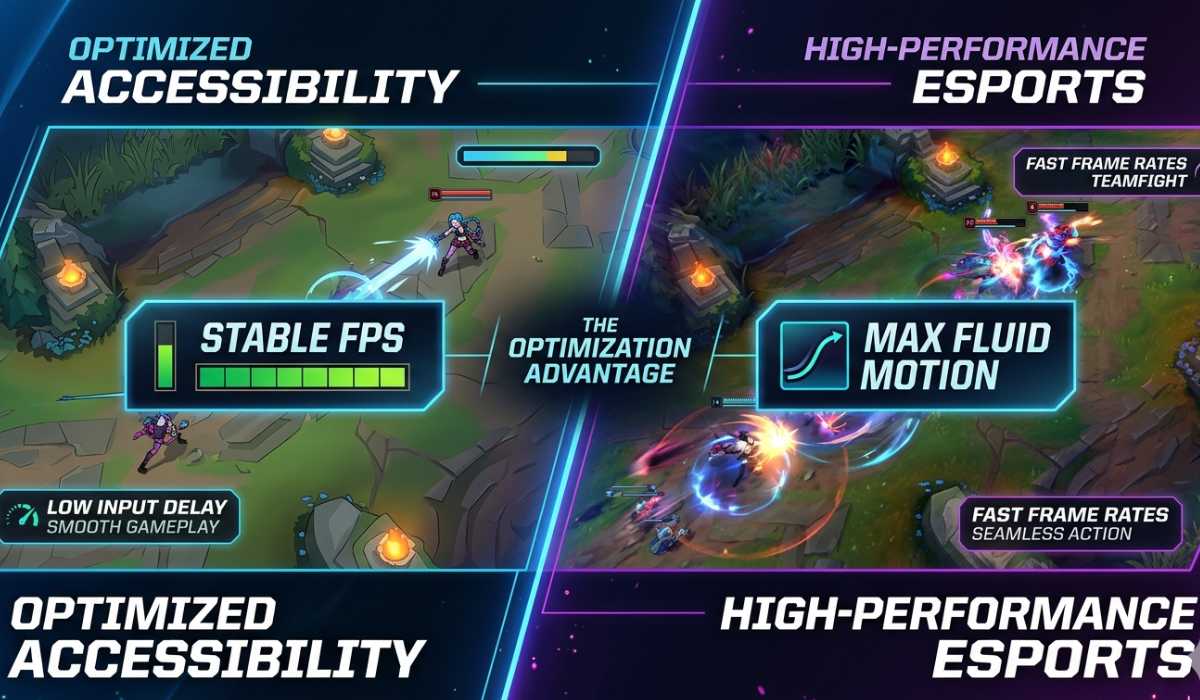
Optimization can be considered one of the largest strengths of League of Legends. It is playable by anyone, unlike heavy modern games, and it is competitive and fair.
The focus is on:
- stable frame rates
- low input delay
- smooth competitive gameplay
Thanks to such a design, the game can be played on even older PCs with only minor problems.
Low-End PC Performance

League of Legends can still be played, though performance is highly dependent on settings and the condition of the system on low-end systems.
The game is normally fine most of the time in the initial stages; however, when the team fights come into play, you will find your FPS drops or experience a small stutter. This is due to the fact that more than one ability, animation, and effect is loaded simultaneously.
The loading screens can also be slow compared with the current systems.
Despite these restrictions, the game can still be played, which is uncommon for a competitive game in this era.
Mid-Range PC Performance

Mid-range PCs have the most moderate experience, and this is where League of Legends experiences the most natural one.
The game can comfortably run on high settings with an 8 GB RAM and a good GPU. Performance does not drop even when there is a heavy team battle, and input response is fast and predictable.
When playing in the real world, you will be able to reach high FPS under normal conditions and experience only slight drops during extreme situations. This renders it ideal in competitive play and ranked matches.
This is the category of most players, and offers the best overall value.
High-End PC Performance

League of Legends does not need high-end systems, but it will be the most stable and refined.
The game can be played with ease, even on maximum settings with modern processors and graphics cards. Monitors with a high refresh rate (144Hz or higher) can be used without any trouble with performance.
Playability is very smooth, and there is no apparent lag or noticeable. Performance is not affected in any way, even in the middle of team fights that are chaotic.
The game does not require powerful hardware, but the high-end PCs guarantee absolute consistency.
Importance of GPU and CPU
League of Legends relies a little bit more on the speed of the CPU than most other games.
Game logic, champion abilities, and team fight calculations are done by the CPU, and graphics and effects are done by the GPU.
A balanced system would be ideal, although a powerful CPU would be more stable when a heavy action scene occurs.
Storage and SSD Advantages

The game itself is quite lightweight, only about 16 GB.
Nonetheless, the experience is enhanced with an SSD. It does not raise the FPS but shortens loading times and makes the game feel more responsive.
It will be quicker to match the load, and the screens will be easier to transition between. Even lightweight games are highly advised to use SSDs.
RAM Requirements

League of Legends is not a memory-intensive game, yet its stability is influenced by the RAM.
The game can be run on 4 GB, although 8 GB is advised to play it without any complications. The system has 16 GB, and multitasking is not a problem, particularly when you are streaming or leaving background applications.
Additional RAM will primarily reduce stutters and enhance consistency.
Laptop vs Desktop Performance
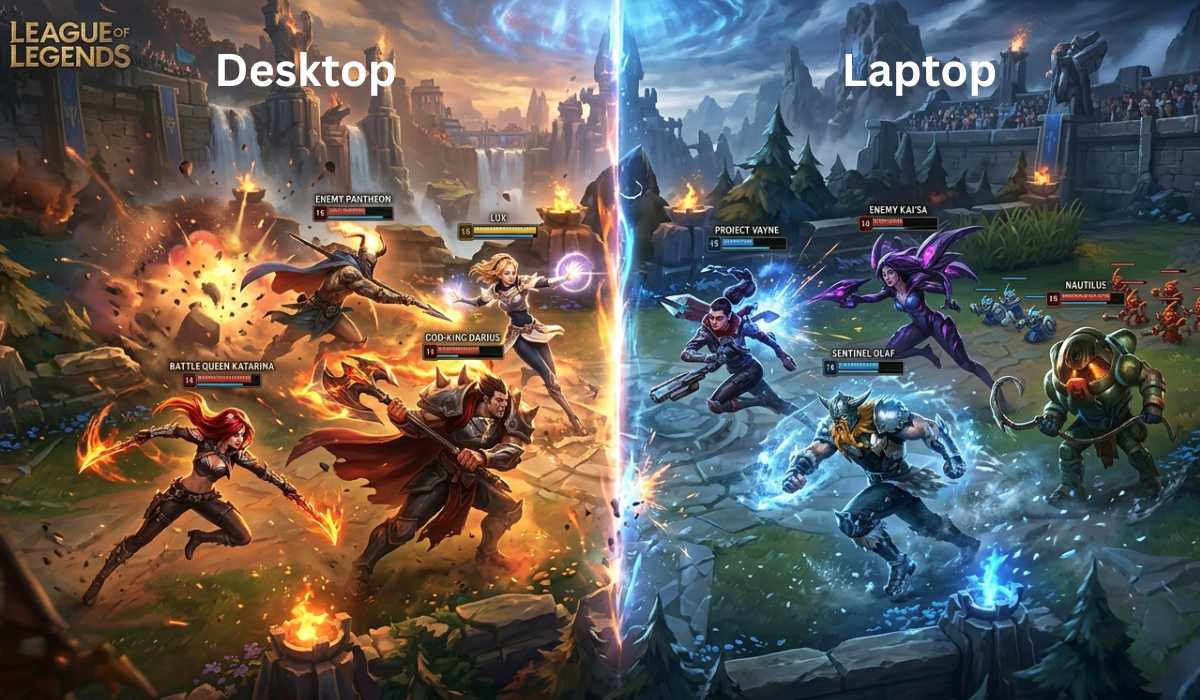
League of Legends can run on both laptops and desktops without problems, although their performance is not as stable.
Gaming laptops are fast and convenient in portability, although it is possible to experience a slight decrease in performance when there is a buildup of heat during long gaming sessions. This can lead to small FPS decreases in the long term.
Desktops, however, are more efficient in cooling and have more stable performance. They can also be upgraded, thus making them more suitable for long-term gaming.
Desktops tend to be superior to competitive players.
Common Performance Issues
Although the game is highly optimized, there are certain problems that may arise. They are typically not severe and may be easily remedied.
The most frequent issues are the FPS decline when engaging in a team fight, a lag spike as a result of problems in the internet, or minor stuttering in the background programs.
All these problems are based on optimization of the system and not hardware restrictions.
Performance Improvement

In the event the game is not running well, you can optimize the game without necessarily upgrading the PC.
Even mere modifications can make a visible difference:
- Less bright shadows and effects.
- Close background applications
- Update GPU drivers
- Enable low-spec mode
- Use full-screen mode
These changes decrease the load on the system and contribute to the stable FPS.
Should League of Legends still be played?

Yes, absolutely. League of Legends is among the most active and competitive games in the world.
The online game, ranks, and regular updates make it interesting and refreshing. It is also very accessible since it can be run on virtually any PC.
The game has a good competitive feel, whether you are a first-time player or you are back after several years.
Final Thoughts
League of Legends’ system requirements are extremely lightweight as compared to the current games, and thus, it is one of the most accessible competitive titles in 2026.
To summarize:
- It can be run on low-end PCs with lower settings.
- Mid-range PCs have the best smooth experience.
- Premium PCs guarantee impeccable stability and extensive FPS.
- It has only 8 GB RAM, a good CPU, and stable storage so that you can play the game comfortably.
League of Legends demonstrates that the game does not require a lot of hardware to be well-optimized; it merely requires a good design and balance.