The gaming world is rapidly approaching realism, and life simulation games have never been as developed as they are now. The most expected releases in this category include inZOI, which is created by inZOI Studio and released by KRAFTON. The game is going to be very immersive, allowing players to create their own characters, build houses, and manage virtual lives within a very detailed environment.
And such modern features and graphic realism have many players asking themselves whether their PC can handle it. Before installing the game, it is critical to understand the requirements of the inZOI system, particularly when you would like to experience smooth performance with no technical problems.
What is inZOI?

InZOI, in contrast to classic simulation games, is based on modern technologies such as Unreal Engine 5. This translates to the added value of improved lighting, increased textures, and more realistic animations. These improvements, however, also raise the hardware requirements.
inZOI System Requirements (PC)
The following is a basic comparison between the minimum and recommended system requirements:
| Component | Minimum Requirements | Recommended Requirements |
|---|---|---|
| Operating System | Windows 10 / 11 (64-bit) | Windows 11 |
| Processor (CPU) | Intel Core i5-10400 / Ryzen 5 3600 | Intel Core i7-12700K / Ryzen 7 7800X3D |
| Memory (RAM) | 12 GB | 16 GB |
| Graphics Card (GPU) | NVIDIA RTX 2060 / AMD RX 5600 XT | NVIDIA RTX 3070 / AMD RX 6800 XT |
| DirectX | Version 12 | Version 12 |
| Storage | 40 GB | 60 GB |
| Internet | Required | Required |
Importance of System Requirements
Prior to downloading any contemporary game, it is highly important to determine system requirements. It assists you in knowing the level of performance of your PC and the need to upgrade it.
inZOI is developed using intricate simulations and realistic environments, necessitating CPU and GPU resources. When your system is below the necessary level, you can experience the following:
- Poor frame rates in the game.
- Delays or stuttering during busy scenes.
- Longer loading times
Conversely, fulfilling the suggested provisions will make the experience smooth and enjoyable.
Minimum Requirements Explained
The lowest specifications are intended to be simple to play. When your PC fits these requirements, then you can play the game, but with subpar visual quality.
A mid-range processor such as the Intel Core i5-10400 would be able to run simple simulations but could not perform well in more complicated situations.
The 12 GB RAM requirement indicates that the game consumes a large amount of memory in terms of AI and world interactions.
In the case of graphics, an RTX 2060 provides the game with the ability to display contemporary graphics, albeit not on the top settings. In this level, players may anticipate the following:
- Medium-low graphics.
- Constant yet not extremely rapid frame rate.
- Less visual information in the congested space.
Recommended Requirements Explained
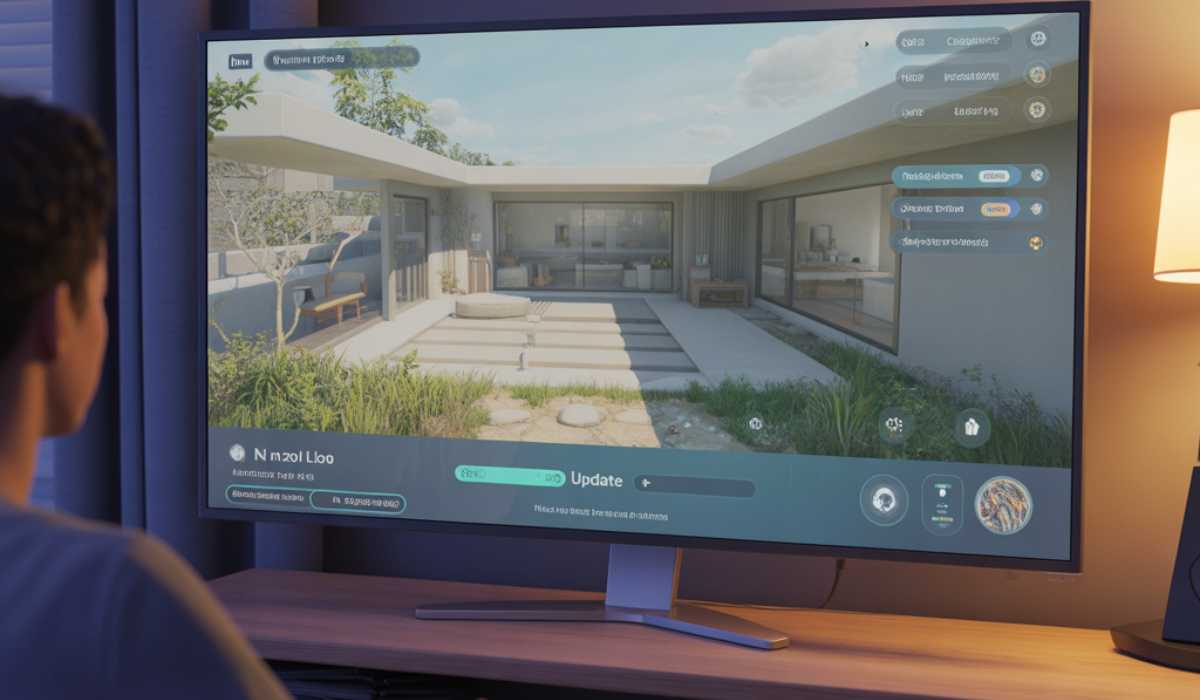
An aggressive processor, such as the Intel Core i7-12700K, can help in the easier processing of various simulations occurring simultaneously. The 16 GB RAM allows the game to run efficiently with no slowdowns, even in a large environment.
The visual quality is significantly improved by the upgrade of the GPU to an RTX 3070 or similar. It enables the players to have fun:
- Higher or extreme graphics settings.
- Improved illumination and shades.
- Fluid gameplay at increased frame rates.
Overall, these specifications are ideal for players who want a more immersive experience without performance issues.
High-Performance and Ultra-Settings
Although most users are accommodated by the official requirements, the game can be pushed to extremes by high-end systems. Users with powerful computer systems can play with ultra settings with the highest level of detail and smooth performance.
An upscale installation can consist of:
- Intel or Ryzen latest-generation processors.
- 32 GB RAM to use in heavy simulations.
- RTX 4080 or similar GPU
This degree of hardware is not a must for all, yet it will guarantee the optimal experience with no compromise.
Installation and Storage Instructions
inZOI needs a substantial amount of storage space, beginning with approximately 40 GB. This can be augmented with updates and other content.
It is highly advised to use an SSD rather than a conventional hard drive. It enhances load speed and assists in a better running of the game, particularly in the transition between various places.
Will a Low-End PC Run inZOI?
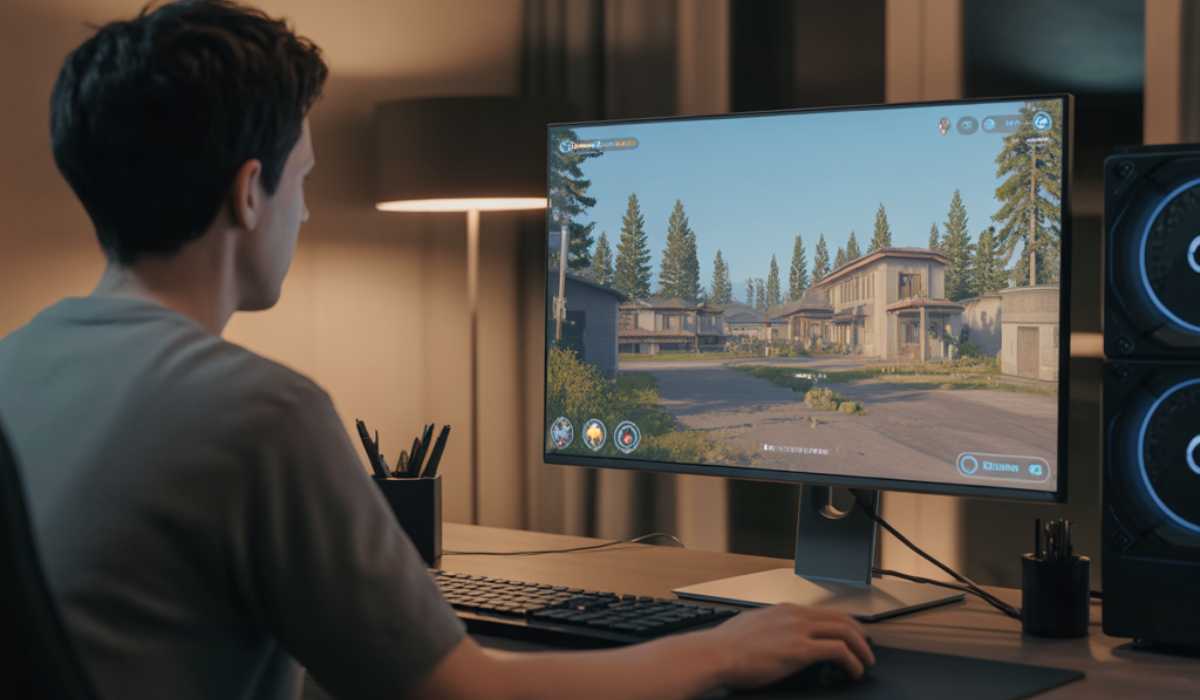
InZOI is rather modern, which makes it very hard to run on a low-end system. Older graphics-integrated hardware or systems may not support the game.
Typical problems with low-end PCs include the following:
- Delay in the gameplay.
- Slow loading screens
- Frequent crashes or freezes.
Reducing graphics settings can contribute to alleviating the problem, although not completely. The optimal choice is to upgrade hardware in most instances.
Laptop vs Desktop Performance
inZOI will be compatible with both laptops and desktops and will perform depending on the hardware setup.
The game can be played on gaming laptops equipped with dedicated GPUs without any significant performance issues, even though it might get hot when played for longer. Desktops, however, are more efficient in terms of cooling systems and upgrading possibilities.
Desktops are normally favorable in case of long-term gaming and enhanced flexibility.
Performance Optimization Tips
Although your system might be within the requirements, it is possible to enhance performance by making a few simple changes:
- Reduced shadow and texture effects.
- Stay up-to-date with graphics drivers.
- Turn off unneeded background programs.
These little optimizations can assist in keeping the performance stable without losing too much image quality.
Does inZOI present a greater challenge than other simulation games?
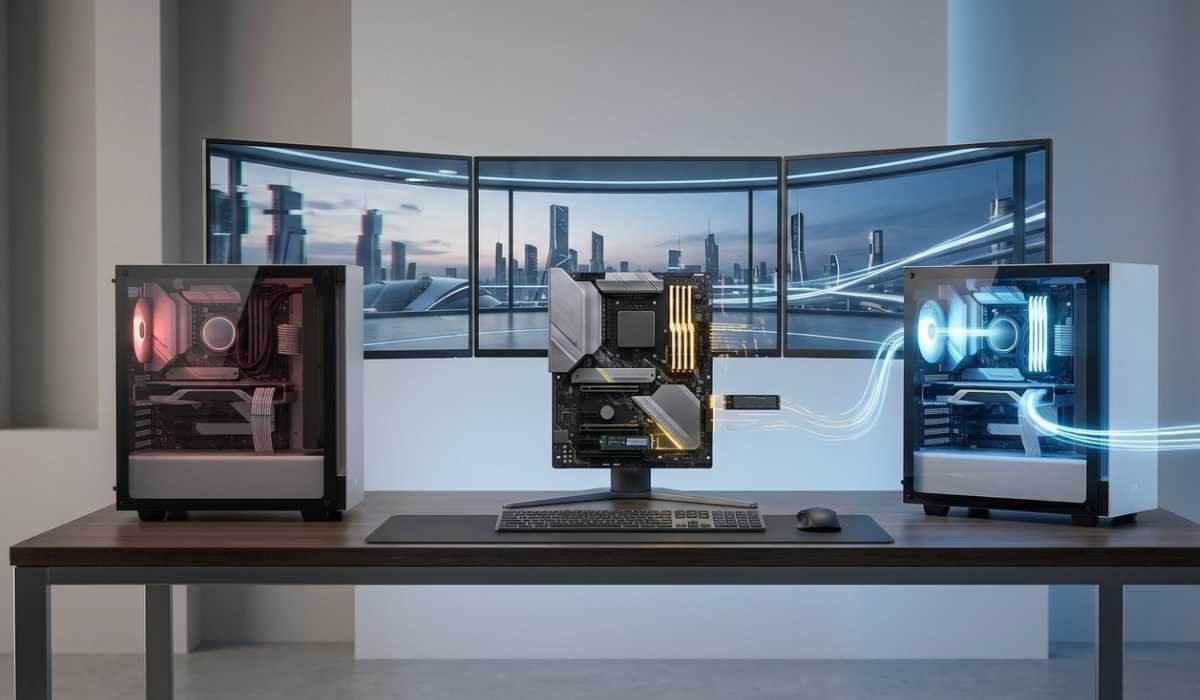
Yes, inZOI is more challenging than the conventional life simulation games. The realistic visuals, complex AI, and detailed environments make the hardware requirements more demanding.
Players transferring out of older simulation games can find that there is a considerable difference in the performance requirements. This, however, also entails a more realistic and involving gameplay experience.
Future Updates and System Changes
Similar to other modern games, inZOI is probably going to have updates post-release. Such updates can enhance the performance, correct bugs, or add functionality.
System requirements can also vary as the game is developed. There are updates that can maximize performance and those that can raise the hardware requirements. To stay compatible, it will be important to keep your system up to date.
Final Thoughts
inZOI is proving to be one of the most realistic life simulation games in the market. It is distinguished by its emphasis on realism, AI-mediated interactions, and artistic freedom, which make it one of the most unusual games in the genre.
But this degree of detail needs an efficient system. Although the game can be played on mid-range hardware, it is suggested to use a powerful PC to have the most enjoyable experience.
You should always compare your system requirements with the official requirements before installing inZoi. This is a basic precaution that will keep you out of trouble, at least in terms of performance and a hassle-free gaming experience.