It should be noted that Red Dead Redemption 2 is a heavy game before delving into the technicalities of it. It is constructed as a very realistic open-world game, and that is why your system should have good hardware to execute it without any trouble.
Dead Redemption 2 System Requirements (PC)
The official system requirements that you must verify prior to installing the game are given below.
Minimum Requirements (Low Settings – Playable)
| Component | Requirement |
|---|---|
| Operating System | Windows 10 (64-bit) |
| CPU | Intel Core i5-2500K / AMD FX-6300 |
| RAM | 8 GB |
| GPU | NVIDIA GTX 770 2GB / AMD Radeon R9 280 3GB |
| Storage | 150 GB free space |
| DirectX | Version 12 |
This configuration enables the game to be played with low settings. It can be played; however, images are scaled down, and it might not perform well in high-traffic zones such as cities or on large battlefields.
Suggested Requirements (Smooth Gameplay)
| Component | Requirement |
|---|---|
| Operating System | Windows 10 (64-bit) |
| CPU | Intel Core i7-4770K / AMD Ryzen 5 1500X |
| RAM | 12 GB |
| GPU | NVIDIA GTX 1060 6GB / AMD RX 480 4GB |
| Storage | 150 GB SSD |
| DirectX | Version 12 |
In this setup, the game can be played on medium or high settings without crashing FPS and with much higher-quality images.
Why Red Dead Redemption 2 is so heavy on PC
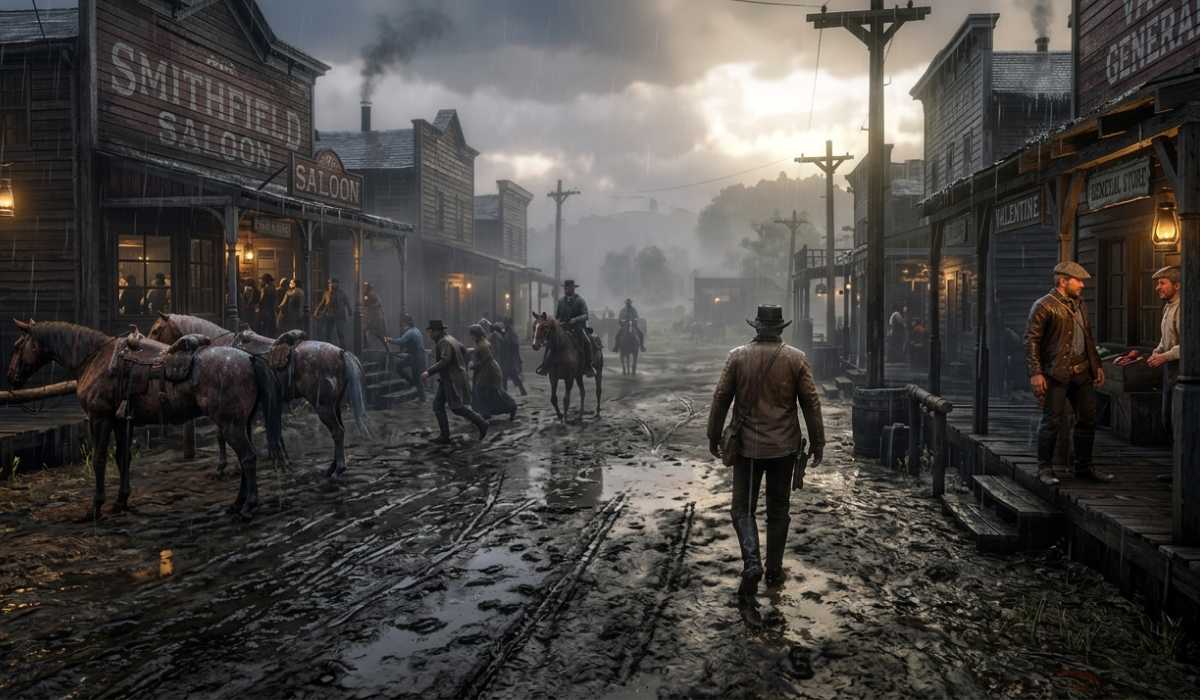
The Red Dead Redemption 2 game is created in a way that it recreates the world as opposed to a mere game setting. Each aspect is constructed with great care to be realistic.
It features a huge open world, and there are no loading screens, which implies that your system is continuously loading new regions. To add to that, the lighting is also very sophisticated, with the effects of rain, snow, fog, and storms being displayed in real time.
The behavior of NPCs contributes to the load, as well. Each of the characters has routines and responds to your actions and interacts with the world, so the simulation is highly CPU-intensive.
CPU and GPU Effect on Performance
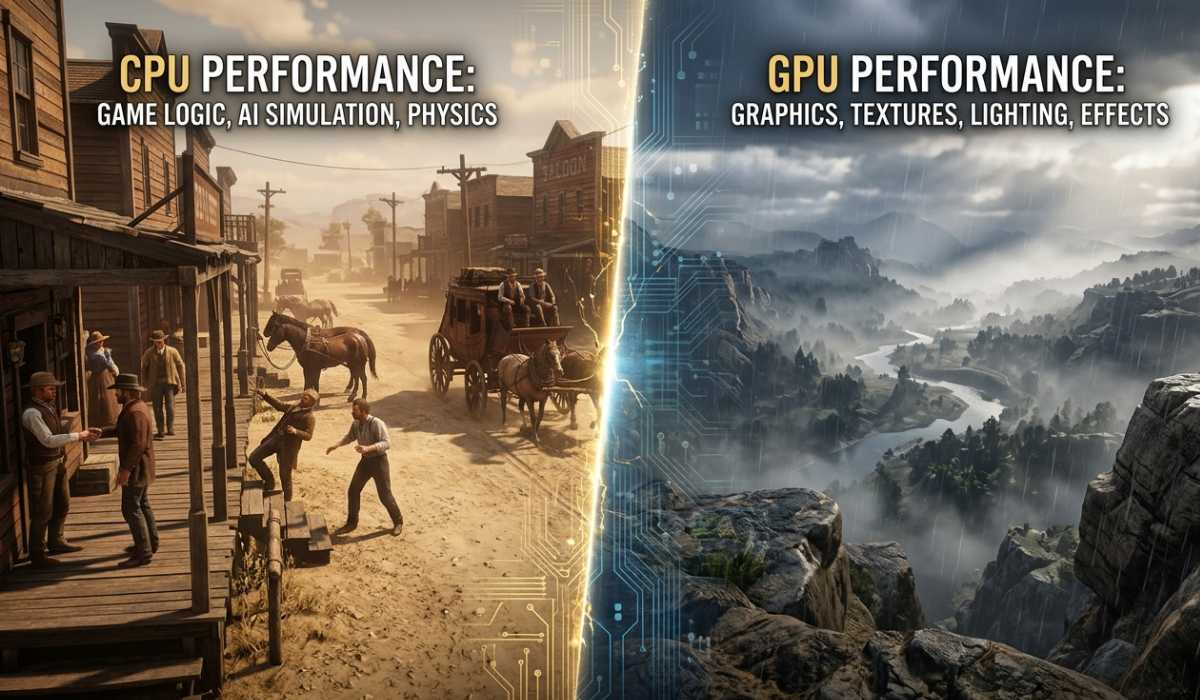
To get a better idea of performance, it can be useful to break down the usage of your hardware by the game.
CPU Responsibilities of RDR2
The internal logic of the game is processed by the processor. This includes:
- NPC actions and AI responses.
- Scripting of missions and events.
- Physics calculations
- World simulation tasks
A slower processor may lead to stuttering or latency, particularly when there is a lot of people movement or a major action scene.
DR2 Responsibilities of GPU
The graphics card specializes in graphics and rendering. It handles:
- Surface details and textures.
- Lighting and shadows
- Effects on water and weather.
- Draw the distance and quality of the environment.
With a better GPU, one can have a higher setting and a better frame rate, which makes the game more realistic.
Storage Requirement and RAM
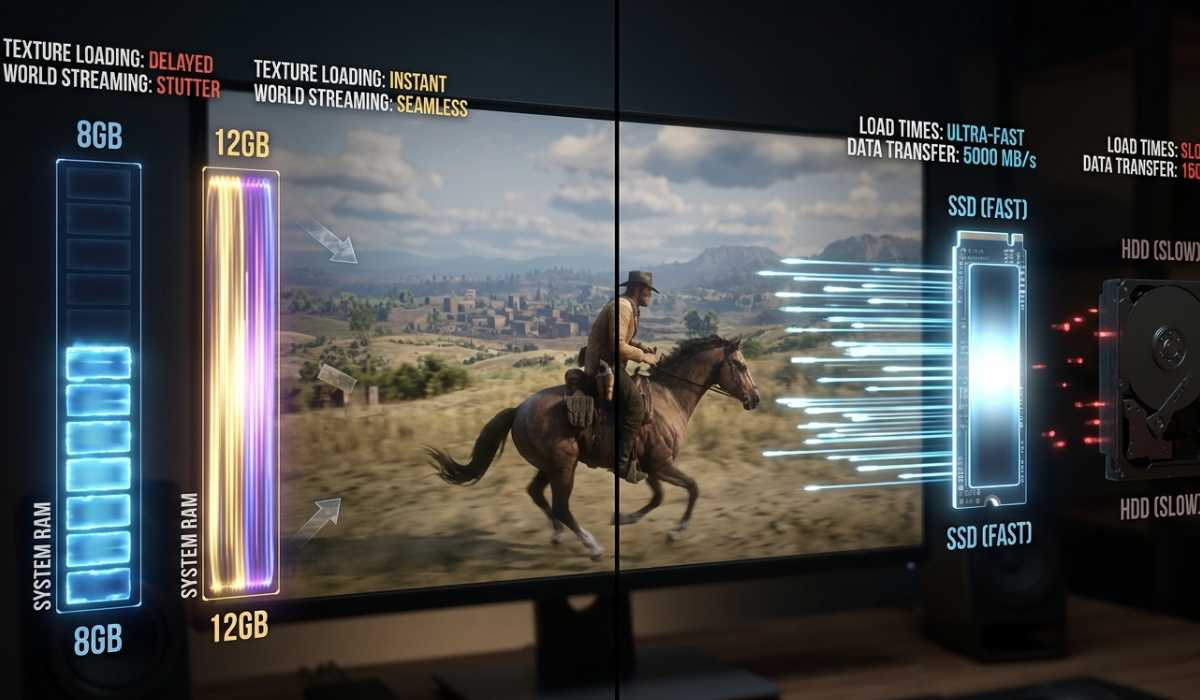
Memory is significant to overall performance.
Red Dead Redemption 2 will at least need 8 GB of RAM. But this is sufficient to play the game. To have a smoother experience, 12 GB or more is advisable as it assists with quicker loading of textures and decreases stuttering.
Another significant factor is storage. The game is approximately 150 GB in size, which is very big. An SSD is actually not an HDD, and there is a difference in performance.
SSD Advantages of RDR2:
- Faster loading times
- Reduced in-game stutter
- Benefit: Smoother, faster travel and transitions.
Performance Expectations According to Your System
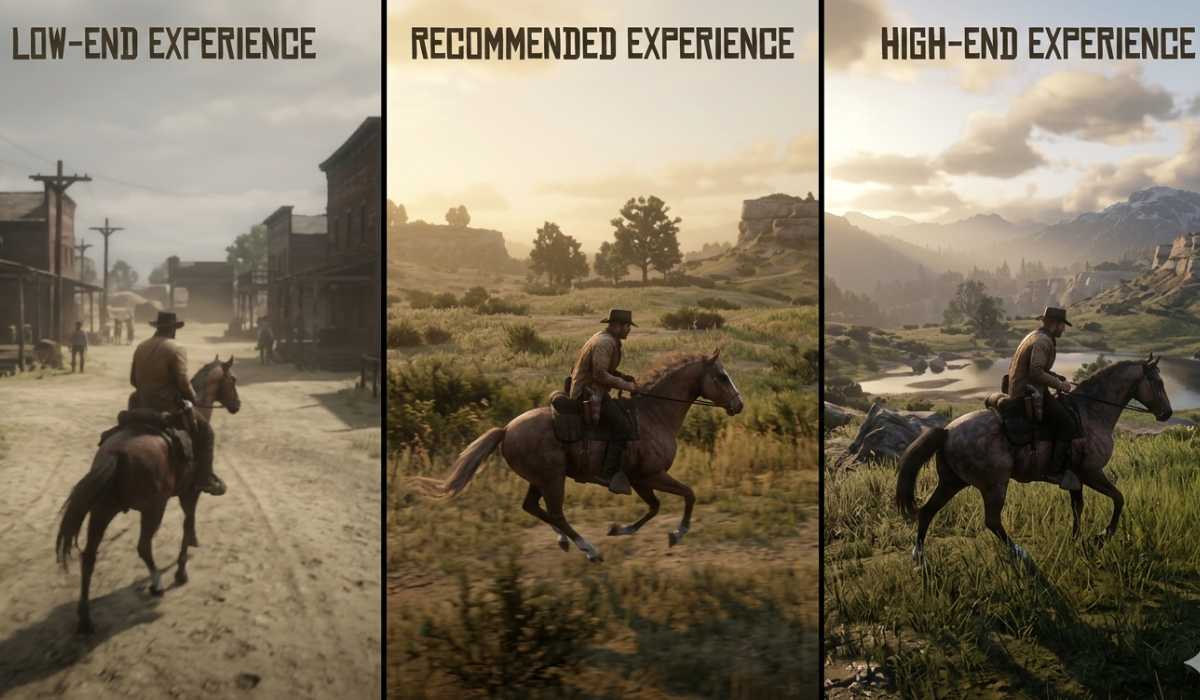
The level of experience you have on Red Dead Redemption 2 is dependent on your hardware.
Minimum System Experience
With minimum specs, the game is playable at low settings with 25-35 FPS. Frame drops may occur in urban areas or on missions that have a lot of action.
Recommended System Experience
Gameplay is much smoother with the recommended specs. You can expect:
- Stable 45–60 FPS
- Medium to high levels.
- Diffused lighting and improved quality of visuals.
High-End System Experience
On high-end gaming PCs, the game is able to show its best:
- Ultra settings enabled
- High and stable FPS
- 4K resolution support
As far as is possible, the greatest immersion and description.
Performance Tips
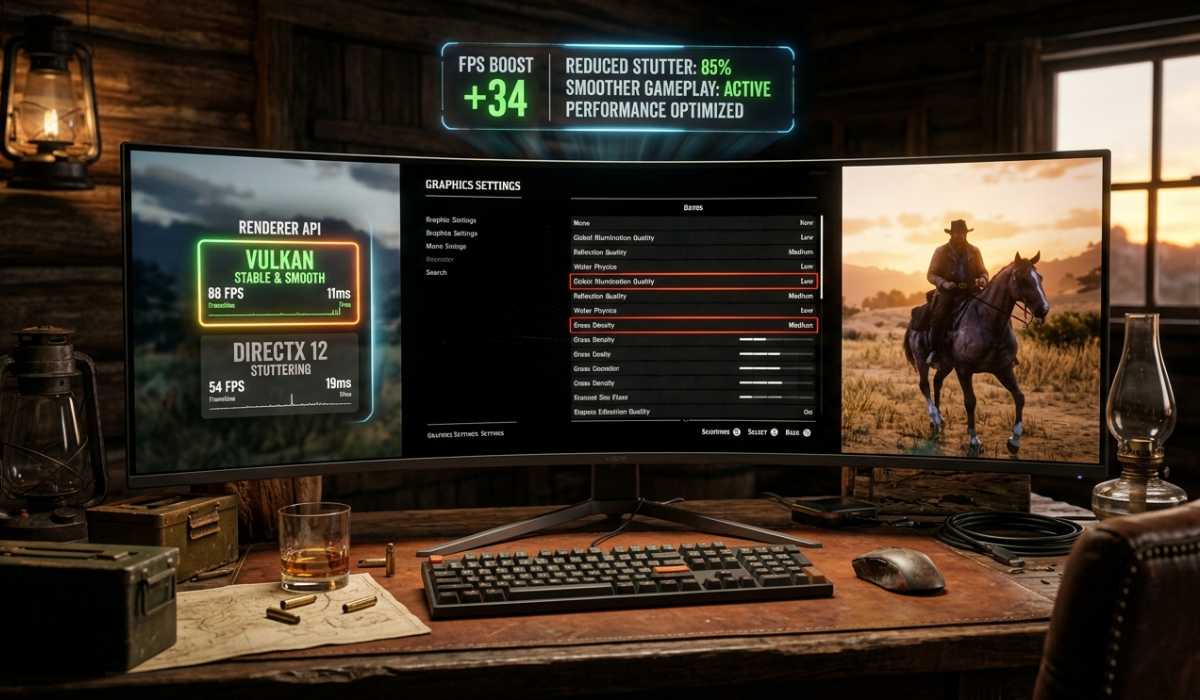
Your system may not be very powerful, but with a few optimizations, performance can be improved.
Reducing graphics options such as shadows, reflections, and grass density can go a long way to boost FPS. DirectX 12 and Vulkan are also frequently swapped by many players, with the latter usually being more stable.
Additional optimizations include:
- Closing background applications prior to playing.
- Frequently updating the GPU drivers.
- Install the game on an SSD in order to utilize faster performance.
Such minor modifications can significantly enhance the smoothness of the gameplay.
Should Red Dead Redemption 2 be played?

Although Red Dead Redemption 2 has very demanding system requirements, it is well worth playing. Its storytelling, world design, and emotional depth are widely regarded as the reasons it can be considered one of the best video games of all time.
The game provides a highly immersive experience in which each mission is meaningful. The world is alive and dynamic as we explore the mountains; we meet strangers in small towns.
The PC version makes this experience even more enjoyable with improved graphics, increased FPS, and customization, making it the most appropriate way to play the game.
Final Thoughts
Analyzing Red Dead Redemption 2 system requirements, it is obvious that the game is designed to work on powerful hardware because of its graphics and highly developed simulation systems.
Provided that your PC has the necessary minimum requirements, the experience will be both immersive and enjoyable with smoothness and incredible beauty. The game can also be optimized to run on even the lower-end systems.
I am text block. Click edit button to change this text. Lorem ipsum dolor sit amet, consectetur adipiscing elit. Ut elit tellus, luctus nec ullamcorper mattis, pulvinar dapibus leo.